
README file from
GithubWolai

wolai 原生主题移植,追求简洁、现代的笔记体验。
也可在 Obsidian 社区主题页 查看详情并安装。
特性
- 干净简洁的视觉风格,减少视觉干扰
- 支持亮色 / 暗色双模式
- 中文字体优化
- 舒适的行距与排版,适合长时间阅读
- 优化的代码块、表格、引用块样式
- 圆角卡片式 UI 元素
安装
通过社区主题市场(推荐)
- 打开 Obsidian → 设置 → 外观 → 主题 → 管理
- 搜索 Wolai,点击安装
或访问社区主题页:community.obsidian.md/themes/wolai
手动安装
- 从 Releases 下载
theme.css和manifest.json - 将文件放入你的 Obsidian vault 的
.obsidian/themes/Wolai/目录 - 打开 Obsidian → 设置 → 外观 → 主题,选择 Wolai
截图
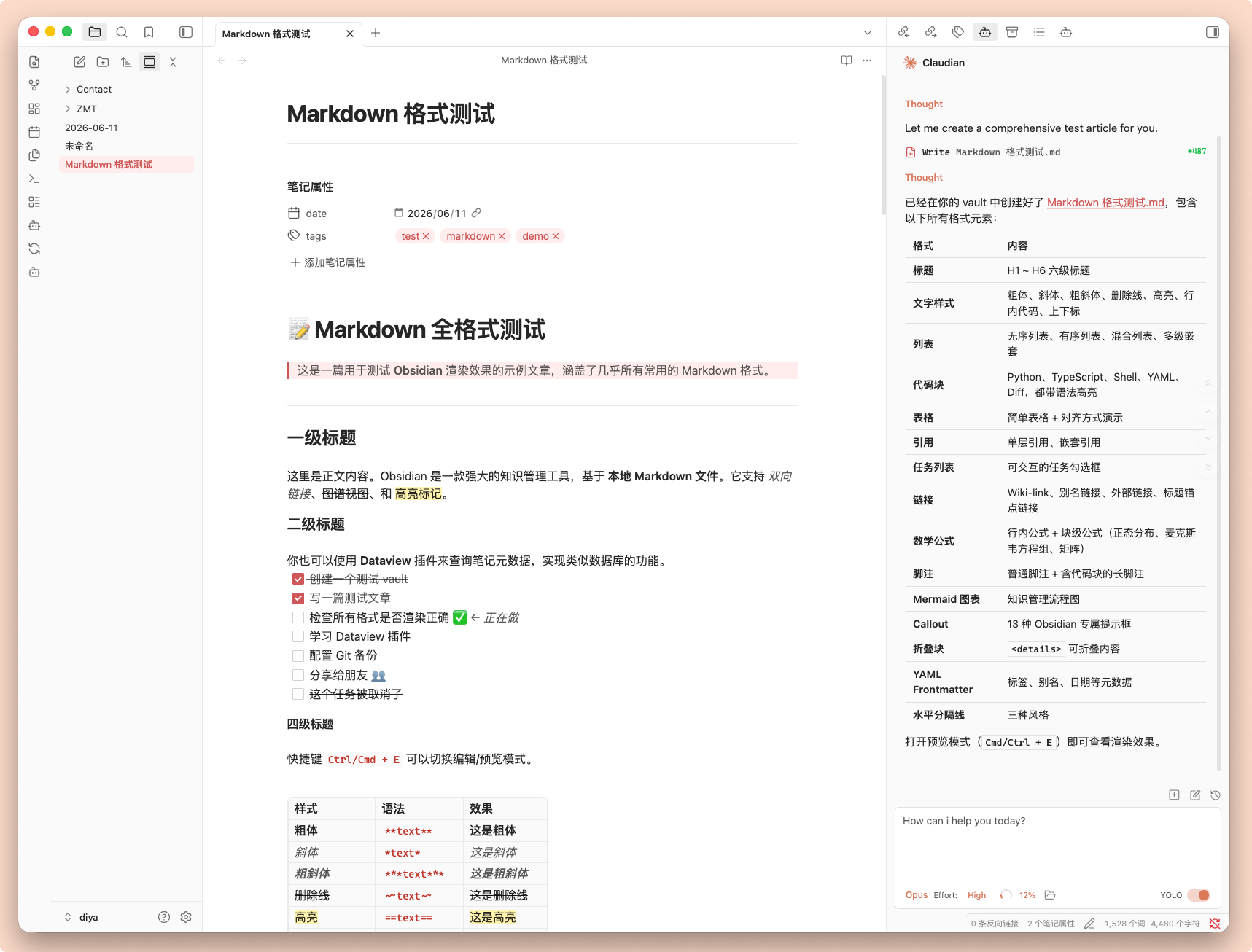
亮色模式
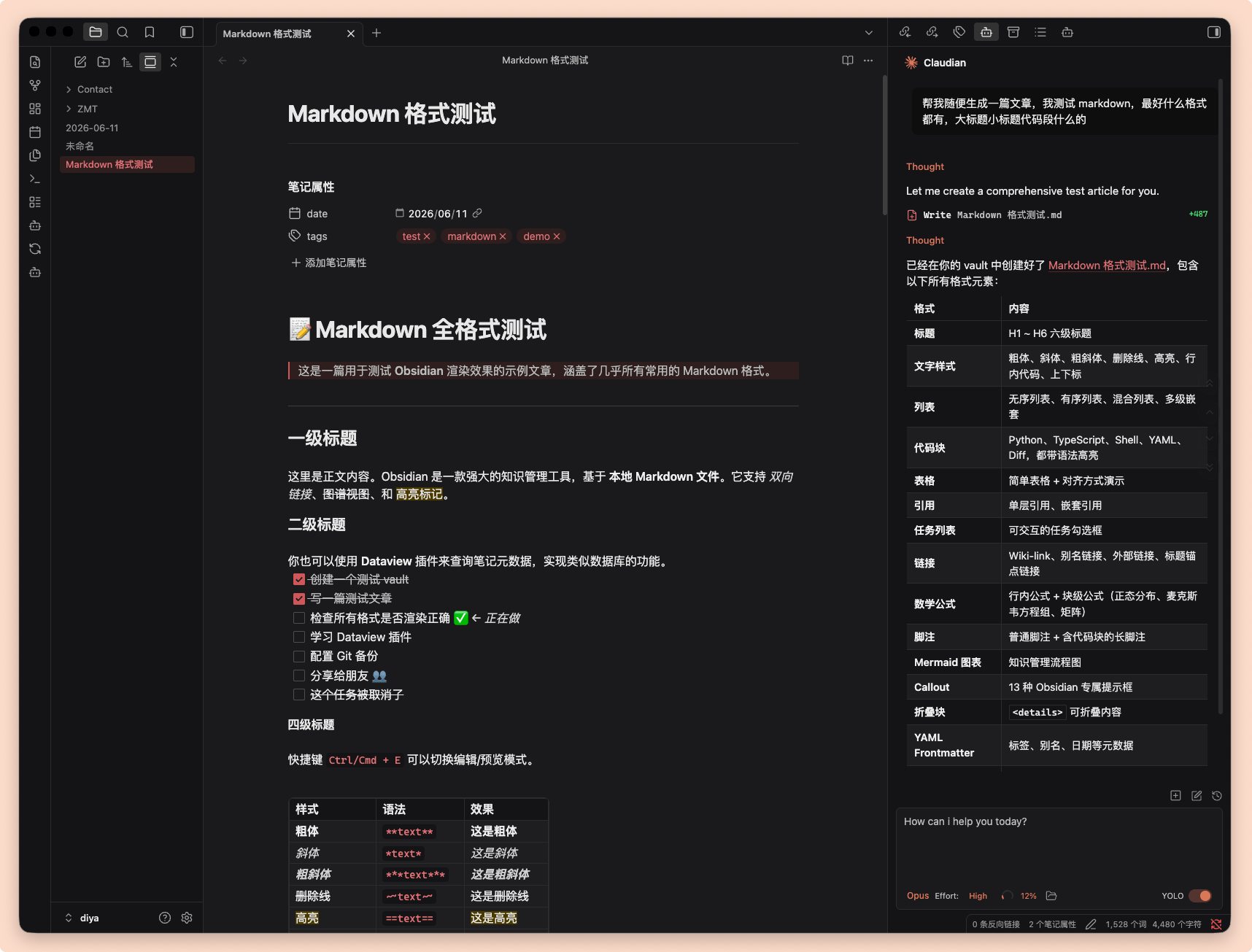
暗色模式
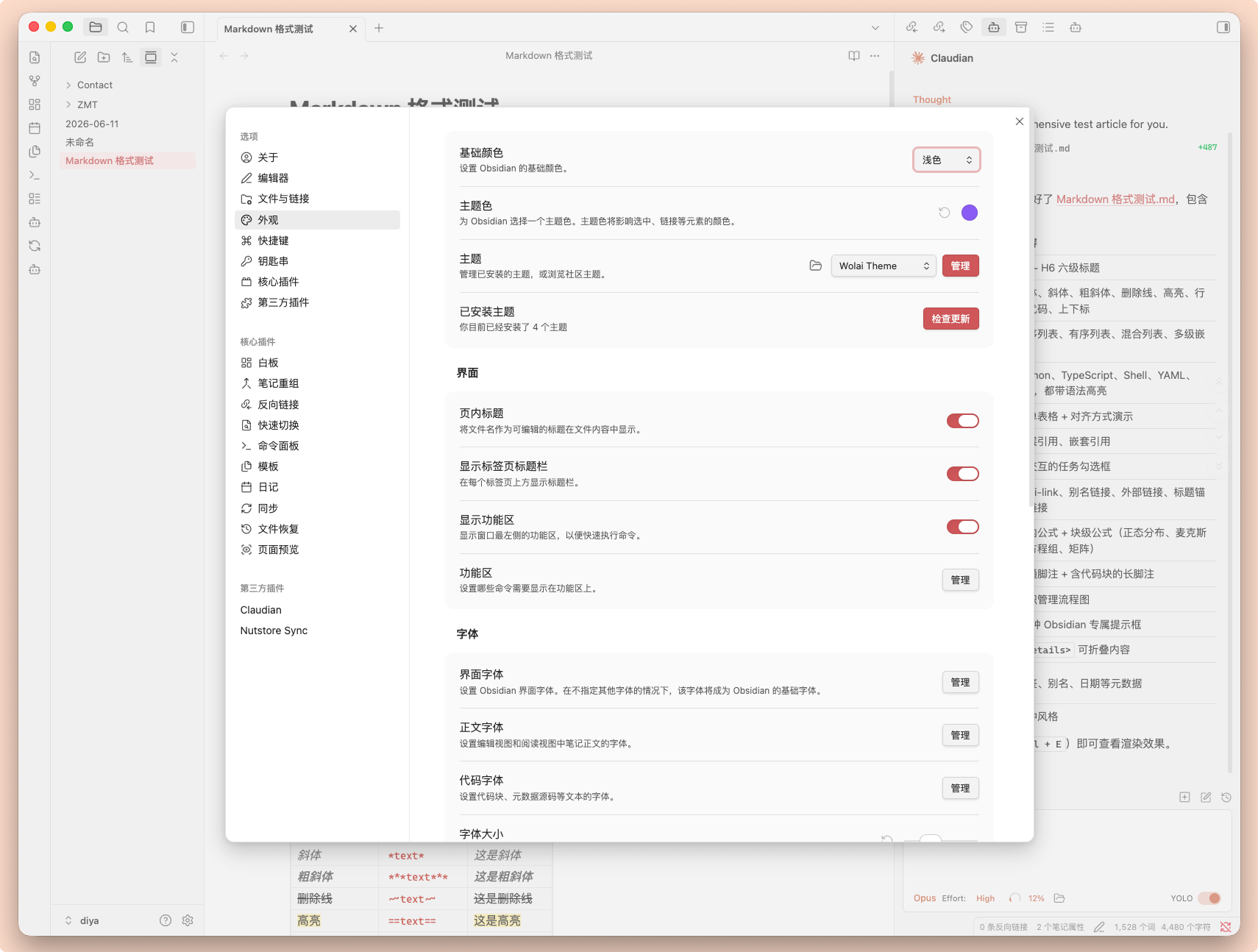
主题设置
开发
# 克隆仓库
git clone https://github.com/liicos/obsidian-wolai-theme.git

# 将主题软链接到你的 vault(替换路径)
ln -s $(pwd) "/path/to/your/vault/.obsidian/themes/Wolai"
修改 theme.css 后刷新 Obsidian(Ctrl/Cmd+R)即可预览效果。
发布新版本
- 更新
manifest.json中的version(遵循 语义化版本,格式x.y.z) - 提交并推送到 GitHub
- 创建与版本号一致的 tag 并推送,例如:
git tag 1.0.1
git push origin 1.0.1
GitHub Actions 会自动创建 Release 并附上 manifest.json 与 theme.css。
链接
- 社区主题页:https://community.obsidian.md/themes/wolai
- GitHub 仓库:https://github.com/liicos/obsidian-wolai-theme
- 最新 Release:https://github.com/liicos/obsidian-wolai-theme/releases/latest
License
MIT
English
An Obsidian theme inspired by the design of Wolai, offering a clean and modern note-taking experience.
View the listing at community.obsidian.md/themes/wolai.
Features
- Clean, minimal visual style with reduced visual clutter
- Light and dark mode support
- Optimized Chinese typography (PingFang SC, Microsoft YaHei)
- Comfortable line spacing and layout for long reading sessions
- Styled code blocks, tables, and blockquotes
- Rounded, card-style UI elements
Installation
From the community theme store (recommended)
- Open Obsidian → Settings → Appearance → Themes → Manage
- Search for Wolai and click Install
Or visit community.obsidian.md/themes/wolai.
Manual installation
- Download
theme.cssandmanifest.jsonfrom Releases - Place them in
.obsidian/themes/Wolai/inside your vault - Open Obsidian → Settings → Appearance → Themes, and select Wolai
Links
- Community listing: https://community.obsidian.md/themes/wolai
- GitHub repository: https://github.com/liicos/obsidian-wolai-theme
- Latest release: https://github.com/liicos/obsidian-wolai-theme/releases/latest