
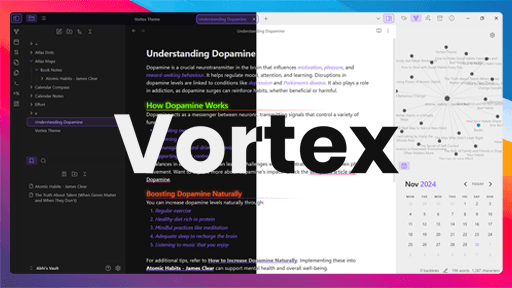
README file from
Github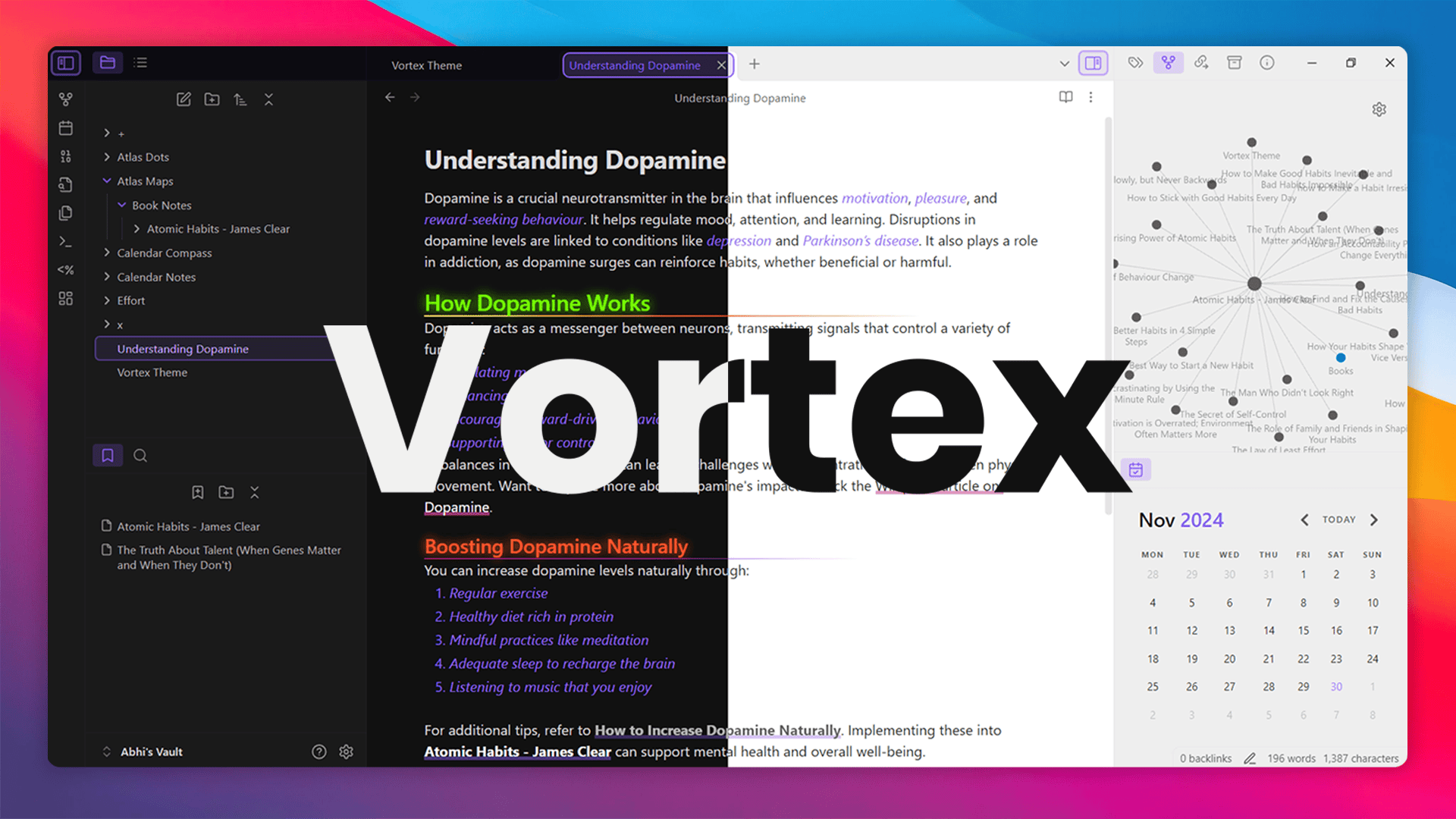
✨ Features
- Infinite accent color customization.
- Neon glow and gradient underlines for headings.
- Smooth animations for links.
- Unique custom callouts with icons.
🎨 Multiple Theme Colors
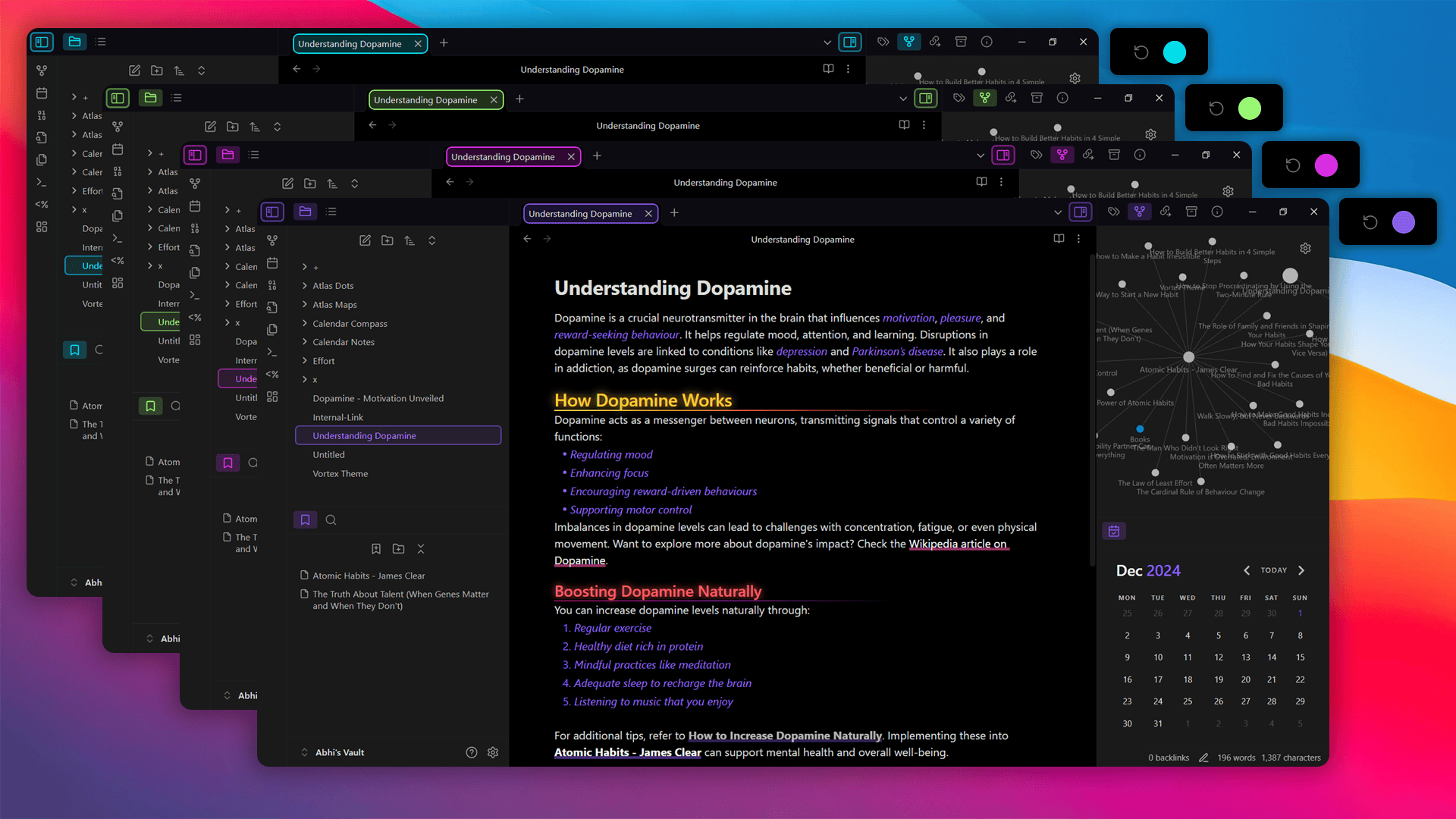
Vortex lets you pick any accent color to match your style.
How to Change the Accent Color:
- Open Settings in Obsidian.
- Go to Appearance.
- Find Accent Color with a color ring.
- Pick your favorite color.
Everything in Obsidian updates to match the color you choose. It's a quick and easy way to personalize your theme.
See the image below for a demo of how it looks!
Heading Styling
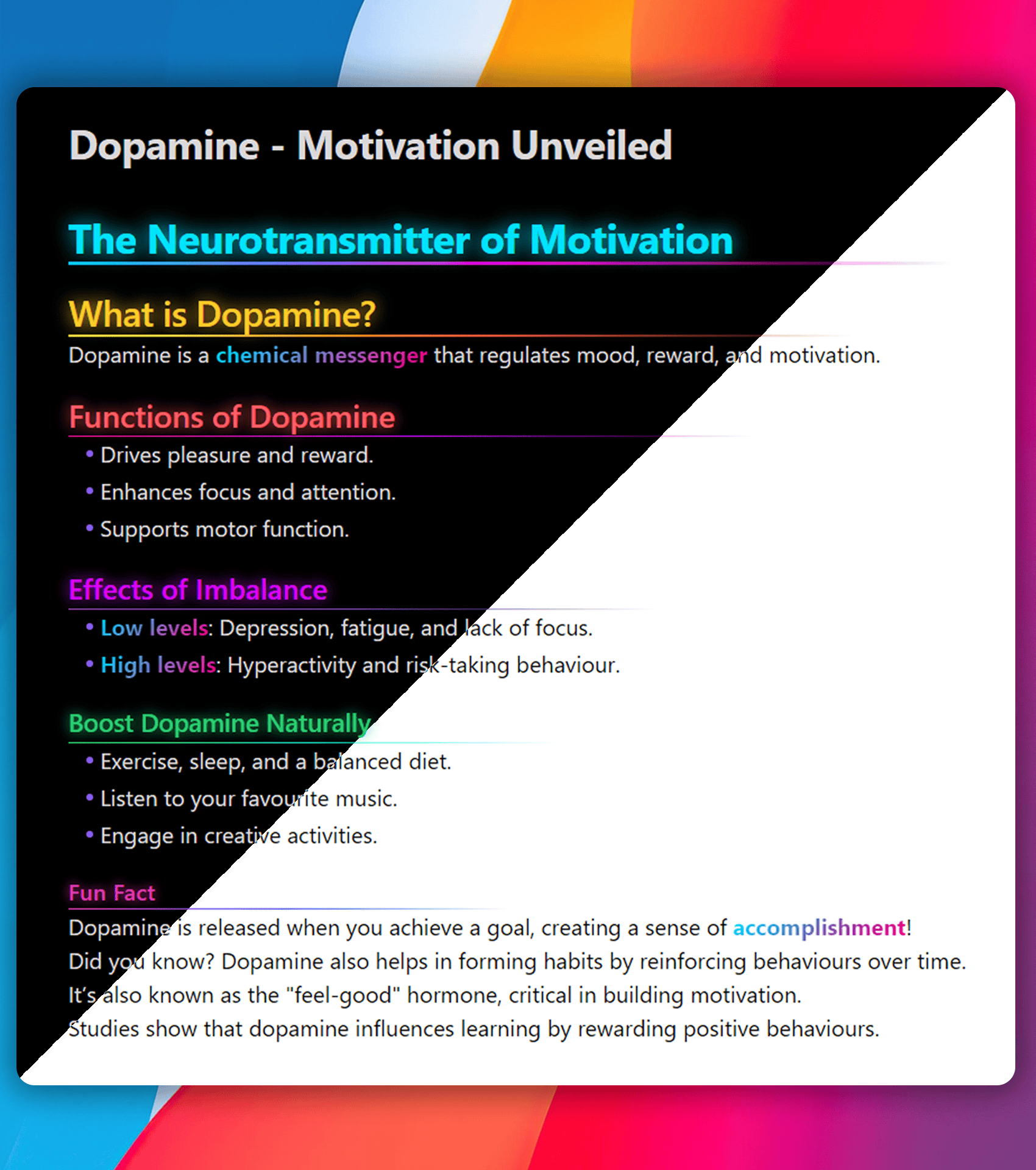
Different Colors
Each heading level has its own color, making sections easy to tell apart.
Neon Glow
Headings have a glowing effect for a vibrant look.
Gradient Underline
Each heading has a custom gradient underline for extra style.
Link Styling and Animation
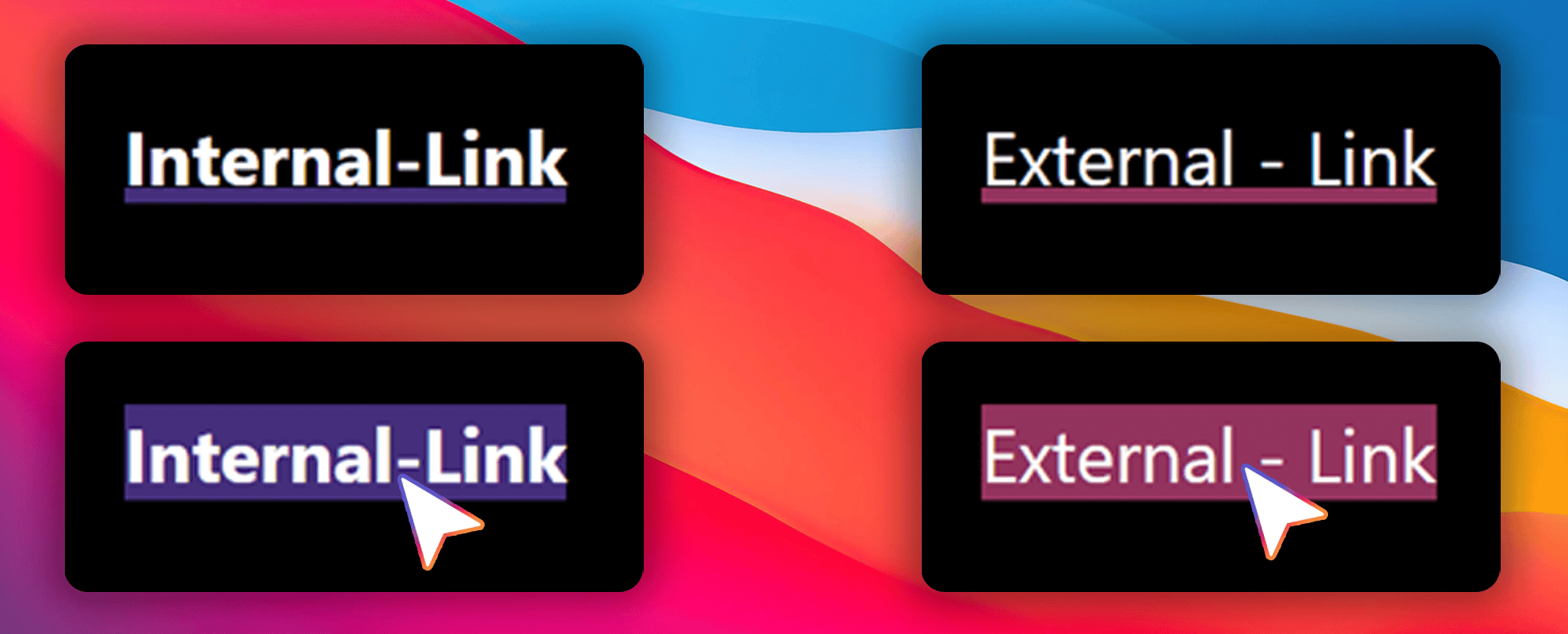
Internal and external links are styled with distinct colors for easy differentiation.
- Internal Links: Use the theme’s primary color and point to content within the document.
- External Links: Have a unique color for external resources.
Hover Effect
- A bottom border appears, rising to fill the background on hover, creating a smooth animation.
This effect adds interactivity and enhances the visual appeal of your notes.
Custom Callouts Overview
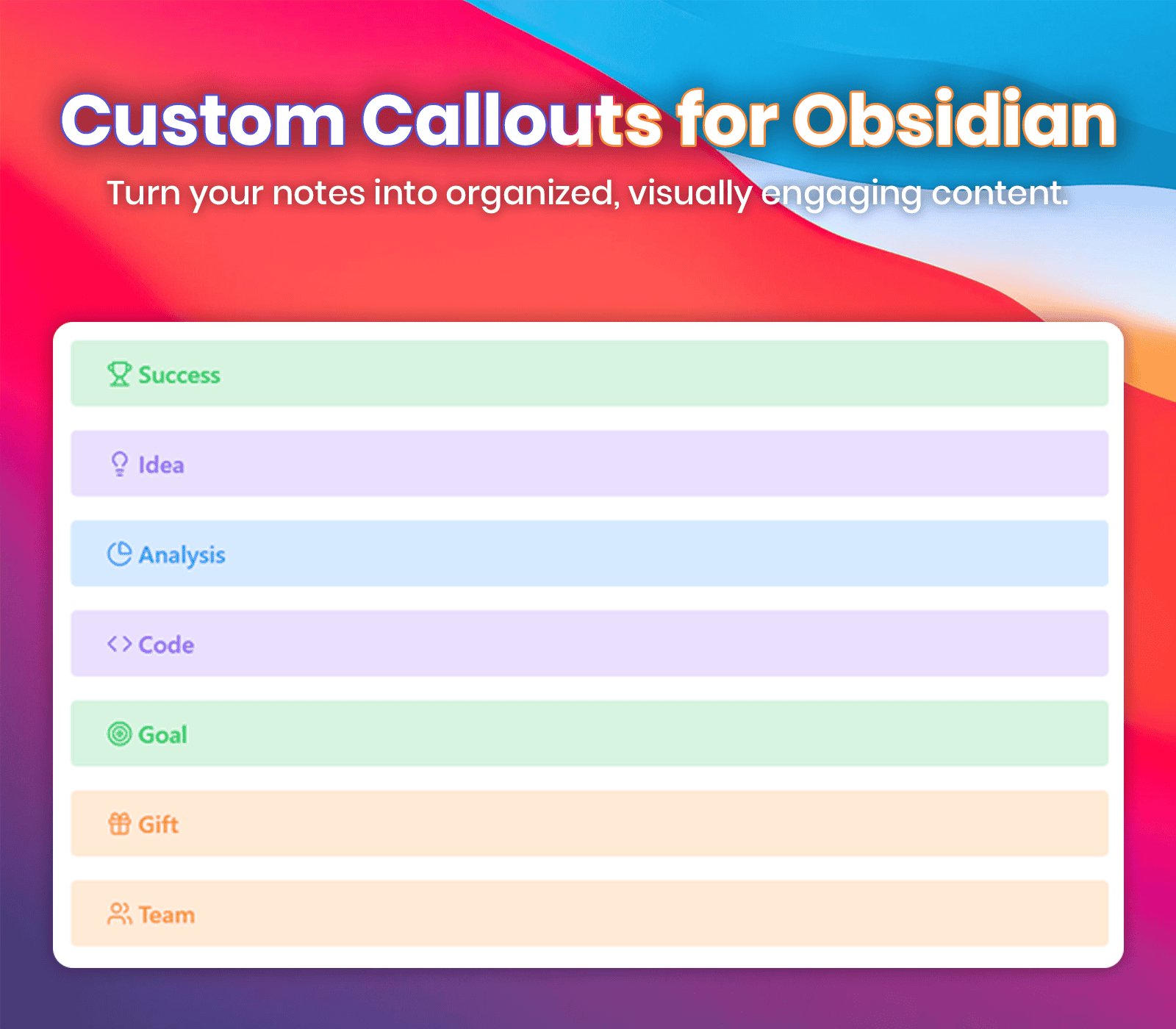
Below is a list of custom callouts with their respective icons. You can use these callouts in your notes for better organization and visual aesthetics.
Example Usage:
> [!Callout Name] Enter the Title
> [!success] Success Title
success: 🏆 Trophywarning: 🛑 Octagon Alerterror: ⚠️ Triangle Alertinfo: ℹ️ Infoquote: ❝ Quotenote: 📓 Notebook Penhighlight: ✍️ Highlighteridea: 💡 Lightbulbtask: ✅ Circle Checkreminder: 🔔 Bell Ringanalysis: 📊 Chart Pieinspiration: 🌅 Sunrisefaq: ❓ Message Circlecode: 💻 Codegoal: 🎯 Targetcelebration: 🎉 Party Popperbug: 🐞 Buggift: 🎁 Giftpuzzle: 🧩 Puzzlebookmark: 🔖 Bookmarkcalendar: 📅 Calendarteam: 👥 Users
🌟 Transform Your Notes with Vortex
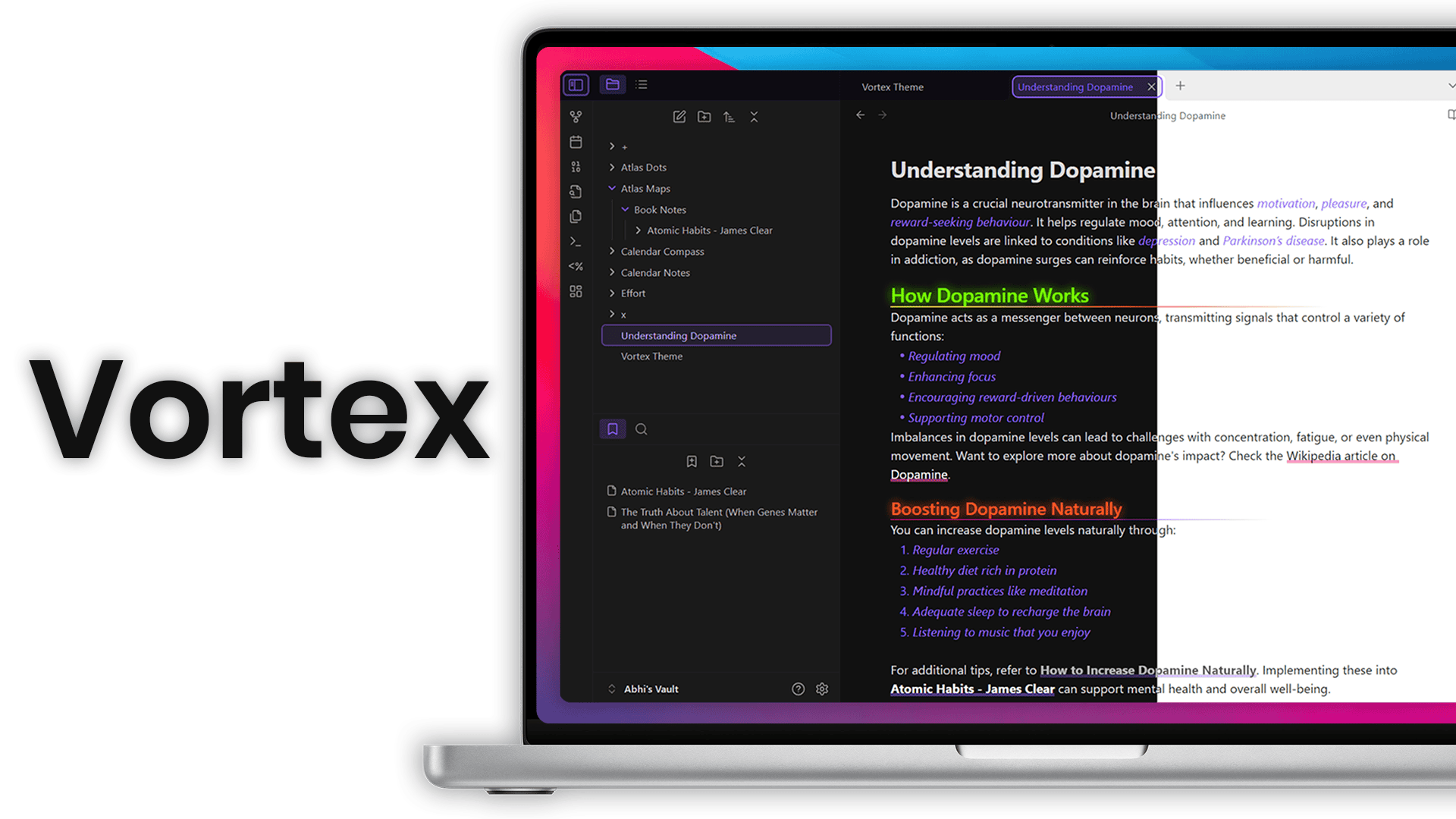
Vortex is a lightweight theme designed to make your notes visually stunning and highly customizable.
Why Choose Vortex?
- Smooth animations for interactive links.
- Customizable colors to match your style.
- Stylish callouts for better organization.
Elevate your note-taking experience with Vortex—the perfect blend of functionality and style!
🎉 Shoutout to Supporters
Special thanks to @1amnotmad for their generous donation supporting the Obsidian Vortex theme!
🔧 Installation
- Open Settings in Obsidian.
- Go to Appearance.
- Under Community Themes, search for "Vortex."
- Click Use to apply the theme.
🐞 Found a Bug?
If you encounter any issues or have suggestions, please open an issue on the GitHub repository.
🌐 Connect with Me
Get in Touch: Drop me a line at [email protected] for collabs, queries, or a quick hello!







📜 License
This theme is licensed under the MIT License. Feel free to use, modify, and distribute it as per the license terms.