
README file from
GithubMinimalist Studio Theme
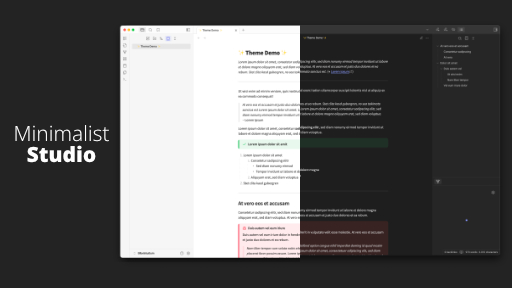
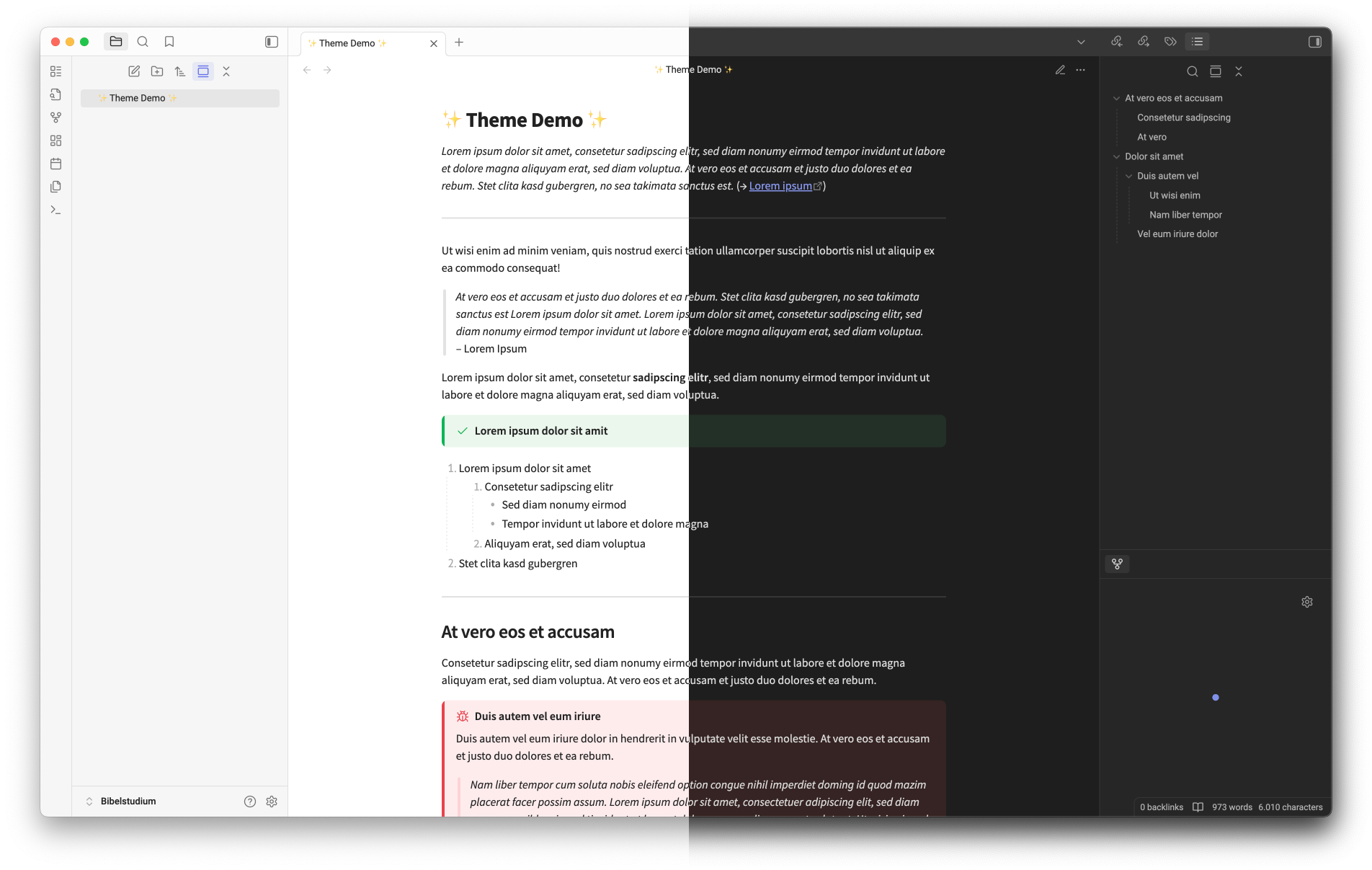
This is a theme that aims to improve the styles of callouts, blockquotes and lists, together with some minor tweaks to make it overall prettier, while keeping the typical Obsidian design.
Installation
- Click
Settings → Appearance → Theme → Manage - Search for "Minimalist Studio" and click "Install and use"