
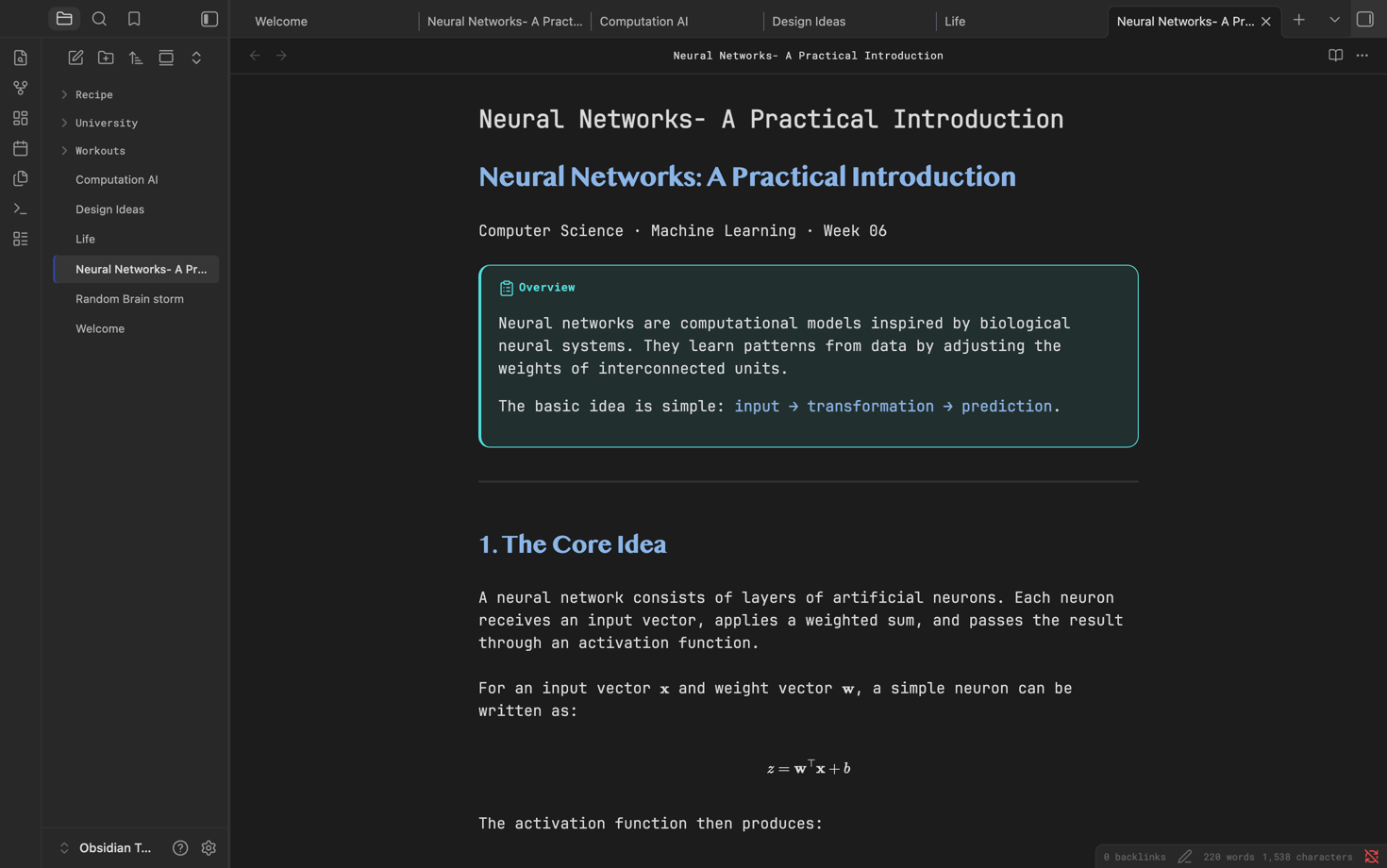
README file from
GithubSynapse
Install
- Copy this entire
obsidian-themefolder into your Obsidian vault at.obsidian/themes/. - Rename the copied folder to
Synapseif desired. The resulting path should be<your-vault>/.obsidian/themes/Synapse/. - In Obsidian, open Settings → Appearance → Themes, refresh the list if necessary, then select Synapse.
Contents
manifest.json— standard Obsidian theme metadatatheme.css— native Obsidian CSS variables and selectors
There are no scripts, external assets, build steps, or React/Vite dependencies. The theme provides corresponding light and dark palettes, with the dark palette tuned directly to the supplied screenshot.