
README file from
Github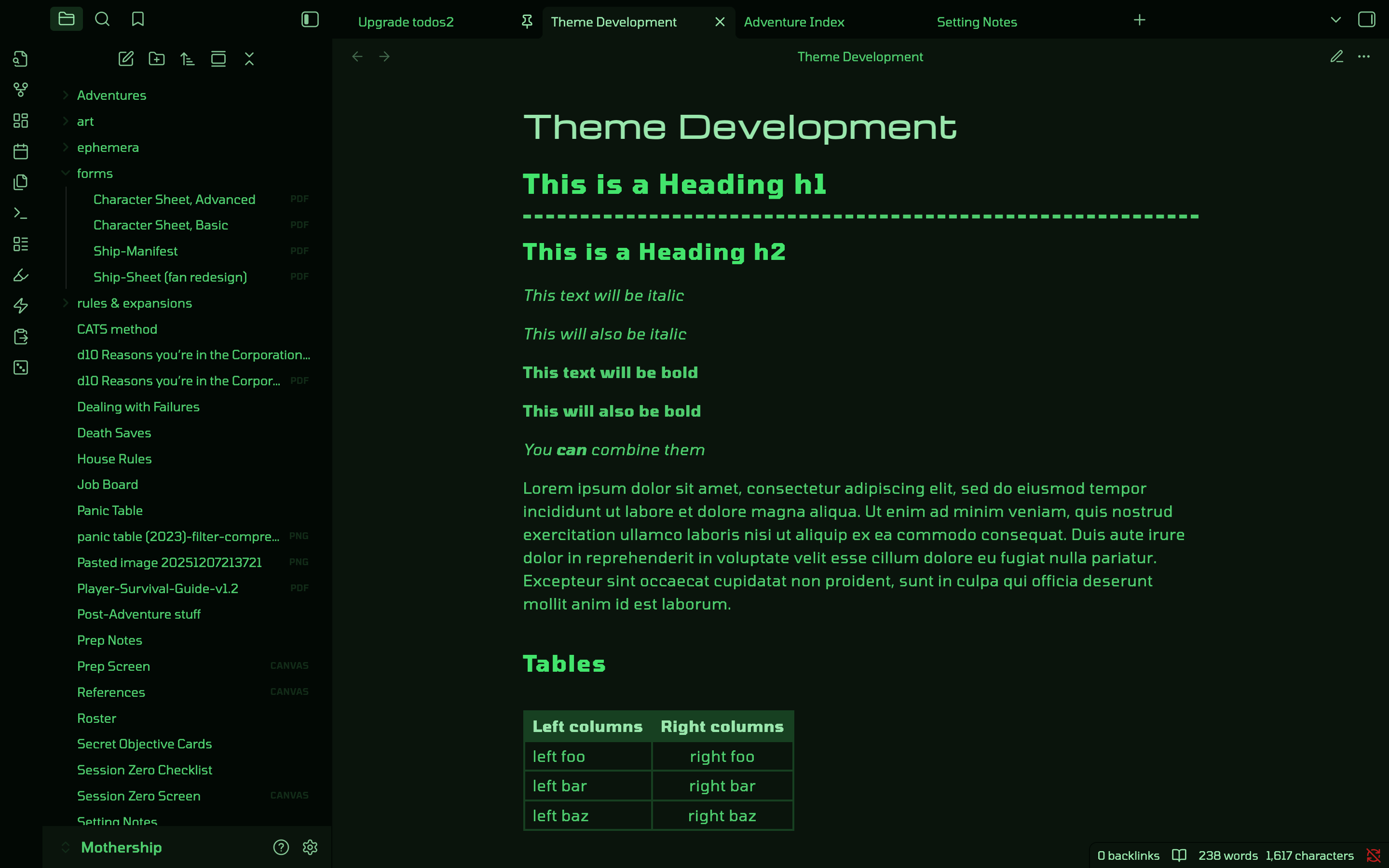
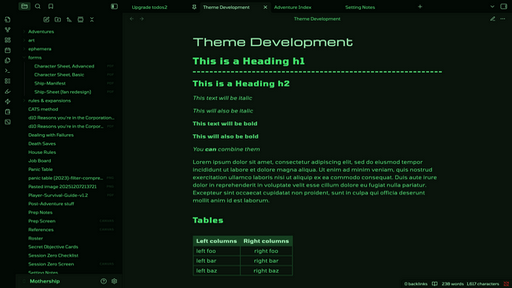
A theme for Obsidian based on computer consoles depicted in popular '80s sci-fi films.
"Starlit Abyss" is based on Satchelmouth's WYConsole Theme.
This theme requires the Style Settings plugin. While the theme should work without it, several features listed below require the plugin in order to be switched on.
Installation
Method 1: Obsidian Community Store (Recommended)
This method will auto-update when a new version is released.
- Open Settings > Appearance.
- Click Manage next to Themes.
- Search for "Starlit Abyss".
- Click Install and then Enable.
Method 2: Manual Installation
- Download
theme.cssandmanifest.jsonfrom the Releases page. - Go to your vault folder:
.obsidian/themes/. - Create a folder named
Starlit Abyss. - Paste the files there.
- Select Starlit Abyss in Obsidian Settings.
Features
Color themes
| Terminal Green |
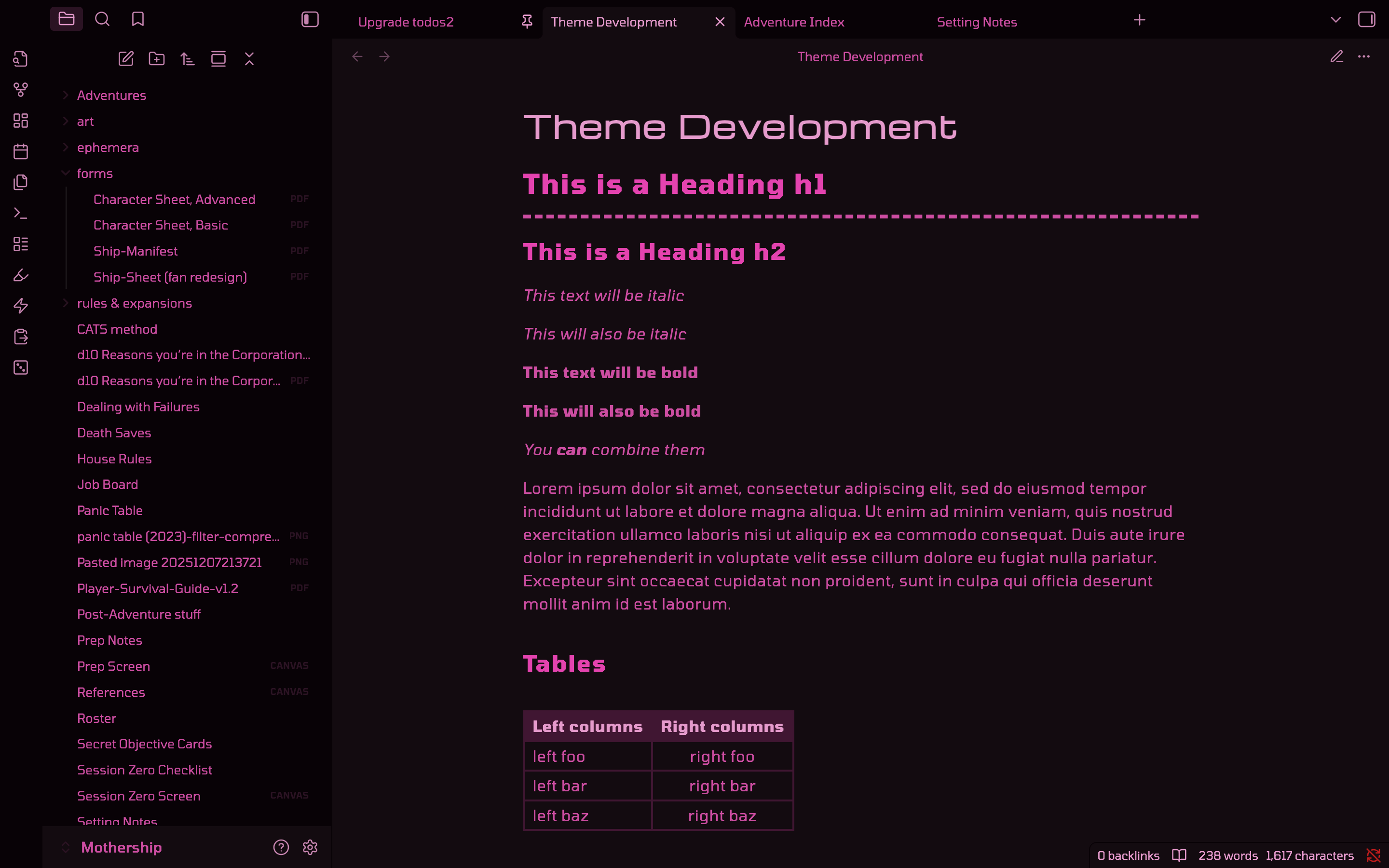 CyberPink CyberPink |
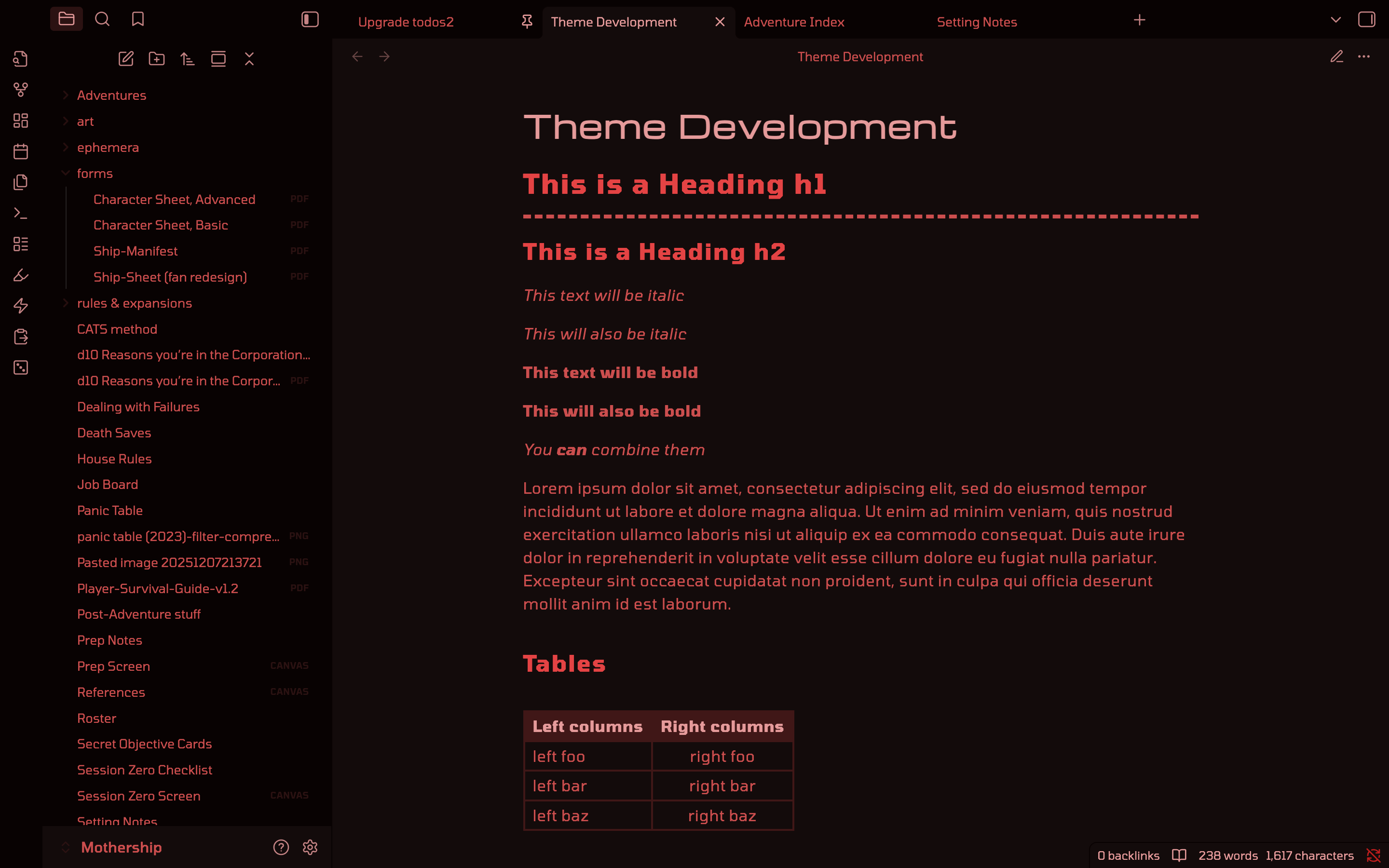 Rogue AI Red Rogue AI Red |
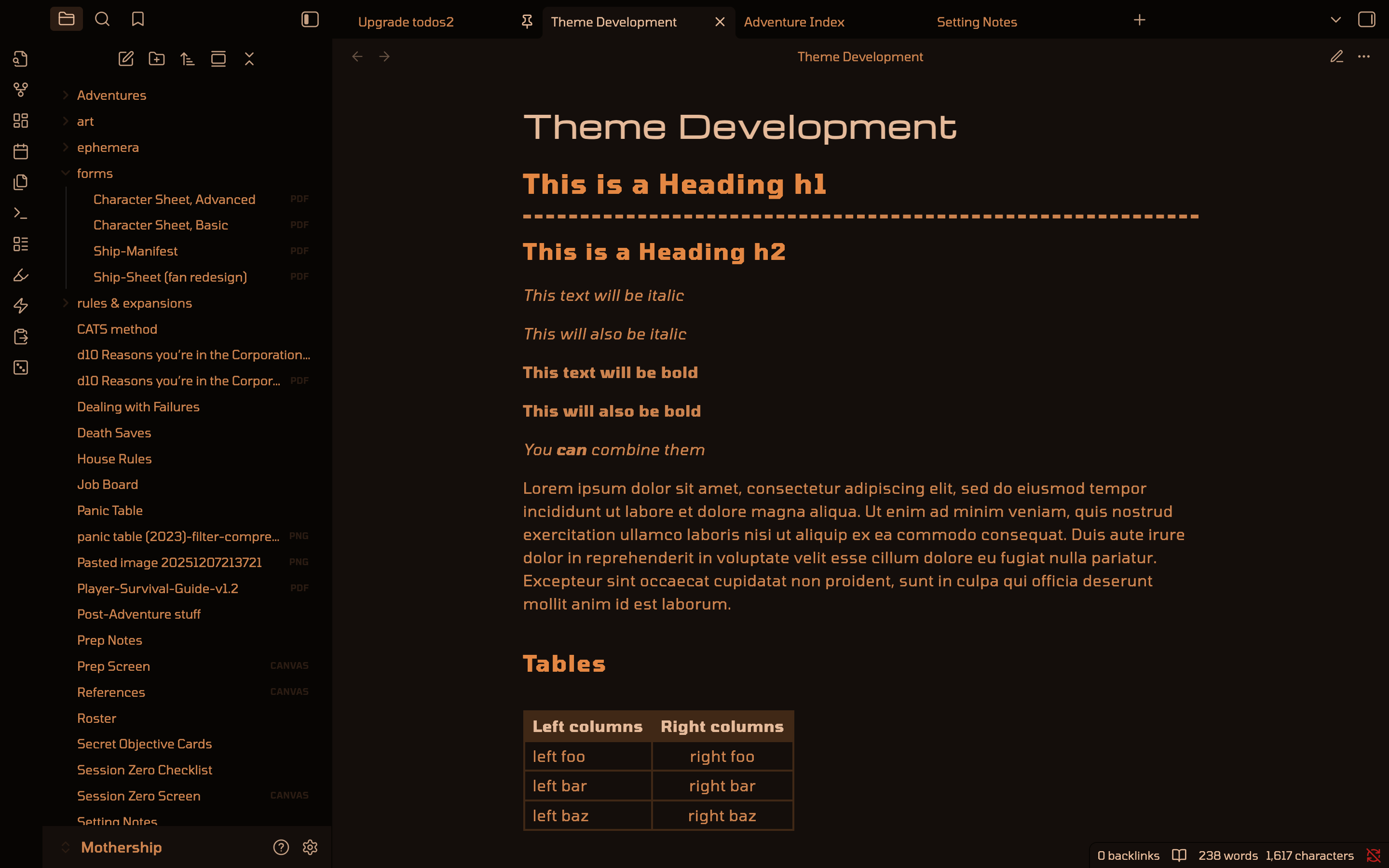 Ominous Orange Ominous Orange |
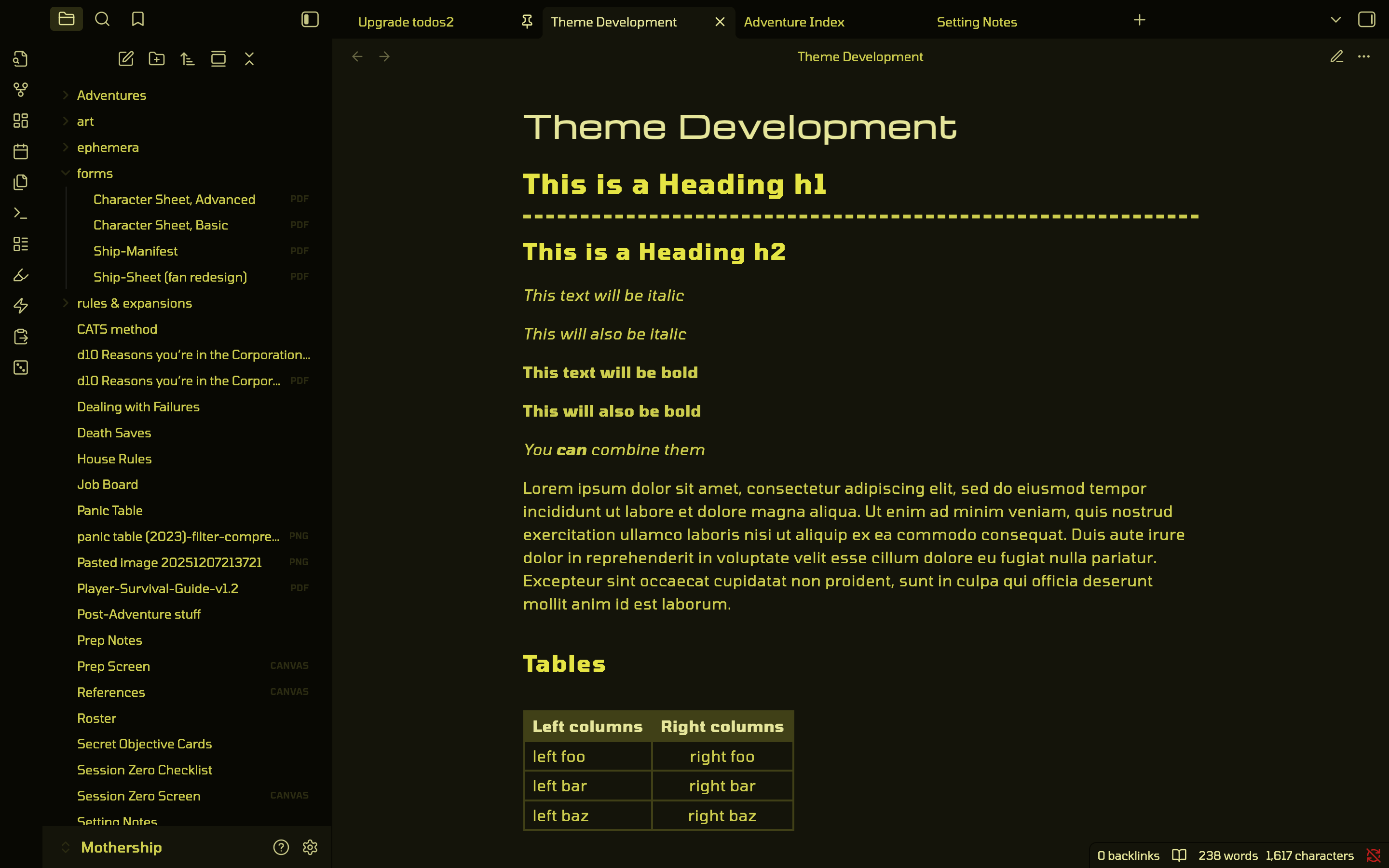 Ypsilon Yellow Ypsilon Yellow |
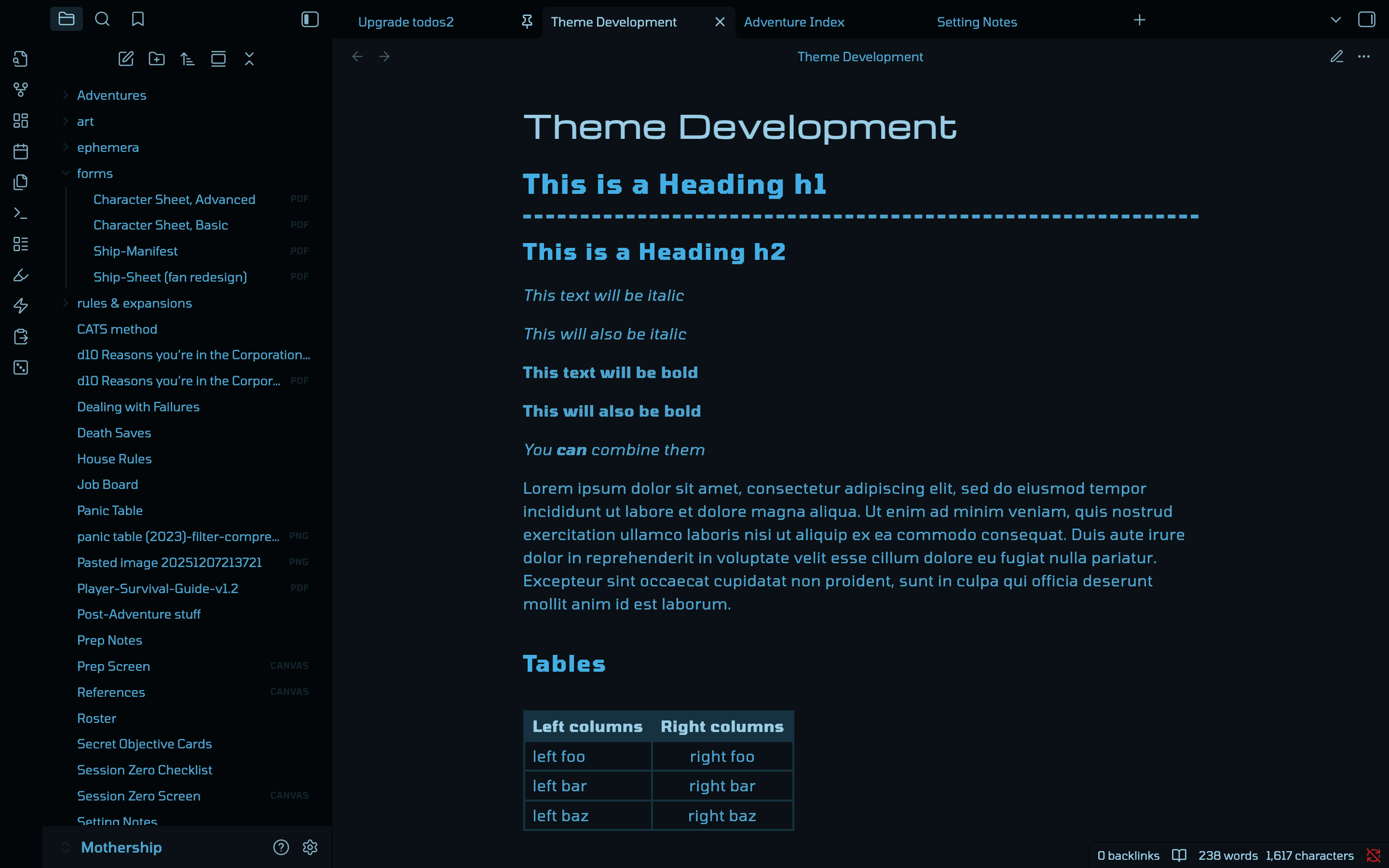 Moonbase Blue Moonbase Blue |
There is also an option to use Obsidian's accent color to set the hue.
Multiple fonts:
- TODO: Screenshot here
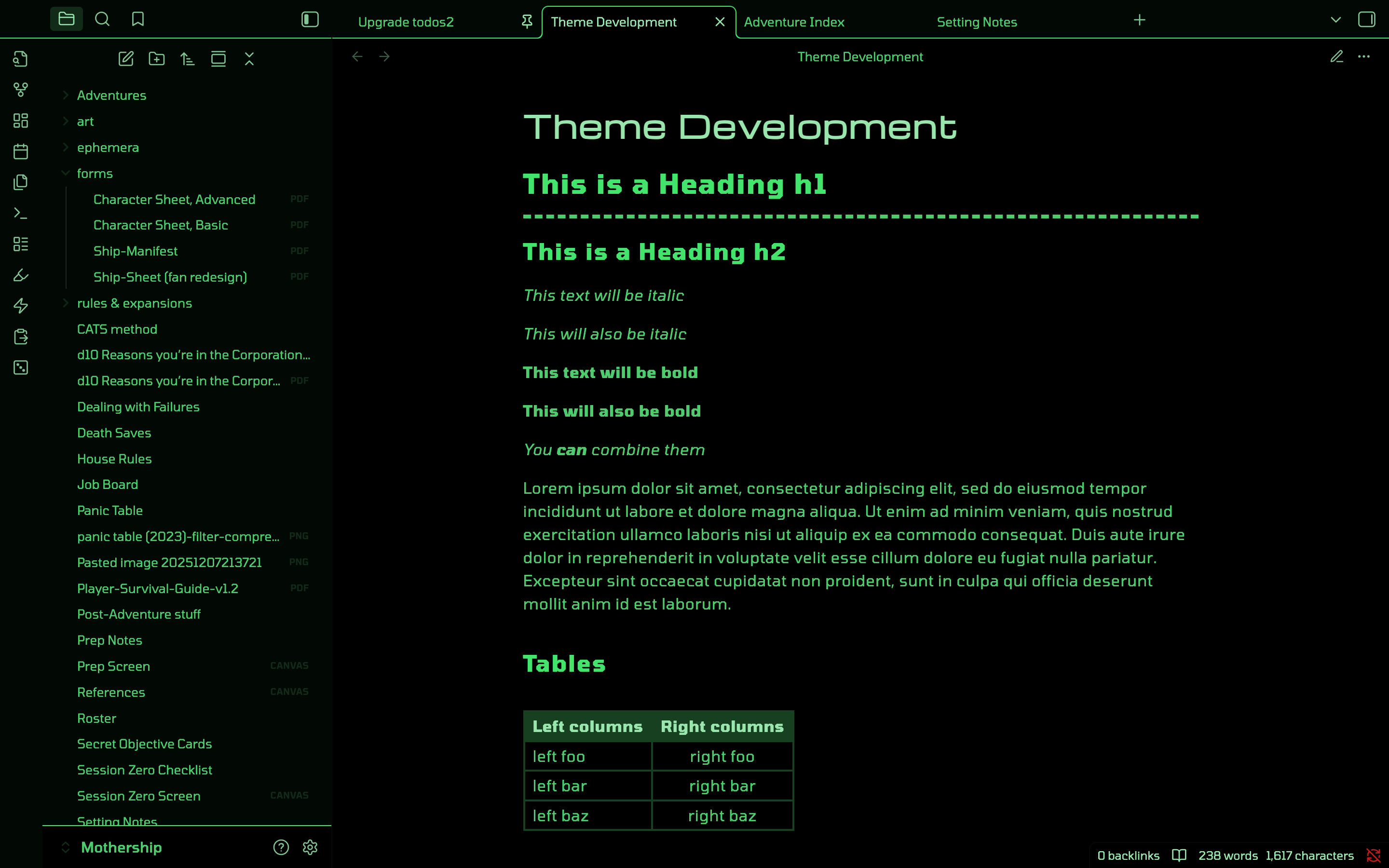
OLED mode (pure black background):
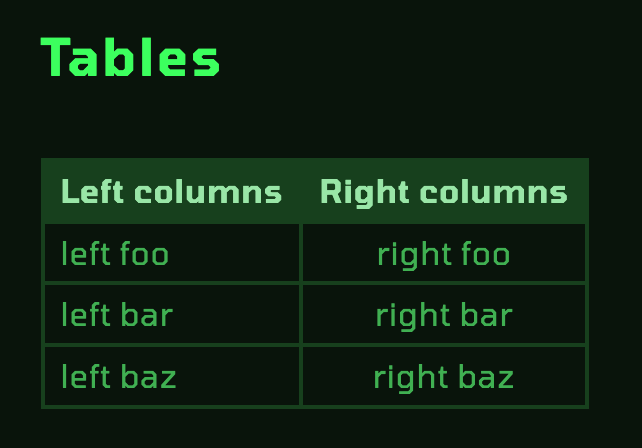
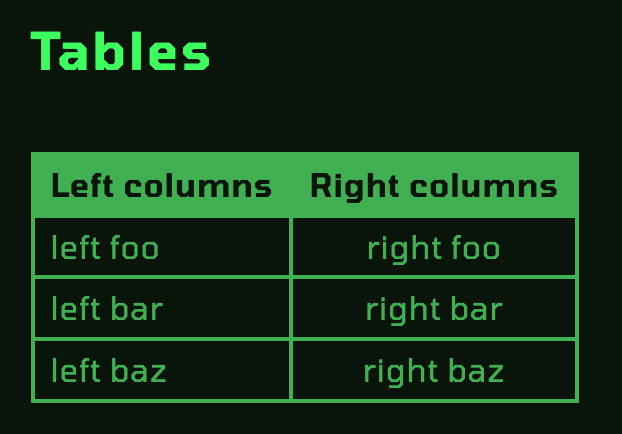
Additional "inverted table" style:
| Normal table | Inverted table |
|---|---|
 |
 |
Supported Plugins
- Style Settings (required for style options listed above)
- Advanced Tables
- Sheets Extended
- Kanban
- Calendar
- File Tree Alternative Plugin
- April's Automatic Timelines
Wishlist & Known Issues
- Custom caret - unfortunately, I'm SOL on this one until CSS 4 drops and Obsidian integrates it. The general idea is to make the caret a box caret, like on old computer terminals. If anyone knows a way to accomplish this via JS, a PR is more than welcome.
- Canvas
- Changing a connection's arrowhead's color is not currently possible. It's not a CSS selectable object.
- Some strange 1px grey borders will show when viewing a table header row via a Canvas embed, but not when in direct Reading or Editing views of those same notes.
- Some way for black text/white page PDF files to be recolored to match the theme