
README file from
GithubReadme
Sparkling Night is a dark theme with colors sparkling in the night.
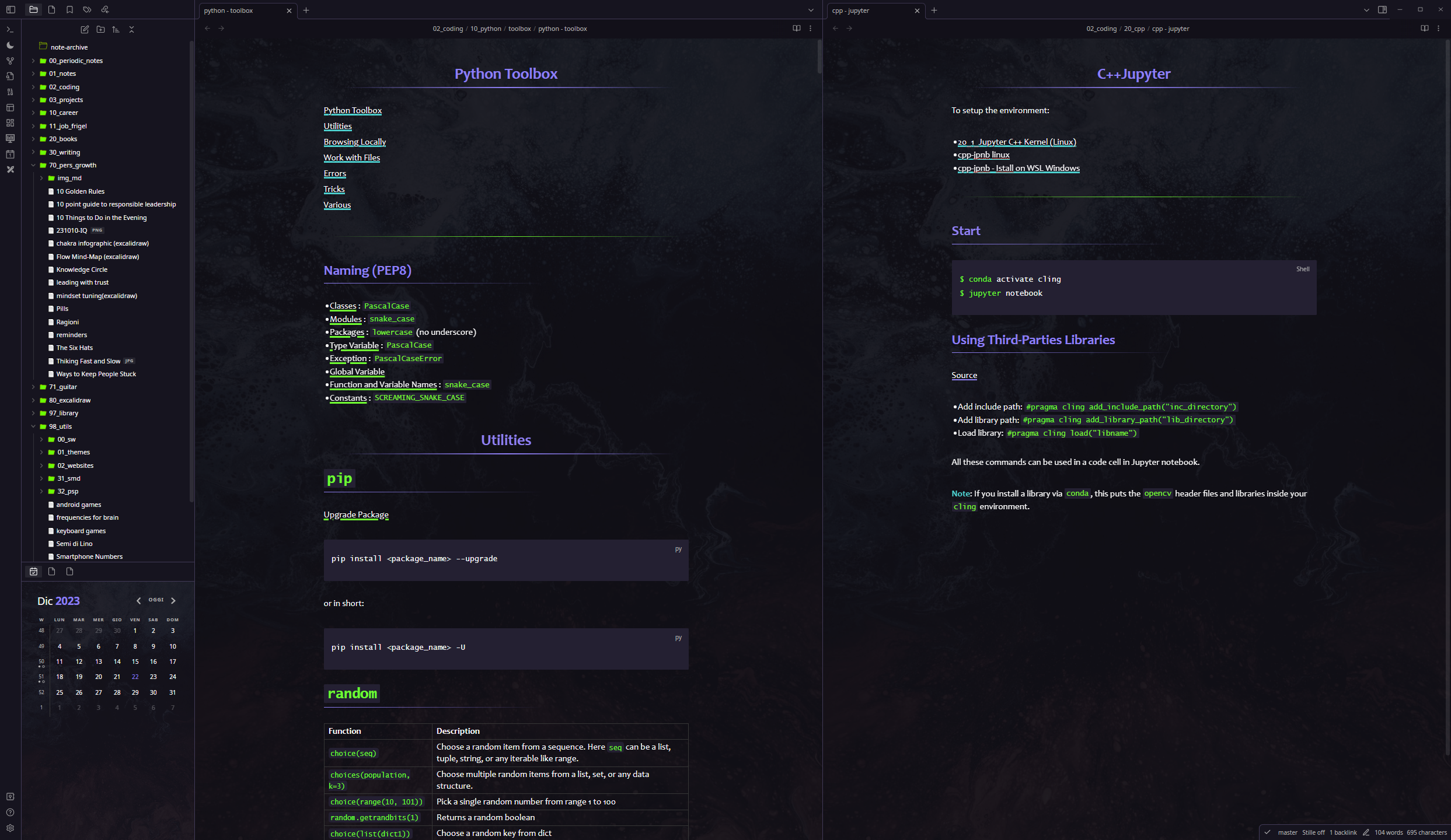
Sparkling Checkboxes
Sparkling colored checkboxes can be used to apply a distinction to the tasks (e.g. noticing the state of the task as shown below):
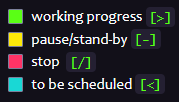
Syntax:
| Checkbox | Description |
|---|---|
- [>] |
working progress |
- [-] |
pause/stand-by |
- [/] |
stop |
- [<] |
to be scheduled |
Installation
To install the theme
- Open Obsidian Settings
- Go to
Appearanceand clickManage - Under community themes search for "Sparling Night" and click
Use
Enjoy!✨
What's New
v.1.2.1
upgraderemoved strikethrough when flagging a checkboxupgradetitle top and bottom paddingupgradereduced underline thicknessupgradetables are now centered in read modefixinternal/external links improved readability by reducing the underline sizefixrendered link text colorfixheadings 1 and 2 increased bottom marginfixrendered code sizefixcodeblocks text color (reading mode) and size
v.1.2.0
upgraderemoved light theme (it didn't make sense at all)upgradewidened line widthupgradenew color for highlighted textfixtags internal spacingfixH1 header spacingfixsearch result text matchin now highligted
v1.1.0
upgradecolored checkboxesfixinline code text responsive size