

README file from
Github
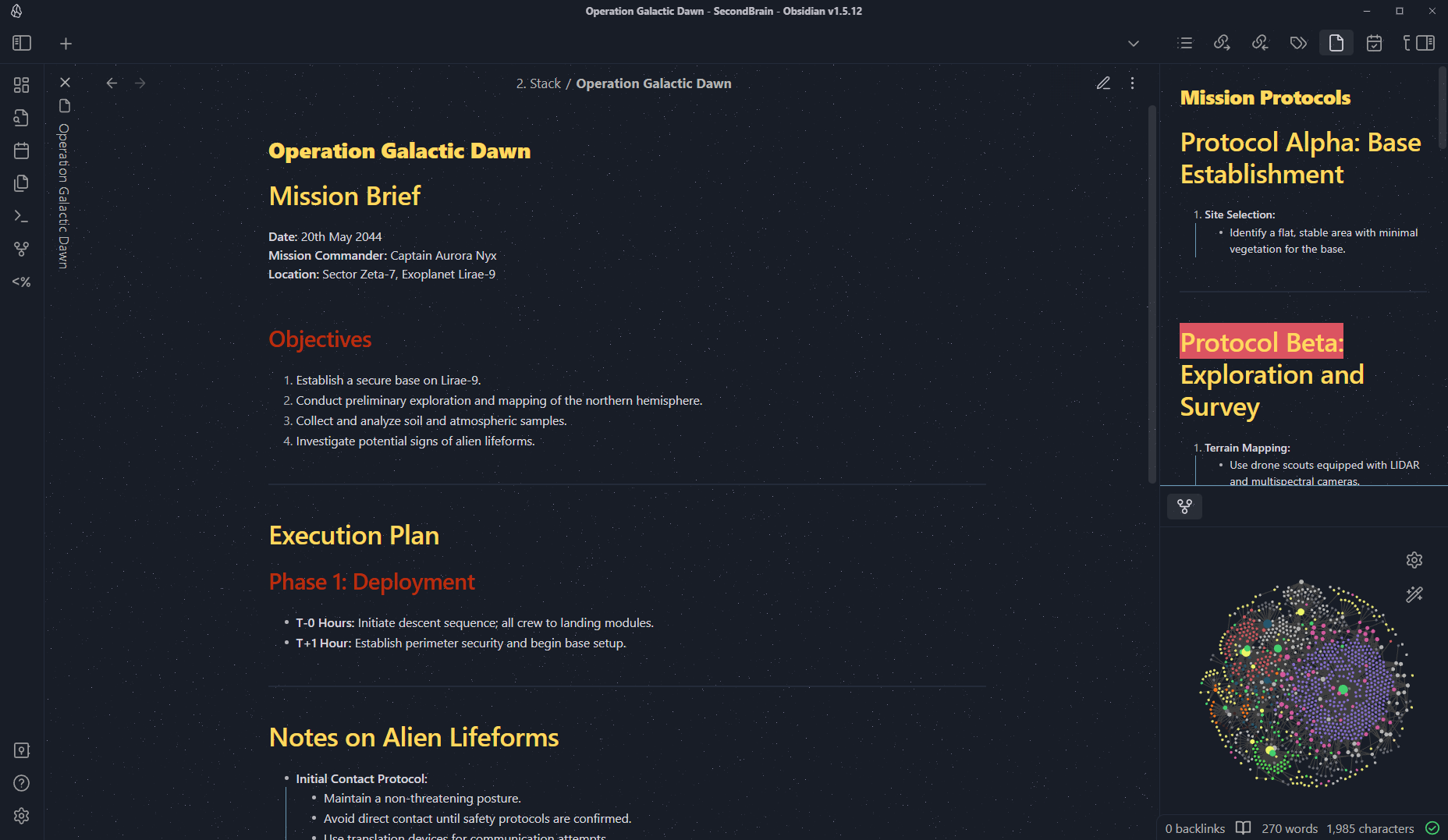
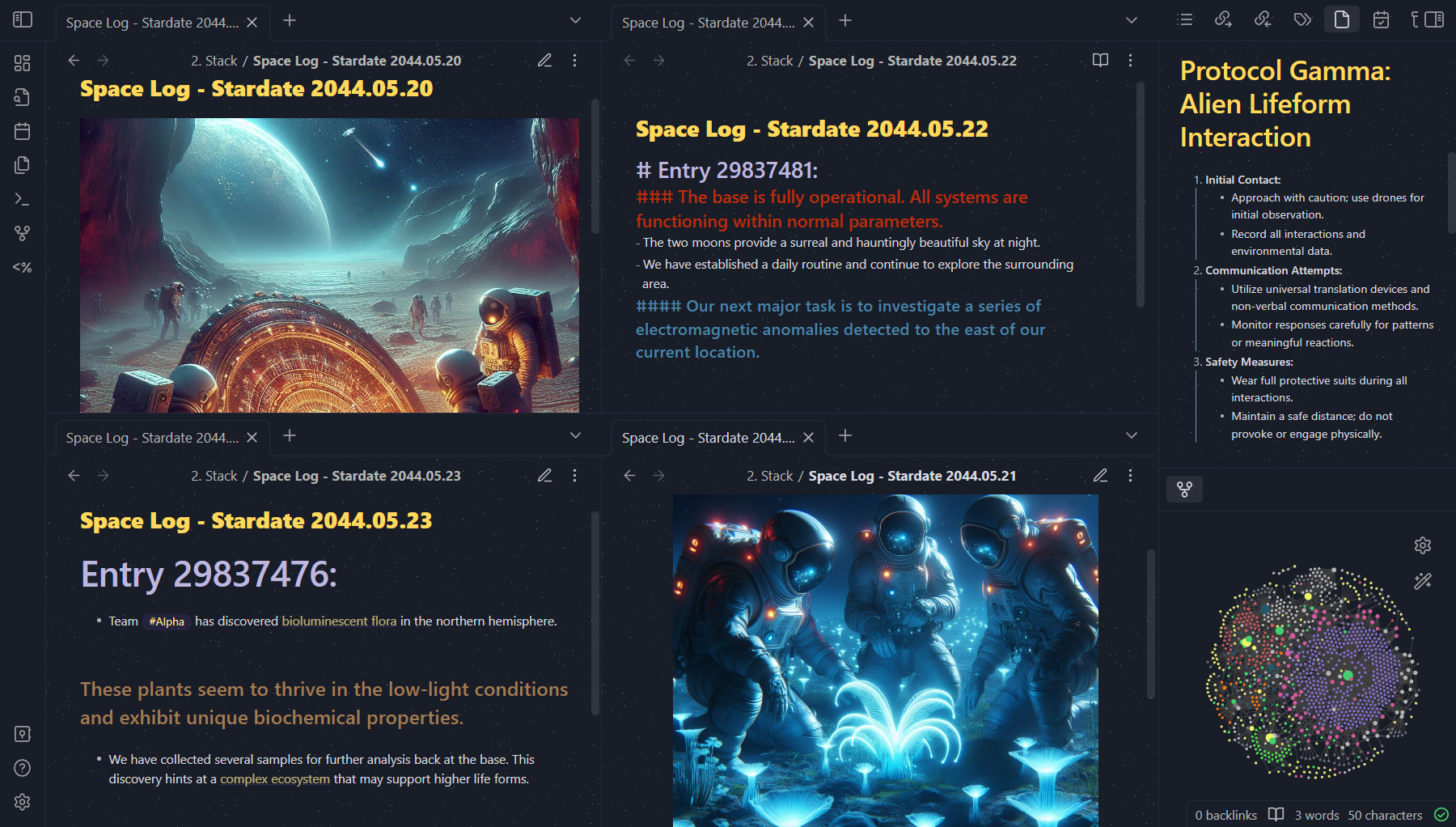
Obsidian Space is an Obsidian theme for desktop, mobile and tablet ✨
Welcome to Obsidian Space, an immersive space-themed Obsidian theme designed to take your note-taking experience to the stars. This theme combines the mystery and beauty of space with a sleek, modern interface to make your Obsidian workspace truly out-of-this-world.
Features
- Stellar Aesthetics: Deep space backgrounds, glowing elements, and futuristic fonts.
- Dark Mode Friendly: Optimized for low-light environments, reducing eye strain.
- Custom Icons: Space-themed icons for files, folders, and common UI elements.
- Enhanced Readability: High-contrast text and thoughtful color choices for improved legibility.
Installation
- Apply the Theme:
- Open Obsidian.
- Go to Settings > Appearance.
- Under Themes, click on Manage and then Import Theme.
- Search
spaceand select our theme. - Activate the theme by clicking on it in the theme list.
Screenshots
Operation Galactic Dawn
Space Logs
Support and Contributions
If you encounter any issues or have suggestions for improvements, please open an issue on our GitHub repository. Contributions are welcome! Feel free to fork the repository and submit pull requests.
License
This theme is licensed under the MIT License. See the LICENSE file for more details.
Acknowledgments
Special thanks to the Obsidian community for their support and inspiration. This theme draws on the collective creativity and feedback from users like you.
Thank you for choosing Obsidian Space! Enjoy your journey through the cosmos with Obsidian.