
README file from
Github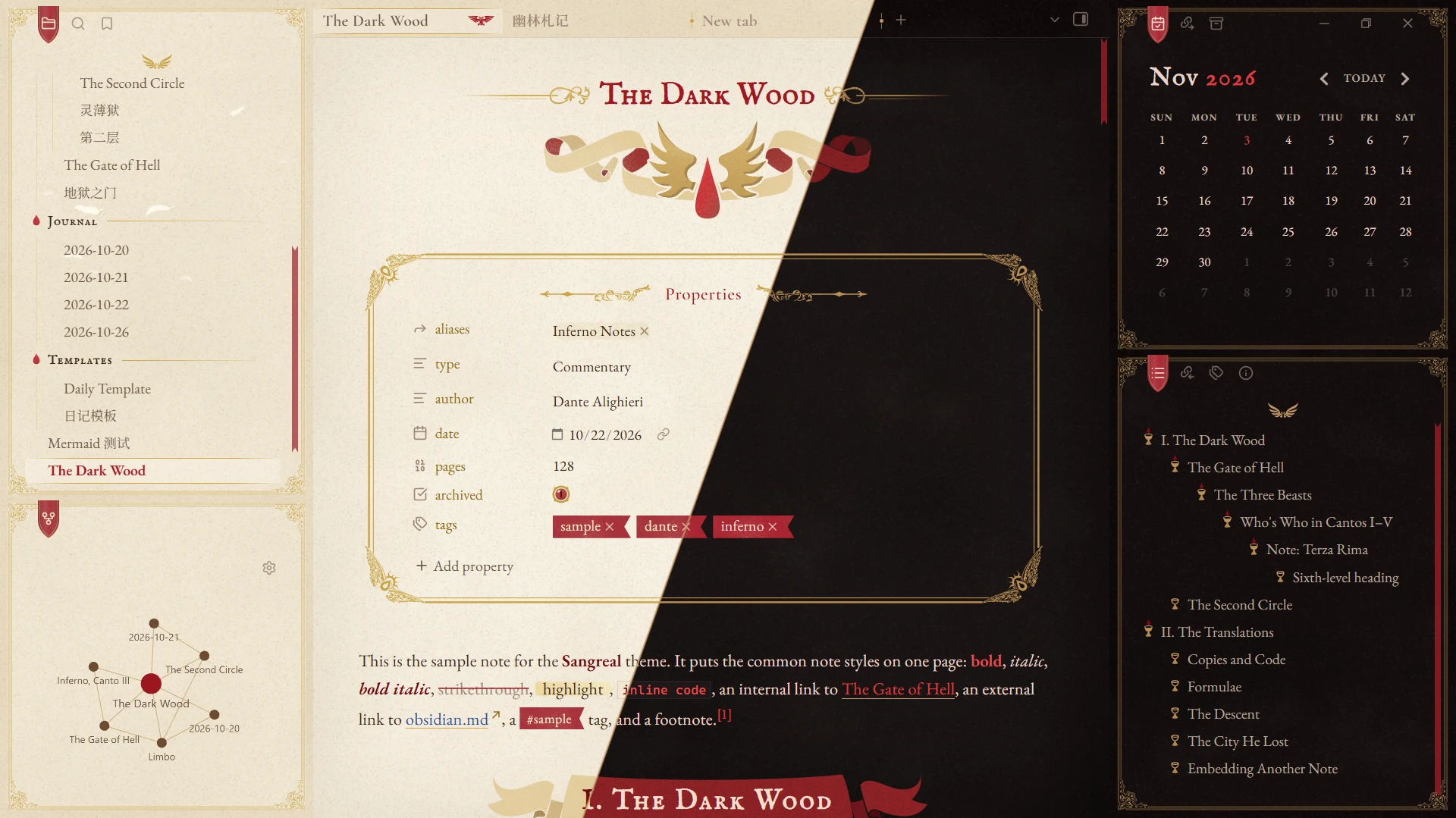
Features
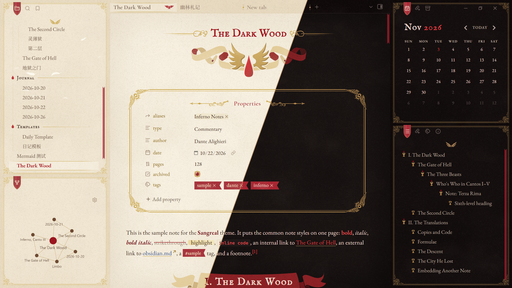
- Day and night colour schemes.
- Typography for English and Simplified Chinese, with automatic CJK–Latin spacing.
- Latin fonts are embedded, so the theme works offline and makes no network requests. Chinese text uses ChillHuoSong and Noto Serif SC if installed; see Recommended fonts.
- 35 Style Settings options, with a settings page in English or Chinese. Most decorations can be turned off.
- Built for the desktop app and tested on Obsidian 1.14.5 (Windows).
Screenshots
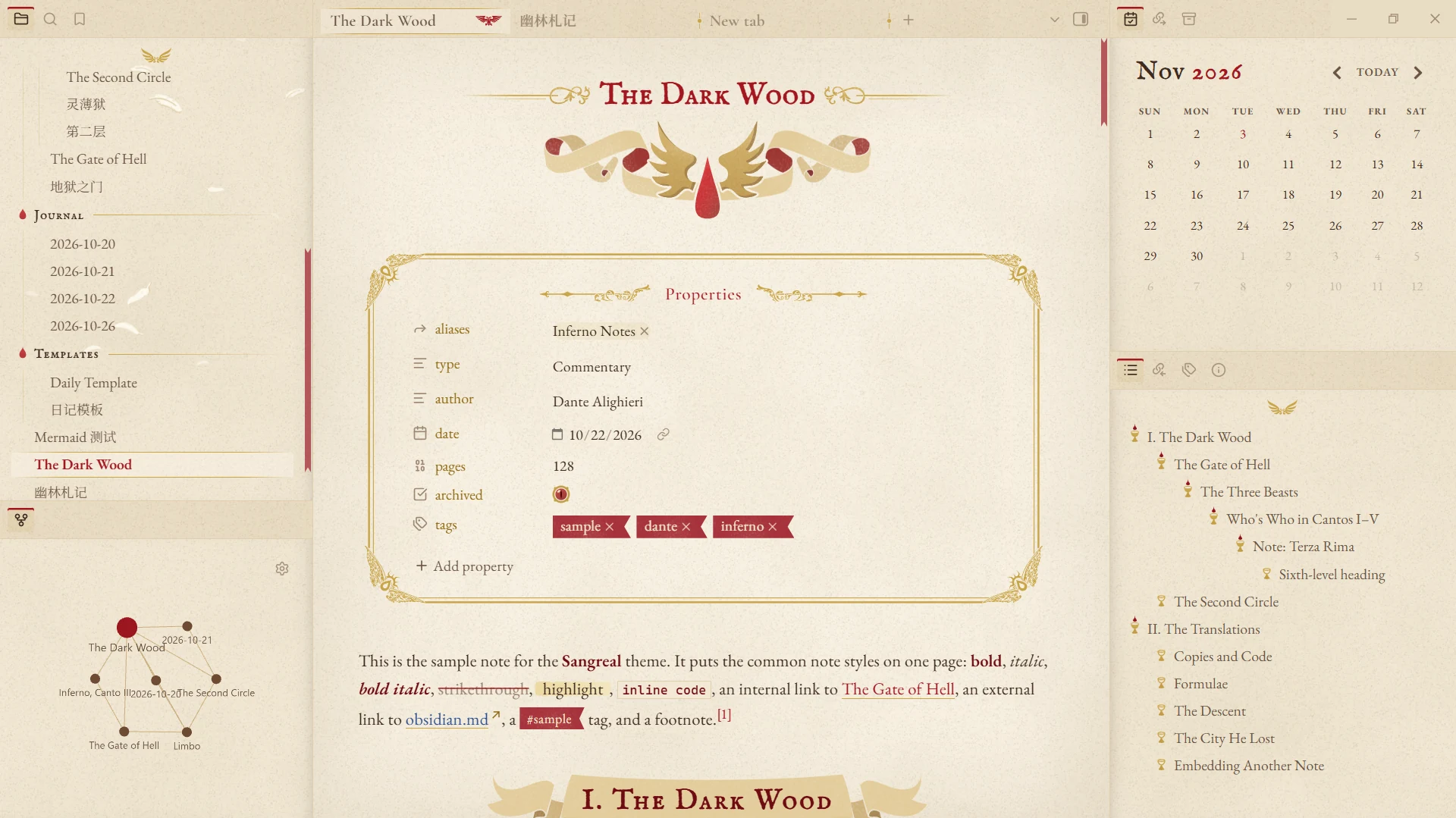
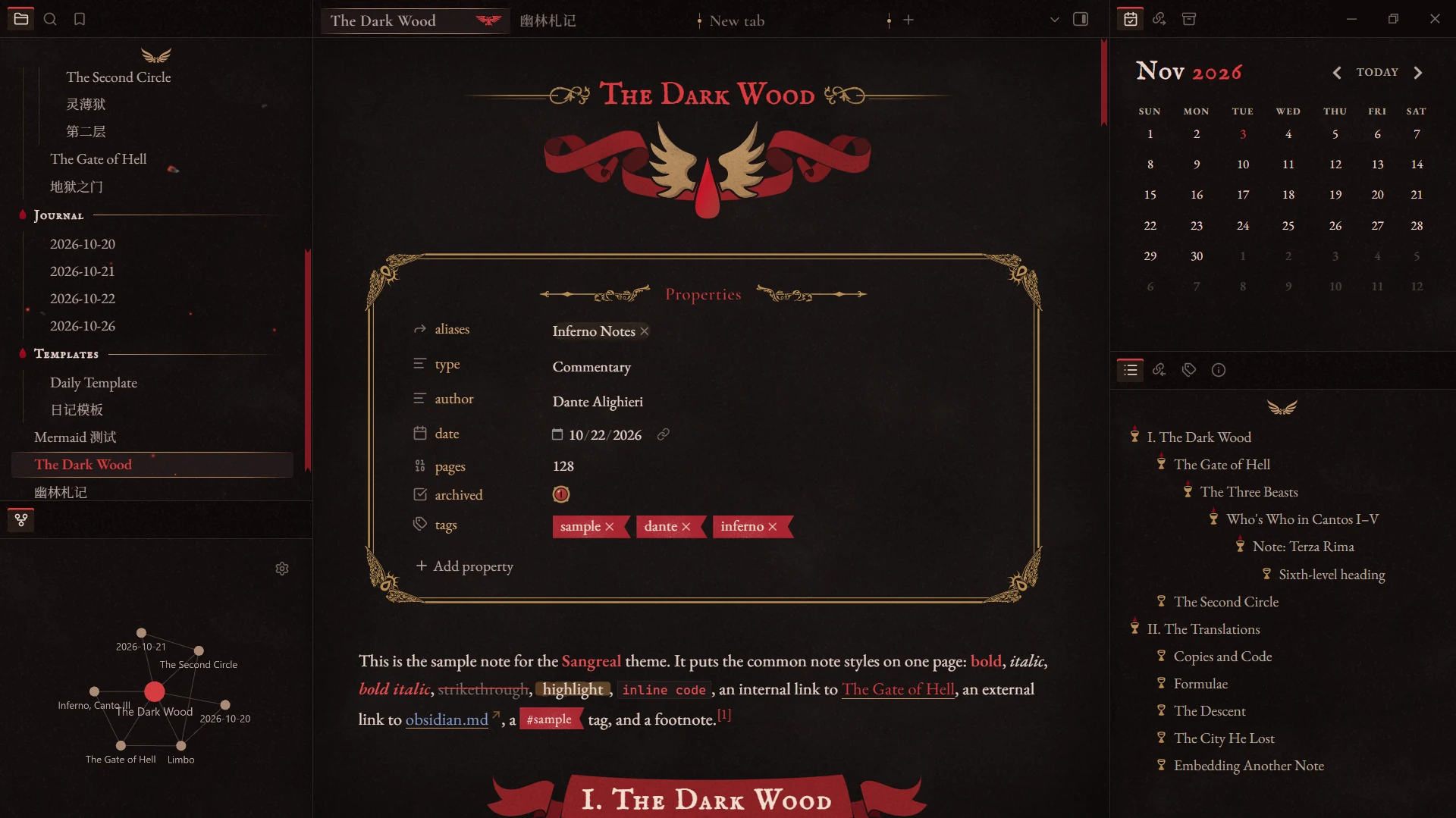
Full window
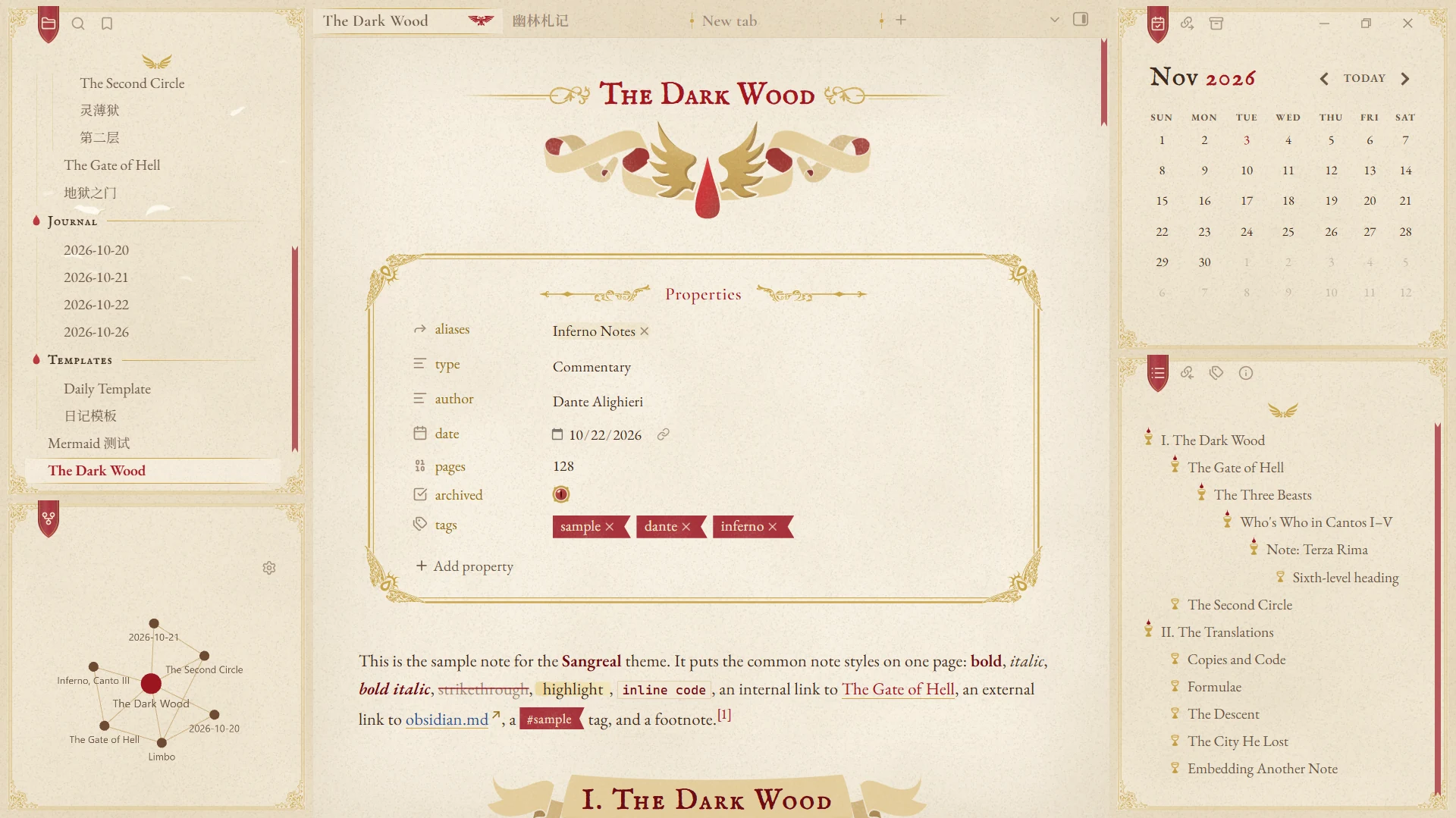
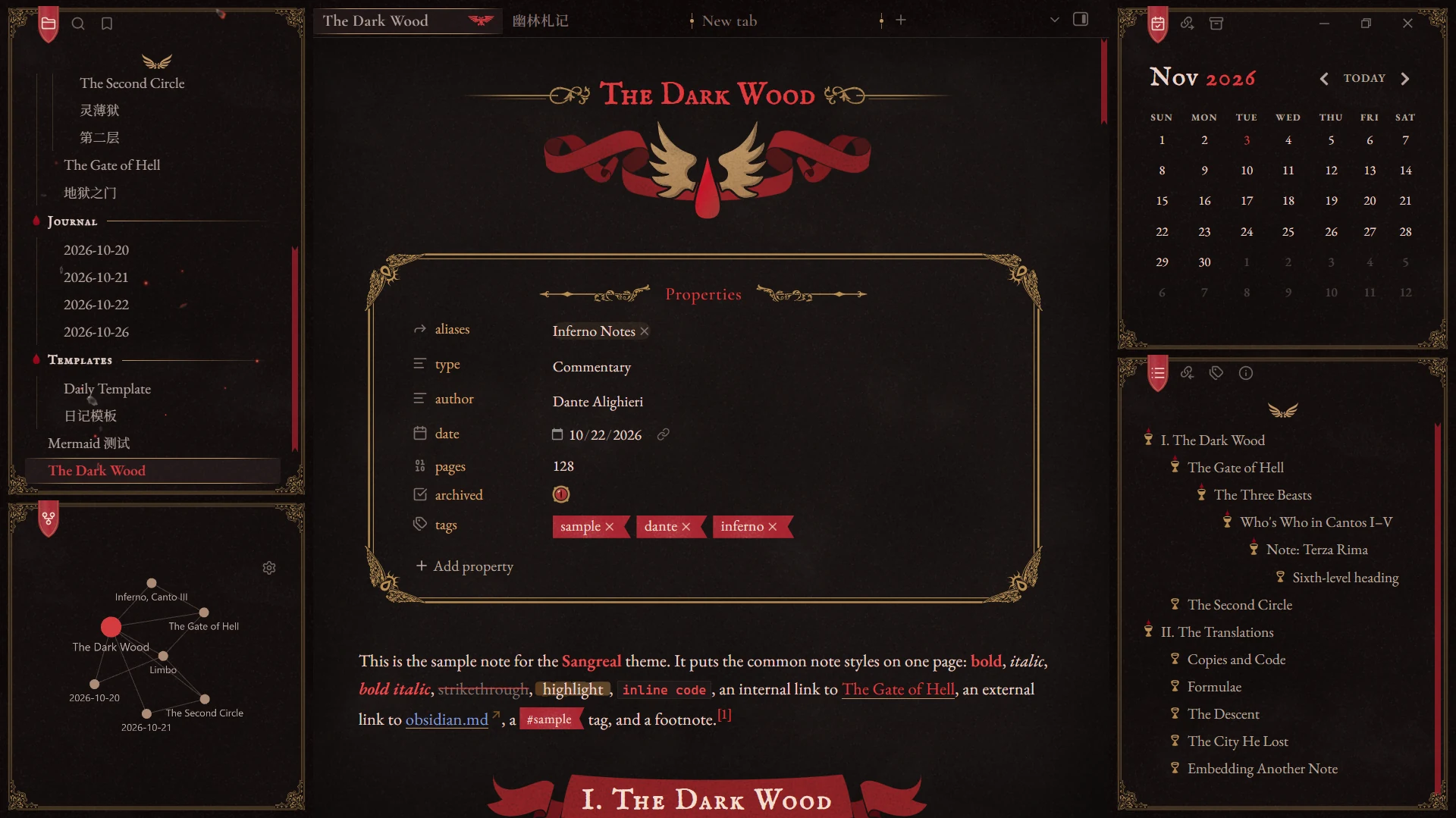
The default bookmark-card sidebars:
With Interface → Sidebar layout set to plain in Style Settings:
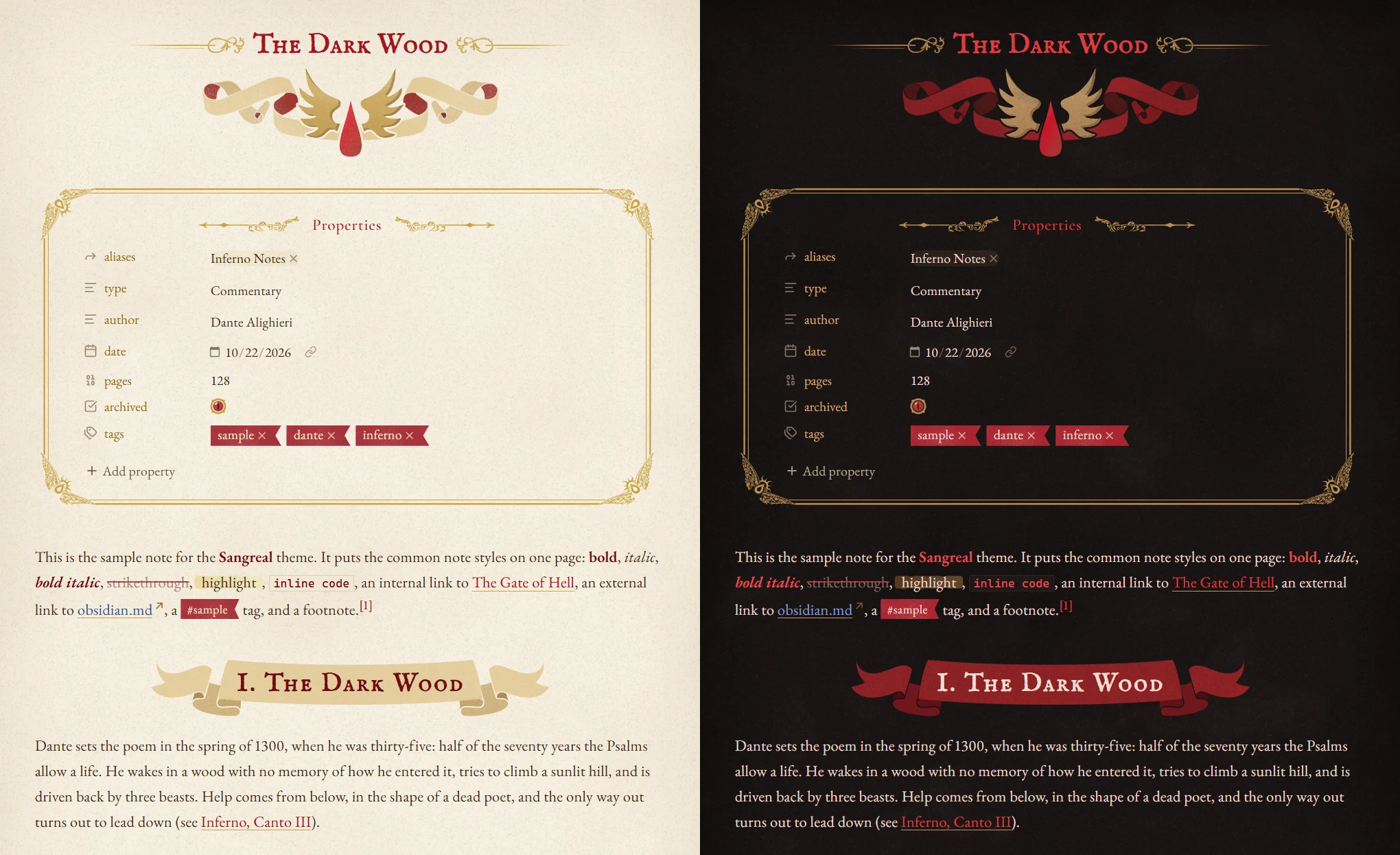
Details
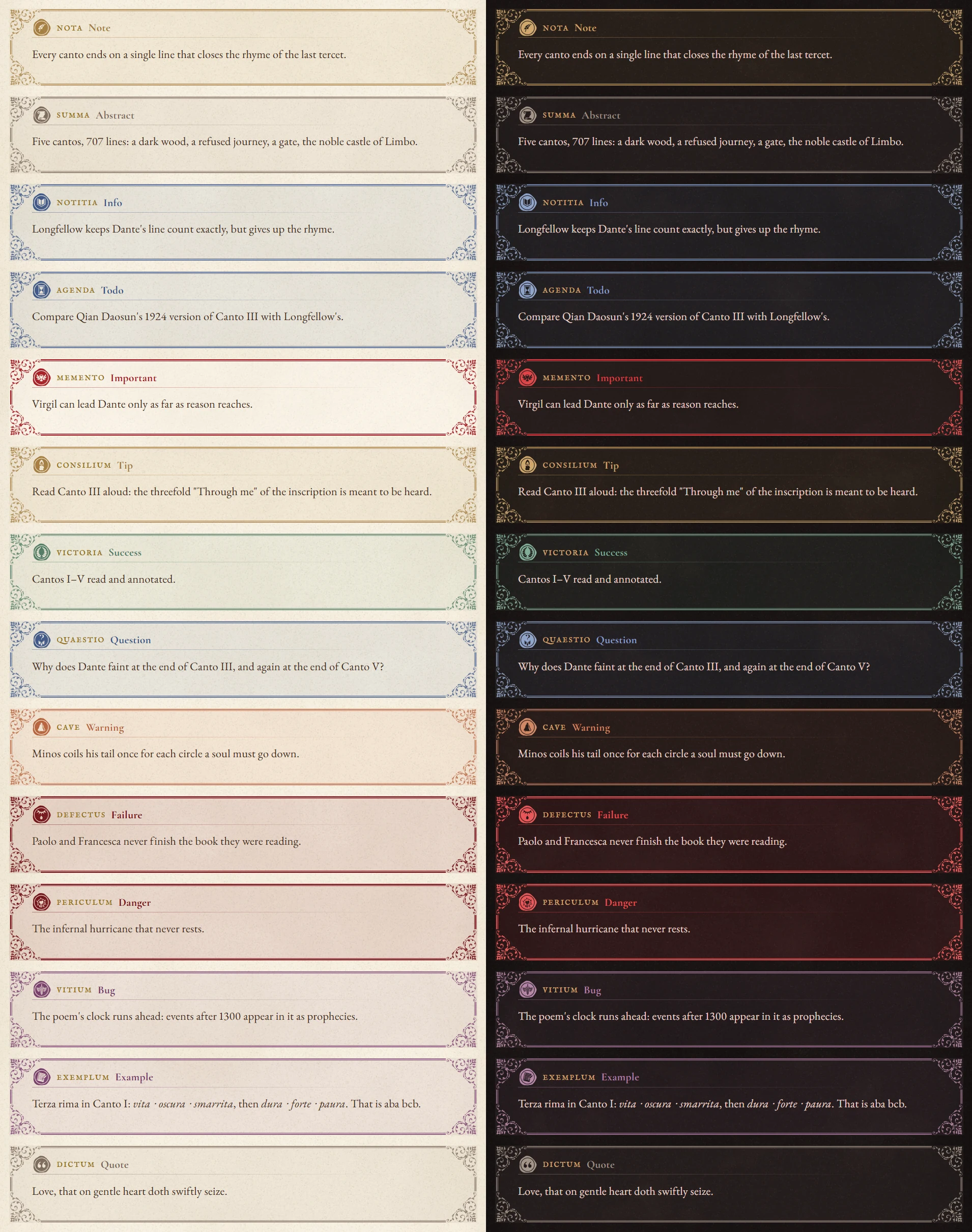
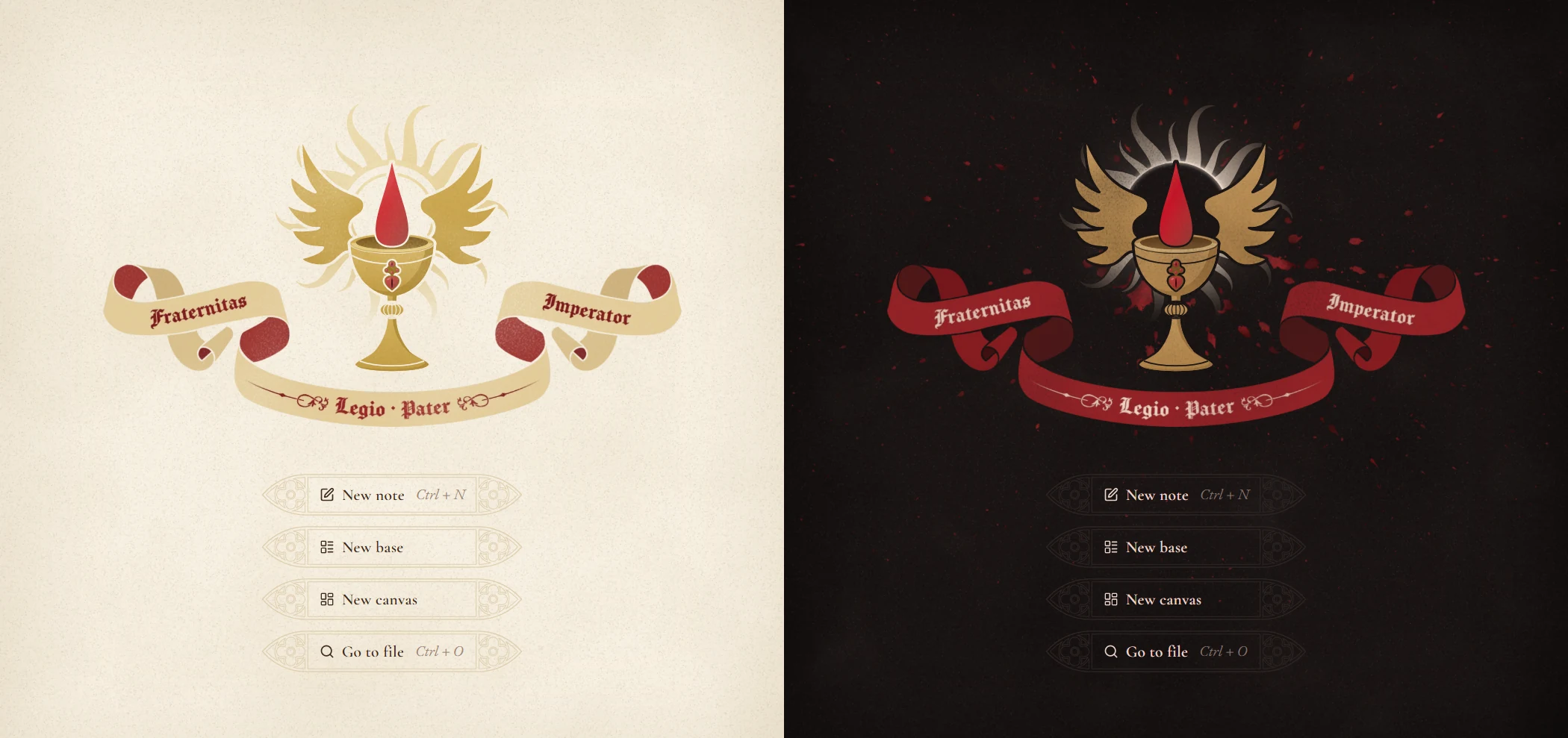
Each pair shows day on the left and night on the right.
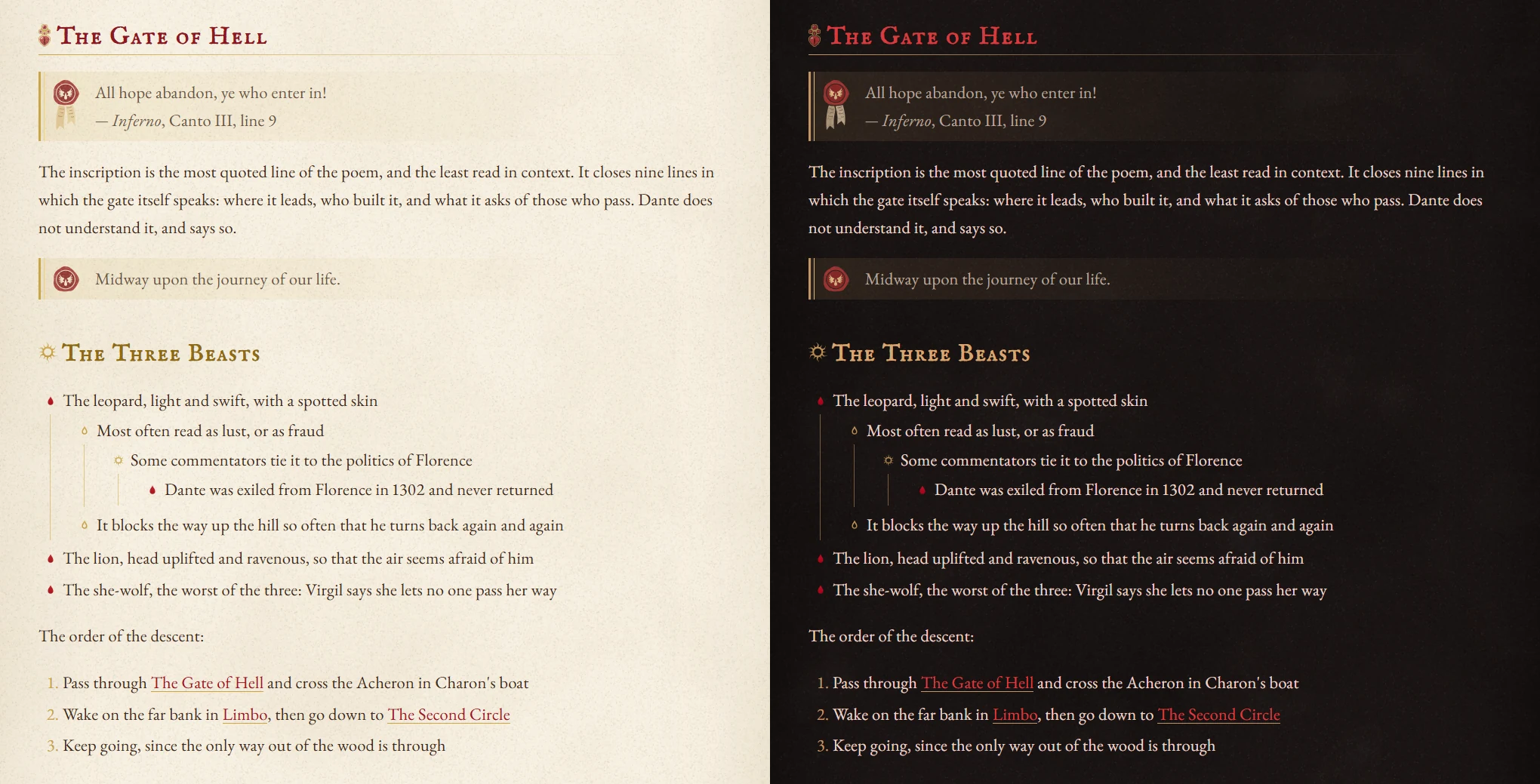
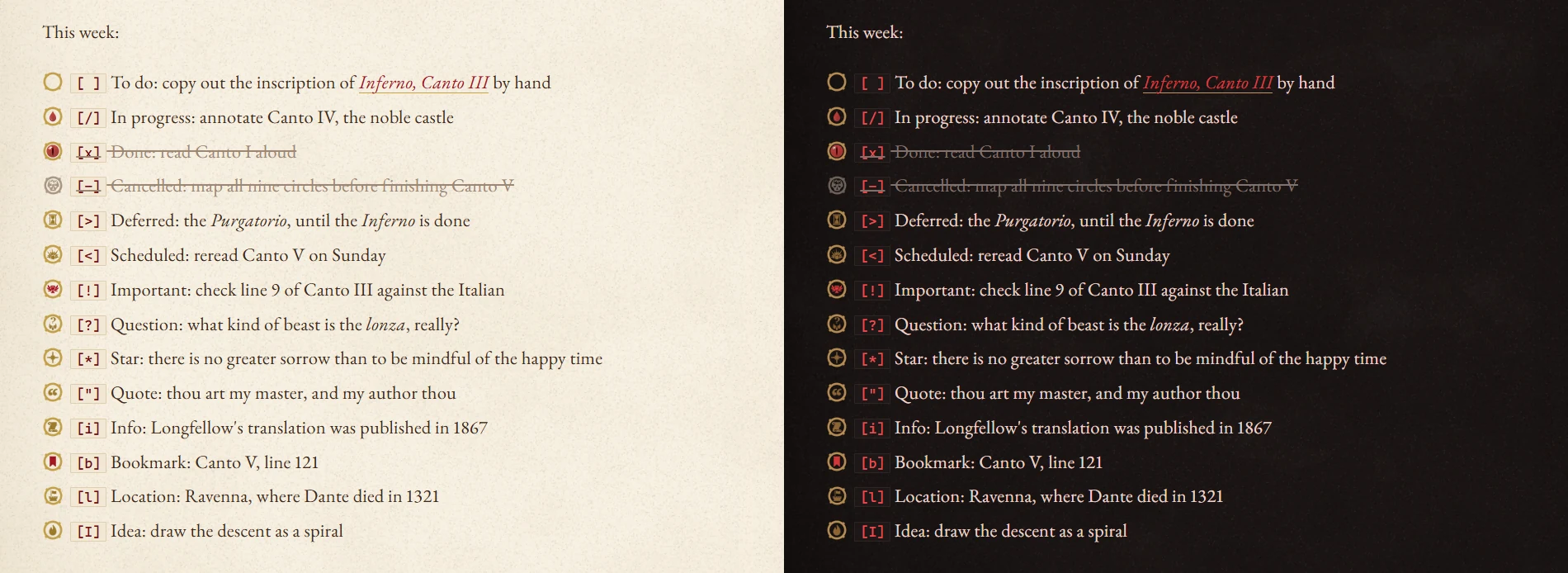
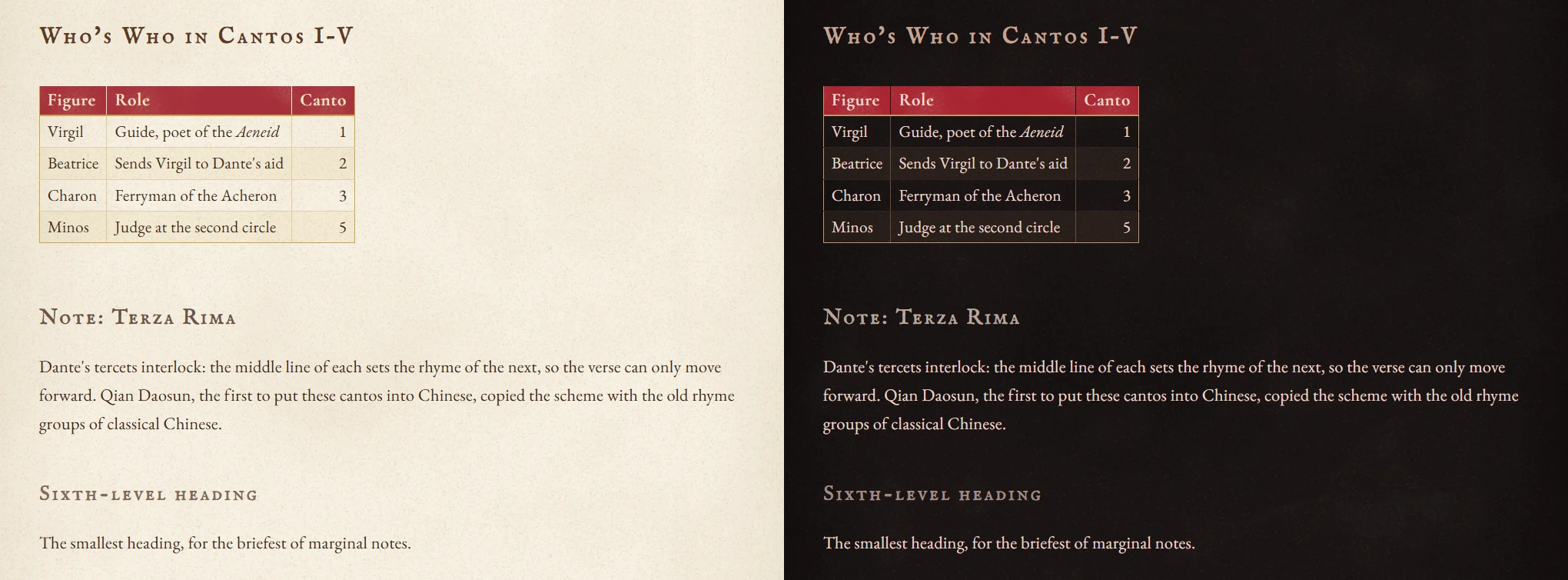
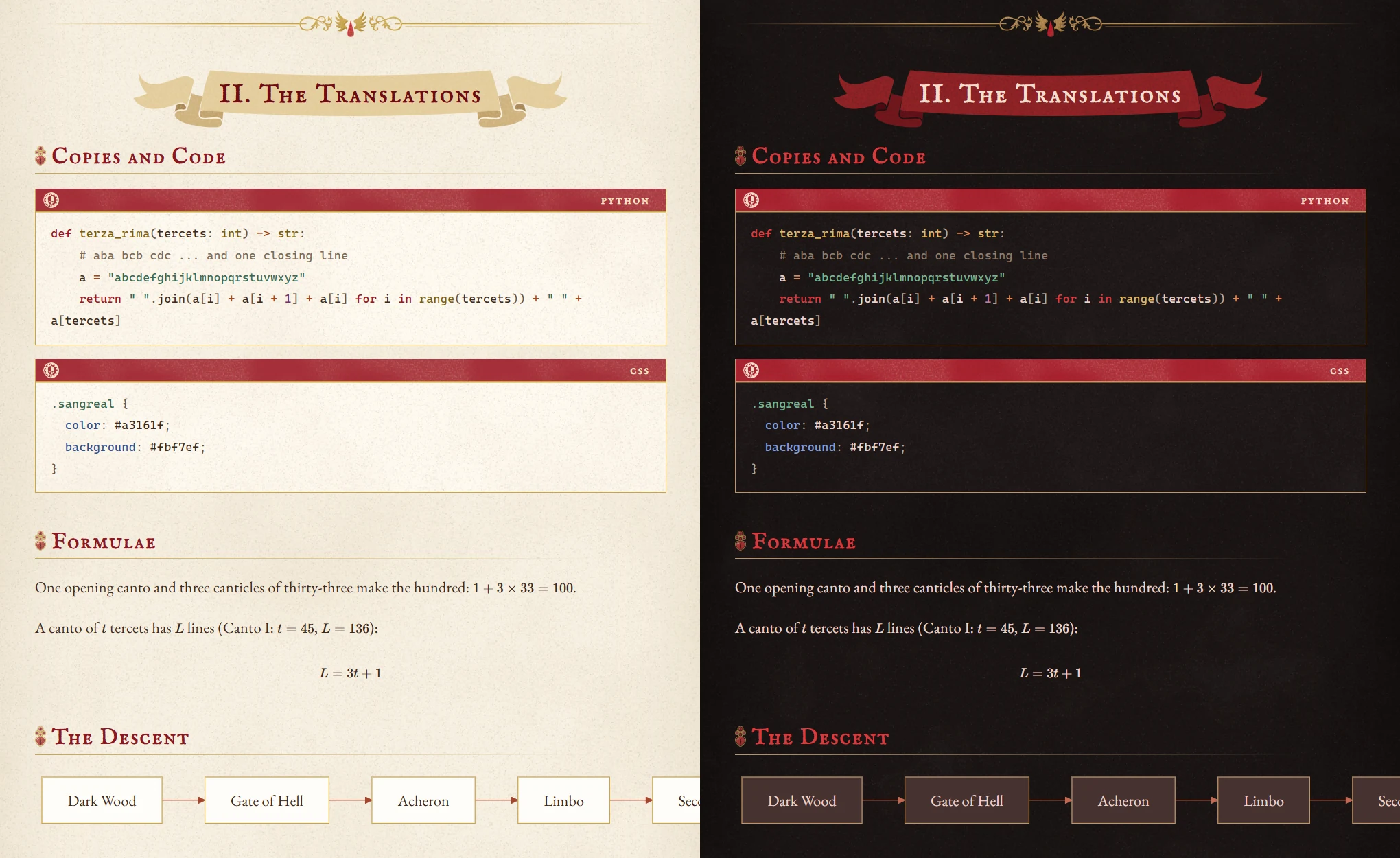
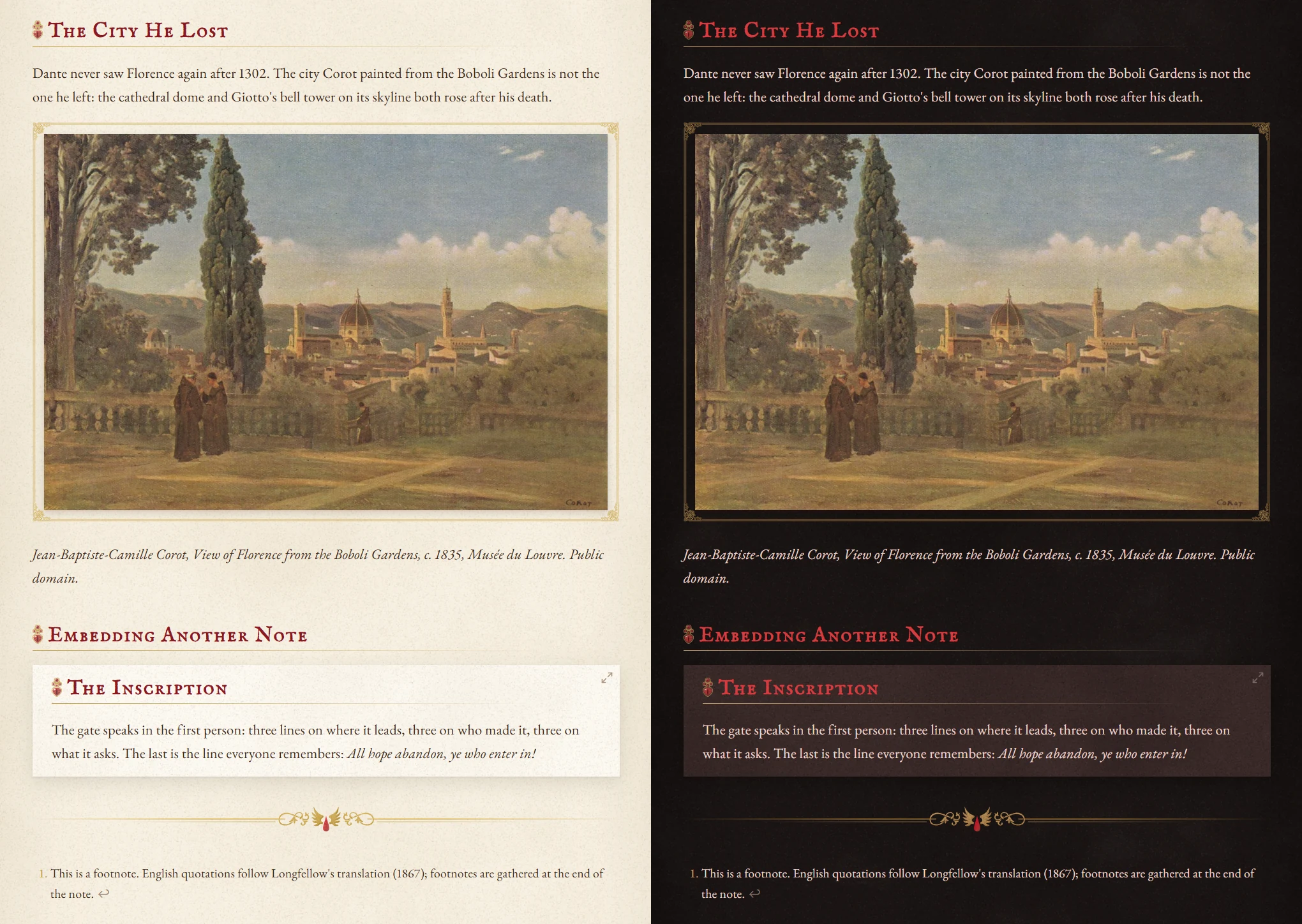
Add |noframe after an image to leave that image unframed.
The file explorer's animated decoration: falling feathers by day, ash and embers by night.
Expanding a folder fills its hollow blood drop; hovering the current file stamps a red wax seal at the end of the row.
The sidebar buttons fold into a pair of wings and unfold on hover.
The outline follows the mouse: a blood thread runs from the parent headings to the one under the cursor.
Installation
From Obsidian: go to Settings → Appearance → Themes → Manage, search for Sangreal, then choose Install and use.
Manually: copy theme.css and manifest.json into <your vault>/.obsidian/themes/Sangreal/, then select the theme in Settings → Appearance.
Recommended: install the Style Settings plugin. All options live there; without it the theme uses its defaults.
Day or night follows Settings → Appearance → Base color scheme.
Recommended fonts
These only matter for Chinese text.
- Chinese headings: ChillHuoSong 寒蝉活宋体 (ChillMovableType series). Without it, headings use the body font.
- Chinese body text: Source Han Serif / Noto Serif SC. Without it, the system Song font is used.
If you would rather not install fonts: use the optional snippets, each with a subset of 6,763 common characters:
- Headings:
snippets/sangreal-chinese-heading-font.css(ChillHuoSong, about 10 MB) - Body text:
snippets/sangreal-chinese-body-font.css(Noto Serif SC, about 3.4 MB)
Put them in <your vault>/.obsidian/snippets/, then go to Settings → Appearance → CSS snippets, reload the list and turn them on.
You can also switch the heading font to Noto Serif SC or STSong under Typography → Chinese heading font in Style Settings.
Style Settings
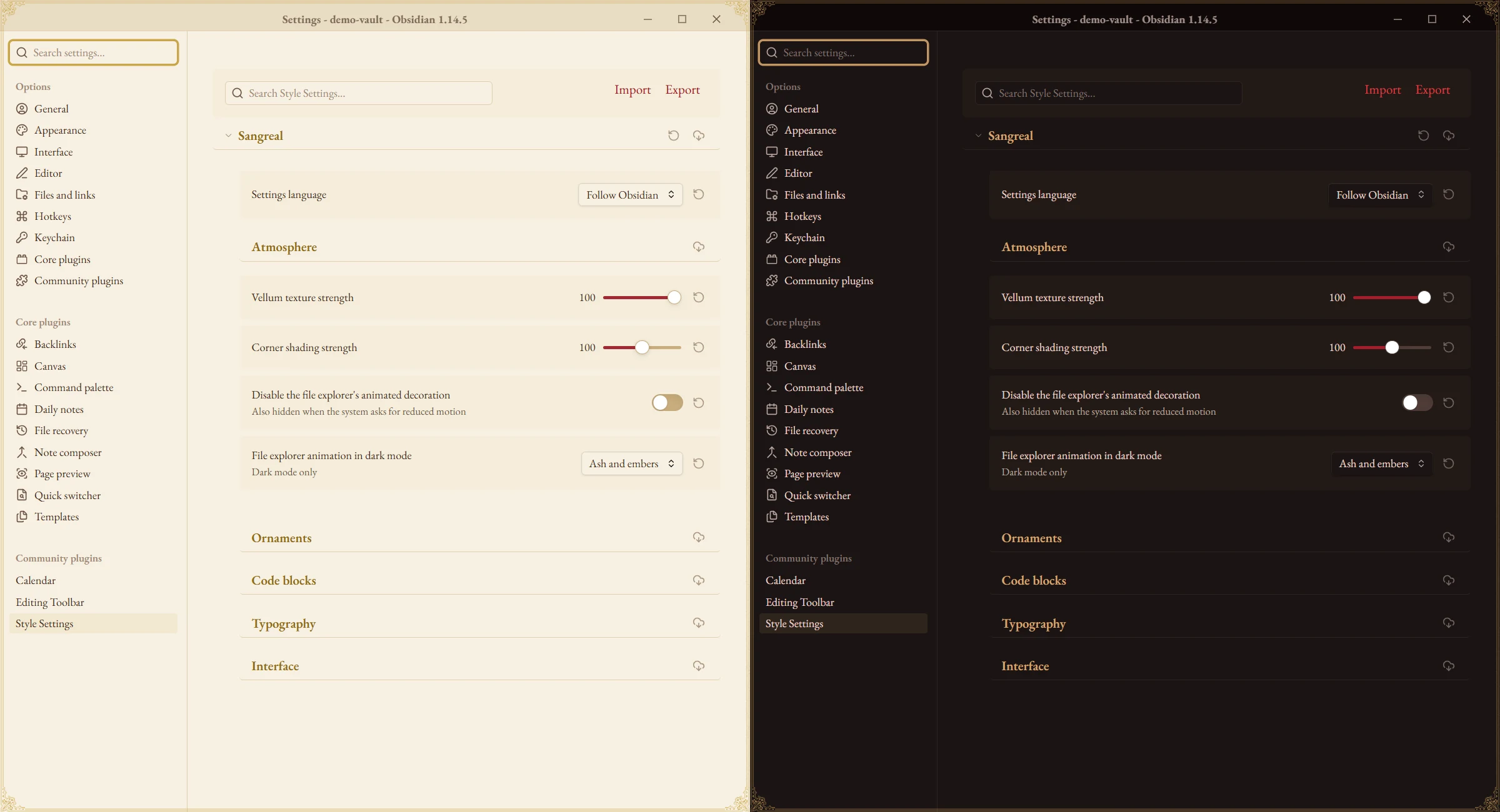
Settings language at the top of the page switches it between English and Chinese. Defaults are in parentheses.
| Group | Options |
|---|---|
| Atmosphere | Vellum texture strength (100%) · Corner shading strength (100%) · Disable the file explorer's animated decoration · File explorer animation in dark mode (ash and embers / dark feathers) |
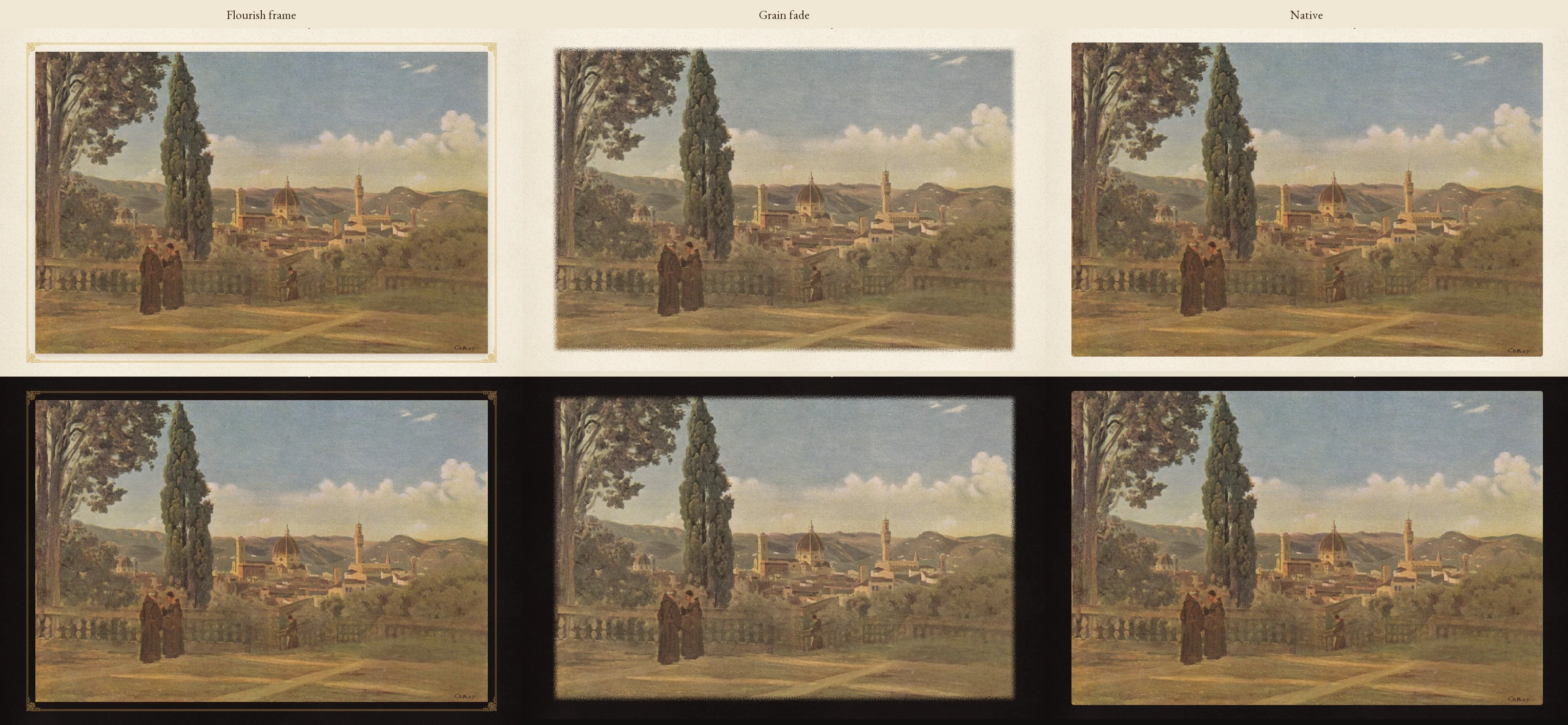
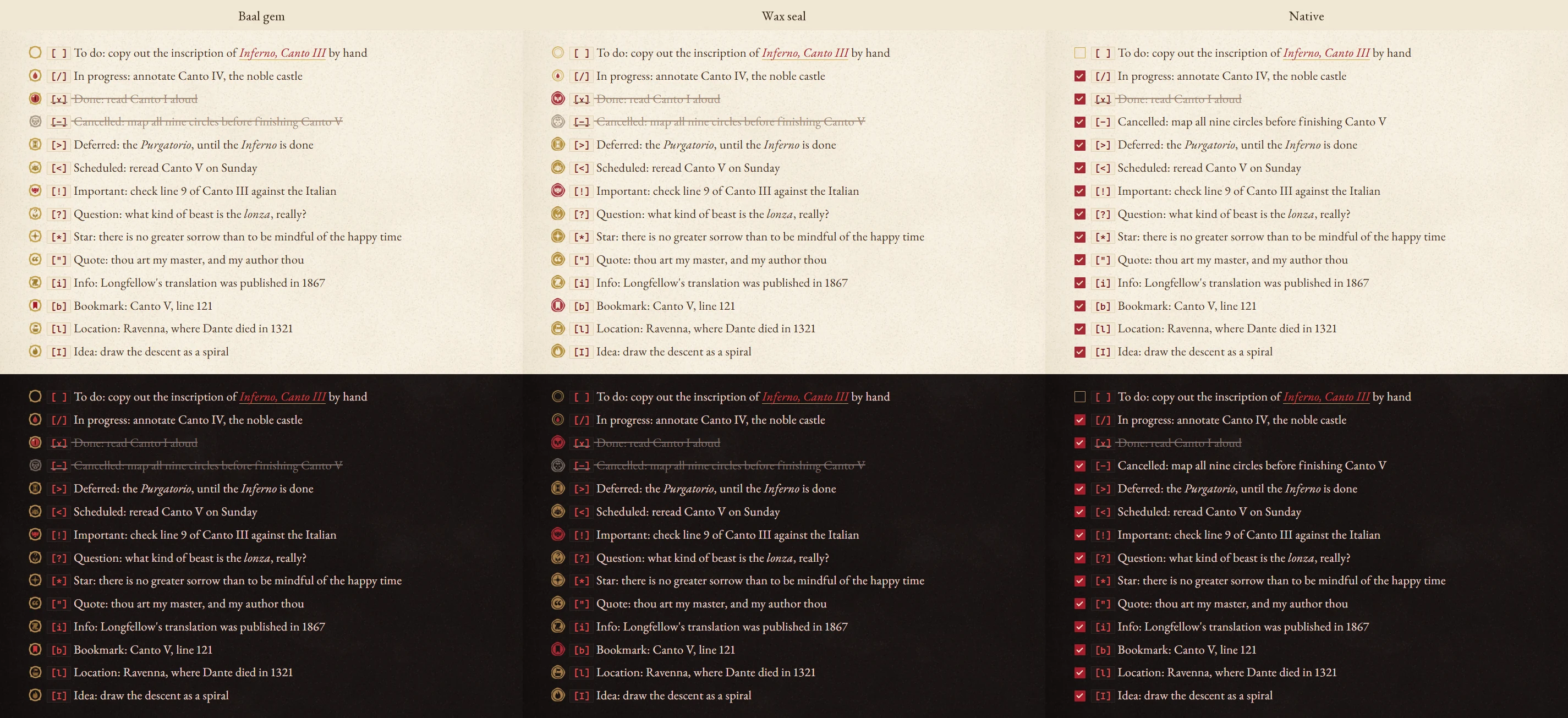
| Ornaments | Hide the chapter emblem under the title · Hide the flourishes beside the title · Hide heading ornaments · Plain horizontal rules · No alternating row shading in tables · Hide callout Latin labels · Native callout icons · Task checkbox style (Baal gem / wax seal / native) · Image frame (flourish frame / grain fade / native) · Plain properties box · Bold in ink |
| Code blocks | Code block style (red plate / cogitator) · Line numbers |
| Typography | Chinese heading font (ChillHuoSong / Noto Serif SC / STSong) · Body line height (1.85) · Body width (46rem, with Readable line length on) · Justify body text · Disable CJK–Latin auto spacing · Latin curly quotes |
| Interface | Sidebar layout (bookmark cards / plain) · Card frame (on) · Gap between cards (8 px) · Scrollbar width (6 px) · View header · Vault switcher · Status bar · Auto-collapse sidebar buttons (on) · Outline style (blood thread / gold rail / native) · Dialog frame (on) · Ribbon visibility · Ribbon style (purity seal / plain) |
Switchable styles
These styles can be switched in Style Settings. In each image, the top row is day and the bottom row is night.
Code block style
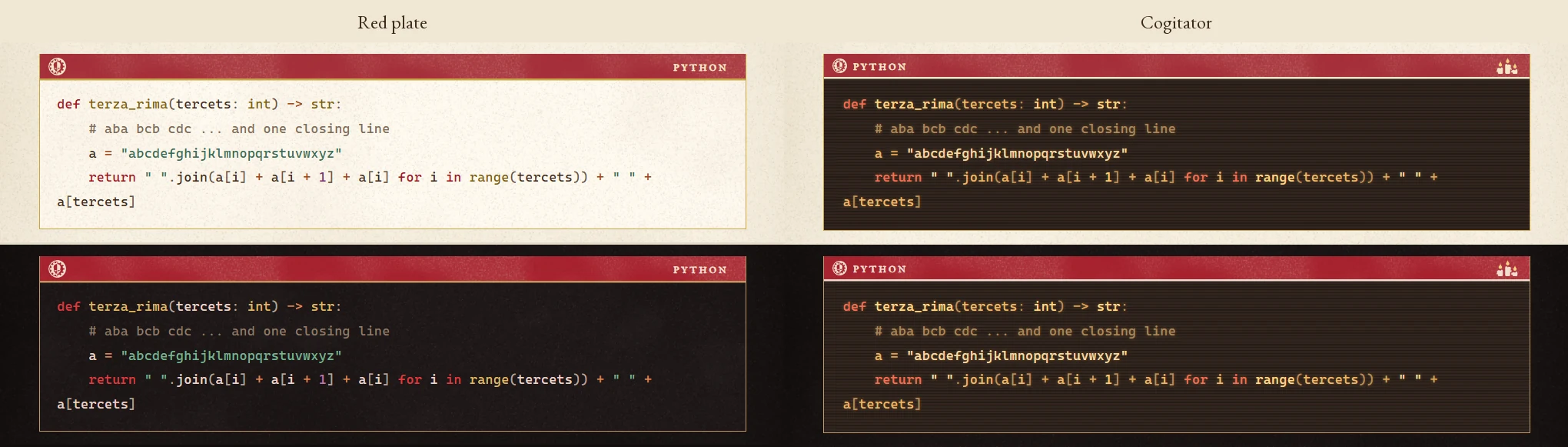
Image frame
Task checkboxes
Outline style
Compatibility
- Desktop only. Mobile has not been tested.
- Chinese body text uses Noto Serif SC / Source Han Serif if installed, or the body snippet; otherwise the system Song font.
- Common Mermaid diagram types are recoloured. Colours you set with
classDeforstylestill take precedence. theme.cssis about 5 MB because the Latin fonts and ornaments are embedded.
Credits
- Icons from game-icons.net, CC BY 3.0, modified. By Lorc: bleeding-heart, book-aura, broken-skull, candle-light, chalice-drops, curly-wing, feather, holy-grail, hourglass, laurels, quill, ringing-bell, scroll-unfurled, sundial, two-feathers, winged-sword. By Delapouite: notebook, tower-flag.
- Artwork: wings on the properties frame traced from a public-domain engraving via Heritage Library (HTC Heritage Type); flourishes and ribbons modified from frame-illust.com; failure callout icon modified from ICOOON MONO; Adeptus Mechanicus emblem and aquila from the community "wh_icons" set.
- Fonts (SIL Open Font License 1.1): EB Garamond, Cormorant Garamond, IM Fell English SC, Manufacturing Consent, Noto Serif SC (CJK punctuation). The question callout icon uses the question mark of Playfair Display; the optional snippets contain subsets of ChillHuoSong and Noto Serif SC.
Disclaimer
This is an unofficial fan work. Warhammer 40,000, the Blood Angels, the Adeptus Mechanicus and their emblems are trademarks of Games Workshop Ltd. The theme is not endorsed by or affiliated with Games Workshop.
License
The theme code is released under the MIT License. Third-party material keeps its own licenses; see THIRD-PARTY-NOTICES.md.