
README file from
GithubRetro Terminal — Obsidian Theme
A theme that channels the aesthetics of vintage computing — amber phosphor terminals and the original Macintosh.


Screenshots
Dark Mode — Amber Phosphor Terminal
Light Mode — Original Macintosh (1984)
Features
🖥️ Dark Mode — Amber Phosphor Terminal
- Warm amber (
#ffbb33) text on deep black — like a real phosphor display - Heading hierarchy from white-hot → deep amber
- Cyan (
#44dddd) links and tags that pop against the amber - Subtle scanline overlay for authentic CRT texture
- Soft phosphor text glow on body text and bold
- Prompt prefix (
>) on H1 headings - Blinking block cursor in amber
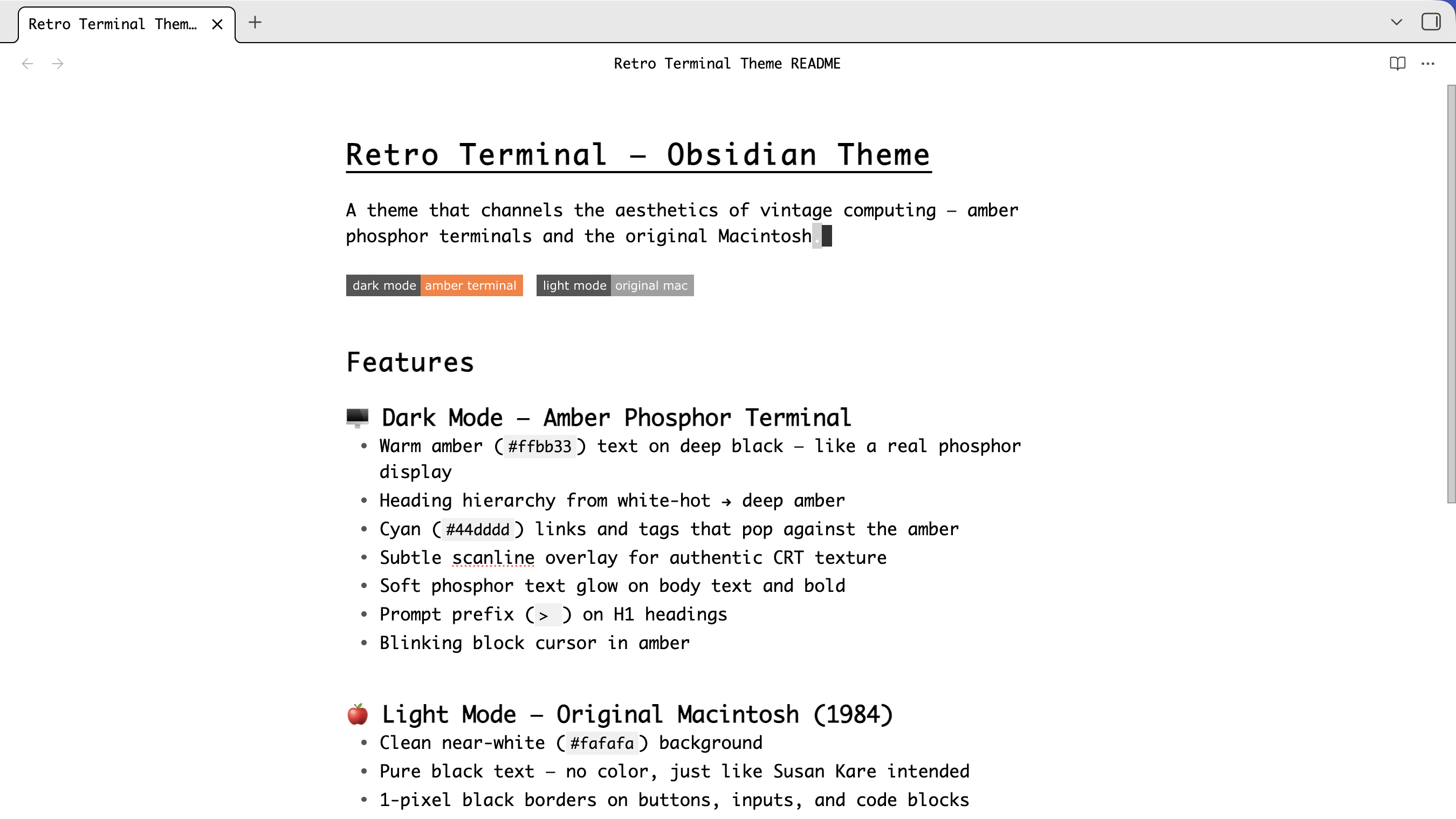
🍎 Light Mode — Original Macintosh (1984)
- Clean near-white (
#fafafa) background - Pure black text — no color, just like Susan Kare intended
- 1-pixel black borders on buttons, inputs, and code blocks
- Black-and-white selection highlighting (inverted, like the real thing)
- Click-to-invert buttons (white → black on press)
- Crisp, minimal, zero decoration
Both Modes
- Monospace everything — Monaco → Menlo → IBM Plex Mono → Cascadia Mono → Courier New
- Square corners —
border-radius: 0on all elements, toggles, and checkboxes - Always-underlined links
- Blinking block cursor with terminal-style animation
- Minimal scrollbars
- Clean icon buttons — no circles, no hover backgrounds
- Solid table borders and styled code blocks
- 14px base font size
Installation
Manual
- Go to
Settings → Appearance → Themes → Open themes folder - Create a folder called
Retro Terminal - Copy
manifest.jsonandtheme.cssinto it - Go back to Appearance and select Retro Terminal
From GitHub
- Clone or download this repo
- Copy the folder to
.obsidian/themes/in your vault - Enable in
Settings → Appearance
Font Recommendations
The theme uses this font stack (in order of preference):
| Font | Notes |
|---|---|
| Monaco | macOS built-in, the classic |
| Menlo | macOS built-in fallback |
| IBM Plex Mono | Free, excellent terminal feel |
| Cascadia Mono | Microsoft's modern monospace |
| Courier New | Universal fallback |
On macOS you're covered out of the box. On Windows/Linux, install IBM Plex Mono or Cascadia Mono for best results.
License
MIT