
README file from
GithubNightlyWolf Theme for Obsidian 🐺
Description.
Nightly Wolf for Obsidian brings the refined and distraction-free coding experience of my other theme: Nightly Wolf Theme for VS Code to your personal knowledge base.
Designed with a focus on simplicity, it avoids flashy visuals and harsh colors, providing an eye-friendly and immersive environment for your notes, tasks, and creative work. Perfect for those late-night writing marathons or all-day research sprints, this theme ensures your comfort and focus remain undisturbed.
Previews
| Obsidian View | VS Code View |
|---|---|
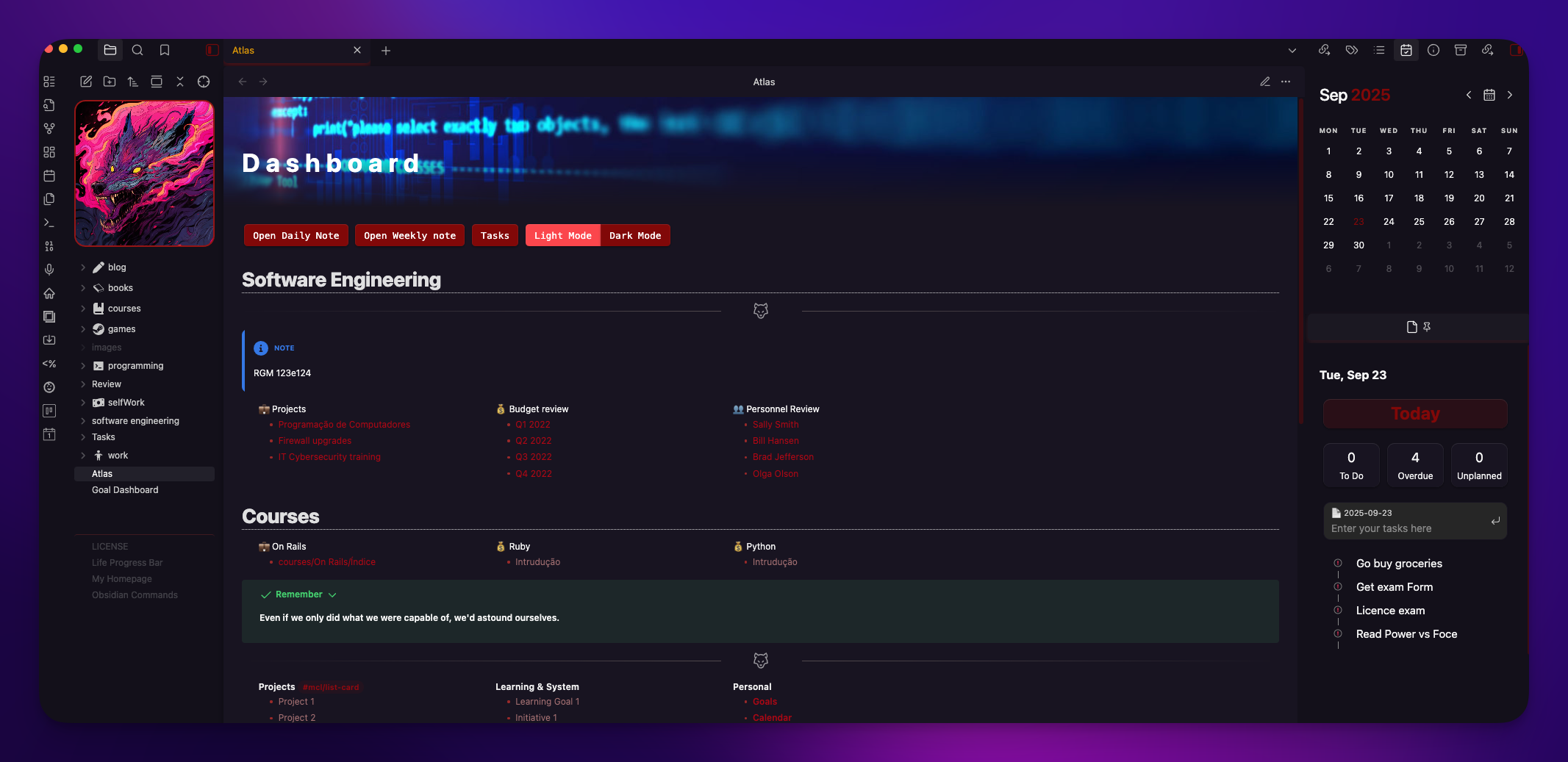 |
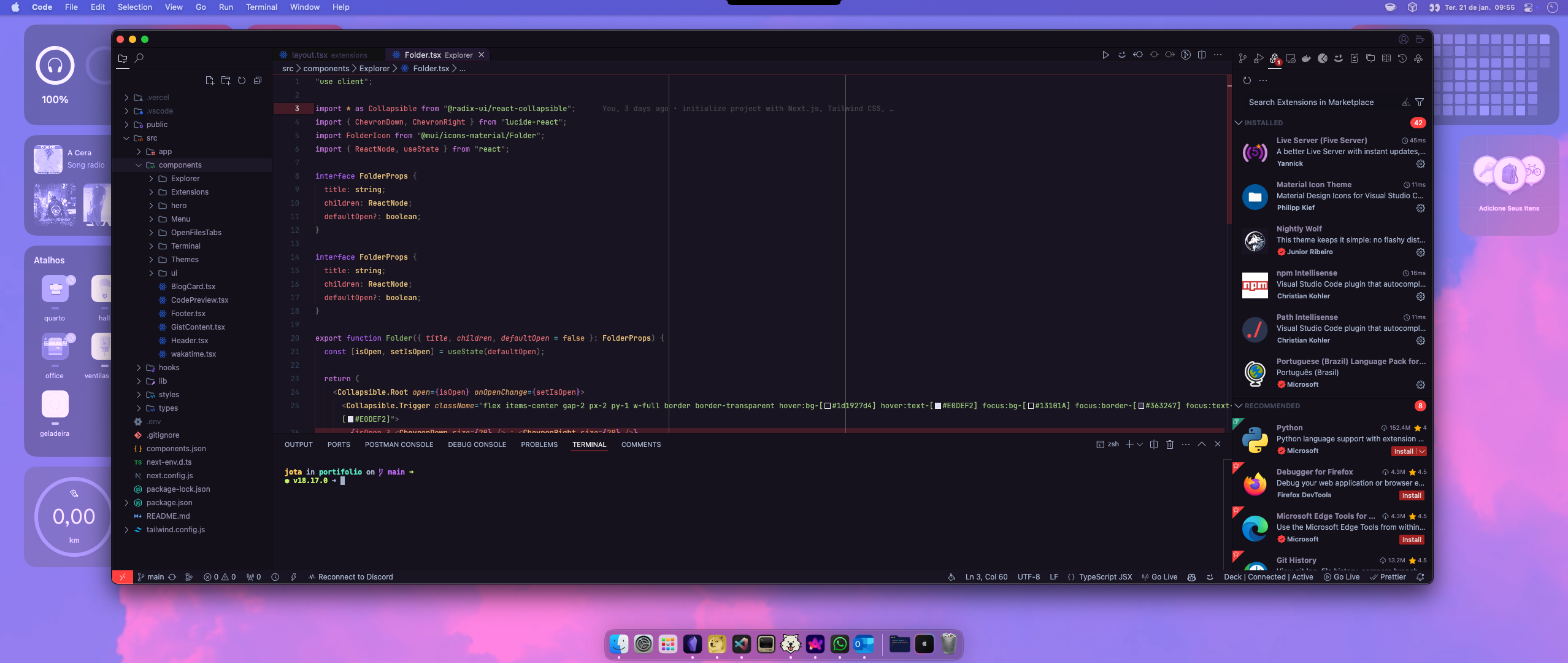 |
Features
- Clean and Minimalistic Design: Focus entirely on your content without unnecessary distractions.
- Ergonomic & Custom Colors: A unique dark purple color palette designed to be easy on the eyes during long sessions.
- Translucent Sidebar: A beautiful, semi-transparent effect on the left sidebar to create a sense of depth (this can be disabled via Style Settings if needed).
- Custom Vault Logo: Personalize your vault by adding a cover image directly into the file explorer.
- Custom Indentation Guides: Reddish connector lines in the file explorer and editor to make navigation clearer, inspired by developer tools.
Installation
Obsidian Community Themes (waiting pr approval)
- In Obsidian, go to
Settings>Appearance. - Under the
Themessection, click onManage. - In the search bar, type
Nightly Wolf. - Click
Install and useto apply the theme.
The Original: Nightly Wolf for VS Code
This theme was born in Visual Studio Code. If you are a dev, be sure to check out the original version!
Feedback
Your feedback is invaluable! If you encounter any issues or have suggestions for the Obsidian theme, please open an issue on our GitHub repository.
License
This project is licensed under the MIT License. For more details, check the LICENSE file.
Inspirations
- HackerTheBox