
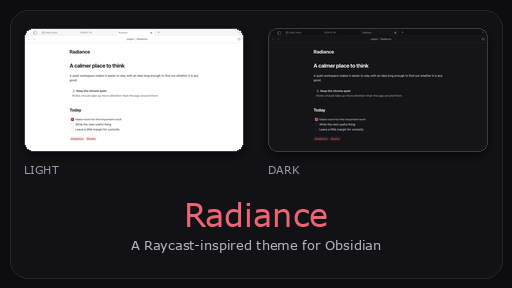
README file from
GithubRadiance
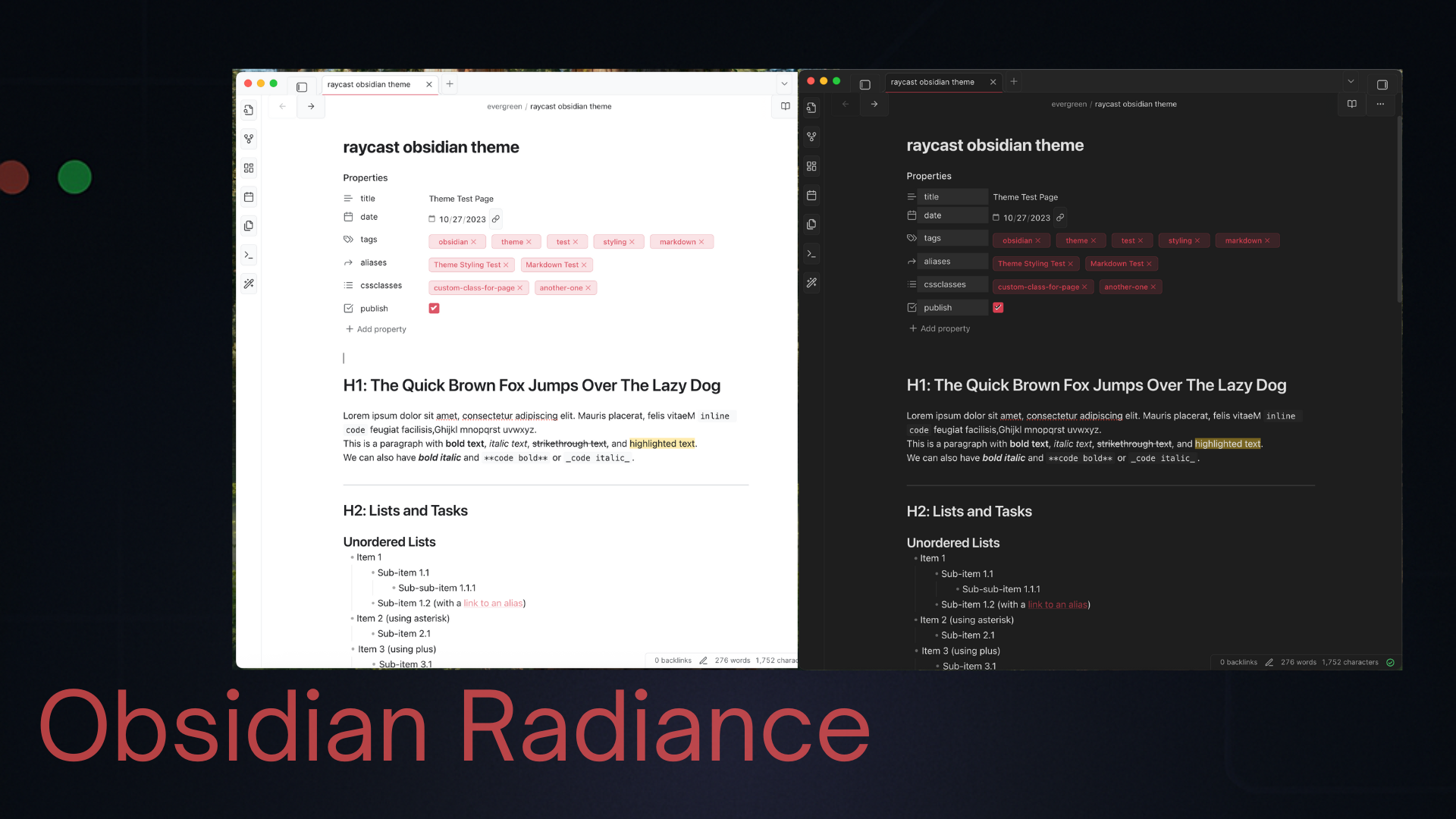
I like Raycast's calm, keyboard-first feel. Radiance brings that part of it to Obsidian without trying to turn the app into a clone: layered surfaces, compact controls, a coral accent, and a command palette that feels like it belongs.
Unofficial theme. Radiance is inspired by Raycast, but is not affiliated with, endorsed by, or associated with Raycast.
What changed
- Separate light and dark palettes, not a simple inversion
- A focused command palette with quiet selection states and readable shortcuts
- Compact tabs, sidebars, menus, settings, metadata, tags, callouts, tables, graph view, and Canvas
- Alternative task-state markers for in-progress (
[/]), cancelled ([-]), questions ([?]), and other custom states - Native macOS system fonts with a sensible monospace fallback
- No remote fonts or assets
Install
Community themes
- Open Settings → Appearance → Themes in Obsidian.
- Select Manage and search for
Radiance. - Install it, then choose Use.
Manual install
- Download
theme.cssandmanifest.json. - Put them in
.obsidian/themes/Radiance/inside your vault. - Select Radiance under Settings → Appearance → Themes.
License
MIT © 2025 Payton Dennis (@jabarid)