
README file from
GithubPaper Source
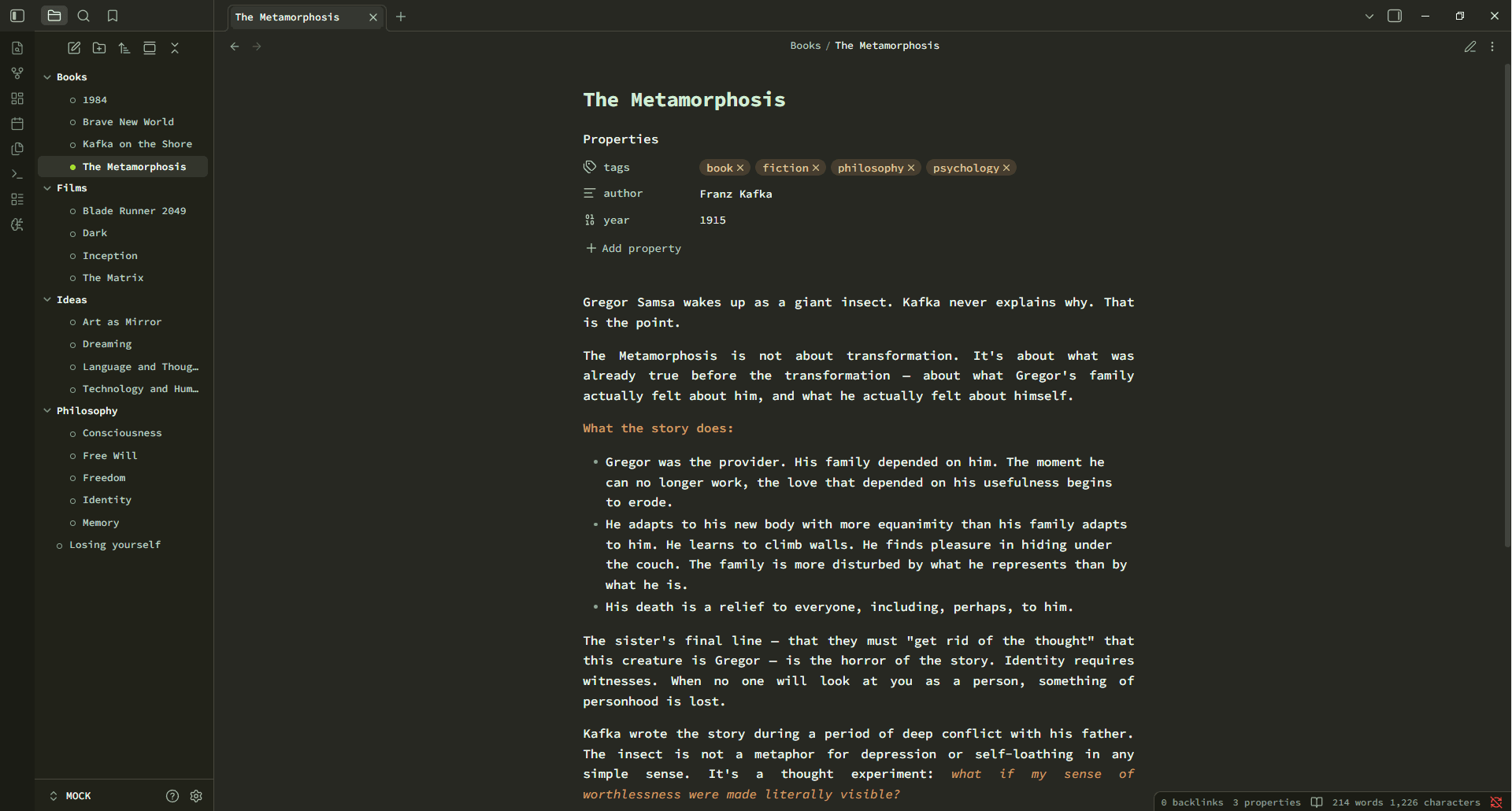
A standalone Obsidian theme with a soft mint-paper typewriter look and warm organic green / orange accents.
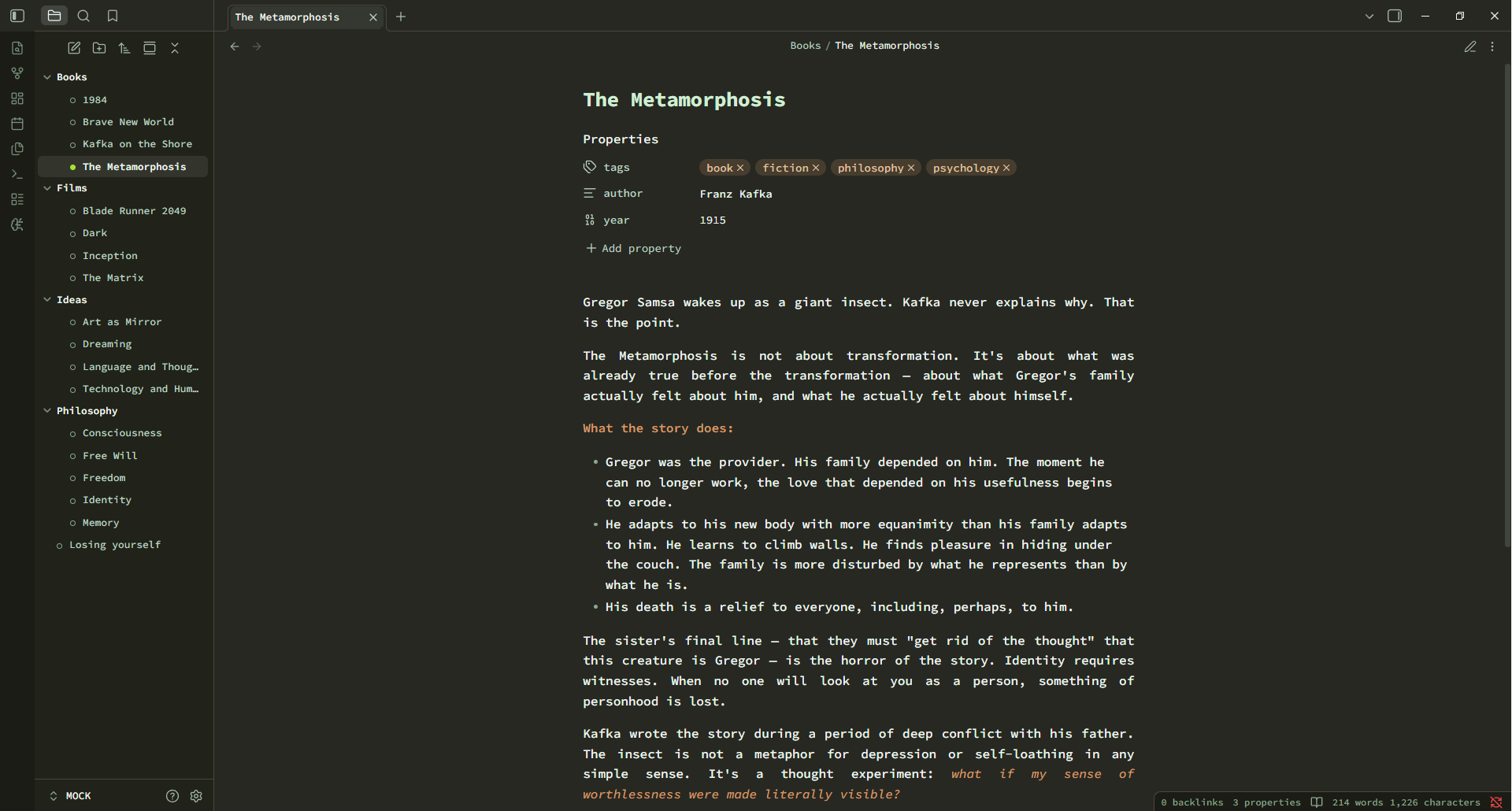
Paper Source pairs Source Code Pro monospace typography with a calm, paper-like surface and a color-coded green heading ladder. Bold and italic text glow in warm orange, backlinks are underlined in tan, and the dark mode leans on Monokai-inspired surfaces with crisp mint text.



Features
- Typewriter typography — Source Code Pro everywhere (editor, interface, and code) for a clean monospace feel, with a comfortable 16px base and 1.6 line height.
- Color-coded heading ladder —
h1–h6step through an organic green gradient so document structure reads at a glance. - Warm accent system — bold and italic text in warm orange, tan-underlined backlinks, and coral interactive accents.
- Justified reading view — body text is justified with automatic hyphenation and a comfortable
72chmeasure. - Light & dark modes — a mint-paper light theme and a deep, Monokai-inspired dark theme (the active-file dot turns Monokai green in the dark).
- Refined chrome — rounded radii, dot-marker file tree, pill-shaped tags, custom scrollbars, and subtle motion throughout.
Palette
| Role | Light | Dark |
|---|---|---|
| Background | #eef8f0 |
#272822 |
| Text | #37553a |
#eef8f0 |
| Accent (backlink) | #d39a67 |
#d39a67 |
| Bold / italic | #c86f2b |
#d39a67 |
Heading top (h1) |
#143d22 |
#d0eed4 |
Installation
Manual
- Download
theme.cssandmanifest.jsonfrom this repository. - Copy them into your vault at
.obsidian/themes/Paper Source/. - In Obsidian, go to Settings → Appearance → Themes and select Paper Source.
Toggle between light and dark in Settings → Appearance → Base color scheme.
Compatibility
- Requires Obsidian 1.0.0 or newer.
- The Source Code Pro font is loaded from Google Fonts; if you work offline, install the font locally for the full effect.
License
MIT © 2026 Šimon Zelenka