
README file from
GithubHearthCode for Obsidian
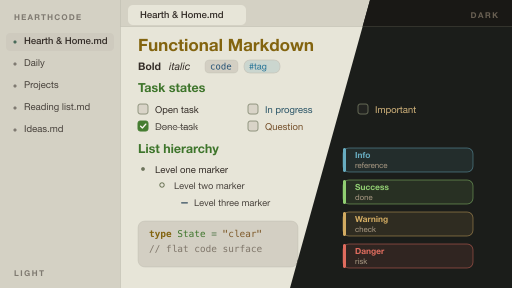
Moss turns color into reading order for Obsidian. Its calm Dark and Light modes keep structured notes easy to scan without making the page noisy.
Built for notes with structure
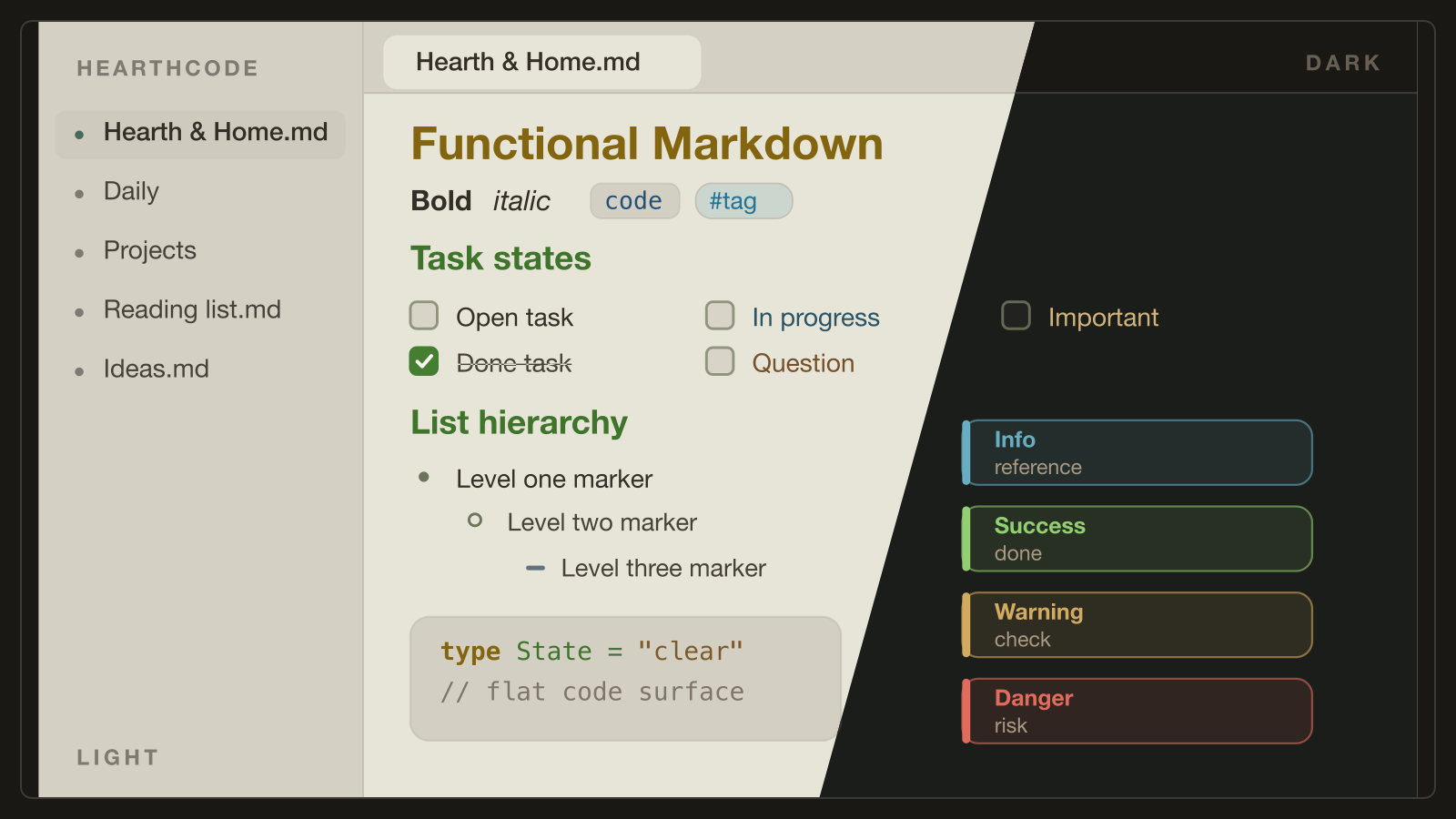
- Typed callouts keep notes, tips, questions, warnings, and danger states distinct.
- Task states, layered list markers, tag pills, code blocks, and quotes form a clear reading hierarchy.
- Edit and reading views share the same treatment, so a note does not change character when you switch modes.
- Dark and Light use the same semantic color language.
Make it yours with Style Settings
With the optional Style Settings plugin, you can tune the parts that should be personal without breaking the calibrated palette:
- Typography: monospace notes, upright code-comment italics, and readable line length.
- Callout intensity: Quiet, Medium, or Bold.
- Accent: Moss, Amber, or Slate, each checked for text contrast.
Install
From Obsidian (recommended)
- Open Settings → Appearance → Themes → Manage.
- Search for HearthCode and click Install and use.
Manual
- Download
manifest.jsonandtheme.cssfrom this repository. - Copy them into
<your-vault>/.obsidian/themes/HearthCode/. - In Settings → Appearance → Themes, select HearthCode.
Homepage and editor-theme previews: https://theme.hearthcode.dev
Source and support
This repository is the generated Obsidian publish target. Source, issues, and changes live in hearth-code/HearthTheme.