
README file from
GithubOptimal
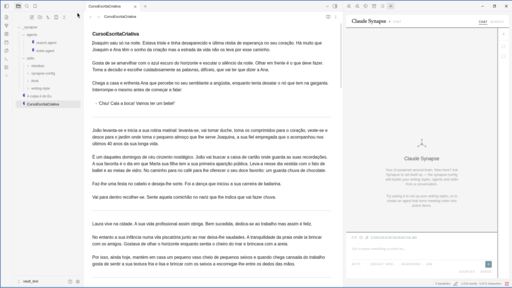
A distraction-free, full-width Obsidian theme with a neutral grey base and a muted teal accent, in light and dark variants. Works in any vault.
Features
- Neutral grey light and dark modes with a muted teal accent
- Compact heading scale
- Full-width editor and reading view
- HSL-based colour tokens (
--base-h/s/l,--accent-h/s/l) that are easy to tweak with a CSS snippet
Installation
In Obsidian, open Settings → Appearance → Themes → Manage, search for Optimal, then select Install and use.
Credits
Colours and typography are adapted from Minimal by kepano (MIT).
License
MIT