
README file from
GithubOpendian
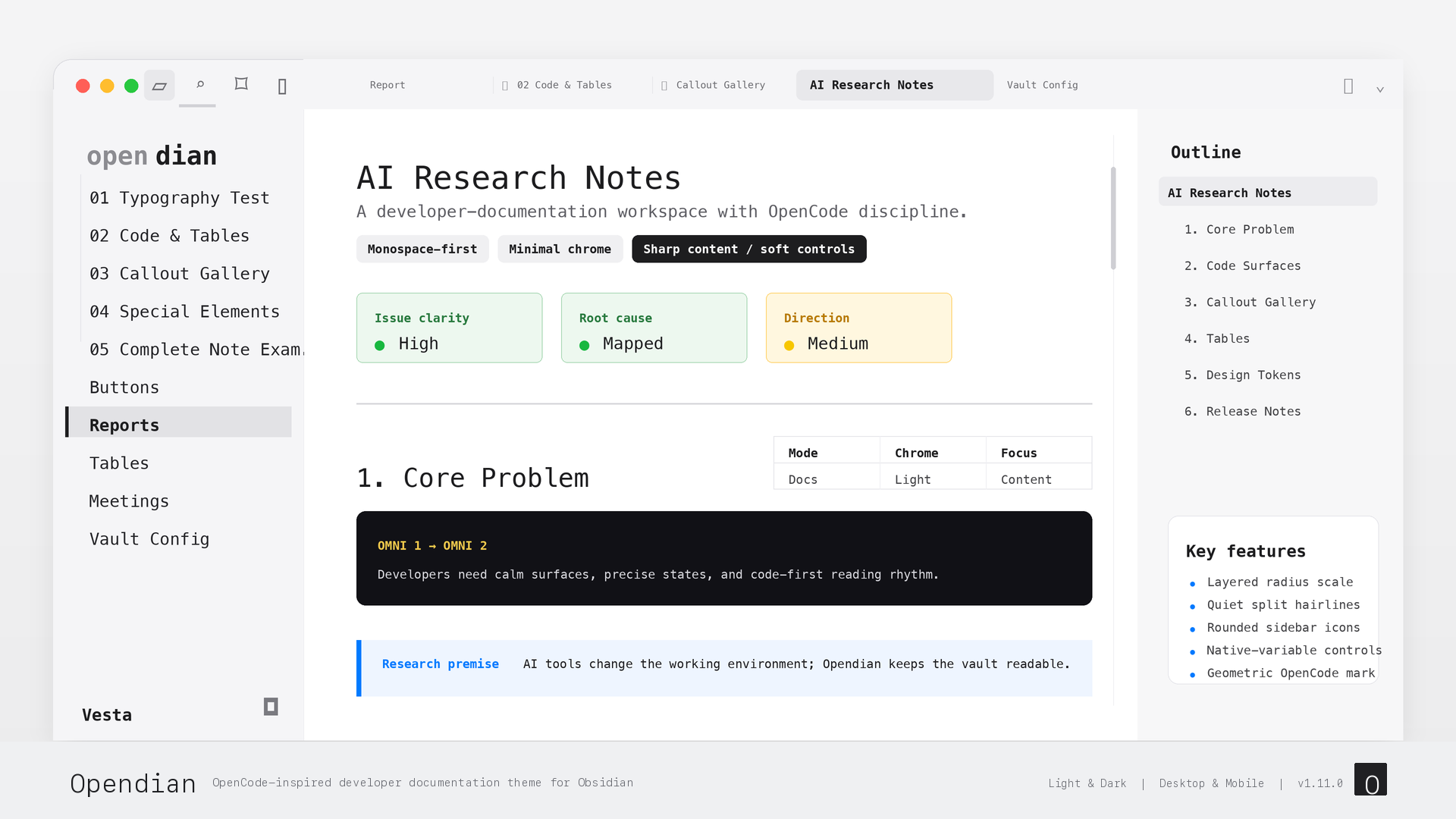
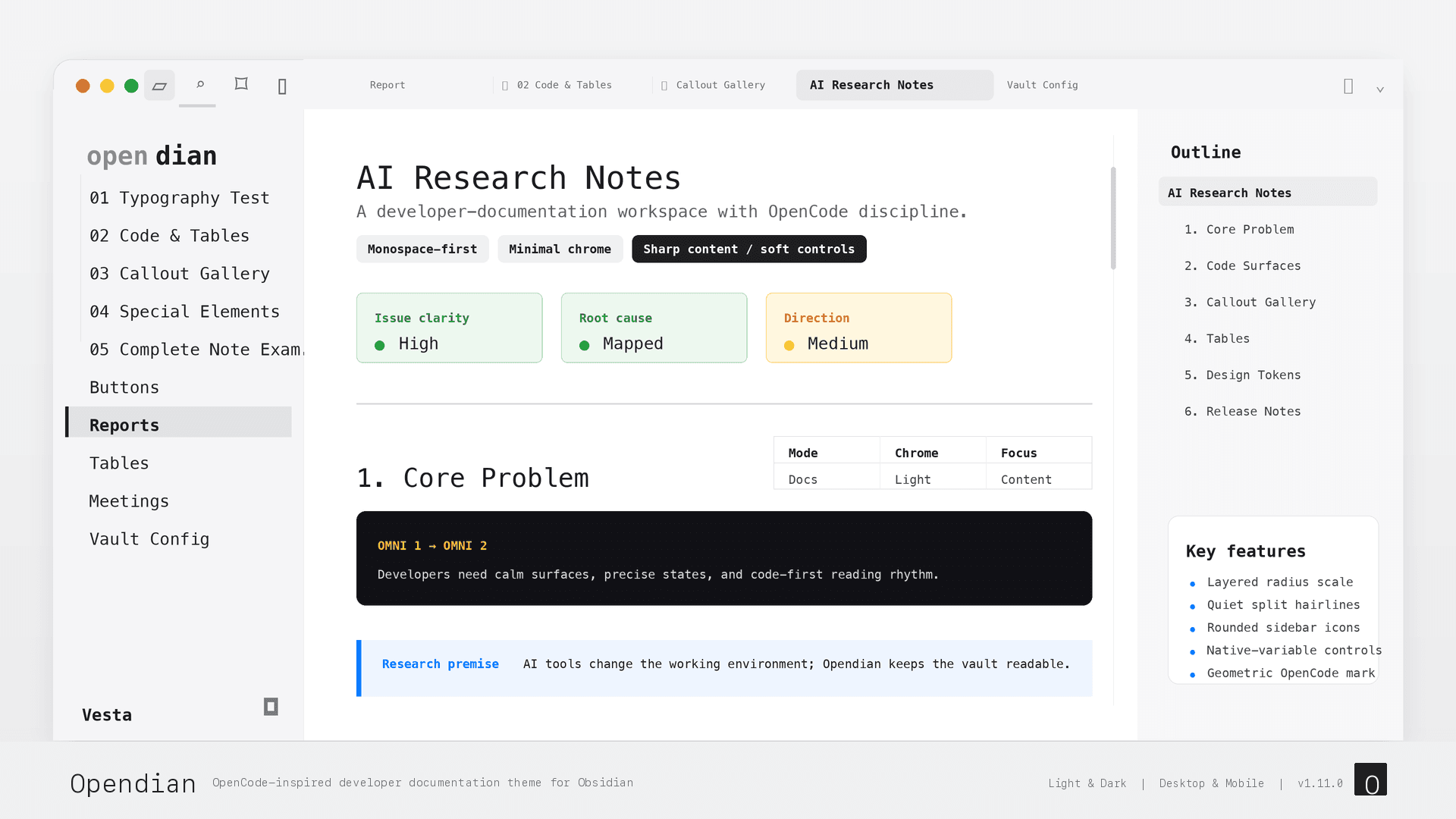
A developer-documentation theme for Obsidian. Monospace typography, a layered radius system, and minimal chrome — inspired by the OpenCode visual language. Makes your vault feel like a professional code editor, not a note-taking app.
中文介绍 · Light & Dark · Desktop & Mobile · No plugin required
Recommended Font
Opendian is designed around IBM Plex Mono, the same open-source mono family used by OpenCode's documentation. The theme includes a fallback stack, but installing IBM Plex Mono gives the sidebar, headings, and editor text the intended spacing.
macOS users with Homebrew can install it with:
brew install --cask font-ibm-plex-mono
You can also download it from the official IBM Plex repository. Restart Obsidian after installing the font.
Why Opendian
- Monospace-first typography — IBM Plex Mono → Berkeley Mono → JetBrains Mono across headings, body, and UI. Your vault reads like terminal output and technical documentation.
- Layered radius system — content stays sharp (0px for code blocks, tables, callouts), controls are soft (4–8px for buttons, inputs, tabs), modals are softer (12px). One coherent principle instead of random roundness.
- Minimal-lines chrome — hard 1px borders are replaced by background-step separation. The tab bar, titlebar, and view header blend into one immersive surface.
- OpenCode color system — precise tokens derived from the OpenCode website and desktop client. Monochrome links and primary actions, with blue reserved for selection and semantic accents.
- Flat active tab — inactive tabs are plain text with hairline dividers; the active tab is a quiet tinted chip that stays aligned with the native side docks.
- Terminal-grade code blocks — softly-filled surface with language labels. No fake macOS window dots, no copy-button chrome, no drop shadows.
- Semantic callouts — a low-tint technical surface with a slim semantic rail and colored title/icon, keeping the page calmer than traditional Obsidian callout blocks.
- IDE-style sidebar — black accent bar on the active file, auto-collapsing top toolbar (Folio-style), and a dual-tone vault wordmark.
Design
Opendian is built on the OpenCode color system — a precise, monochrome-forward palette with a single blue accent:
Light mode (Docs Style):
| Token | Value | Use |
|---|---|---|
| Background | #FFFFFF |
Primary writing surface |
| Surface | #F5F5F7 |
Sidebar, inactive tabs, secondary areas |
| Border | #D2D2D7 |
Dividers, 1px lines |
| Text Main | #1D1D1F |
Body text and headings |
| Accent | #007AFF |
Selection and semantic accents |
Dark mode (Terminal Style):
| Token | Value | Use |
|---|---|---|
| Background | #0C0C0E |
Primary surface |
| Surface | #161618 |
Sidebar, inactive tabs |
| Border | #38383A |
Dividers |
| Text Main | #FFFFFF |
Body text |
| Accent | #007AFF |
Selection and semantic accents |
Typography uses a monospace-first stack with CJK fallbacks:
- Headings and body: IBM Plex Mono, Berkeley Mono, JetBrains Mono, SF Mono → Source Han Sans SC
- Interface: Same mono stack → PingFang SC
- Code: Same mono stack (no fallback needed)
Radius Scale
| Tier | Value | Applies to |
|---|---|---|
| Content | 0px |
Code blocks, tables, callouts, blockquotes |
| Small chip | 4px |
Tags, menu items, suggestion rows |
| Control | 6px |
Buttons, inputs, dropdowns, tabs |
| Popover | 8px |
Right-click menu, command palette, tooltips |
| Modal | 12px |
Settings window and dialogs |
What Opendian Styles
Opendian covers every surface that shapes the developer writing experience:
- Code blocks — softly-filled surface with language-label header; no decorative dots, copy-button chrome, or shadows
- Inline code — borderless neutral tint + monochrome text
- Callouts — slim semantic rail + low-tint surface, with color concentrated on title/icon
- Tables — minimalist 1px horizontal hairline rows, zero radius, compact density
- Blockquotes — double neutral rail, no accent color bleed
- Headings — monospace, no decorative underlines, edit-reading size parity
- Tabs — immersive bar with a flat active chip, hairline dividers, and a geometric pinned-tab marker
- Sidebar — black accent bar on active file, auto-collapsing top toolbar
- Vault wordmark — dual-tone text treatment without a hard-coded avatar box
- Buttons — solid black/white primary CTA, outline secondary, 6px radius
- Toggles — rounded rectangle (5px track, 3px knob), not a pill
- Checkboxes — monochrome custom task states, no strikethrough on done tasks (fade only)
- Dropdowns — borderless with
field-sizing: contentfor value-width sizing
Supported Checkbox States
Opendian supports Obsidian's native task syntax plus the common Minimal-style extended markers, redrawn as a black/white/gray icon set. No plugin is required; use ASCII brackets:
- [ ] todo
- [/] incomplete
- [x] done
- [X] done
- [-] canceled
- [>] forwarded
- [<] scheduled
- [?] question
- [!] important
- ["] quote
- [“] quote
- [*] star
- [i] info
- [I] idea
- [b] bookmark
- [l] location
- [S] savings
- [p] pros
- [c] cons
- [f] fire
- [k] key
- [u] up
- [d] down
- [w] win
Installation
Install from the Obsidian community theme browser:
- Open Settings → Appearance → Themes → Manage
- Search for Opendian
- Install and enable the theme
Manual installation is also possible by downloading the latest release and placing theme.css and manifest.json in:
<vault>/.obsidian/themes/Opendian/
Compatibility
- Obsidian 1.4.0+
- Light and dark modes
- Desktop and mobile
- No plugin required