
README file from
Github🔮 Darkrune
A dark neon theme for Obsidian — a purple · magenta · violet palette, lime-green accents on details, and a subtle terminal vibe.
Tema escuro neon para o Obsidian — roxo · magenta · violeta, com verde lima nos detalhes e pegada de terminal.



✨ Features
- Layered palette — purple/magenta/violet lead the theme; lime green on details (icons, tags, graph nodes); pink and cyan on small writing details.
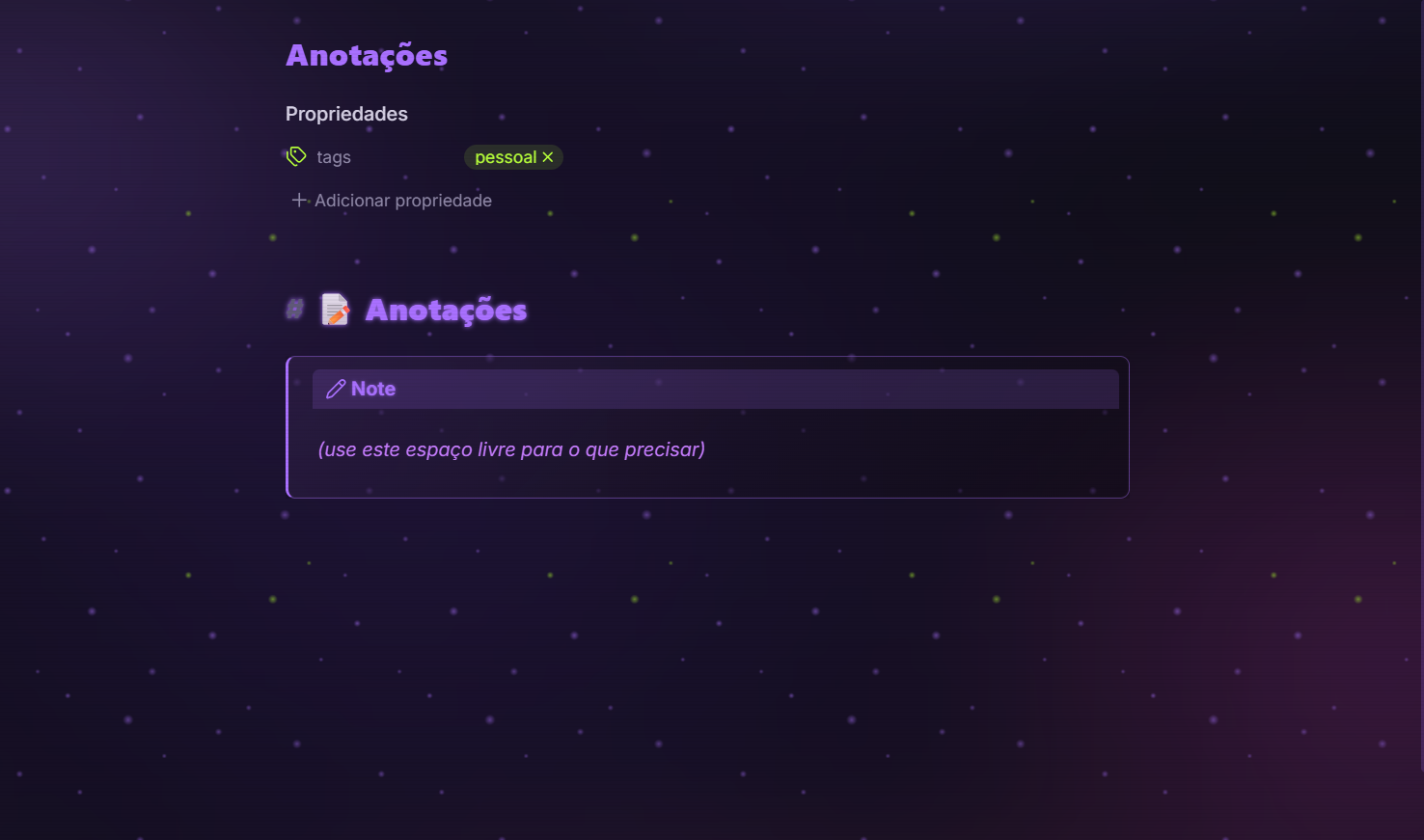
- Bold display headings with a subtle neon glow.
- Colorful syntax highlighting in both reading and editing modes.
- Callouts as cards — each type gets its own color and a frosted look.
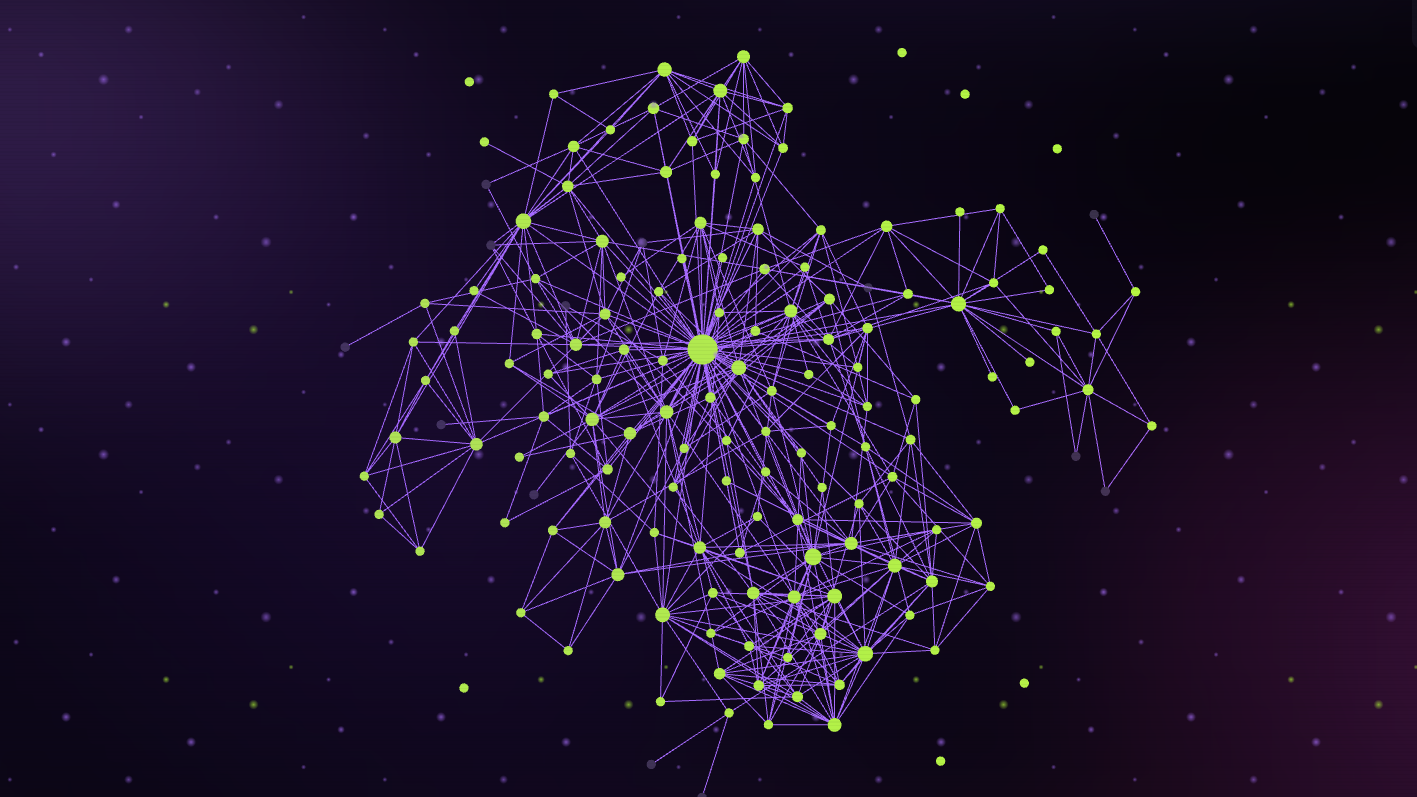
- Animated nebula graph with rising, drifting particles (purple links, lime nodes).
- Nebula background in notes — an optional, dimmable cosmic backdrop behind your text.
- Styled settings menu and sidebar.
- Control panel at the top of
theme.css— tweak colors, glow and effects in one place.
🎨 Palette
| Role | Colors |
|---|---|
| Primary | #a970ff purple · #ff4fd8 magenta · #c77dff violet |
| Details | #b6ff3a lime green |
| Writing | #ff5fb0 pink · #22d3ee cyan |
| Base | #07060a black |
📦 Installation
From the community store
Settings → Appearance → Manage themes → Browse → search for Darkrune → Install and use.
Manual install
- Download
theme.cssandmanifest.jsonfrom the latest release. - Copy both files into
YOUR_VAULT/.obsidian/themes/Darkrune/. - Open Settings → Appearance → Themes and select Darkrune.
🎛️ Usage & customization
Everything is driven by CSS variables in the control panel at the top of theme.css. Edit them to personalize the theme:
| Variable | What it does |
|---|---|
--ds-roxo / --ds-magenta / --ds-violeta |
primary colors |
--ds-verde-lima |
detail accent color |
--ds-glow |
neon glow strength (none disables it) |
--ds-scanlines |
CRT scanlines (0 disables) |
--ds-fundo-notas |
nebula background strength in notes (0 disables) |
--ds-nota-escurece |
black overlay over the notes nebula (readability) |
--ds-prompt |
# and $ prefixes on headings |
--ds-font-titulo / --ds-peso-titulo |
heading font and weight |
🙏 Credits
Layered variable structure inspired by Royal Velvet.
📄 License
MIT — © 2026 doritosuai.