
README file from
GithubNeo Sploosh for Obsidian
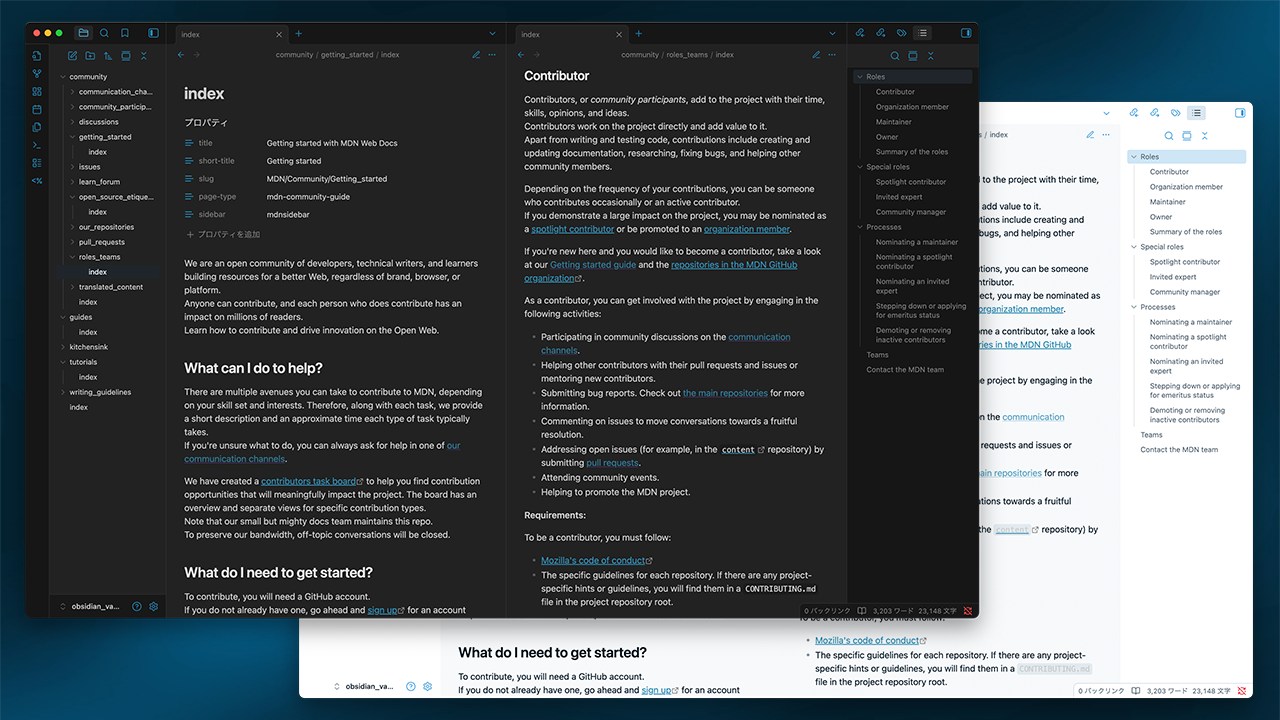
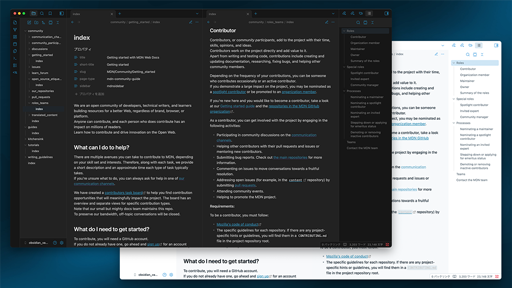
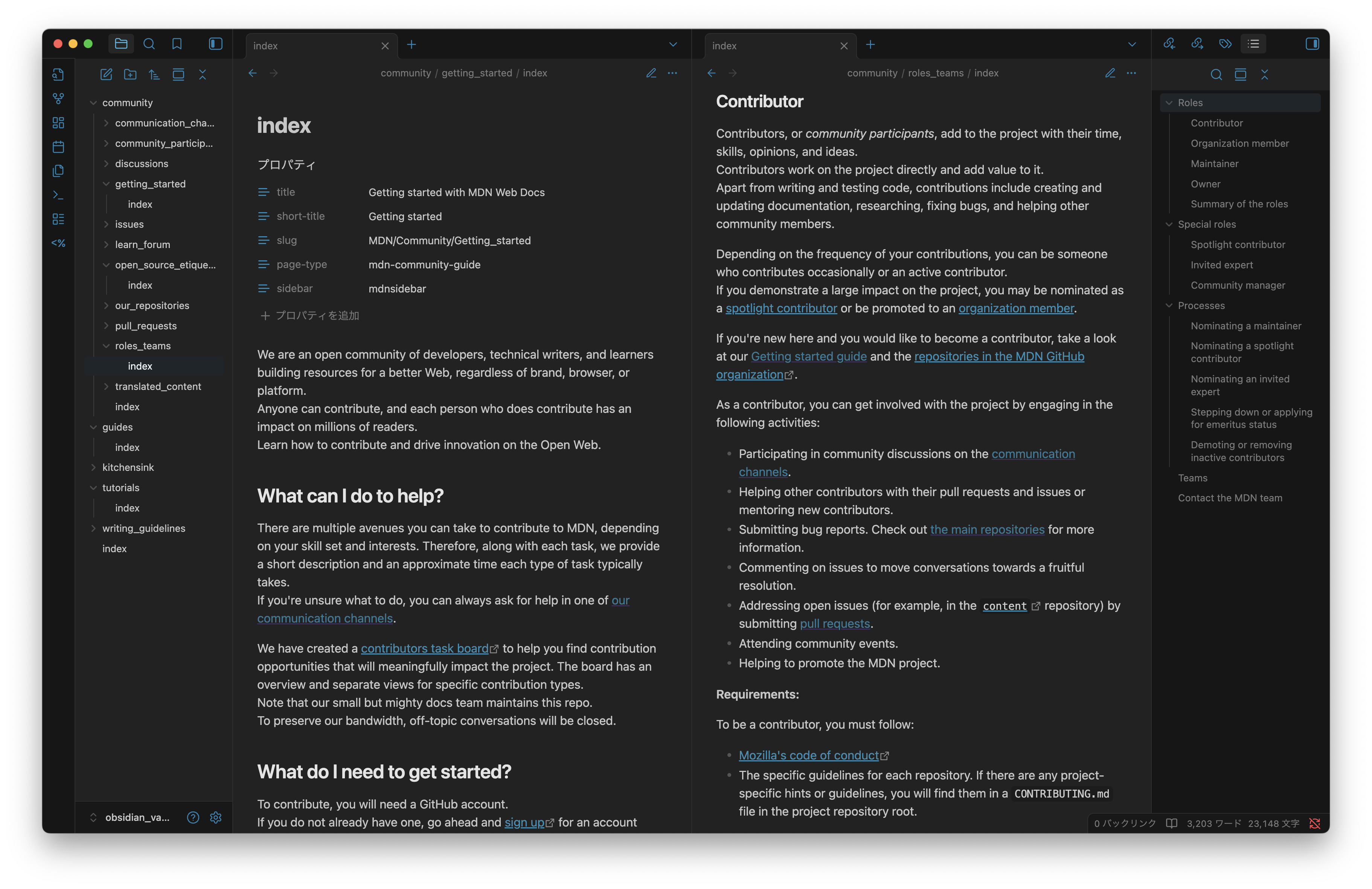
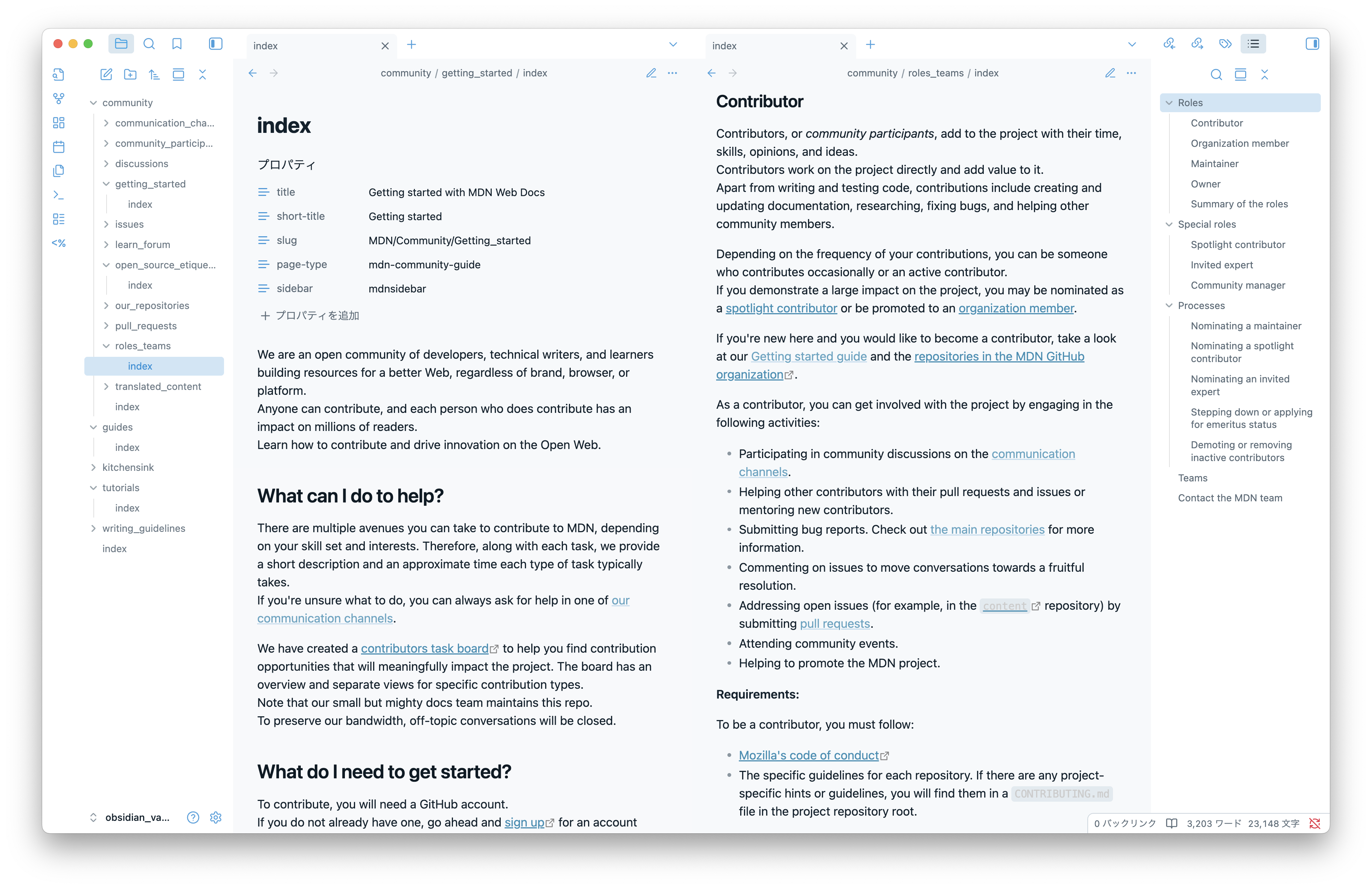
Neo Sploosh is a simple theme that combines cool blues, soft grays, and bright yellow accents for a clean, quick-feeling look. The name comes from the Neo Sploosh-o-matic, the Splatoon 3 weapon that inspired the palette.
Installation
- Download the latest
theme.cssandmanifest.json. - Place them inside
.obsidian/themes/Neo Sploosh. - In Obsidian, open Settings → Appearance → Themes and select Neo Sploosh.
License
Released under the MIT license.