
README file from
GithubLynx Kiro for Obsidian
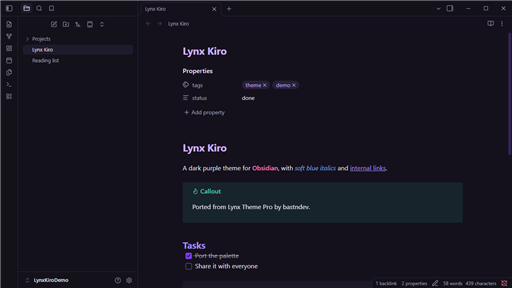
A dark purple Obsidian theme, ported from the Lynx Kiro variant of Lynx Theme Pro by bastndev.
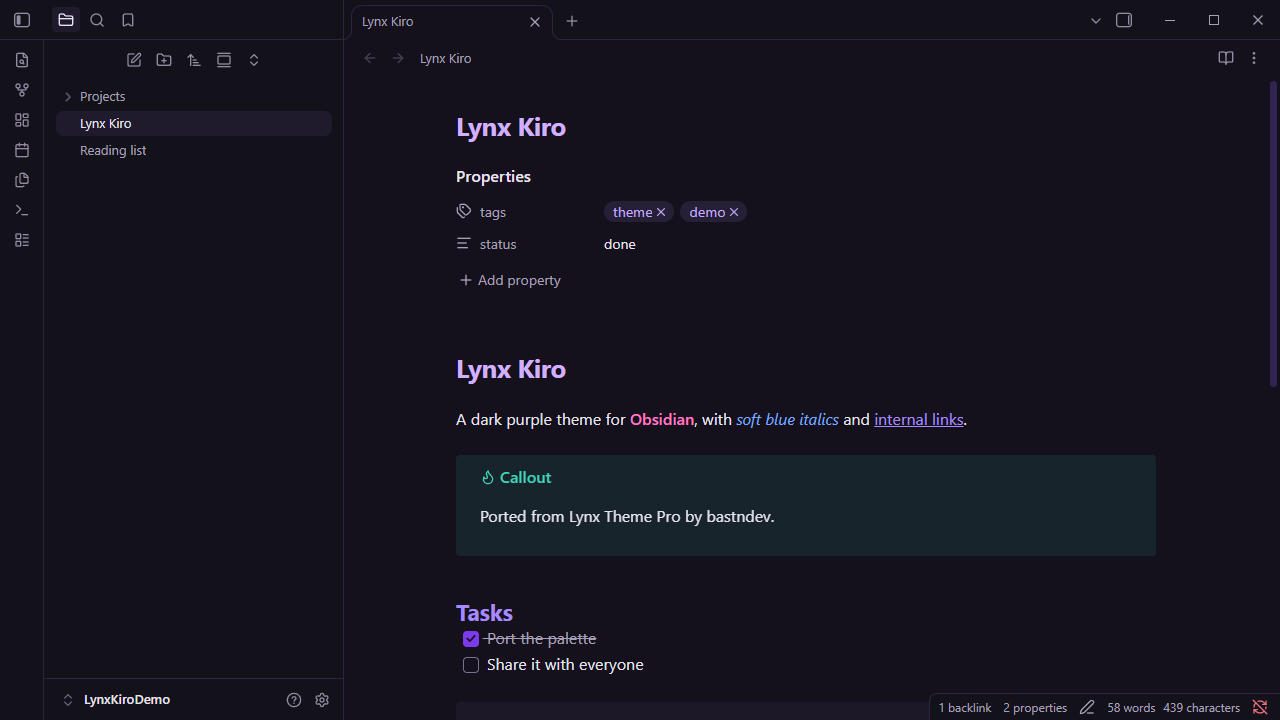
Dark and light mode.
Screenshots
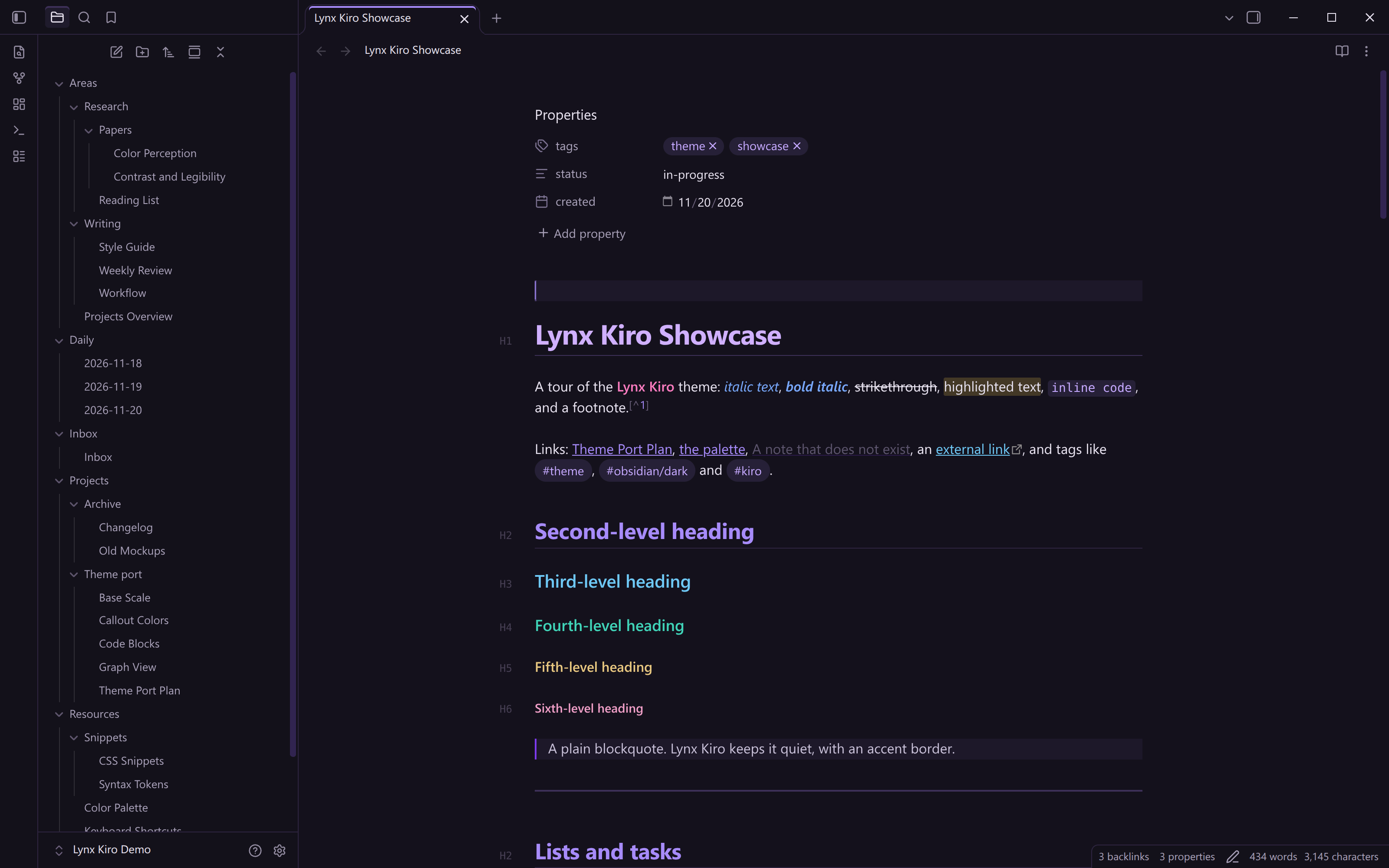
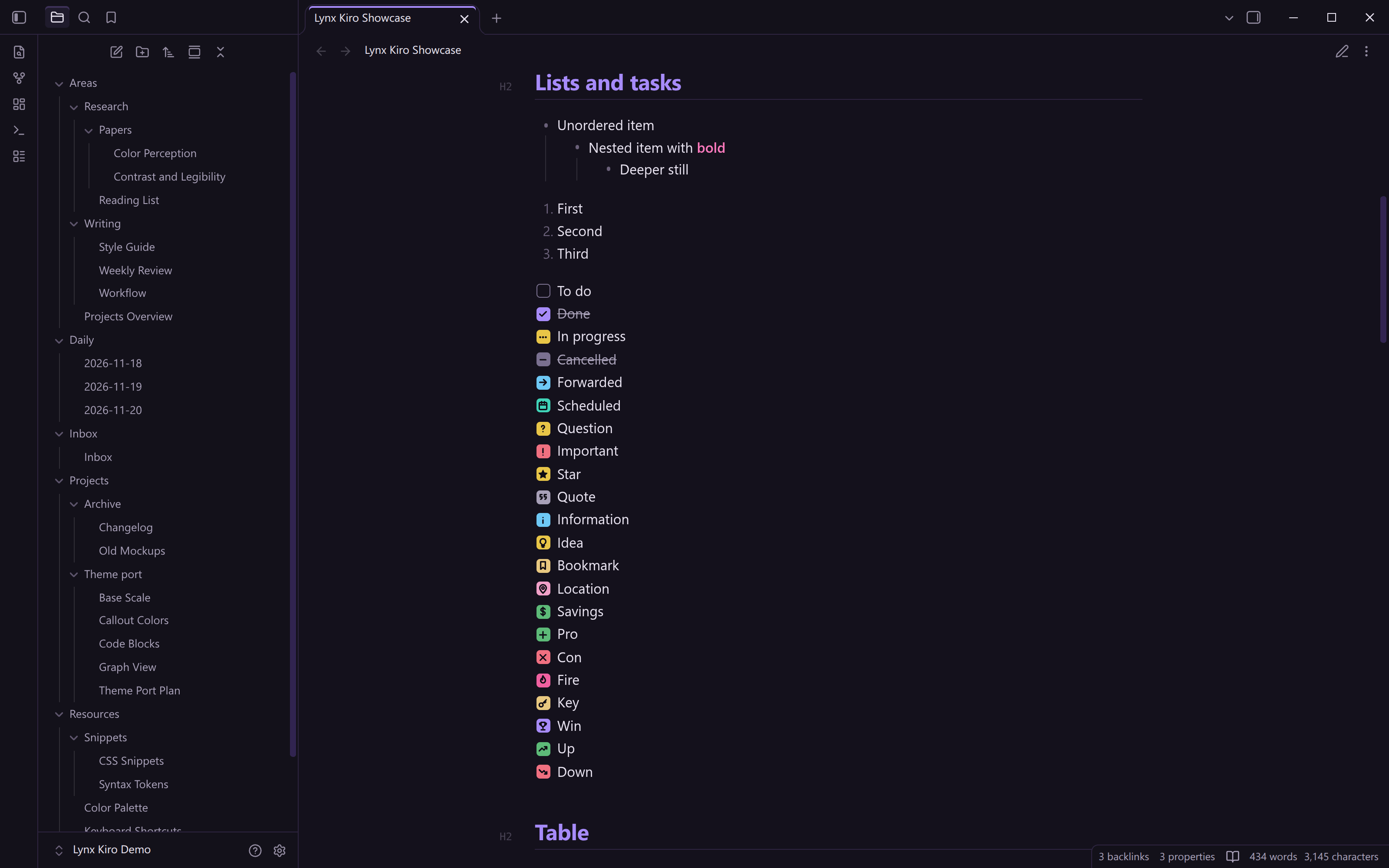
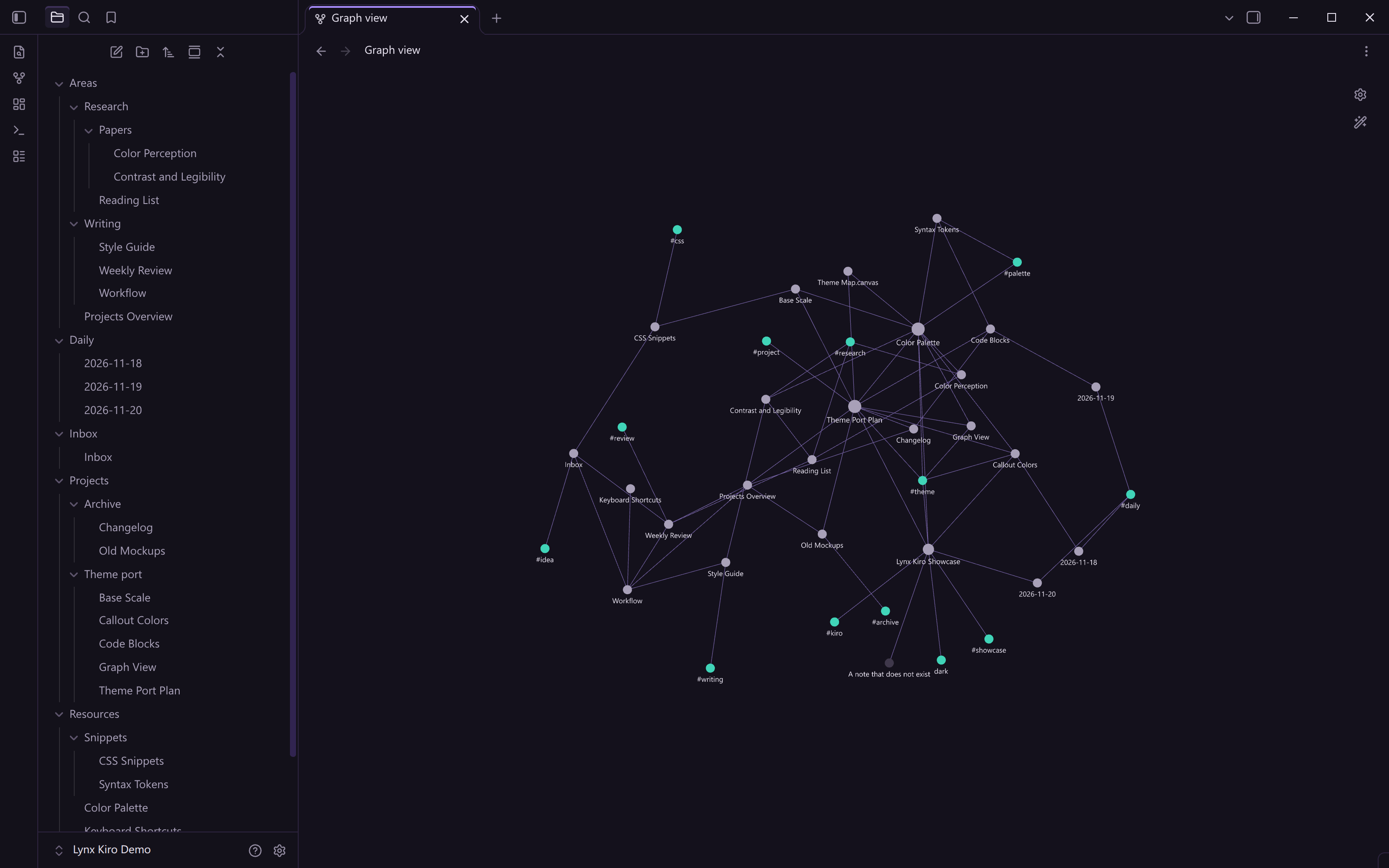
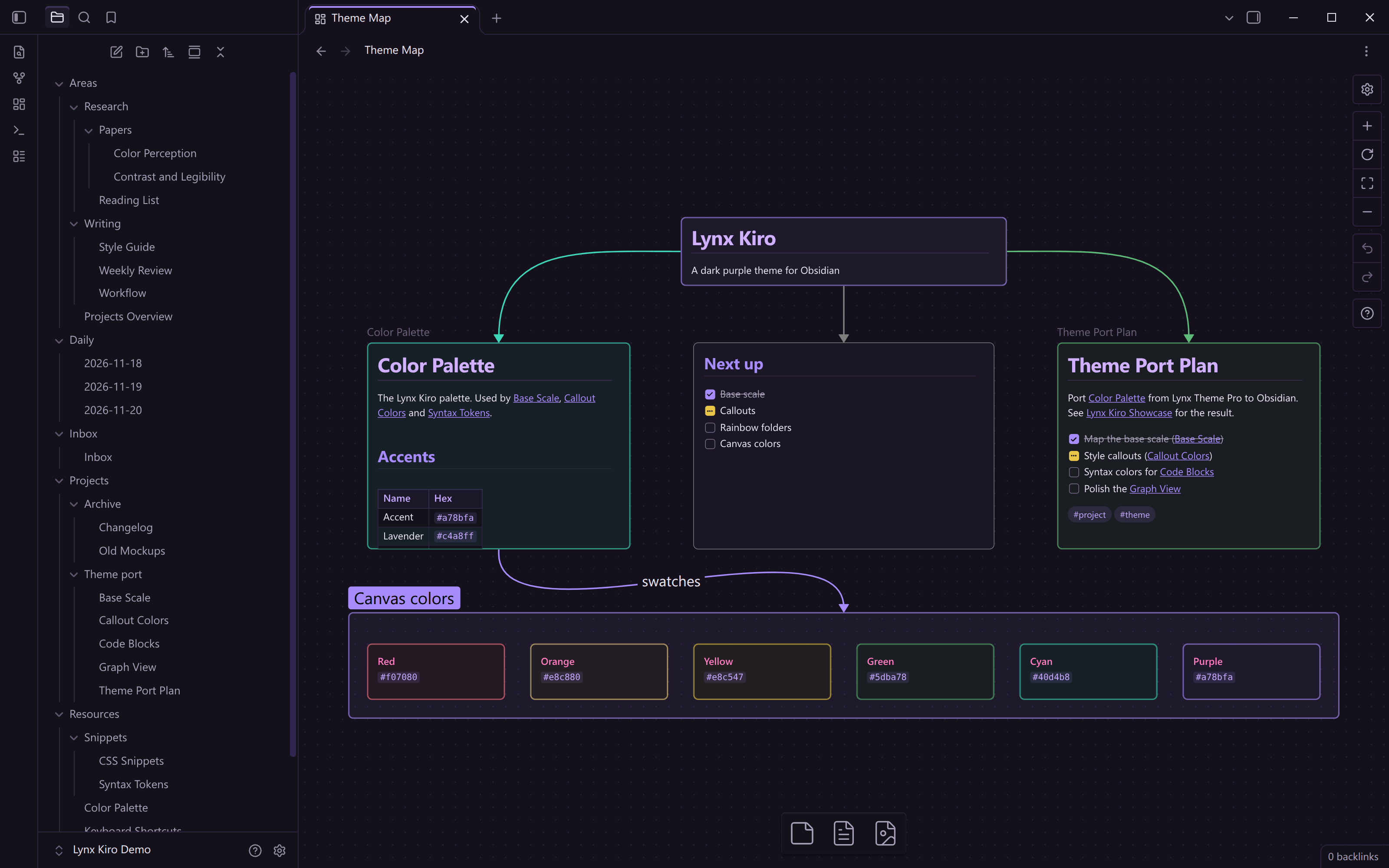
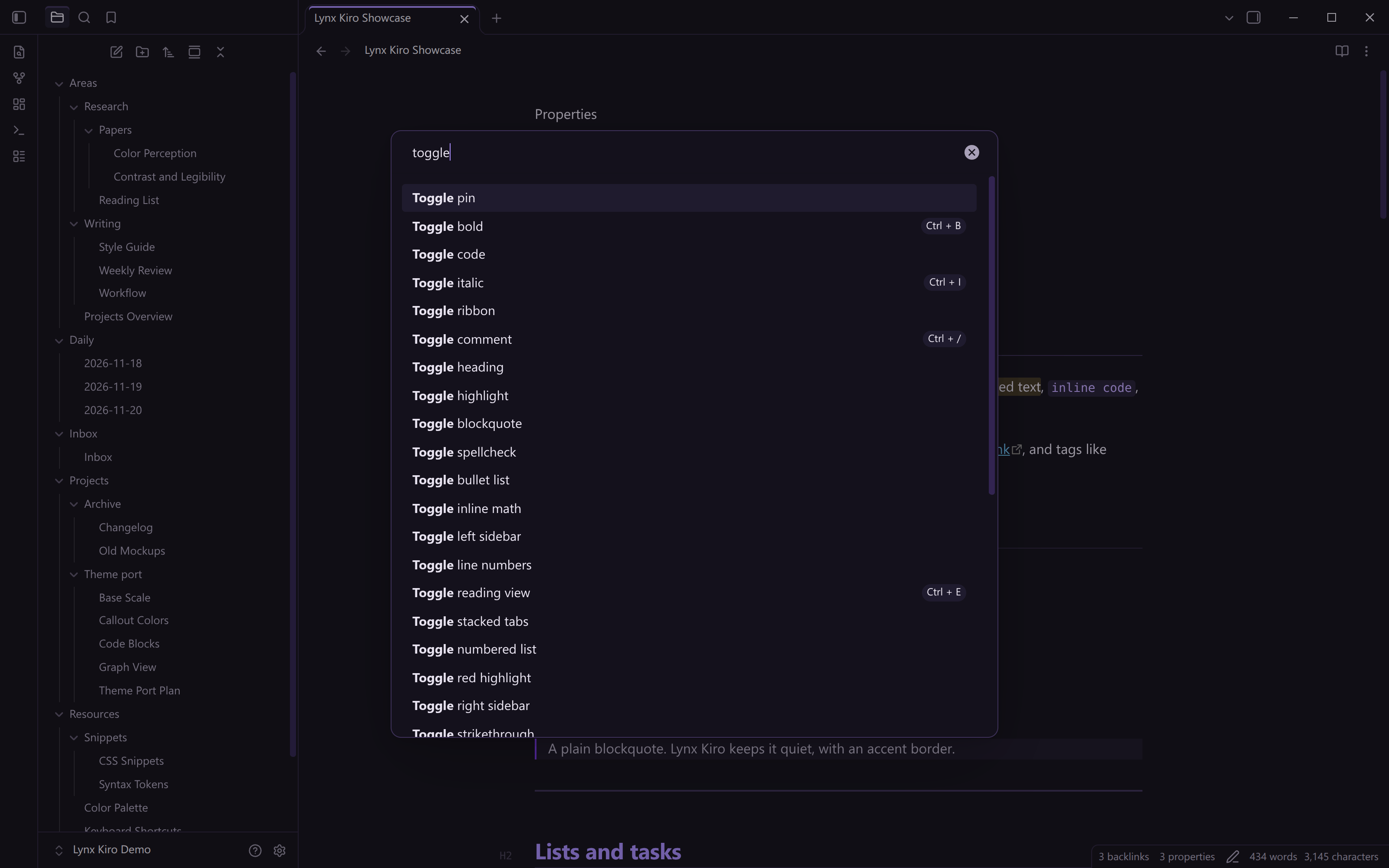
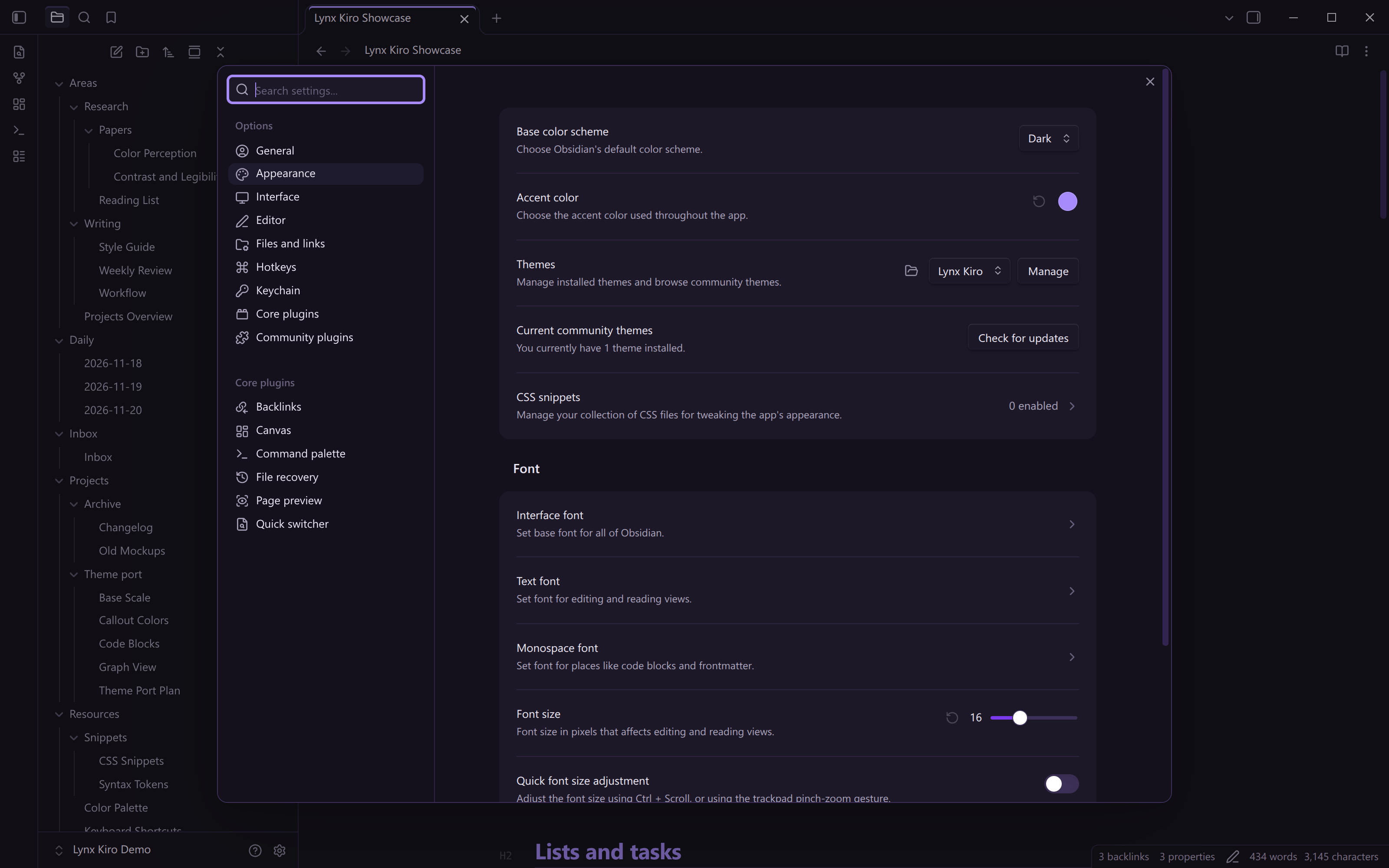
Captured from a real Obsidian with the demo vault; see scripts/screenshots to regenerate them.
| Live Preview | Reading view |
|---|---|
 |
 |
| Light mode | Alternate checkboxes |
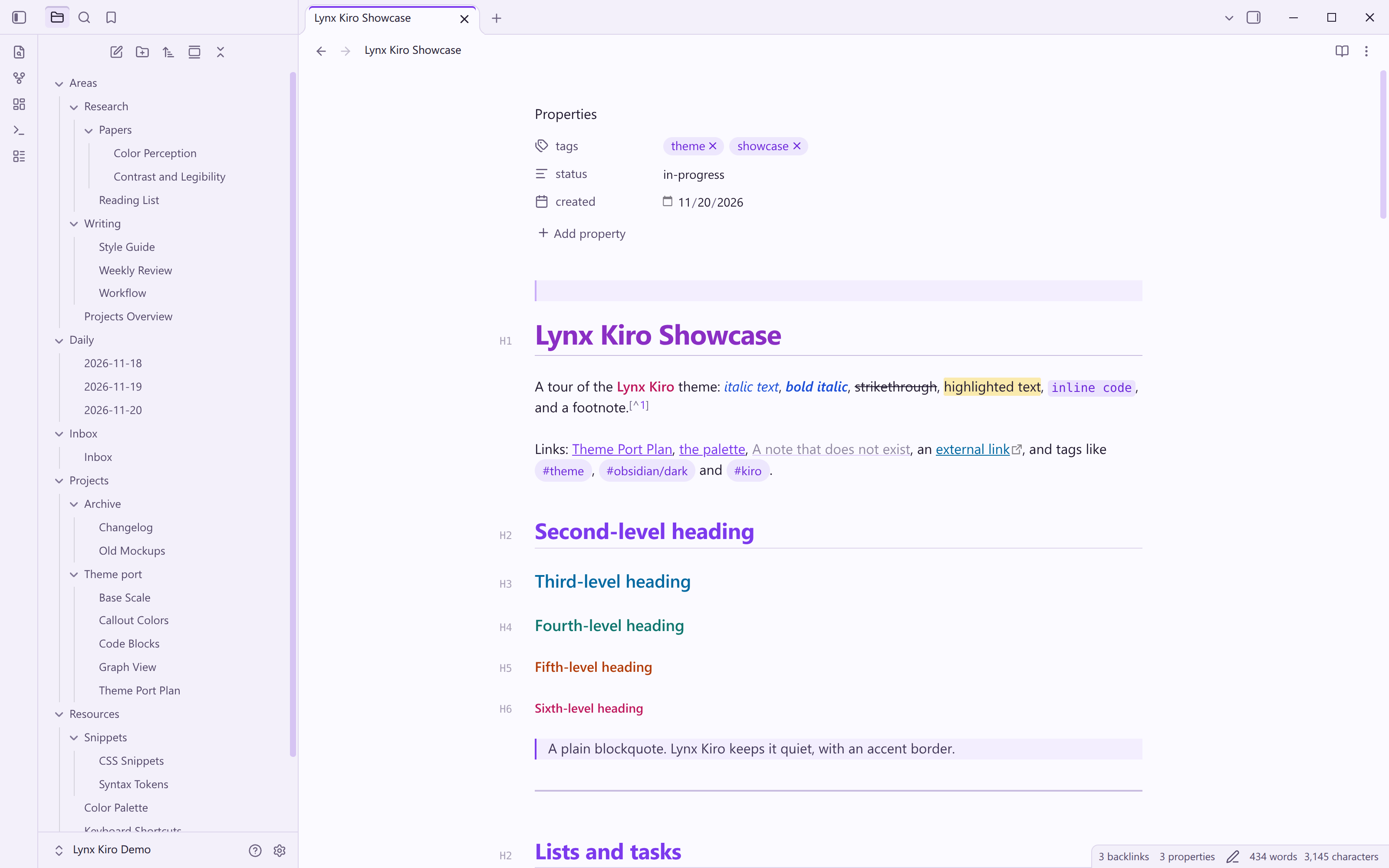 |
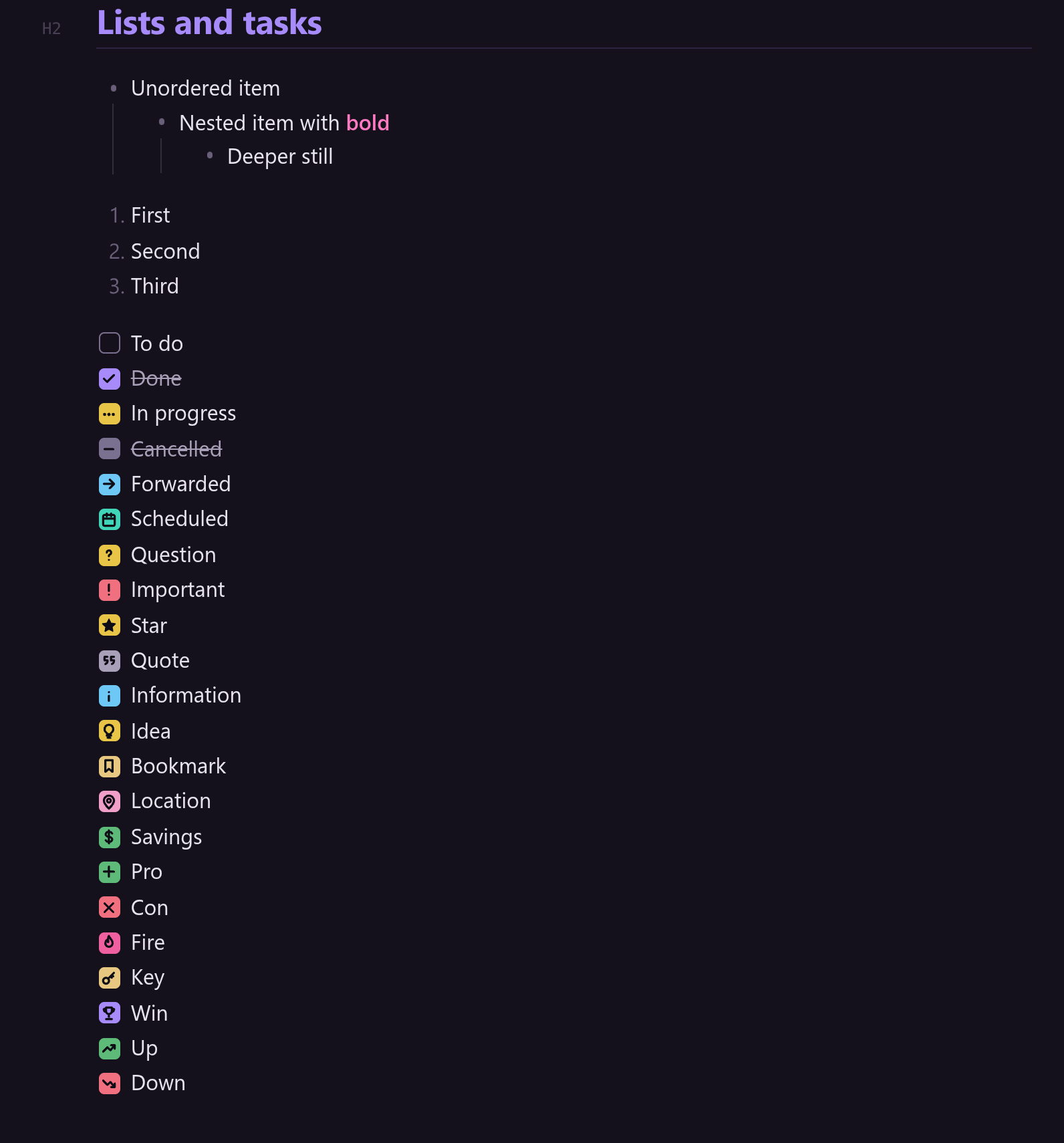 |
| Callouts | Code blocks |
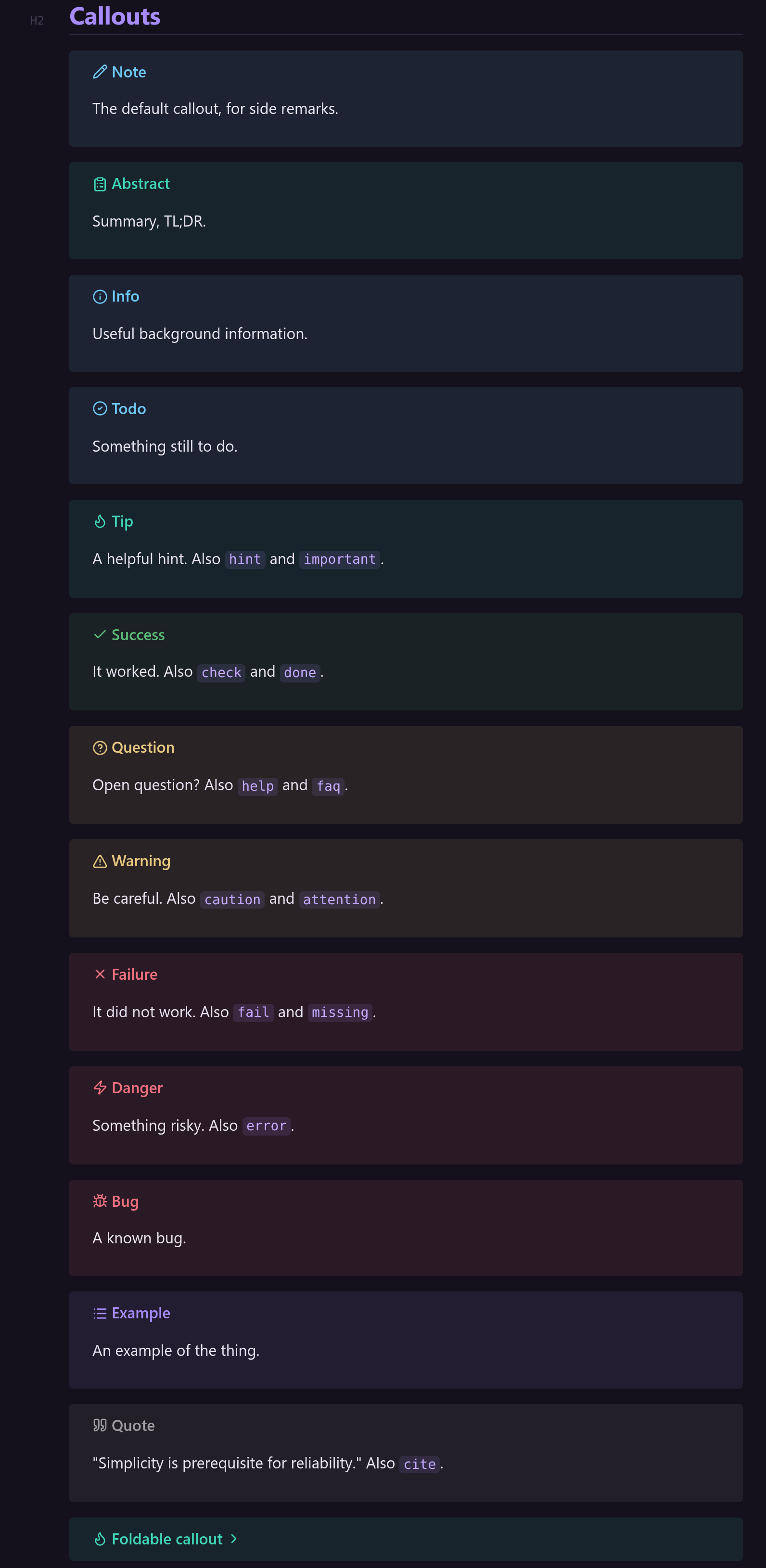 |
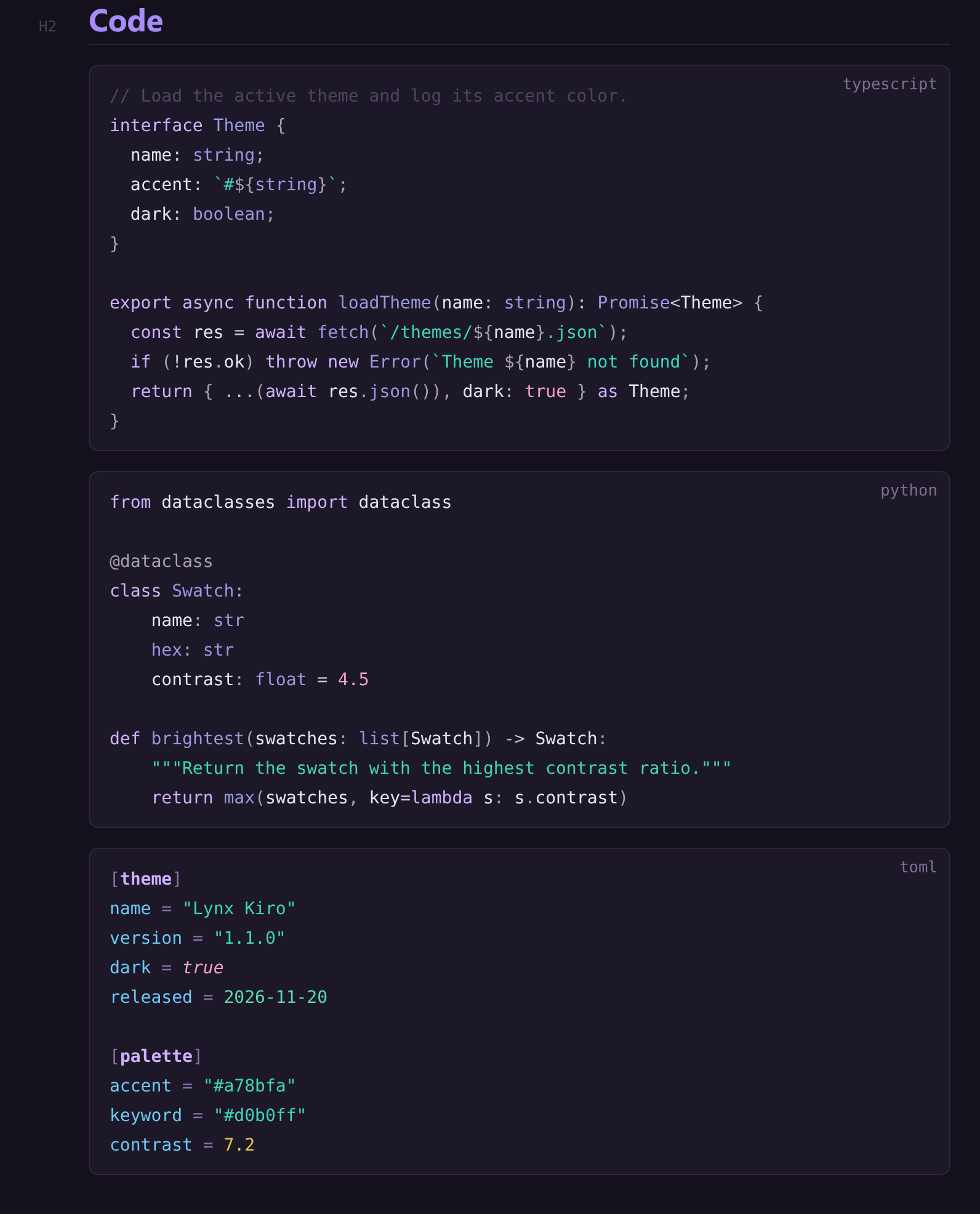 |
| Graph view | Canvas |
 |
 |
| Command palette | Settings |
 |
 |
Install
From Obsidian (once the theme is listed in the community directory)
- Settings → Appearance → Themes → Manage.
- Search for "Lynx Kiro", then click Install and use.
- Done. Lynx Kiro has dark and light variants and follows your Obsidian mode.
Manually
- Download
theme.cssandmanifest.jsonfrom the latest release. - Put them in a folder named exactly
Lynx Kiroinside<your vault>/.obsidian/themes/. To find that folder, click the folder icon in Settings → Appearance → Themes. - Back in Themes, click the reload icon and pick Lynx Kiro.
Updating
Community installs update from Settings → Appearance → Check for updates. For a manual install, download the two files again and replace the old ones.
Contributing
Issues and pull requests are welcome. See CONTRIBUTING.md.
Credits
- Original palette and design: Lynx Theme Pro (the
Lynx Kirotheme) by Gohit X (bastndev), MIT licensed. This repo is an Obsidian port of that work. - Kiro is a product of Amazon Web Services. This theme is a fan-made port and is not affiliated with or endorsed by Kiro, AWS, or bastndev.
License
MIT. See LICENSE; it keeps the original Lynx Theme Pro copyright notice.