
README file from
GithubLapfly

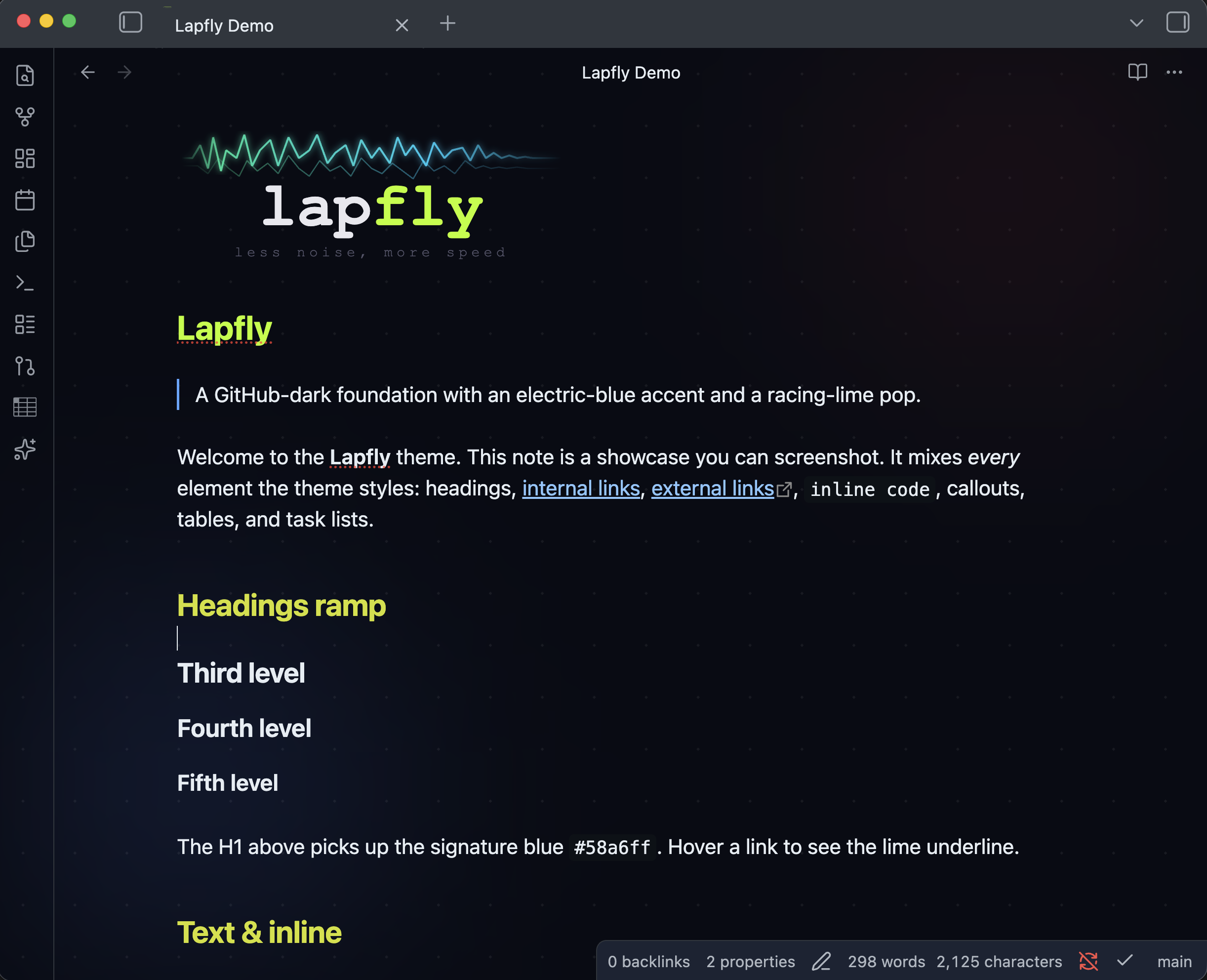
An Obsidian theme based on the lapfly.com colour scheme: a GitHub-dark foundation with a signature electric-blue accent and a racing-lime pop. Ships dark and light modes.
Palette
| Role | Dark | Light |
|---|---|---|
| Canvas | #080c14 |
#ffffff |
| Editor bg | #0d1117 |
#f6f8fa |
| Surface | #161b22 |
#eaeef2 |
| Borders | #30363d |
#afb8c1 |
| Normal text | #e6edf3 |
#1f2328 |
| Muted text | #8b949e |
#57606a |
| Primary accent | #58a6ff |
#0969da |
| Racing lime | #b8ff00 |
#b8ff00 |
The lime appears as small "speed line" touches: the active-tab indicator, checked task boxes, blockquote rules, and link-hover underlines.
Install
Manual
- Create a folder
Lapflyin your vault's.obsidian/themes/directory. - Copy
manifest.jsonandtheme.cssinto it. - In Obsidian: Settings → Appearance → Themes → Manage and select Lapfly.
Develop
theme.css overrides Obsidian's base colour scale (--color-base-00 … --color-base-100), the brand colour hues (--color-red, --color-blue, …), and the HSL accent (--accent-h/s/l) per .theme-dark / .theme-light, then adds a handful of component refinements at the bottom.
Support
If Lapfly makes your vault nicer, you can buy me a coffee.
License
MIT — see LICENSE.