
README file from
GithubAyu Palette theme for Obsidian
An Obsidian theme inspired by the ayu theme.
The code is largely based on the taronull Obsidian Ayu theme which is no longer available.
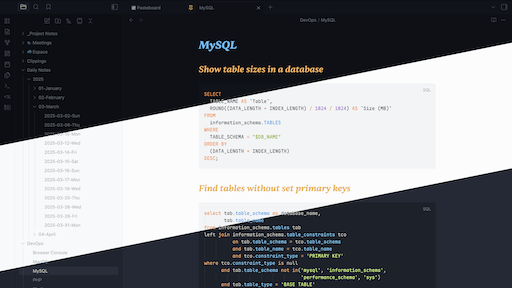
Features
- Three palettes:
Light,Mirage,Dark - Configurable palette mapping for both Obsidian light mode and dark mode
- Typography:
- Interface: System UI font stack
- Text:
Sentient - Code:
Maple Mono
Install
- Copy this folder to your vault themes directory:
VAULT/.obsidian/themes/Ayu Palette/- The folder name must match the theme name exactly (
Ayu Palette) or Obsidian will not recognize it inSettings -> Appearance.
- Ensure these files are in that folder:
theme.cssmanifest.json
- In Obsidian, go to
Settings -> Appearanceand select Ayu.
Variant Settings
Palette selectors are exposed through the Style Settings plugin:
- Install and enable Style Settings.
- Open
Settings -> Style Settings -> Ayu Palette. - Choose:
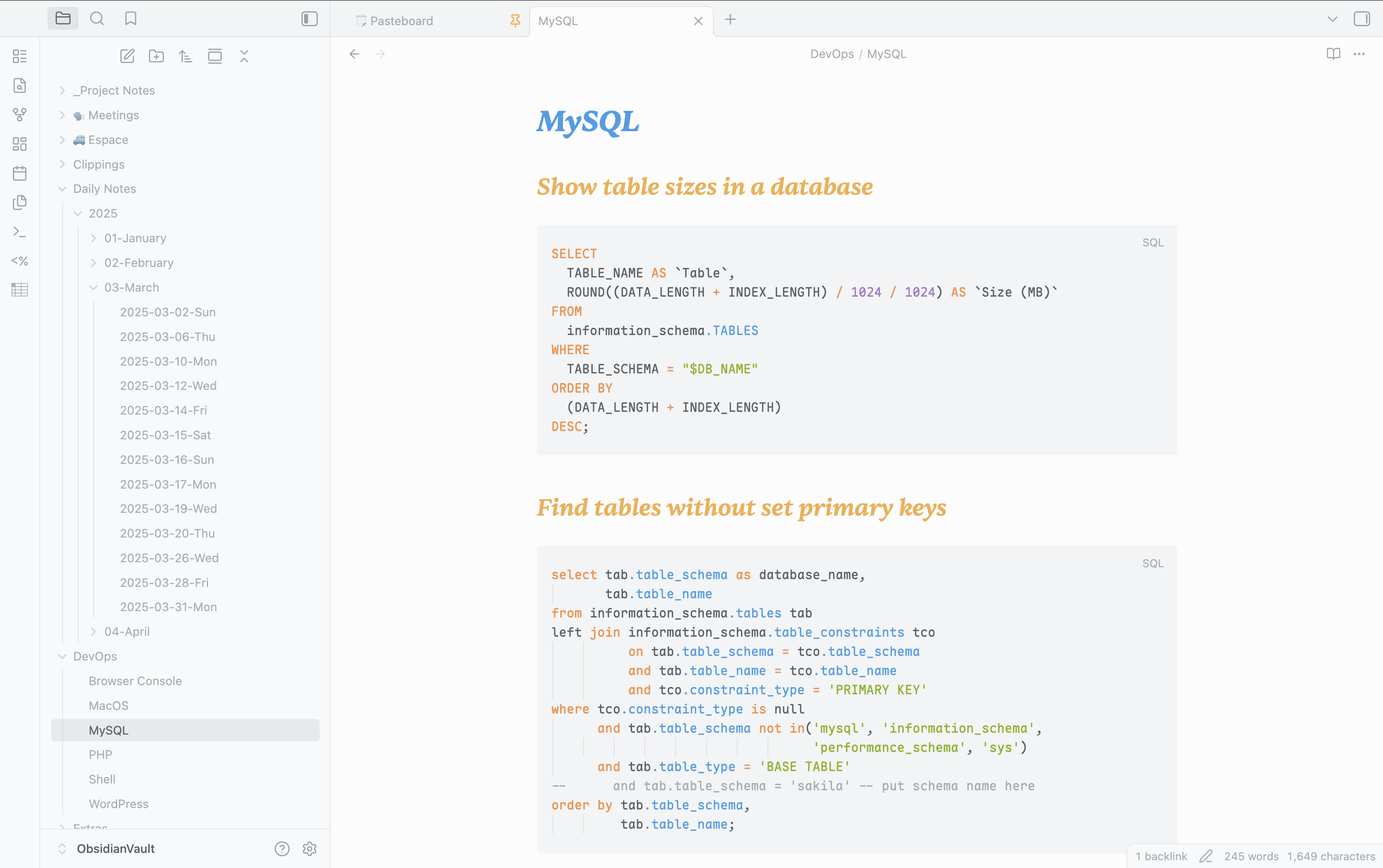
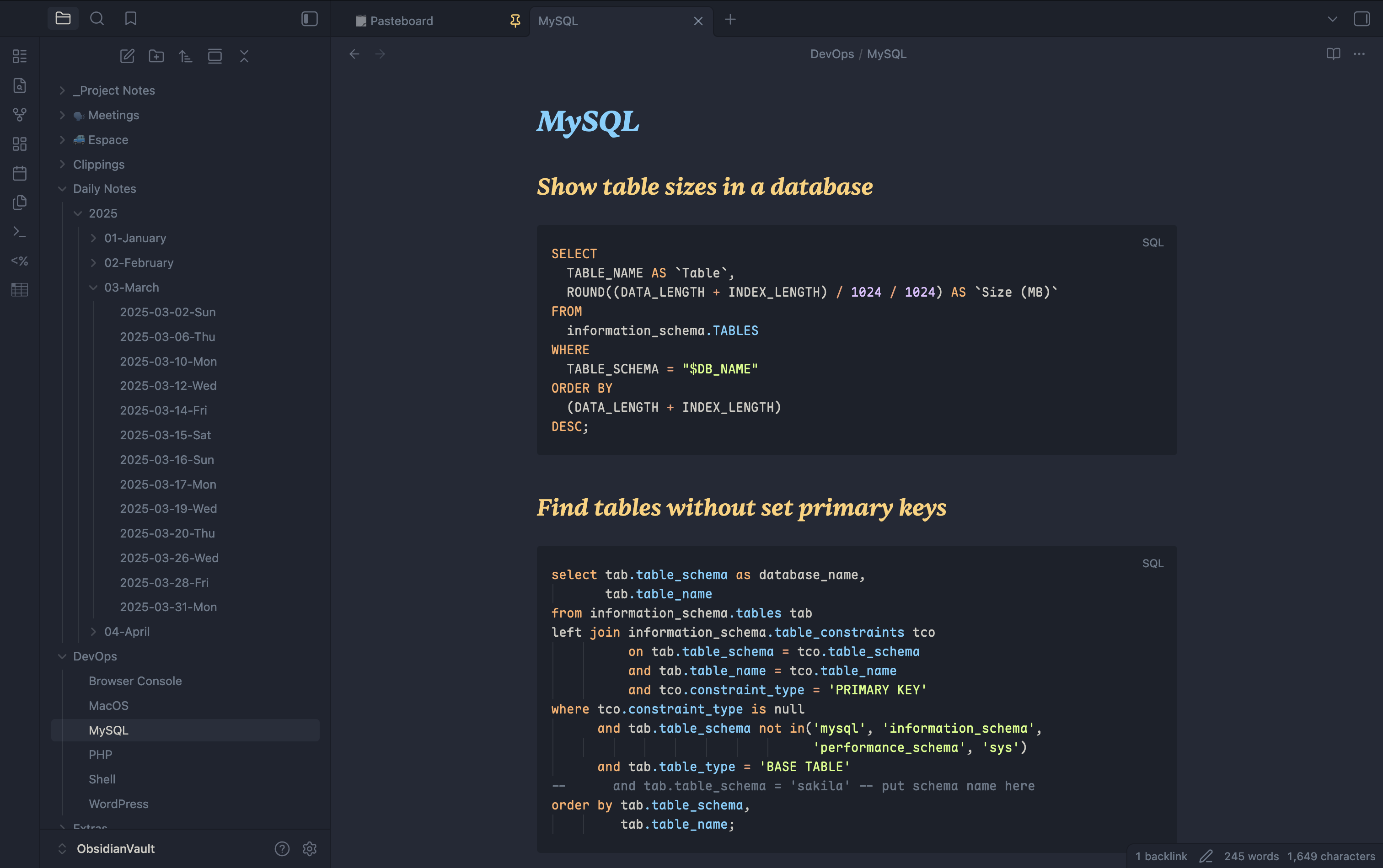
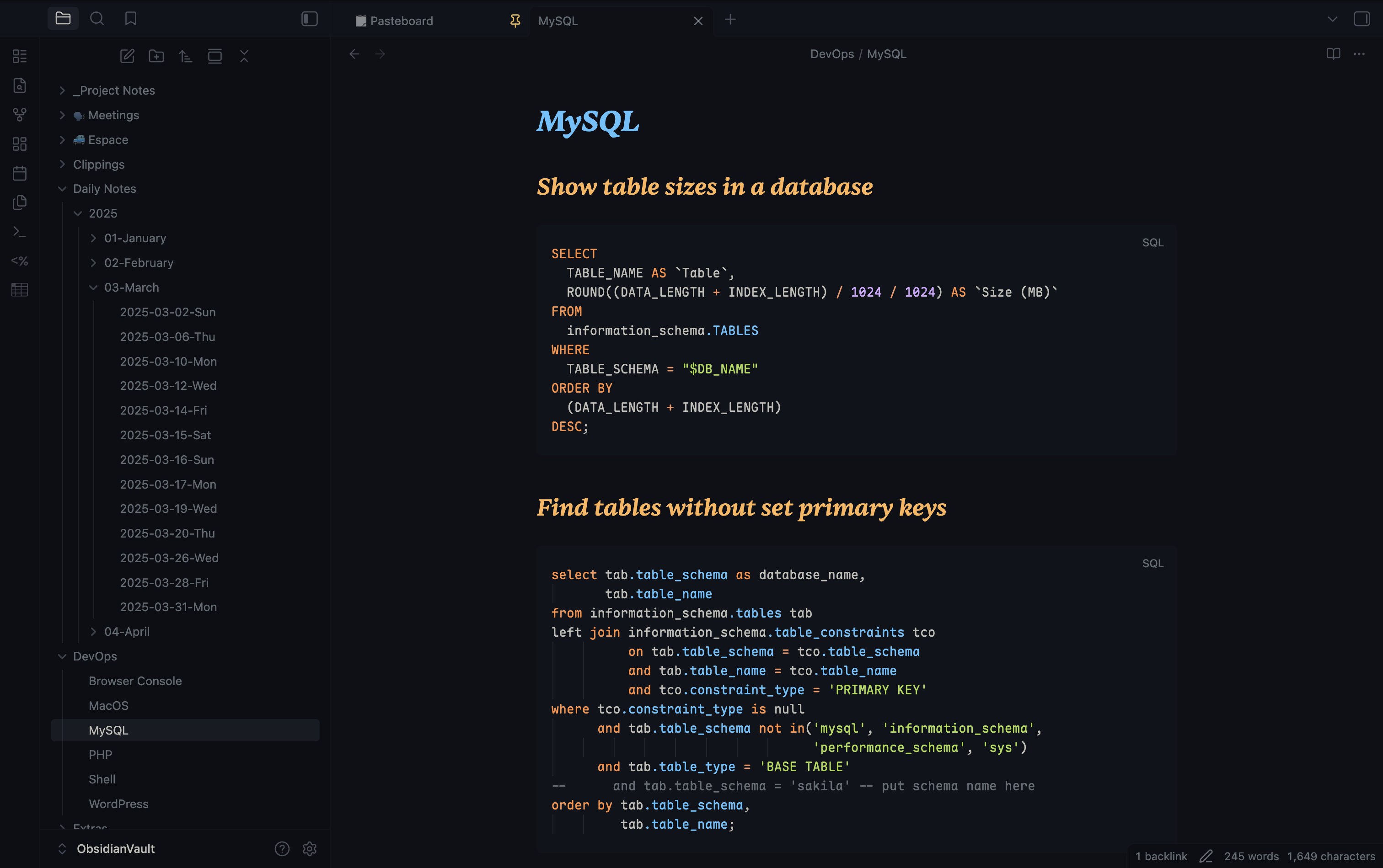
Light UI paletteDark UI palette
Palette Previews
Light
Mirage
Dark
Notes
- Font downloads:
- Interface UI uses your system font stack, so no font download is required.
Sentient: download from Fontshare (Indian Type Foundry): https://www.fontshare.com/fonts/sentient.Maple Mono: download from the official GitHub releases: https://github.com/subframe7536/maple-font/releases.- Install the fonts on your system, then restart Obsidian if needed.
- If
SentientorMaple Monoare not installed, theme fallbacks are used. - After updating theme files, restart Obsidian or reload (
Cmd+R).