
README file from
Github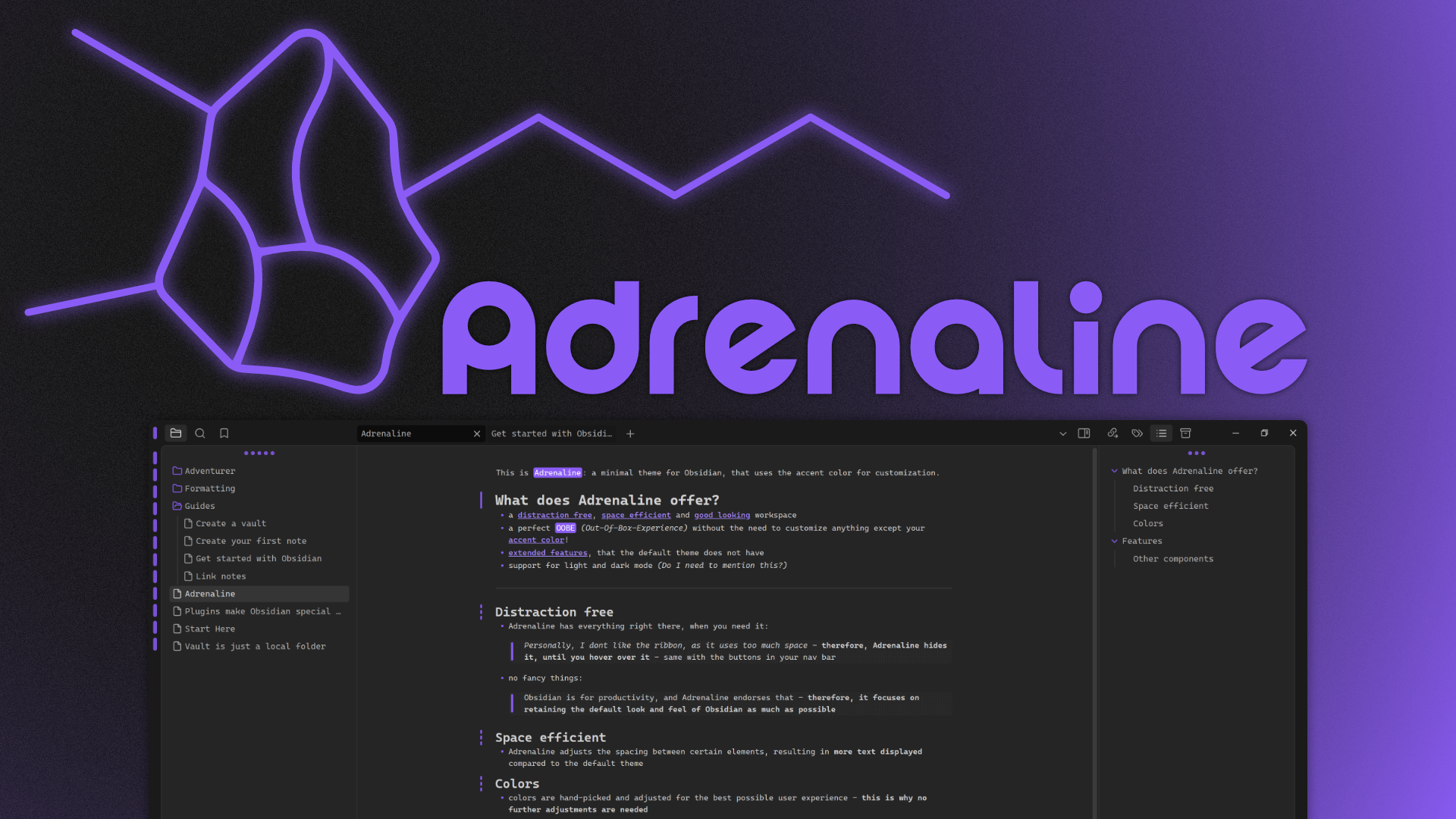
This is Adrenaline: a minimal theme for Obsidian, that uses the accent color for customization.
If you encounter an issue, please feel free to open a ticket here
Patchnotes
Why does it look different now?
What does Adrenaline offer?
- a distraction free, space efficient and good looking workspace
- a perfect OOBE (Out-Of-Box-Experience) without the need to customize anything except your accent color!
- extended features, that the default theme does not have
- support for light and dark mode (Do I need to mention this?)
Distraction free
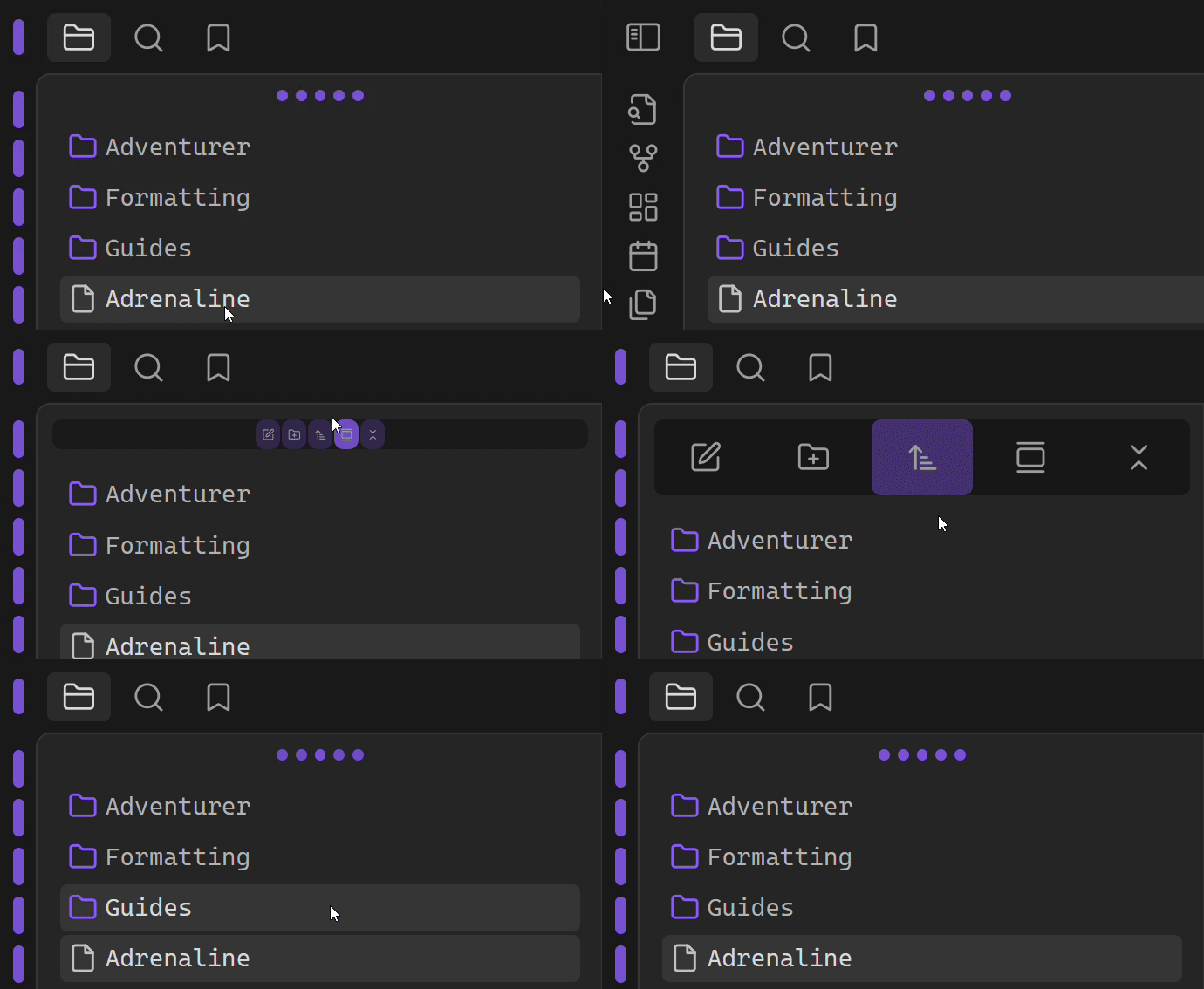
Adrenaline has everything right there, when you need it:
Personally, I dont like the ribbon, as it uses too much space - therefore, Adrenaline hides it, until you hover over it - same with the buttons in your nav bar
no fancy things:
Obsidian is for productivity, and Adrenaline endorses that - therefore, it focuses on retaining the default look and feel of Obsidian as much as possible
Space efficient
Adrenaline adjusts the spacing between certain elements, resulting in more text displayed compared to the default theme
Colors
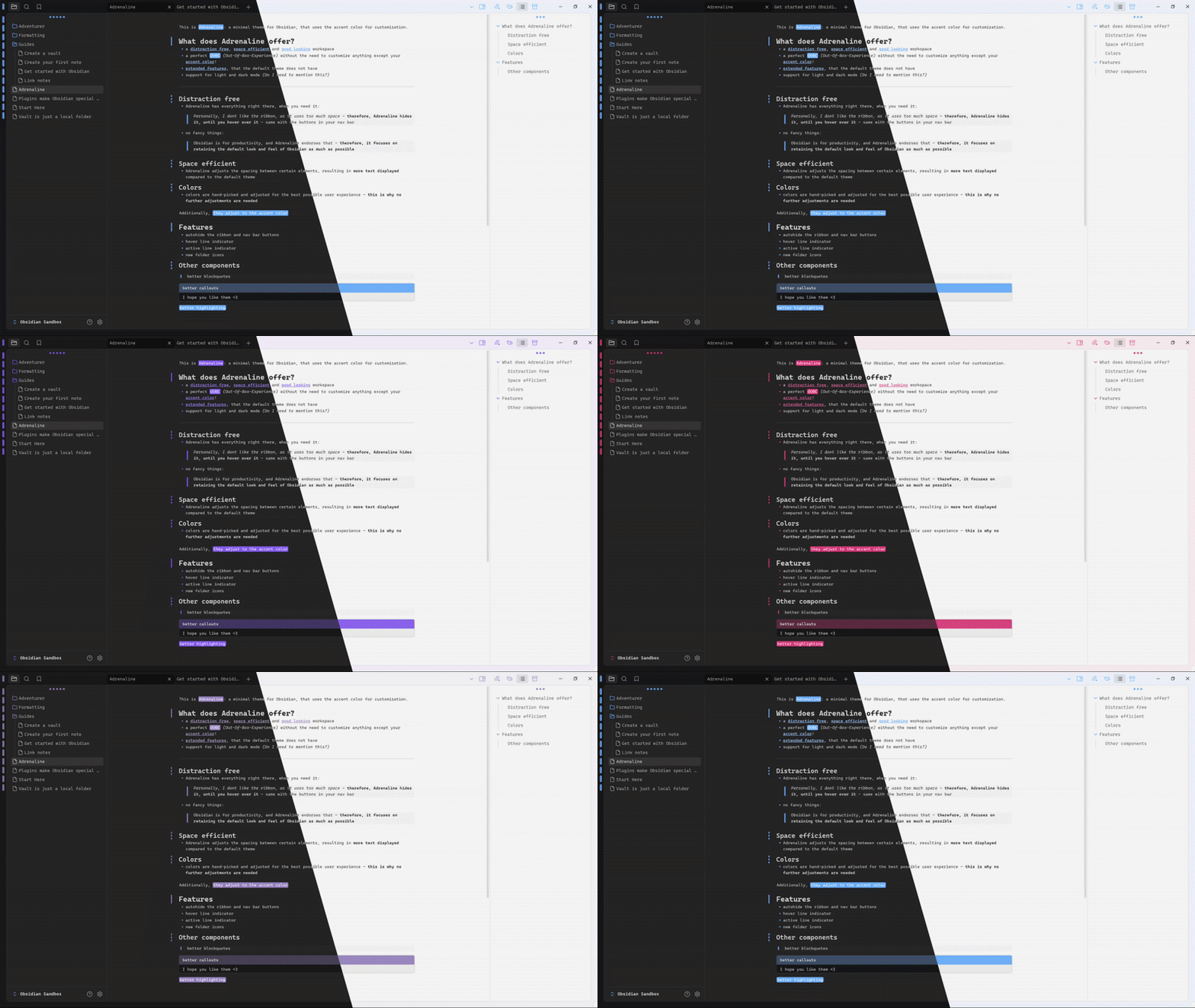
colors are hand-picked and adjusted for the best possible user experience - this is why no further adjustments are needed
Additionally, they adjust to the accent color
Features
- autohide the ribbon and nav bar buttons
- hover line indicator
- active line indicator
- new folder icons
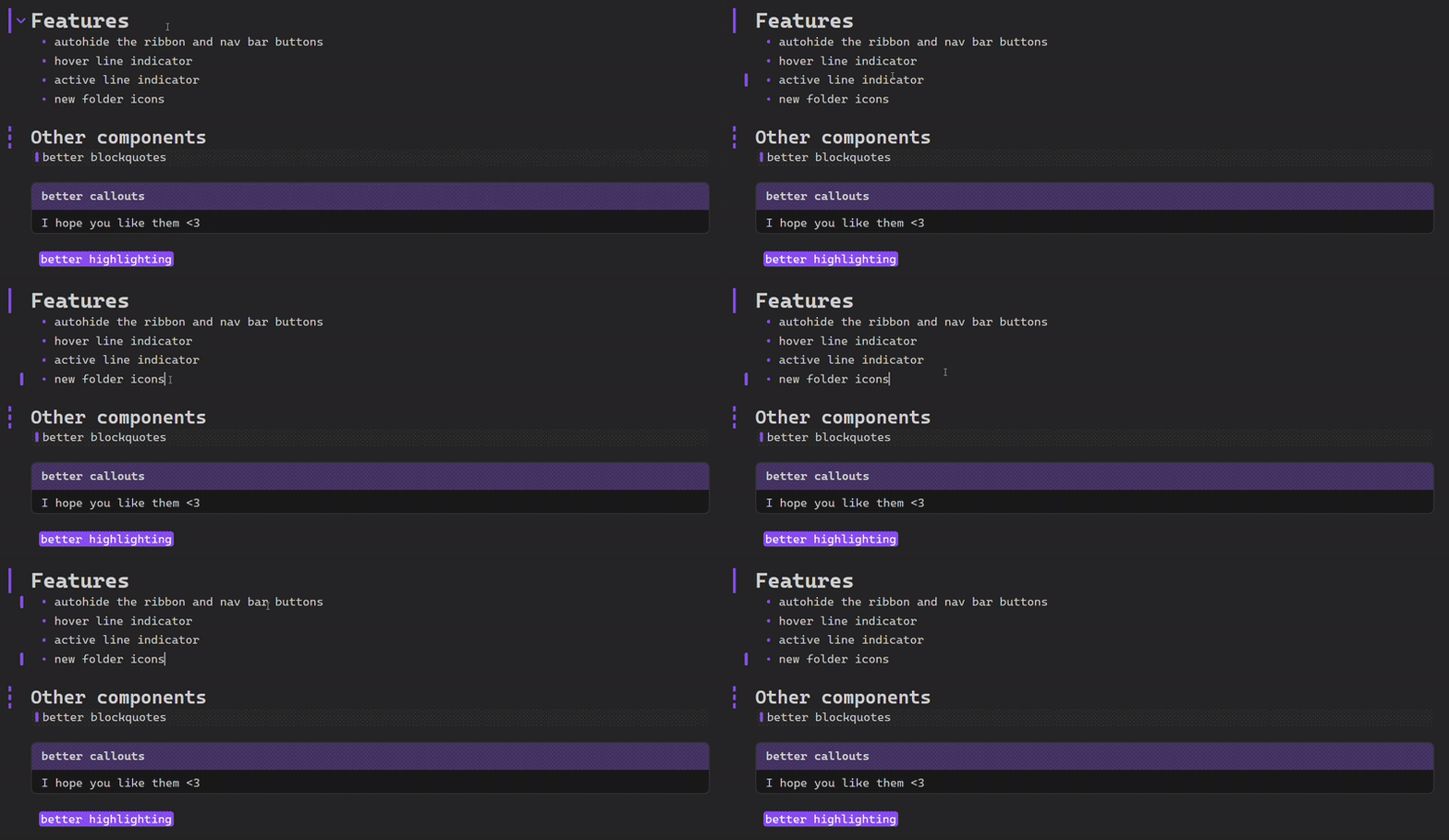
Other components
- better blockquotes
- better callouts
- better highlighting
This theme uses content created by other theme creators. Wherever such content is used, their author is attributed. If you have any questions or concerns, please contact me on GitHub
Information about the update
Out of all themes I created, Adrenaline is by far my most valued one. Therefore, I want it to be as good as it can be. Version 1 had a completely different look, but I wasn't satisfied with it any more. To anyone missing that look, you can head over to my other theme "Marathon" - it is almost a 1:1 copy of the old Adrenaline.
Don't like the new callouts of Marathon? You can change them in the theme.css file (I plan on implementing a style settings option for that) -> On the bottom of theme theme.css file is the old code for the adrenaline callout, wich can be enabled (remeber to delete the old .callout code).