
README file from
GithubAlice Velvet
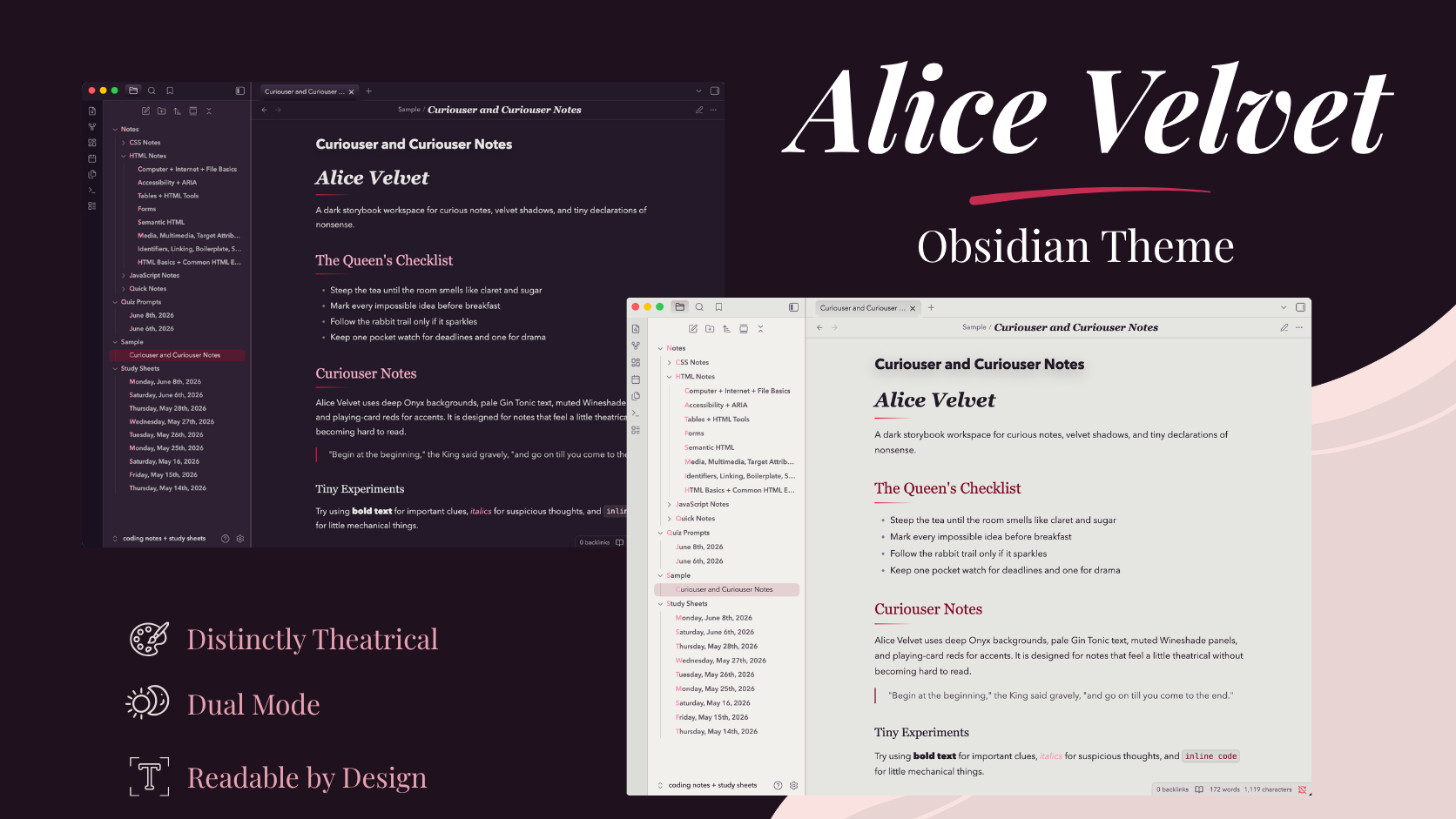
Alice Velvet is a dark and light Obsidian theme inspired by a whimsical storybook tea table, velvet shadows, playing-card reds, and an Alice-in-Wonderland palette. The dark mode uses deep Onyx backgrounds, muted Wineshade panels, pale Gin Tonic text, and dramatic Claret and Red Suits accents, while the light mode softens the palette into an aged-paper workspace with Onyx text and Claret details.
The theme is designed for a moody, literary workspace with soft contrast, decorative headings, rounded interface details, and restrained pink highlights. It works best with the following fonts installed locally:
- Cormorant Garamond for note titles
- Yeseva One for headings
- Nunito for body text and interface text
- Emilys Candy for small accent elements such as tags and root folder labels
Modes
Alice Velvet supports both dark and light mode. The dark mode keeps the original moody velvet look, while the light mode is designed as a softer companion for daytime writing.
Installation
- Download or copy the
Alice Velvettheme folder. - Place the folder inside your vault's
.obsidian/themes/directory. - Open Obsidian.
- Go to
Settings>Appearance. - Select
Alice Velvetfrom the theme dropdown.
Palette
- Onyx:
#241929 - Wineshade:
#5A4864 - Gin Tonic:
#E5E6E1 - False Goat's Beard:
#F696B3 - Red Suits:
#DD1440 - Claret:
#840B2A
License
Alice Velvet is released under the MIT License.