
README file from
GithubGreen Holiday
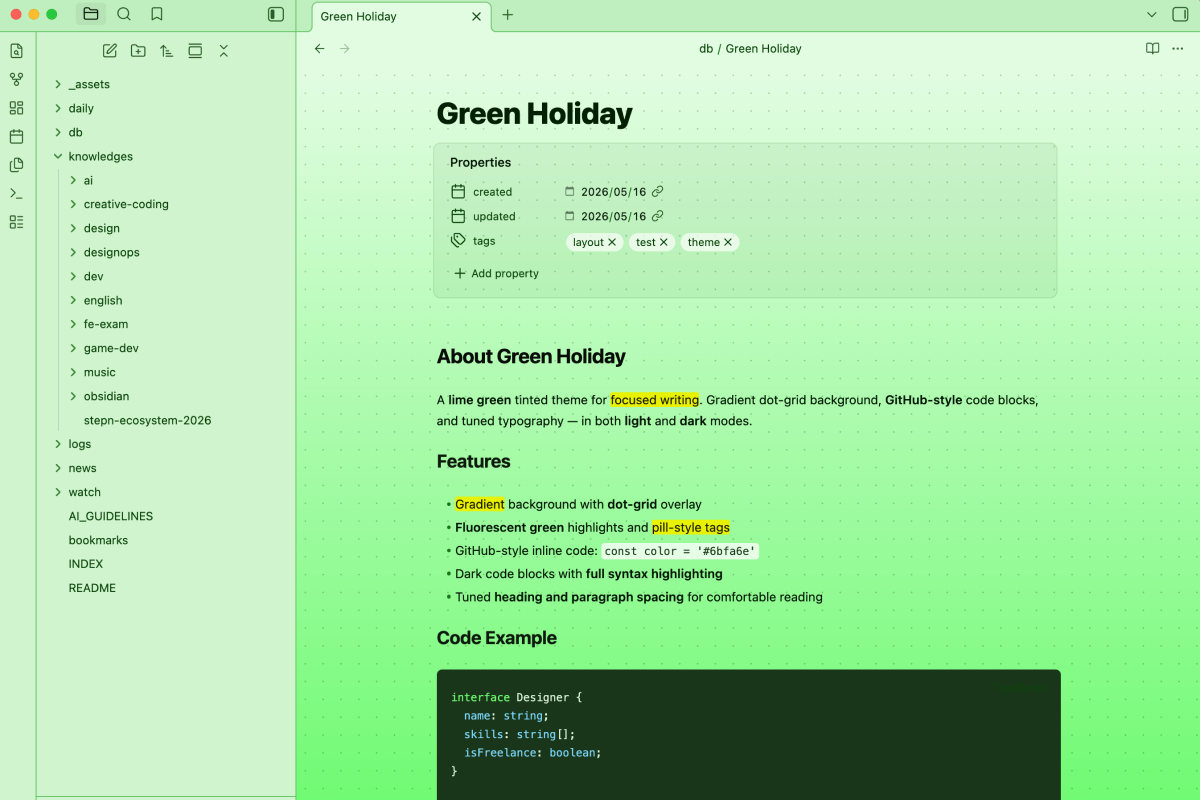
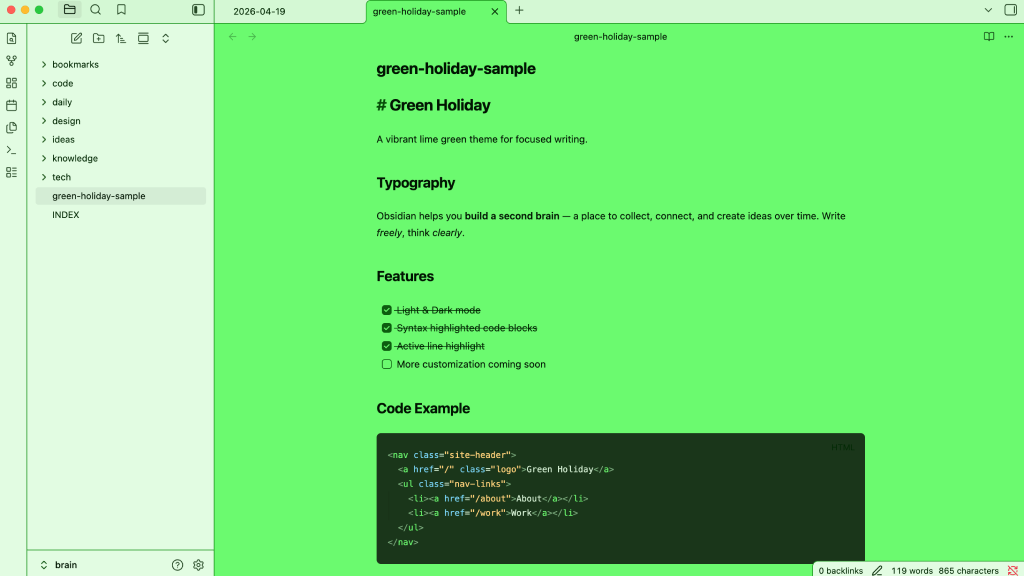
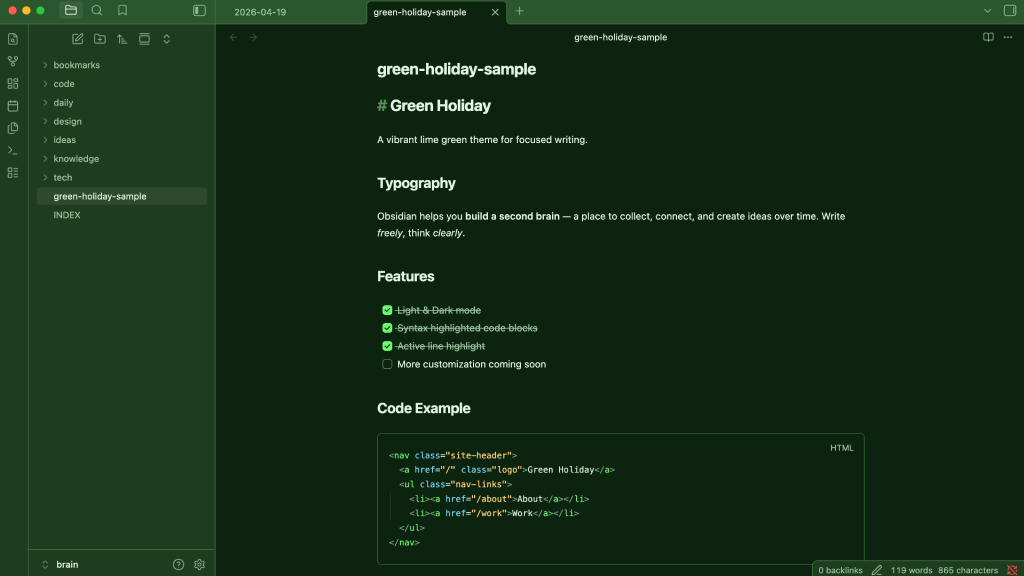
A vibrant lime green Obsidian theme for focused writing. Vivid green backgrounds with dark code blocks for high readability.
Features
- 🌿 Lime green base palette — both light and dark mode
- 💻 Dark code blocks with syntax highlighting on both modes
- 🎯 Code block active line highlight
- 🪟 Soft desaturated sidebar in light mode for clear hierarchy
Installation
Via Community Themes (recommended)
- Open Obsidian Settings → Appearance → Themes
- Click Browse and search for
Green Holiday - Click Install and use
Manual
- Download
theme.cssandmanifest.json - Place them in
{your vault}/.obsidian/themes/Green Holiday/ - Open Settings → Appearance → Themes and select
Green Holiday
License
MIT © Masaaki Sumimoto