
README file from
GithubCocoo
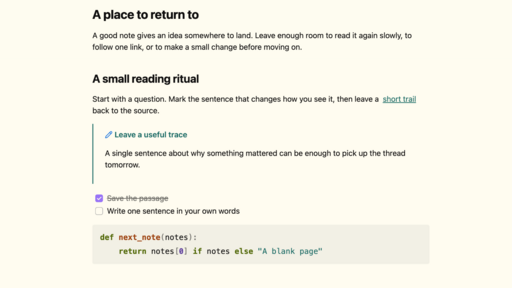
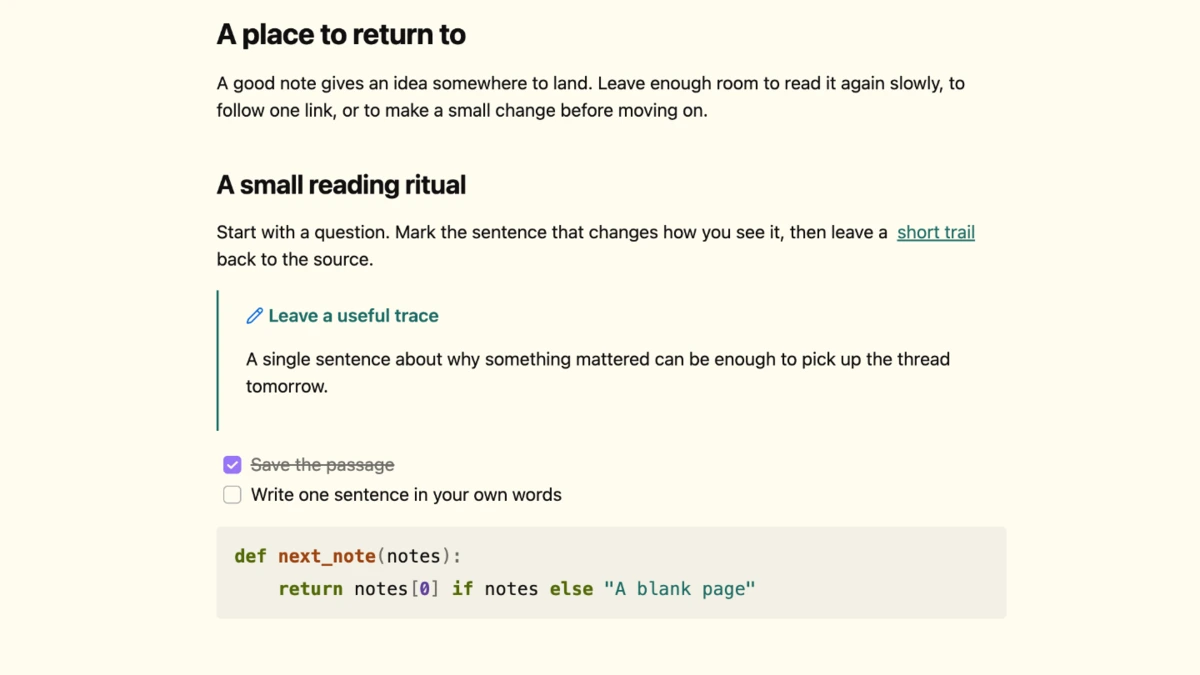
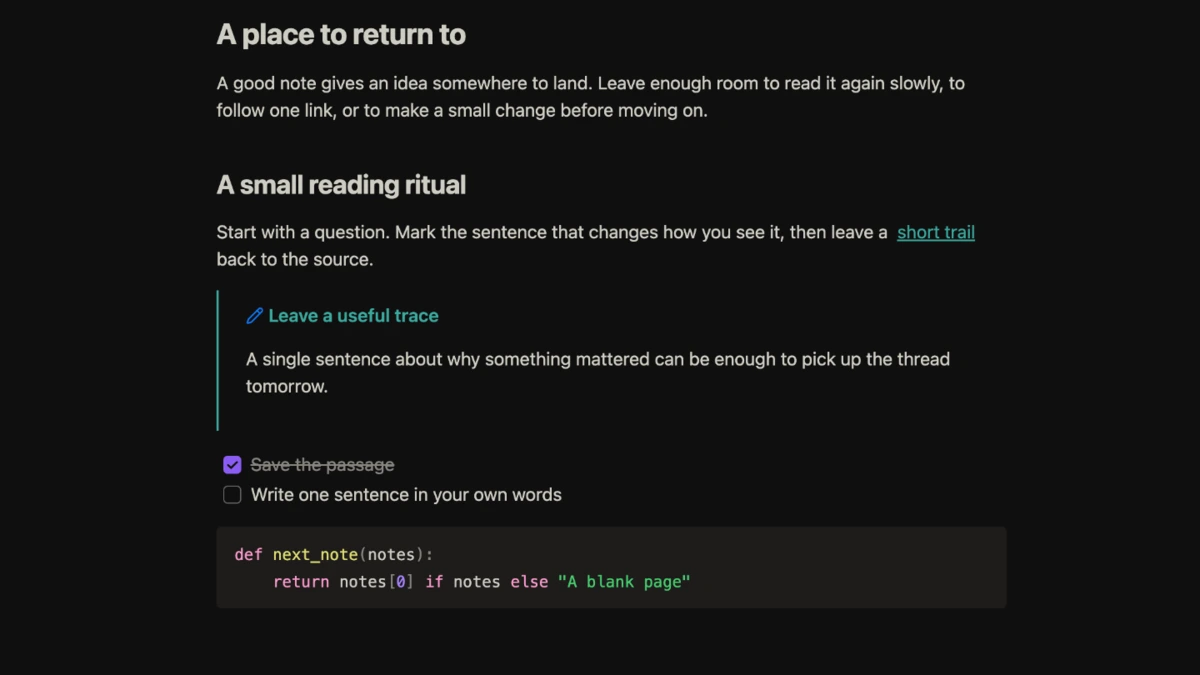
Cocoo is an Obsidian theme for long reading sessions and everyday note-taking. Light mode pairs warm paper with dark ink, while dark mode uses soft, warm text on a near-black background. Teal links and fine-lined callouts make it easy to find your place without interrupting the flow of a note.
Light and dark
Details
- Underlined links and a visible keyboard focus outline on inline note links.
- Blue text selection and amber search marks in the editor.
- Larger fenced code in light-mode Reading view, with heavier keywords and distinct syntax colors.
Local installation
Copy the Cocoo folder, containing manifest.json and theme.css, into your vault’s .obsidian/themes/ directory. In Obsidian, select Cocoo under Settings → Appearance → Themes.