
README file from
GithubBlue Ribbon
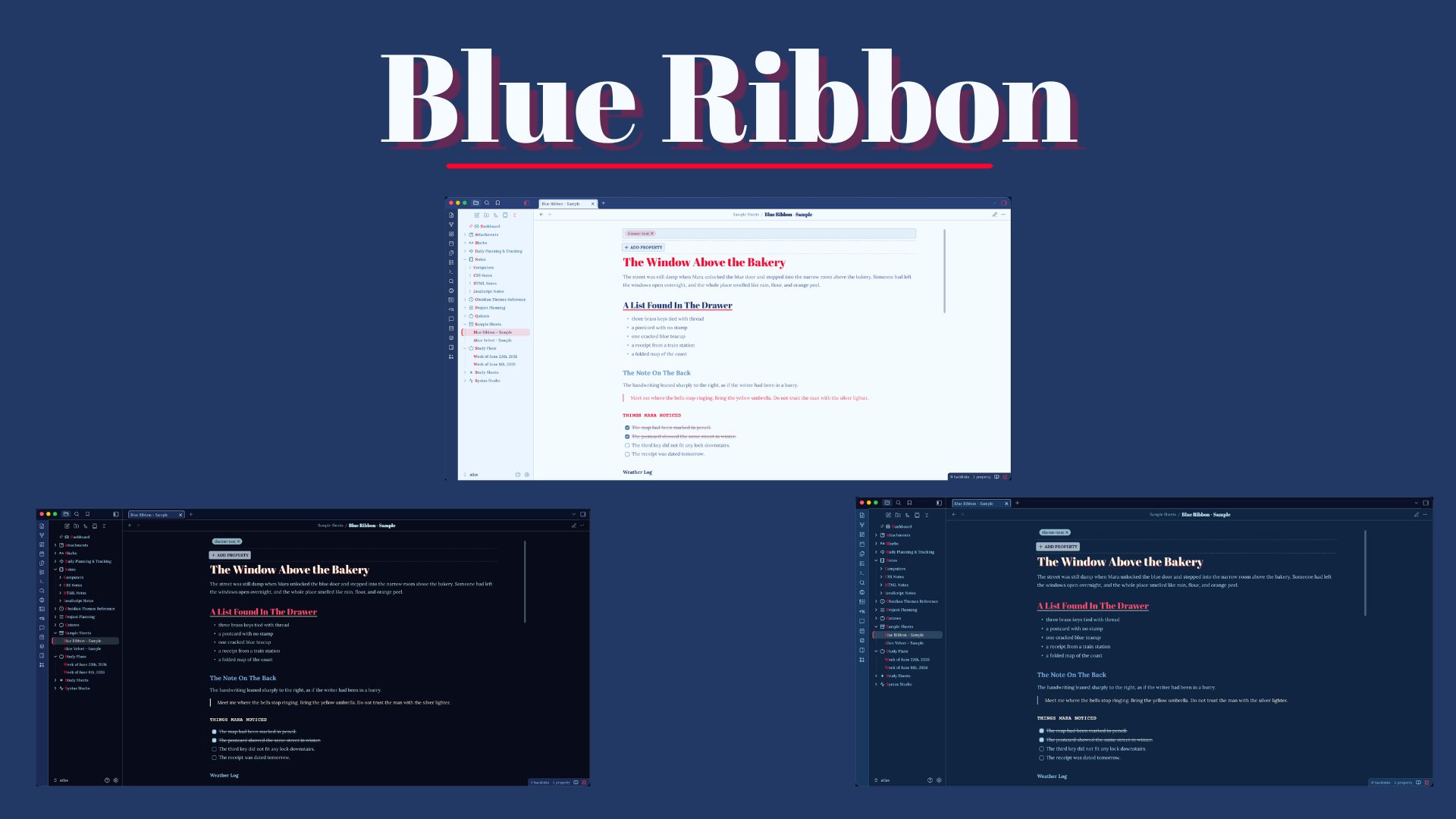
Blue Ribbon for Obsidian
Made for those who want an fun, playful, and colorful theme that supports a focused writing and reading environment. Blue Ribbon is the celebration of the blue notebook, the classic blue pen, and special blue ribbons awarded for excellence. These supplies have been the companion to students, writers, and thinkers for generations. This theme's palette is inspired by vibrant blues, reds, and creams, with a touch of vintage flair.
Features
- Light & Dark Mode
- Optional dark mode background styles
- Adjustable note and code block widths through Style Settings
- Optional table width presets
- Styled headings in reading view and editing view
- Themed tags, metadata/properties, and task states
- Custom callout styling
- Mobile layout refinement
- Print-friendly note styling
Recommended Fonts
Blue Ribbon works without extra fonts, but it was designed with these local fonts in mind:
- Abril Fatface for note titles and headings
- Lora for editor and reading text
- Courier Prime for code and compact accent text
You can install these fonts locally, then customize the theme's font settings with the Style Settings plugin.
Style Settings
Blue Ribbon supports the Style Settings plugin for easier customization.
Current options include:
- Note width
- Code block width
- Table size
- Decorative heading lines
- Plain embeds
- Dark mode background
- Title font
- Heading font
- Body font
- Accent font
Installation
Download the theme directly from the Obsidian Theme Store or download directly from Github and place in your local Obsidian themes folder.