
README file from
Githubblobob theme
An animated theme for Obsidian!
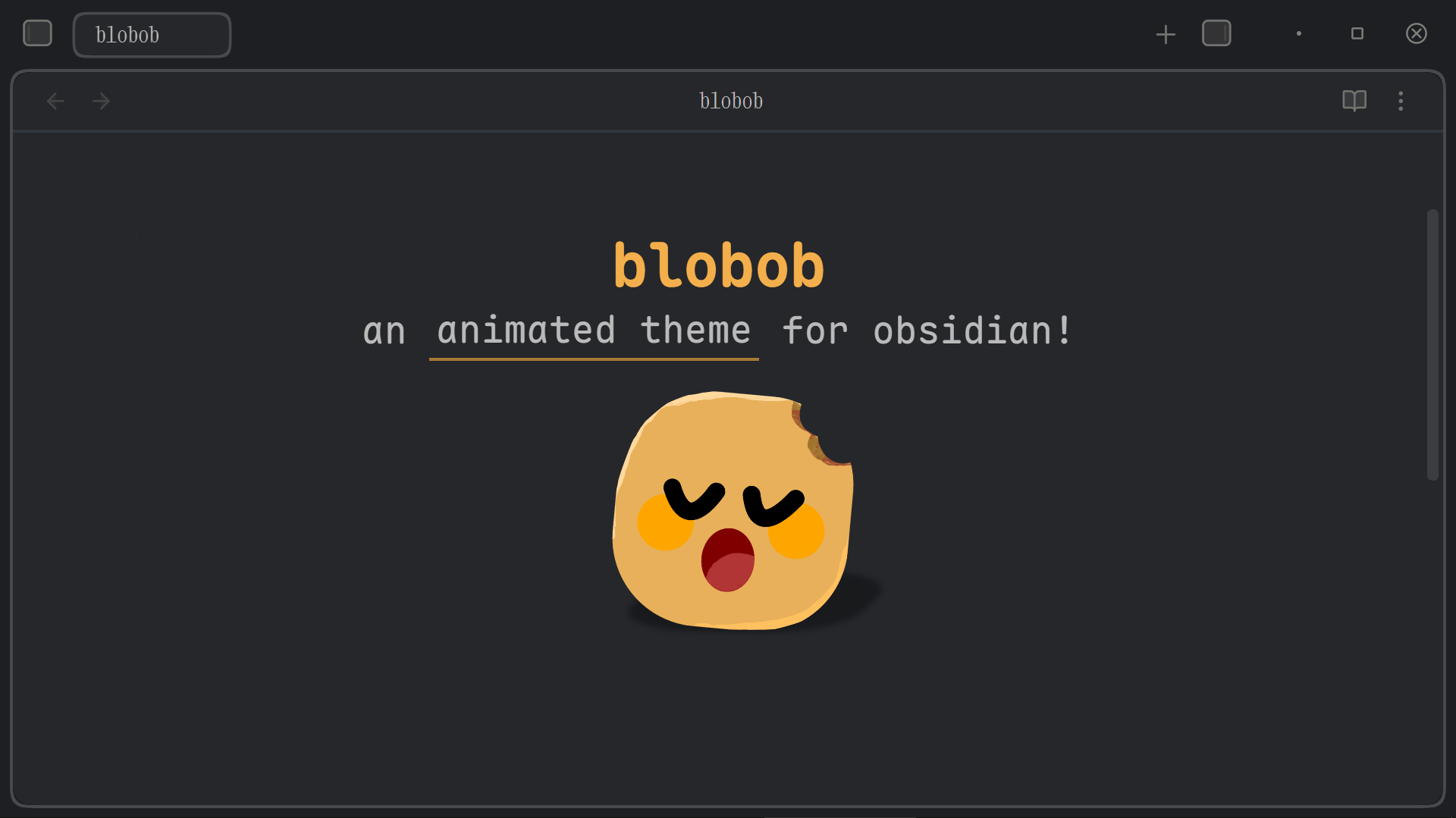
I'd recommend trying this theme out without reading the rest of the README for surprises.
As a self-taught animator of 7 years, I love seeing motion in interactions. So I created this theme with 70+ colour options and, of course, ANIMATIONS! ( ≧ᗜ≦ )
It supports Style Settings for lots of customization. Blobob Theme is currently in development, so if you find issues or want features or more styles, please create an issue here.
Table of Contents
- Colour Options (73)
- Tab Bar
- Editor
- File Explorer
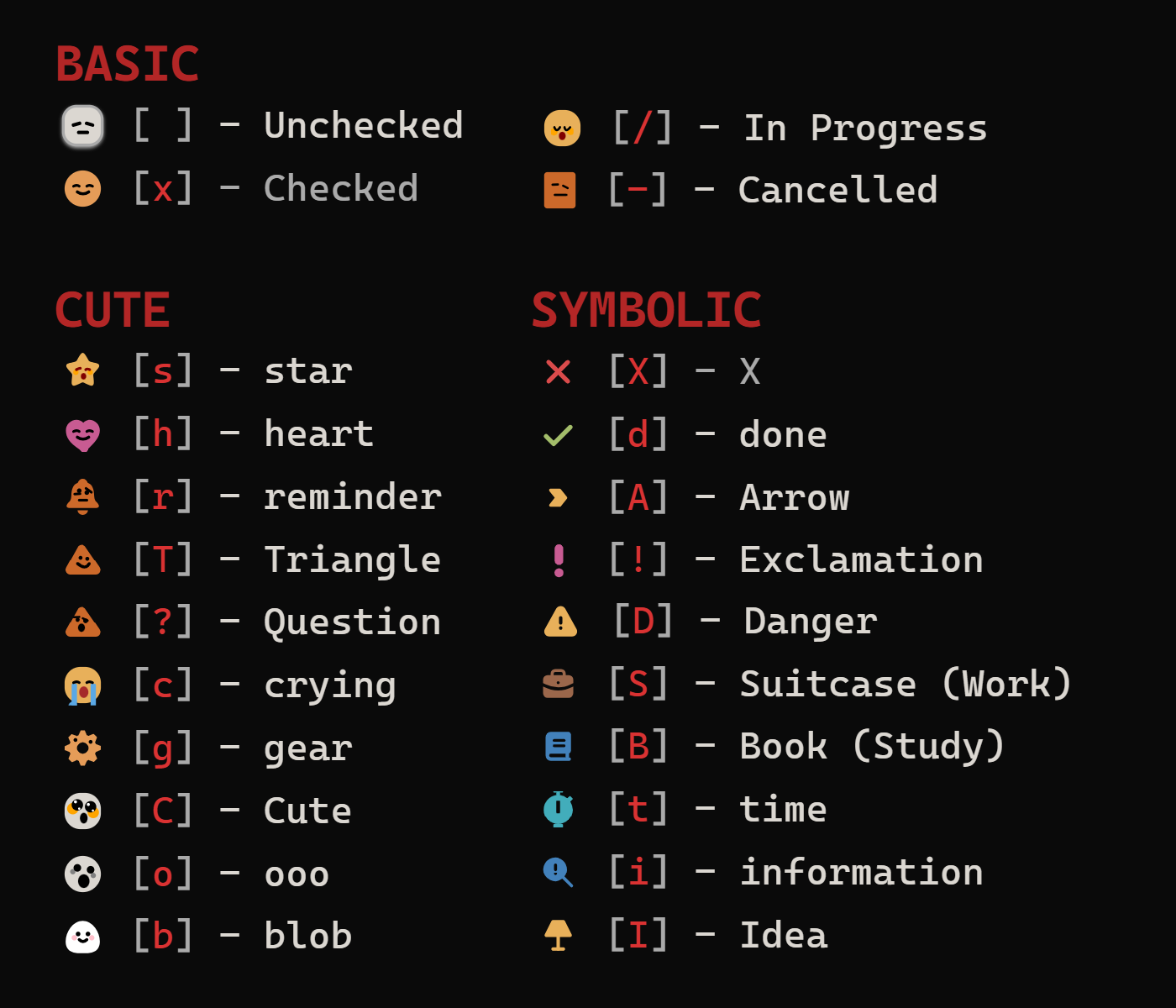
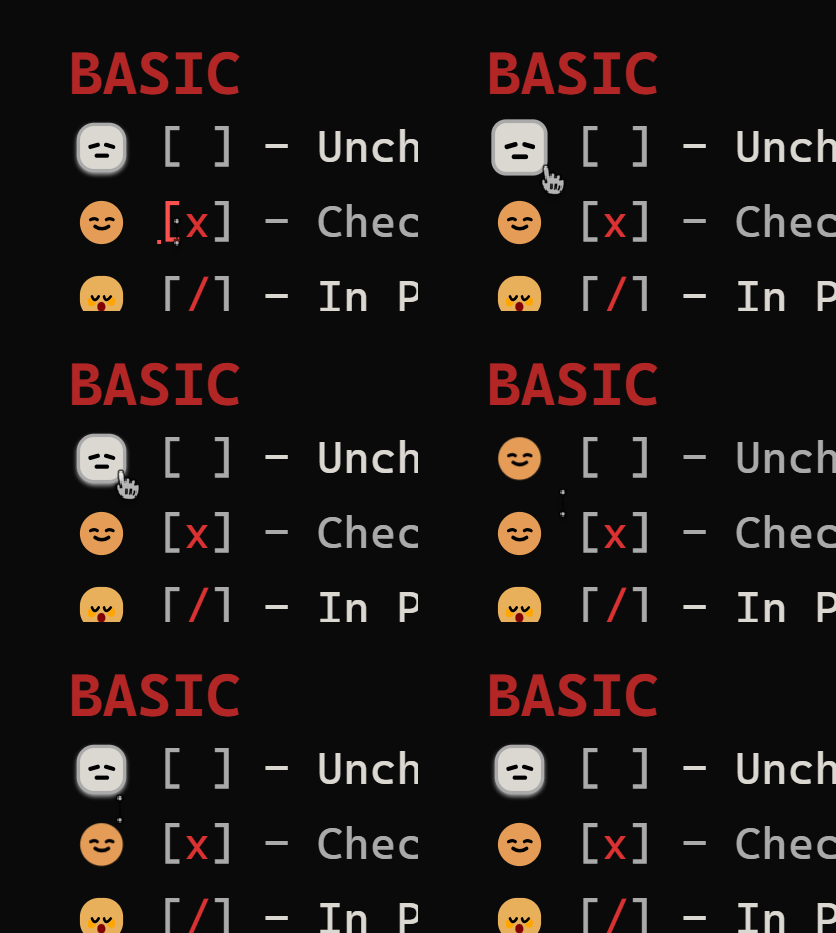
- Checkboxes
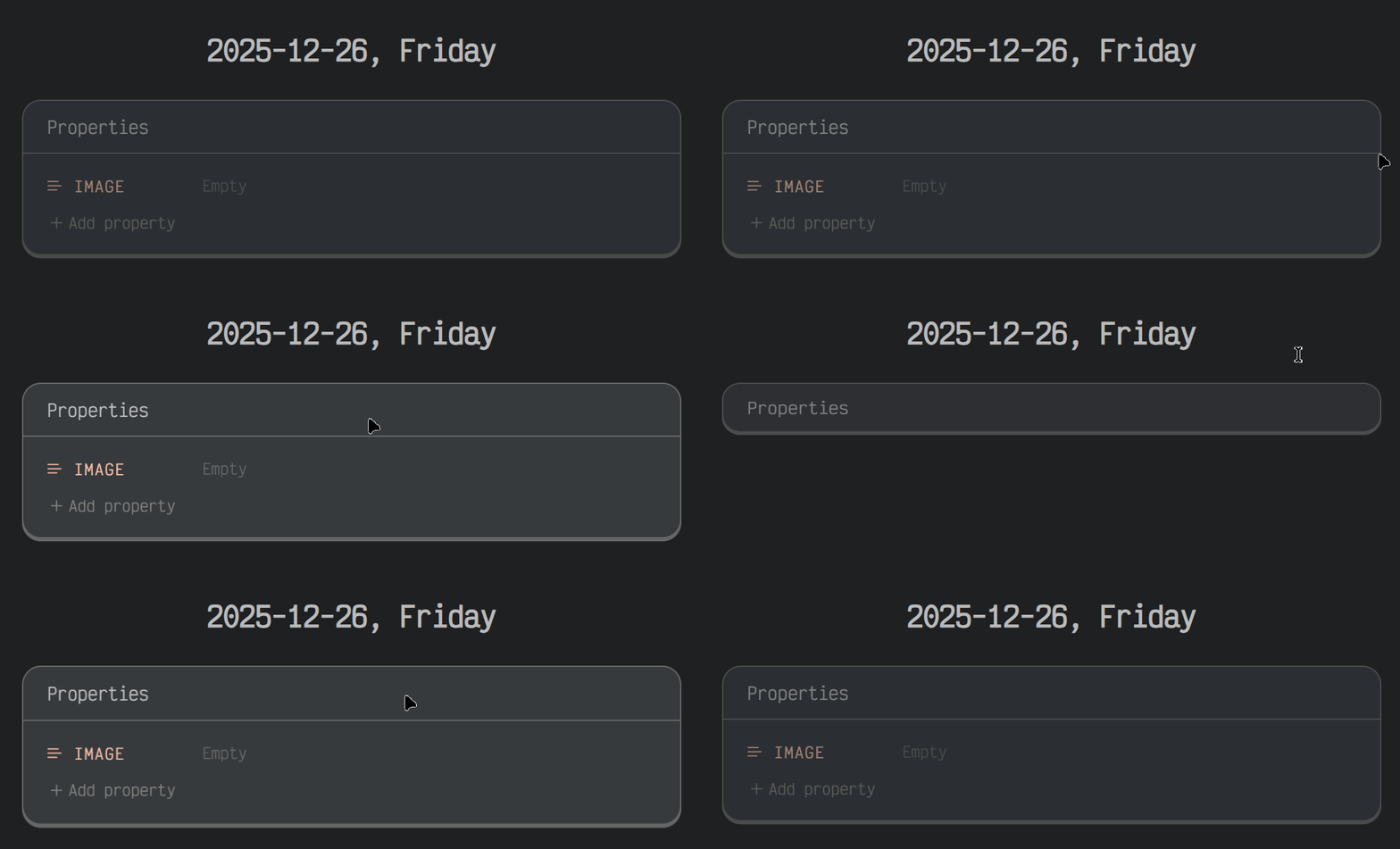
- Properties
- UI Enhancements
- Mobile
- About the Name
Colour Options (73)
Note: Heading colour is peach/pink due to my current Obsidian accent colour. Some themes override it with their own.
6 Button Styles + 43 Dark Theme Colours + 30 Light Theme Colours!!
Dark Theme Colours
Amoled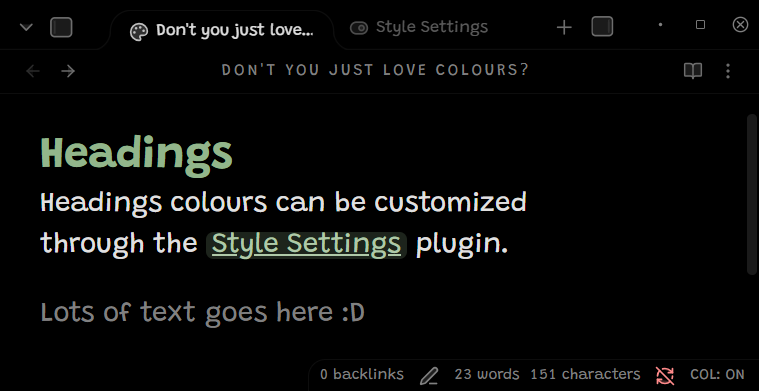 |
Darker Gray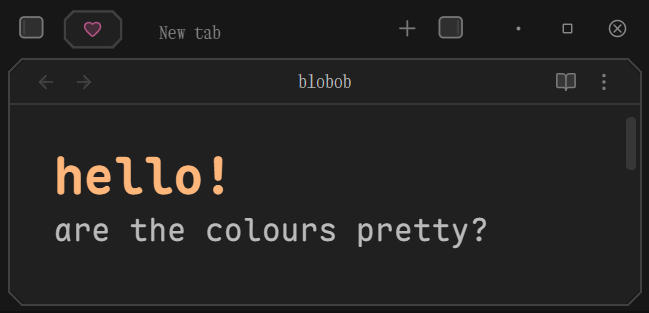 |
|---|---|
Neutral Gray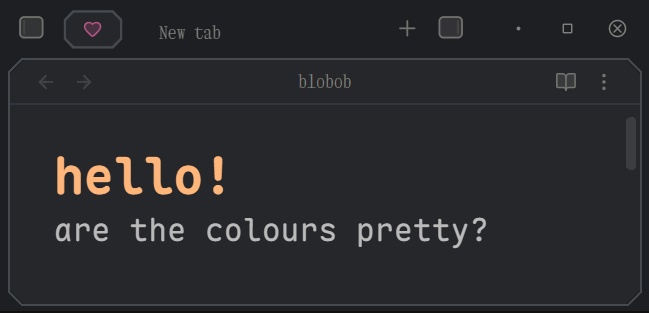 |
Slate Smoke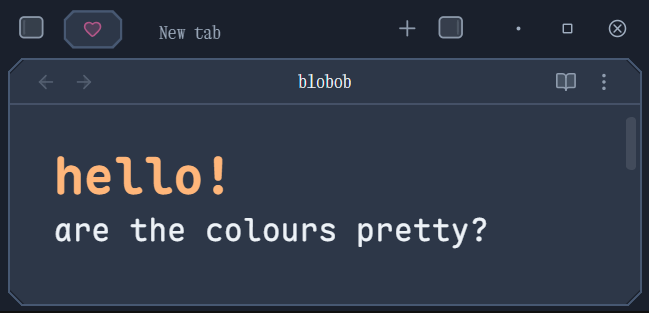 |
Arctic Ice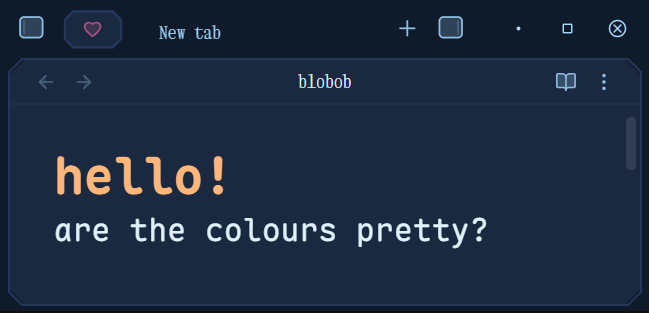 |
Noble Blue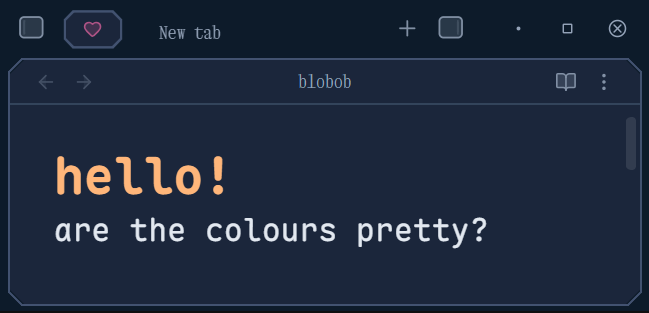 |
Cold Memory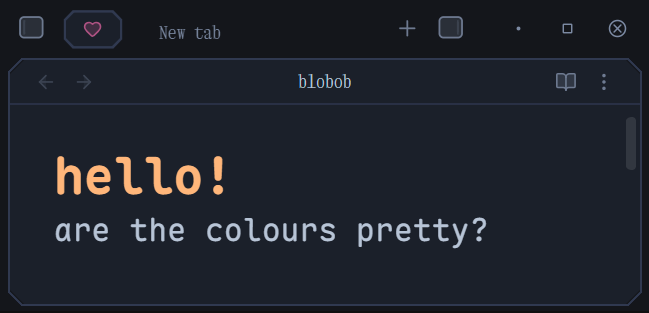 |
Dark Night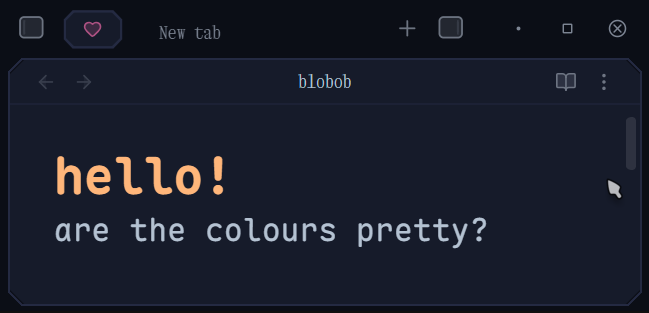 |
Deep Blue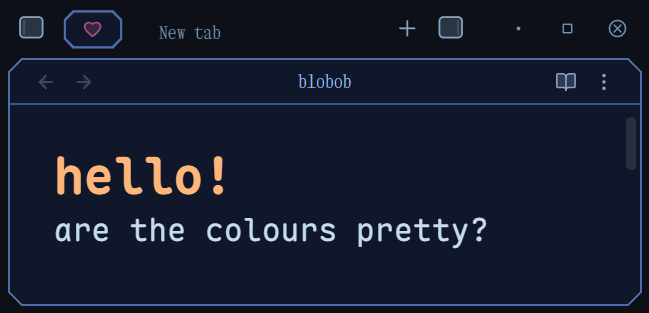 |
Deep Purple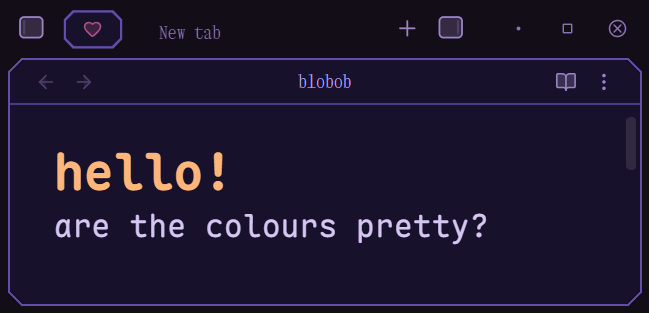 |
Violet Dream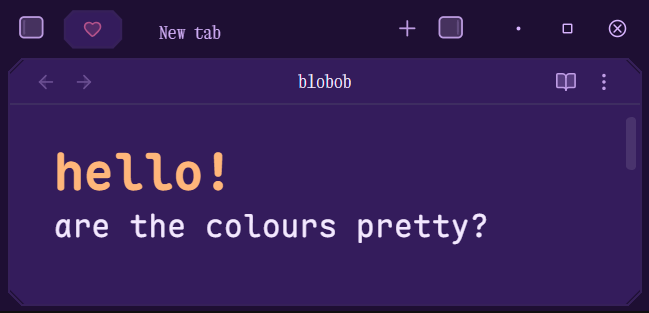 |
Magic Purple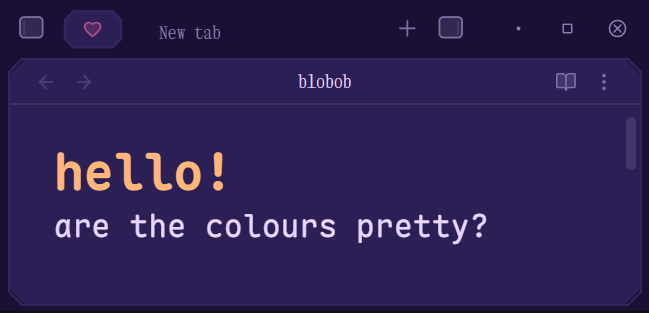 |
Nocturne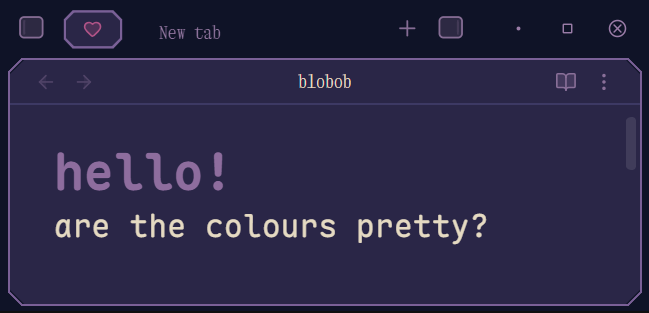 |
Lavendar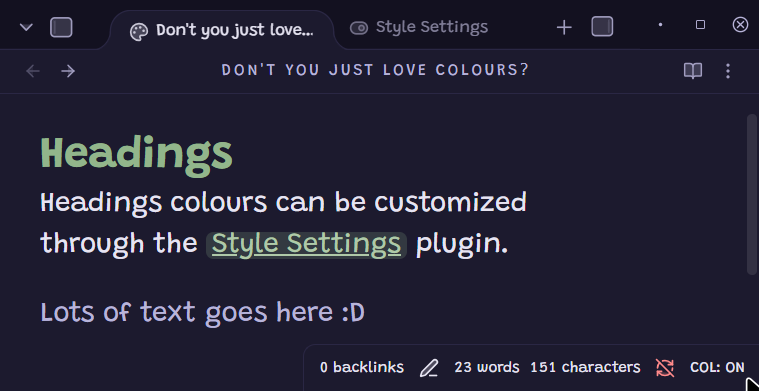 |
Emerald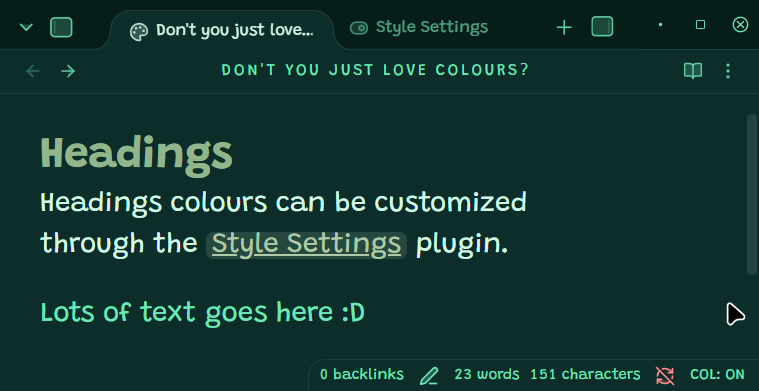 |
Muted Green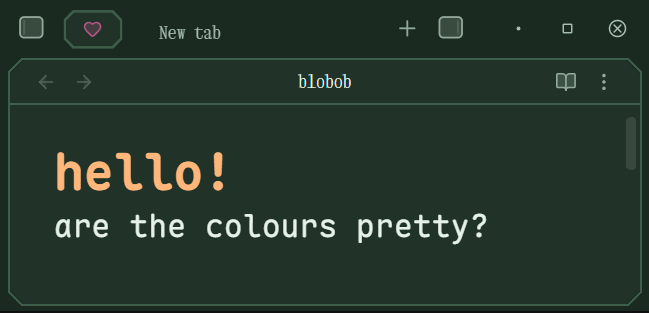 |
More Olives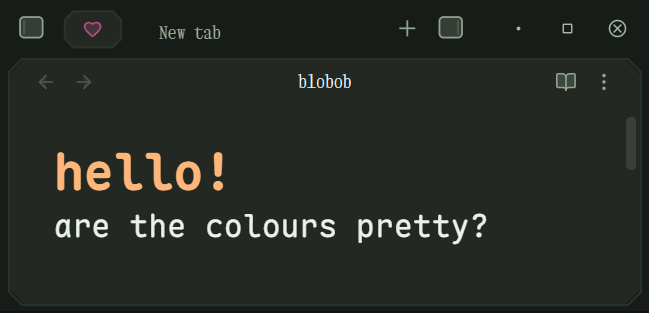 |
Greenwood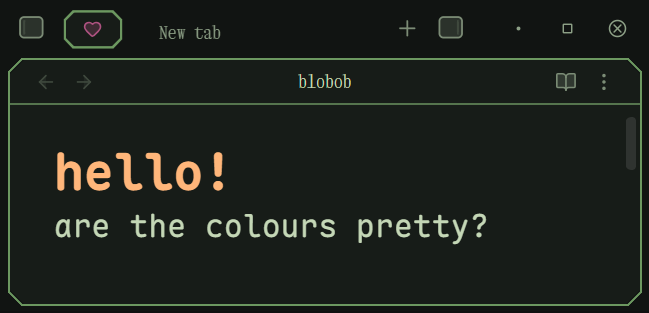 |
Viridian Regalia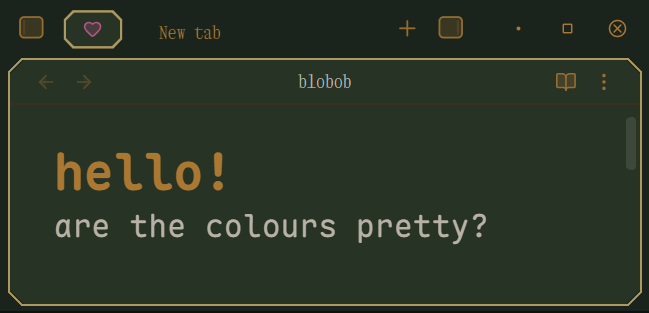 |
Deep Green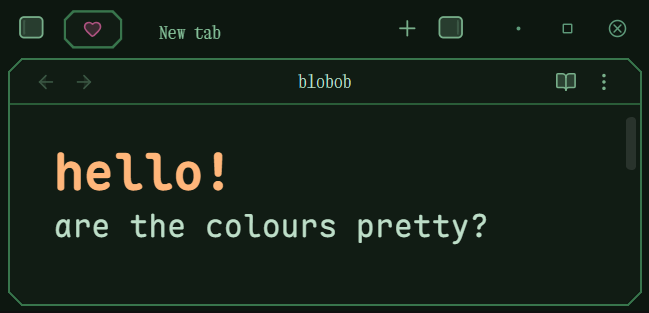 |
Lime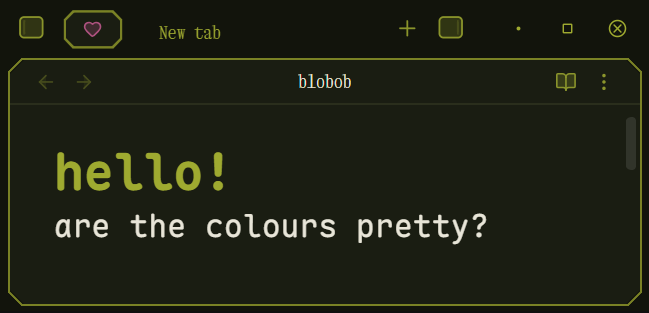 |
Rose Gold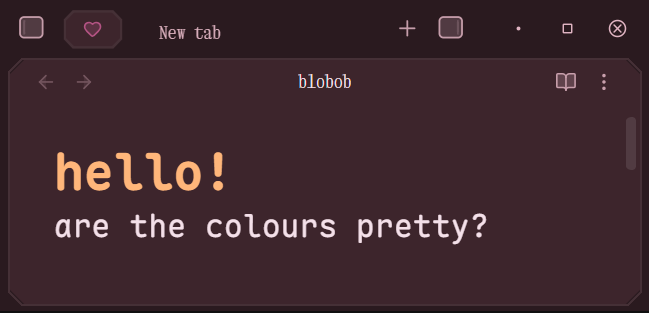 |
Crimson Twilight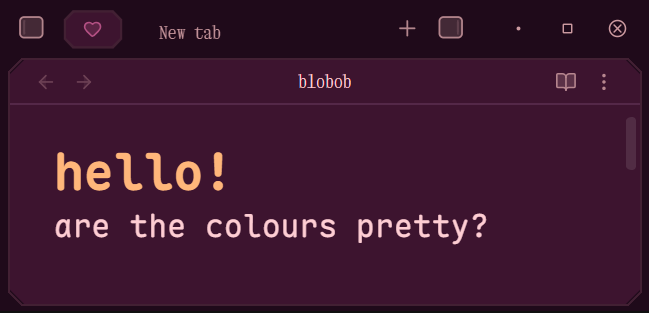 |
Wine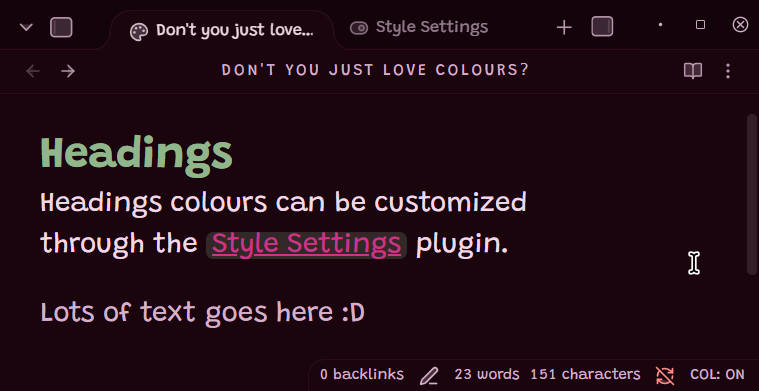 |
Deep Hotpink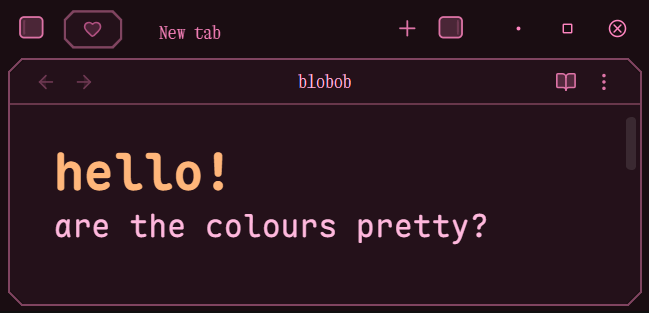 |
Deep Magenta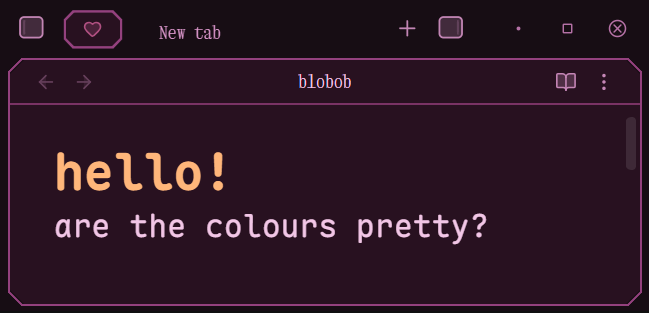 |
Urban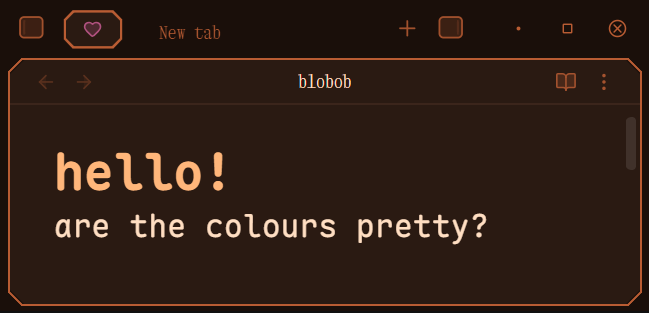 |
Citrine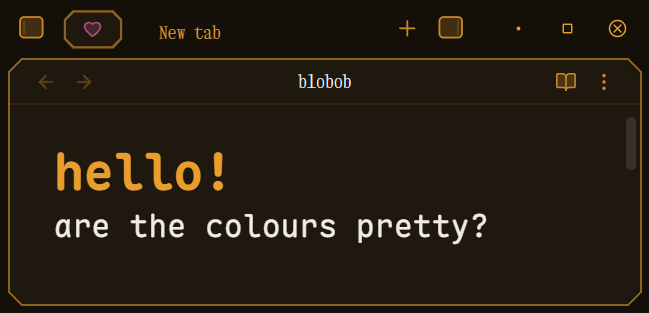 |
Golden Earth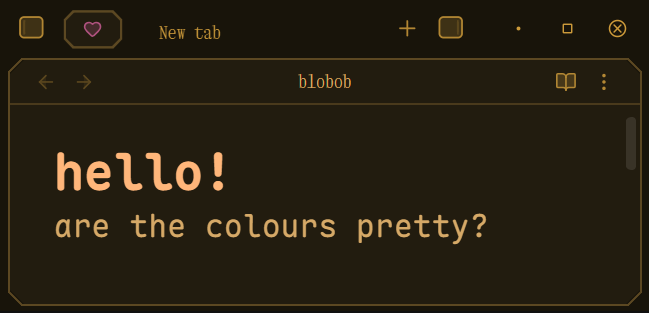 |
Golden Hour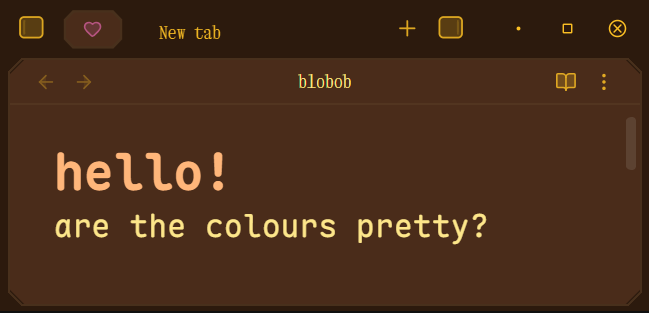 |
Caramel |
Chocolate |
Dark Chocolate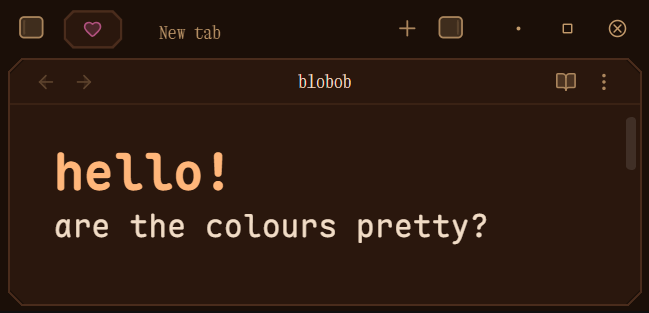 |
Comfort Chocolate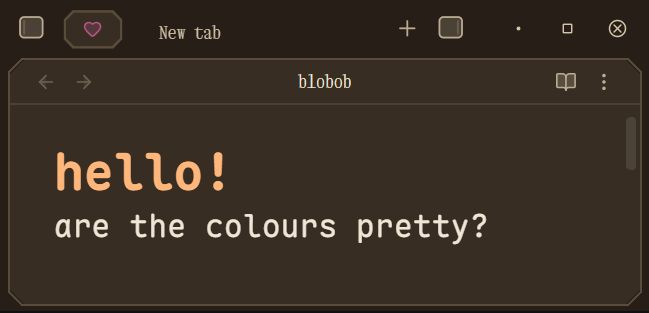 |
Tasty Chocolate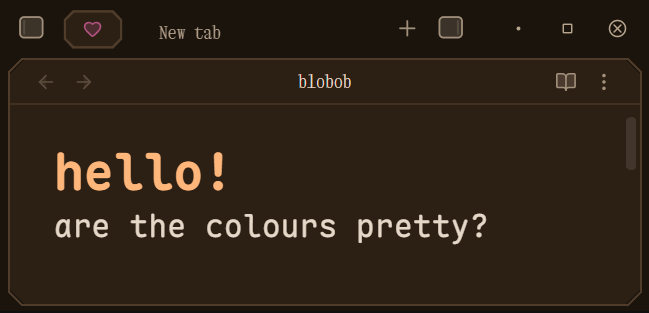 |
Tasty Chocolate 2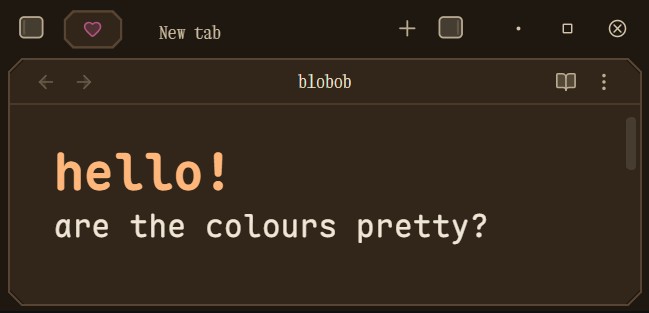 |
Leather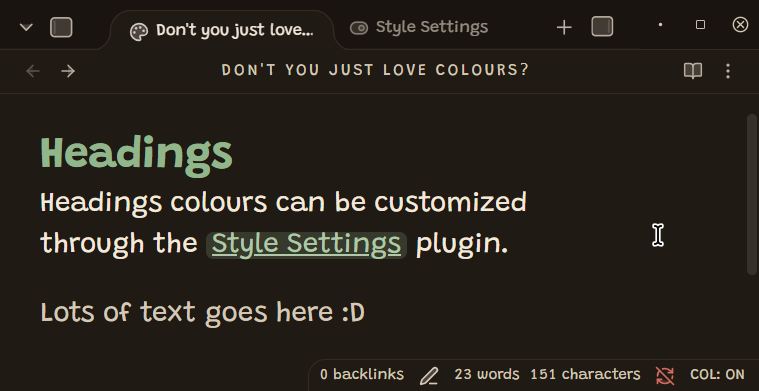 |
Velvet Maroon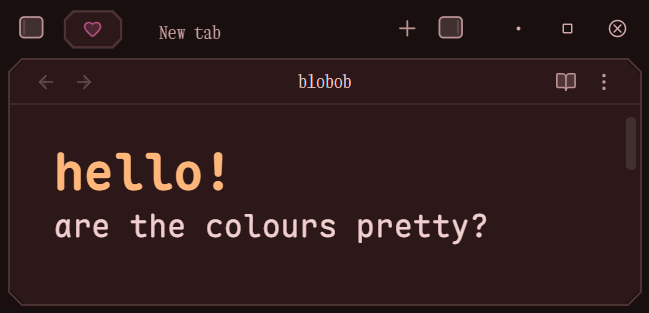 |
Deep Red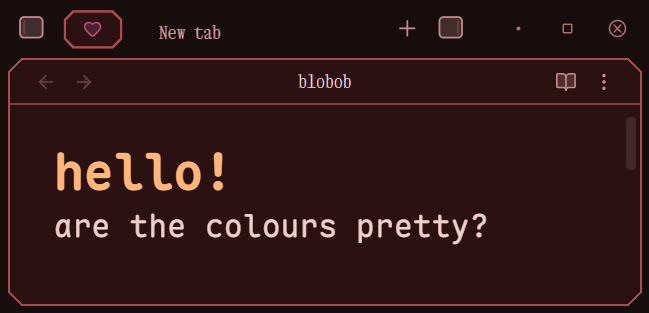 |
Mafia Red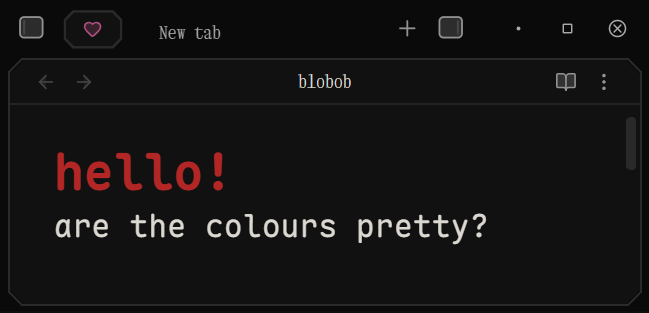 |
Red Forest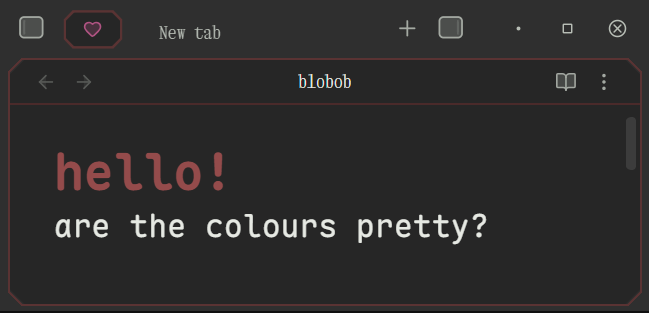 |
Green Road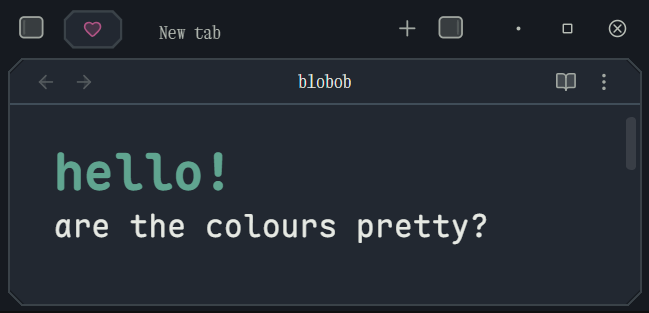 |
Light Theme Colours
Cloud White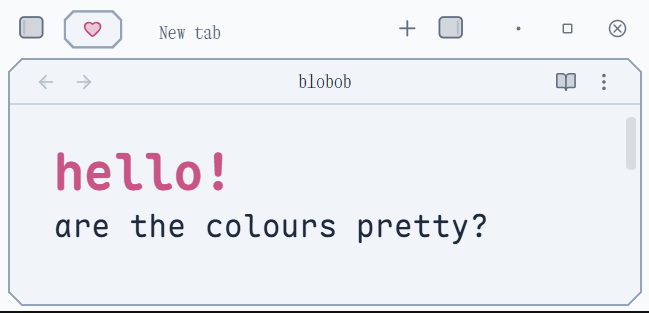 |
Paper White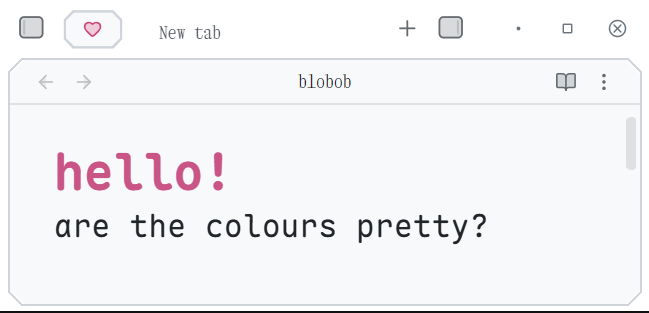 |
|---|---|
Light Gray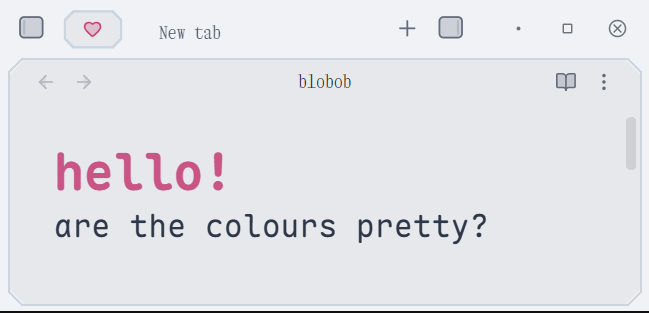 |
Sand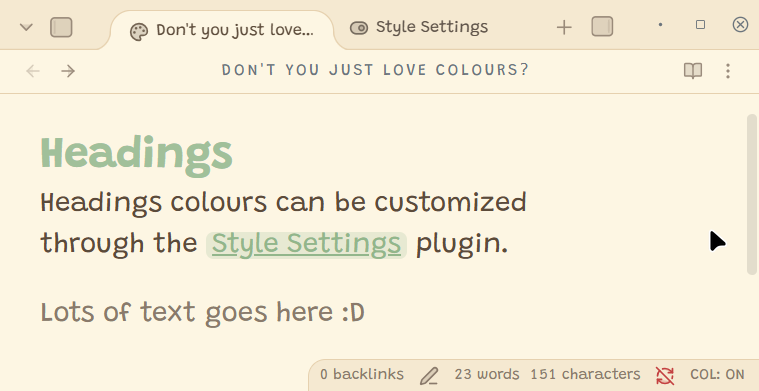 |
Peach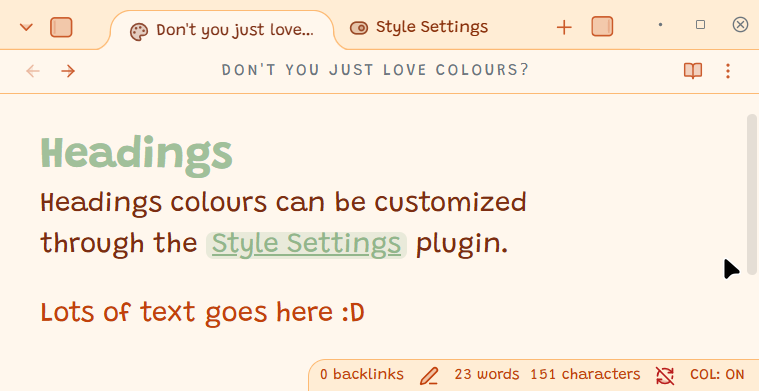 |
Yellow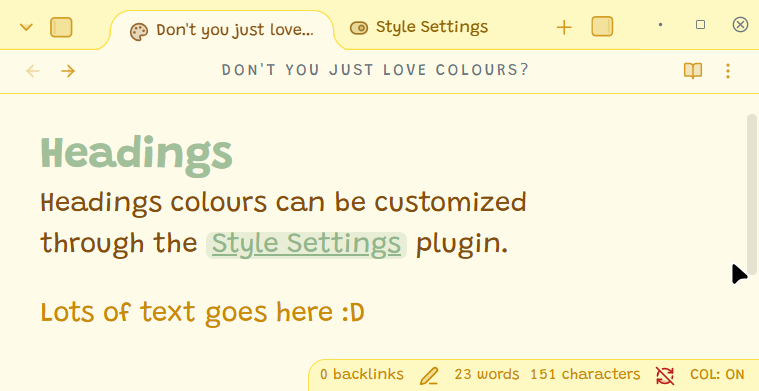 |
Green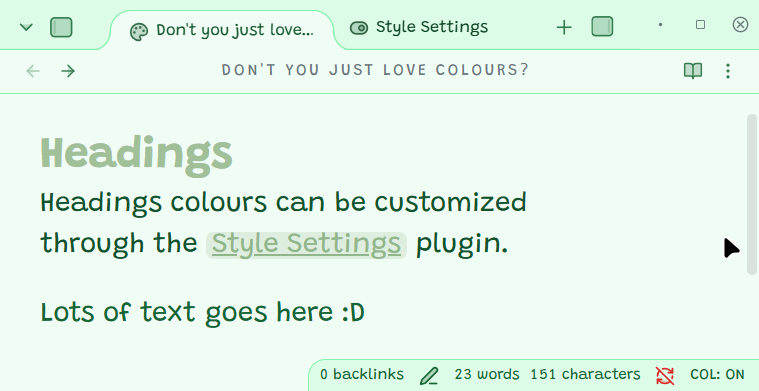 |
Cyan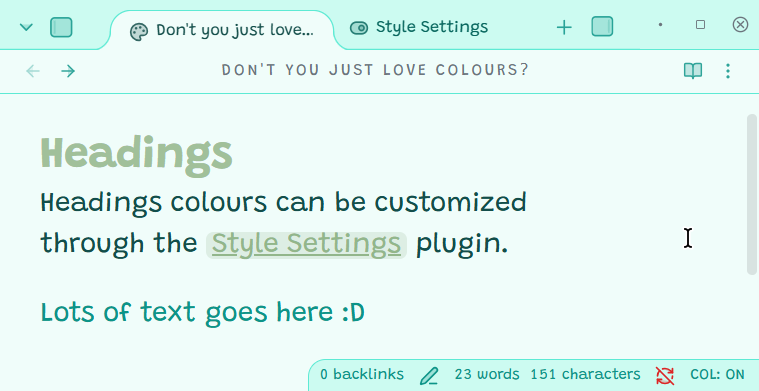 |
Blue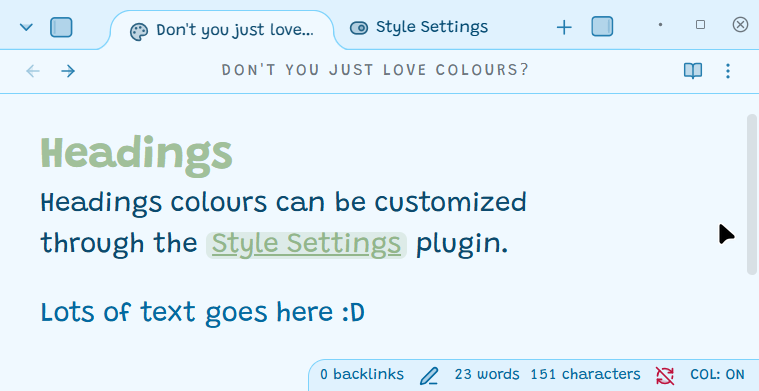 |
Azure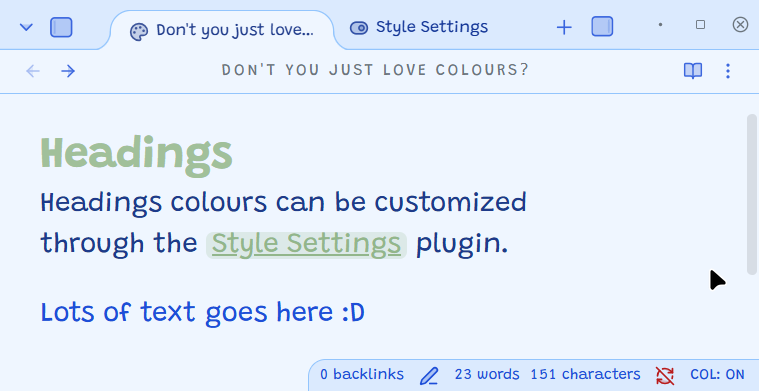 |
Purple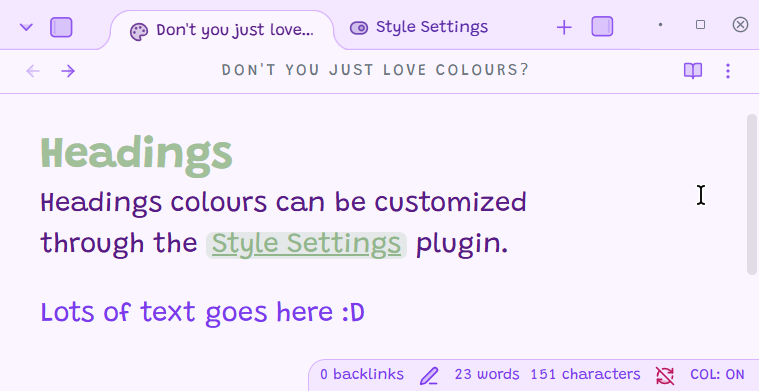 |
Pink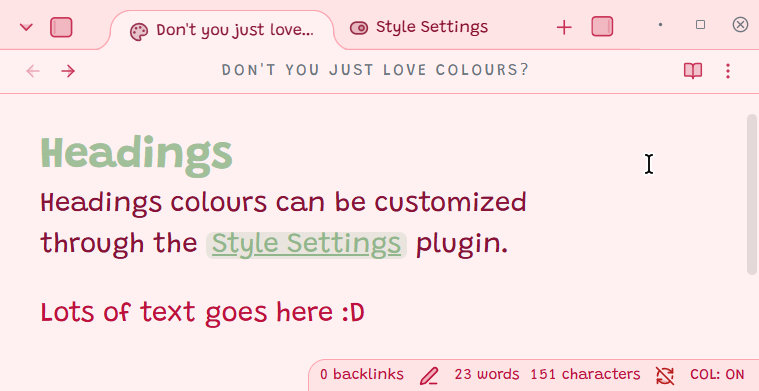 |
Brinjal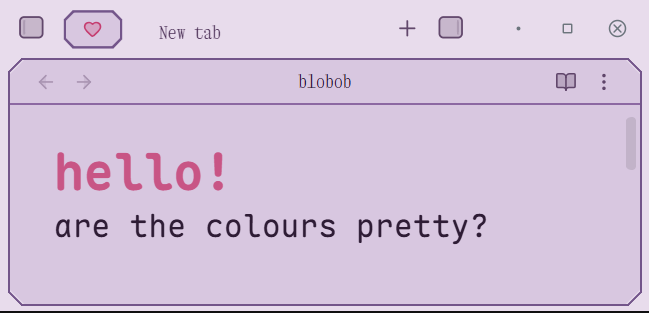 |
Herb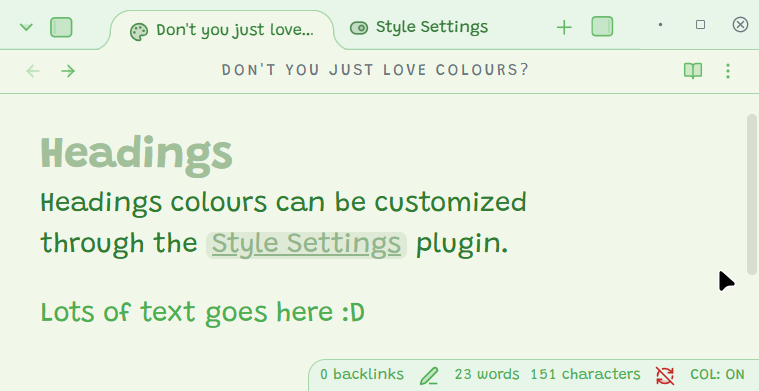 |
Olive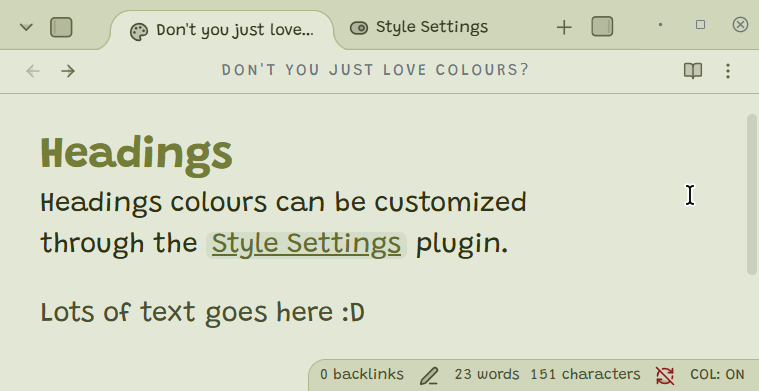 |
Jade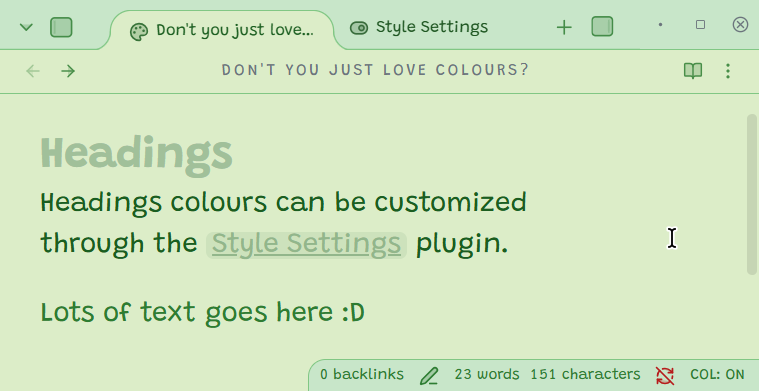 |
Rose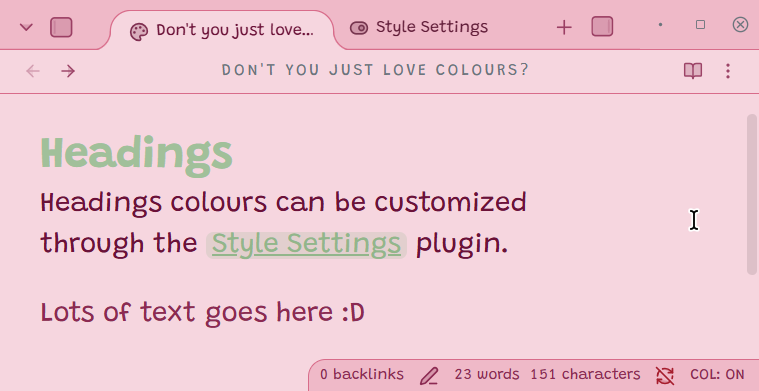 |
Joy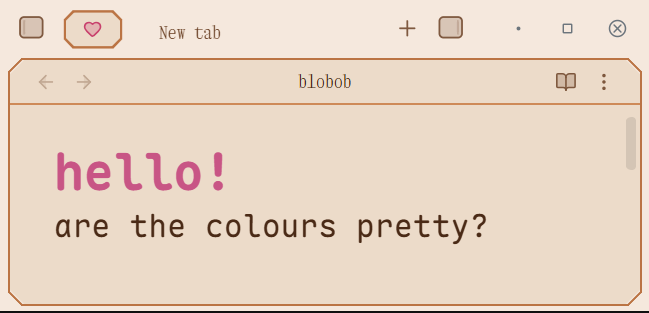 |
Choco Milk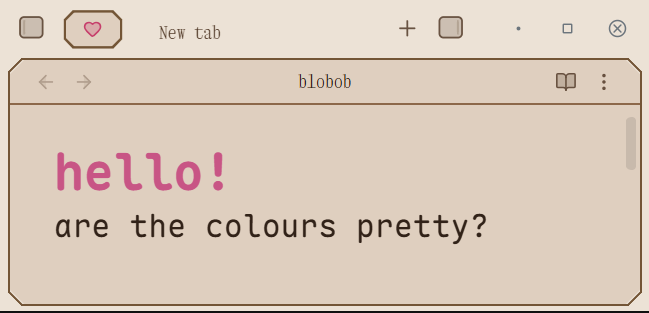 |
Yellow Teeth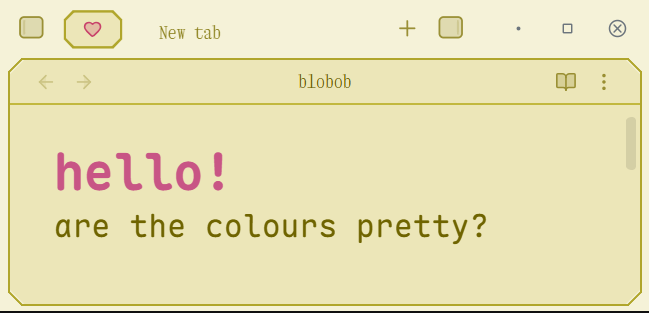 |
Toothpaste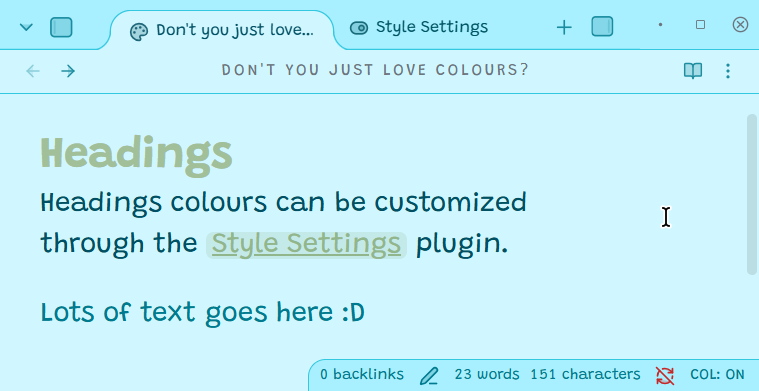 |
Blood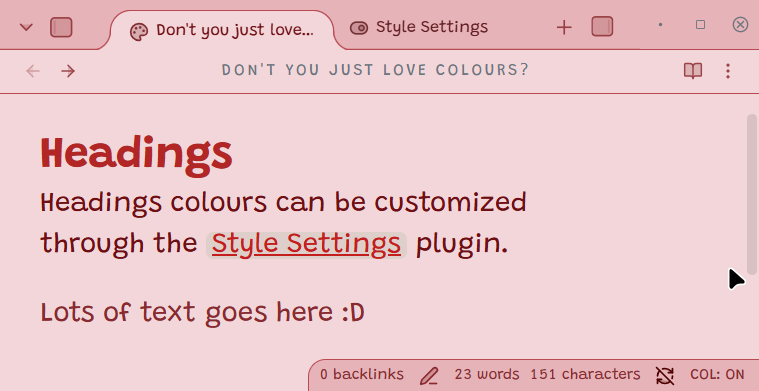 |
Corporate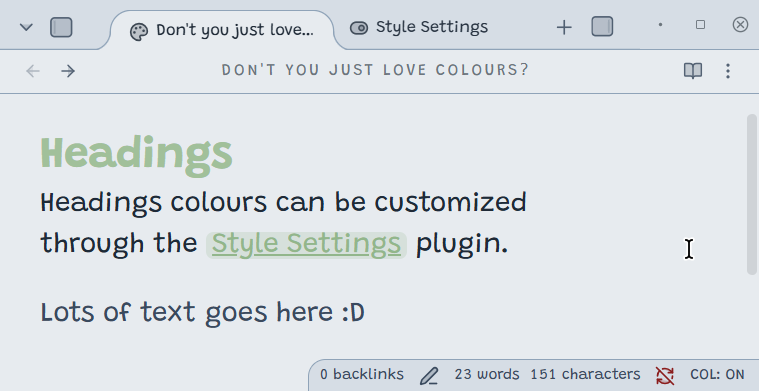 |
Disgust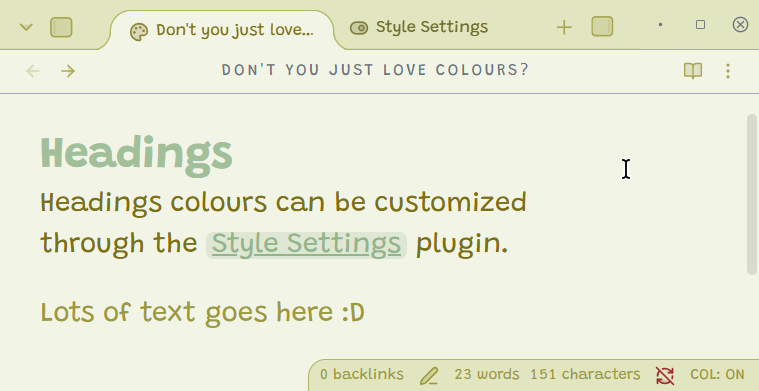 |
Payesh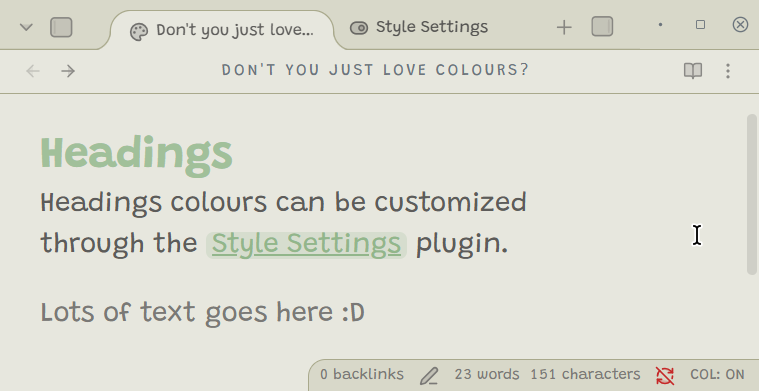 |
Chicken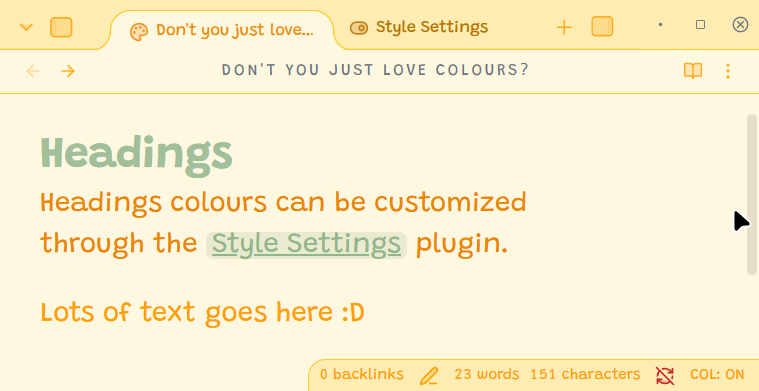 |
Cream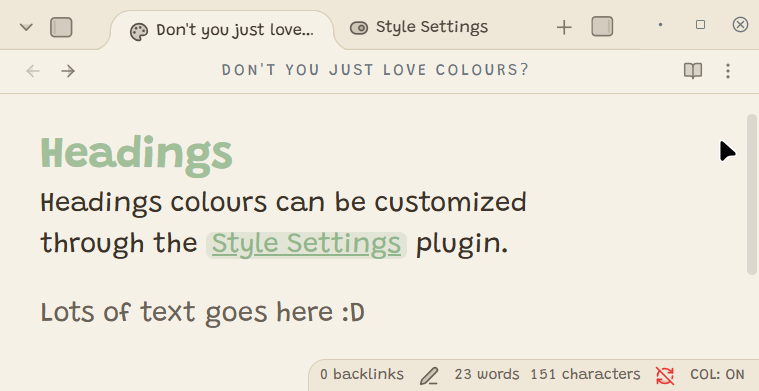 |
Cream Blue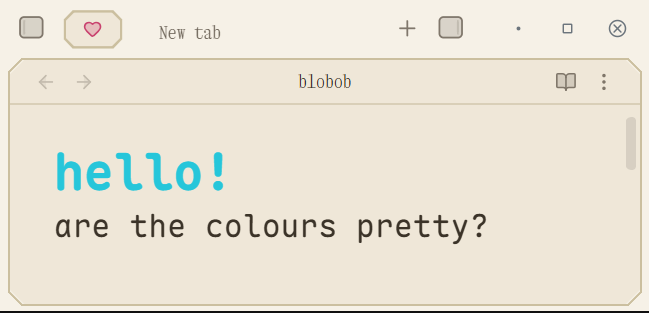 |
50% Gray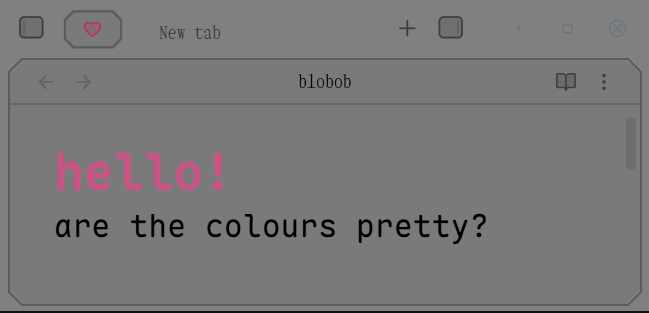 |
Delta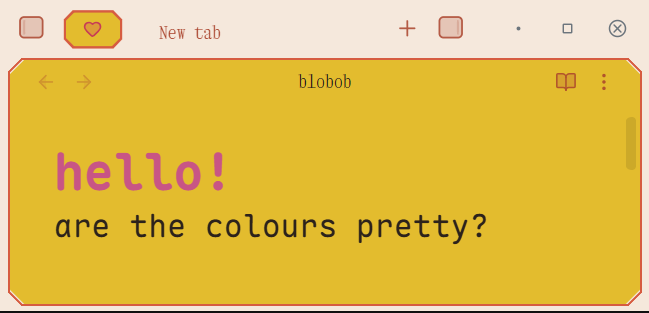 |
My Favourites
Dark Themes: Dark Night, Golden Earth, Crimson Twilight, Cold Memory, & Mafia Red
Light Themes: Payesh, Chicken, Corporate, Yellow Teeth
Tab Bar
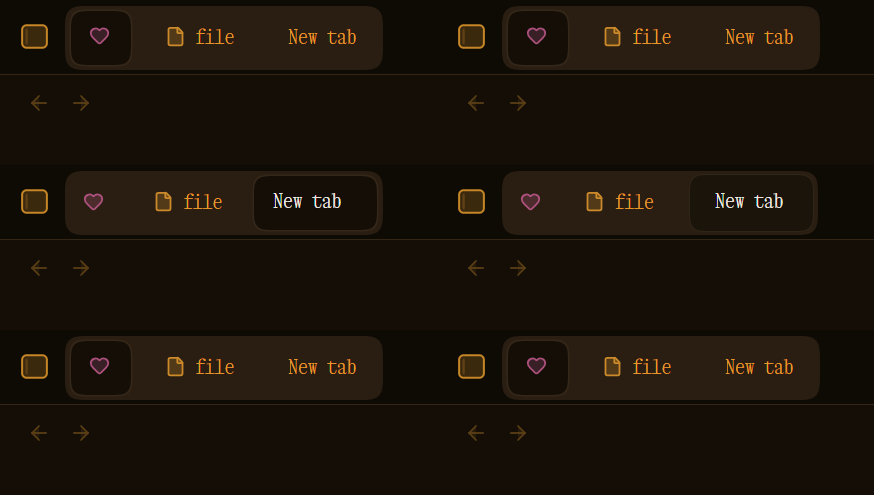
Animated Tabs
Joined
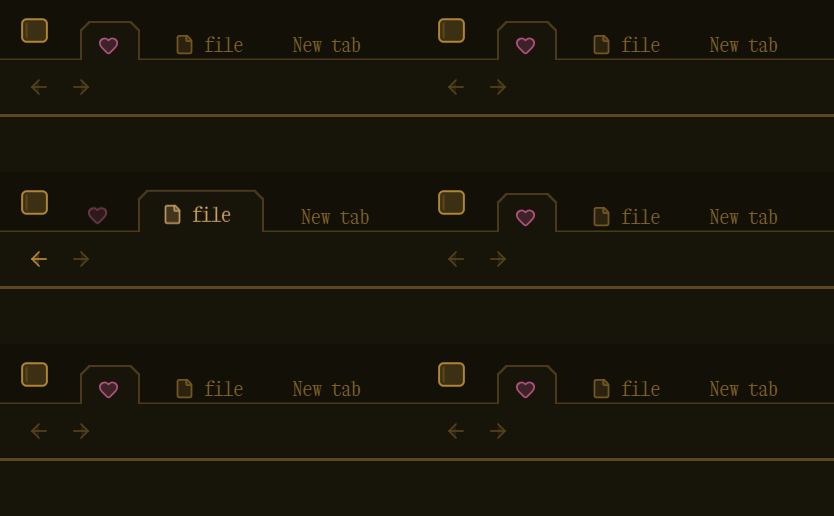
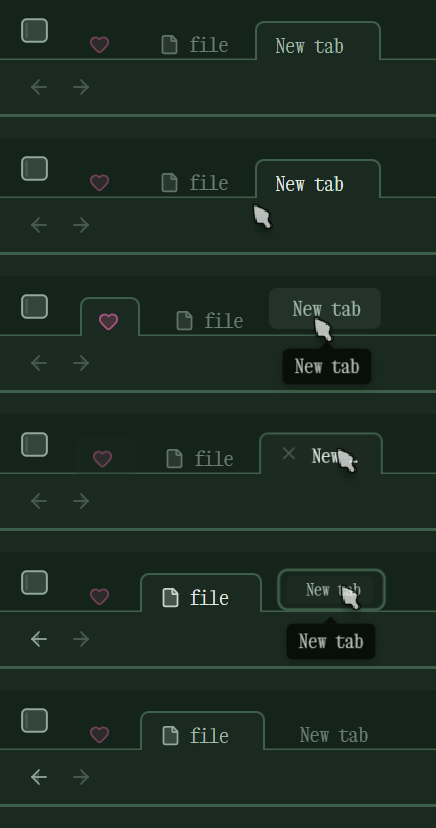
Floating
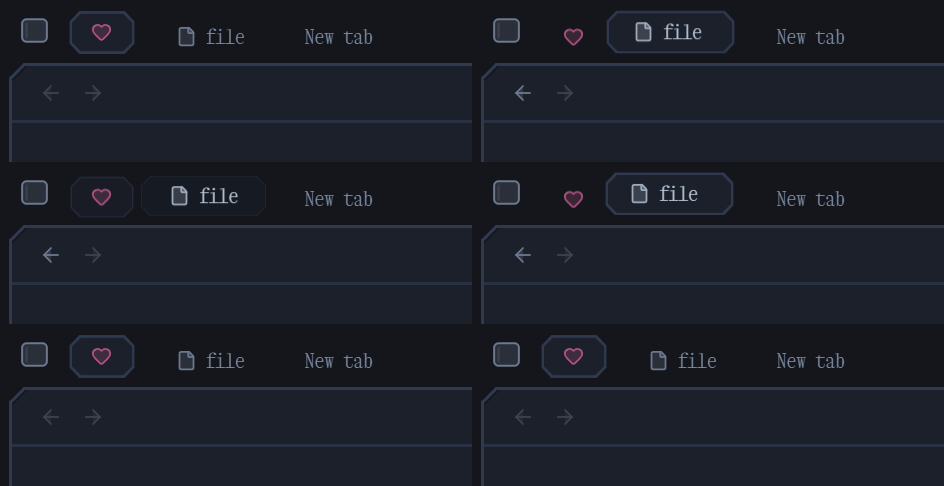
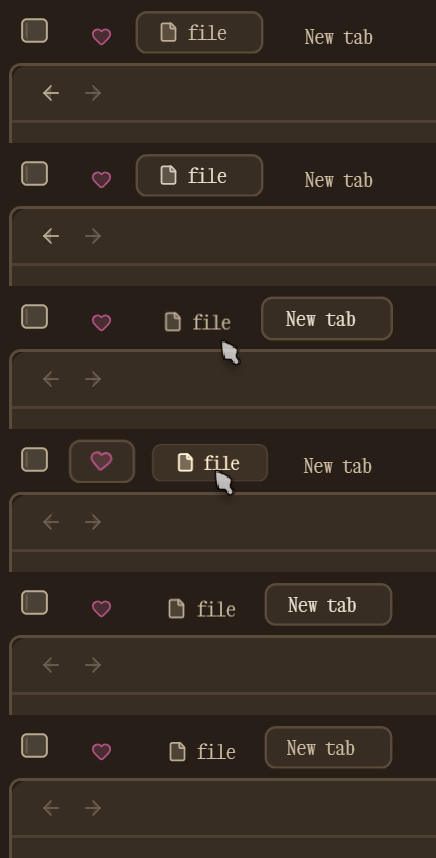

Underlined
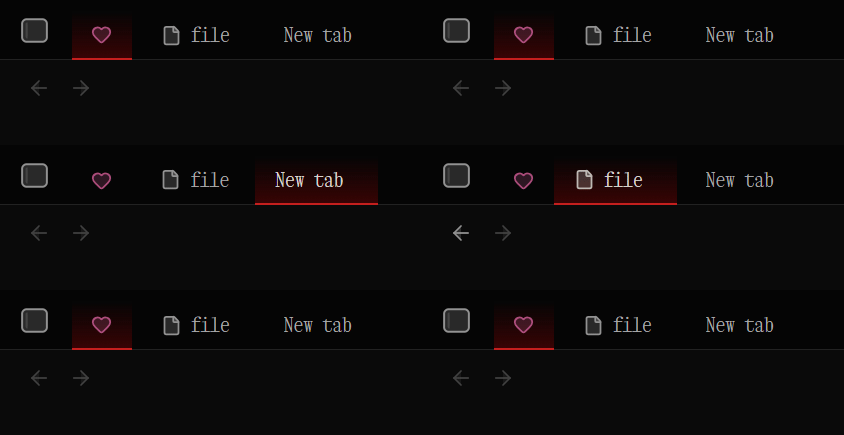
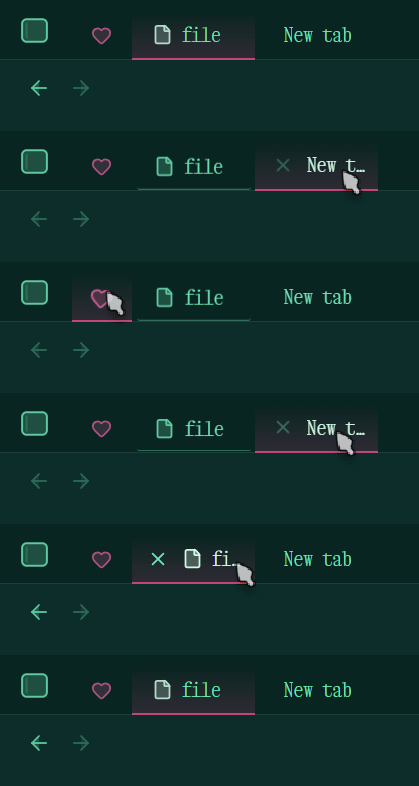
Contained
Compact Tabs & Focus Mode
Don't like how much space the tab bar takes up? Enable Compact Tabs!
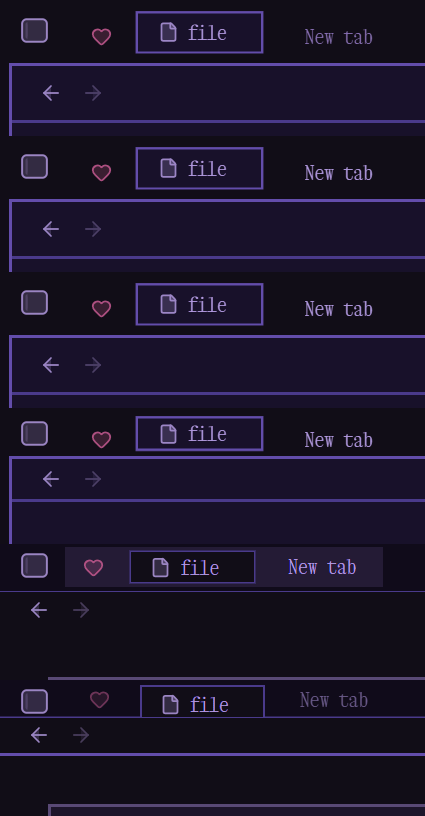
Or enable Focus Mode!

Editor
Active Line Styles
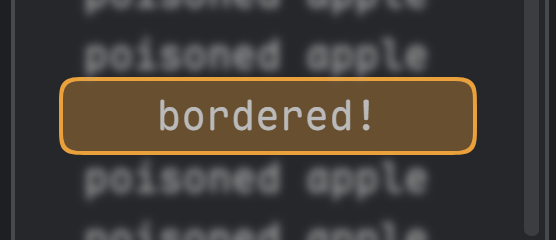
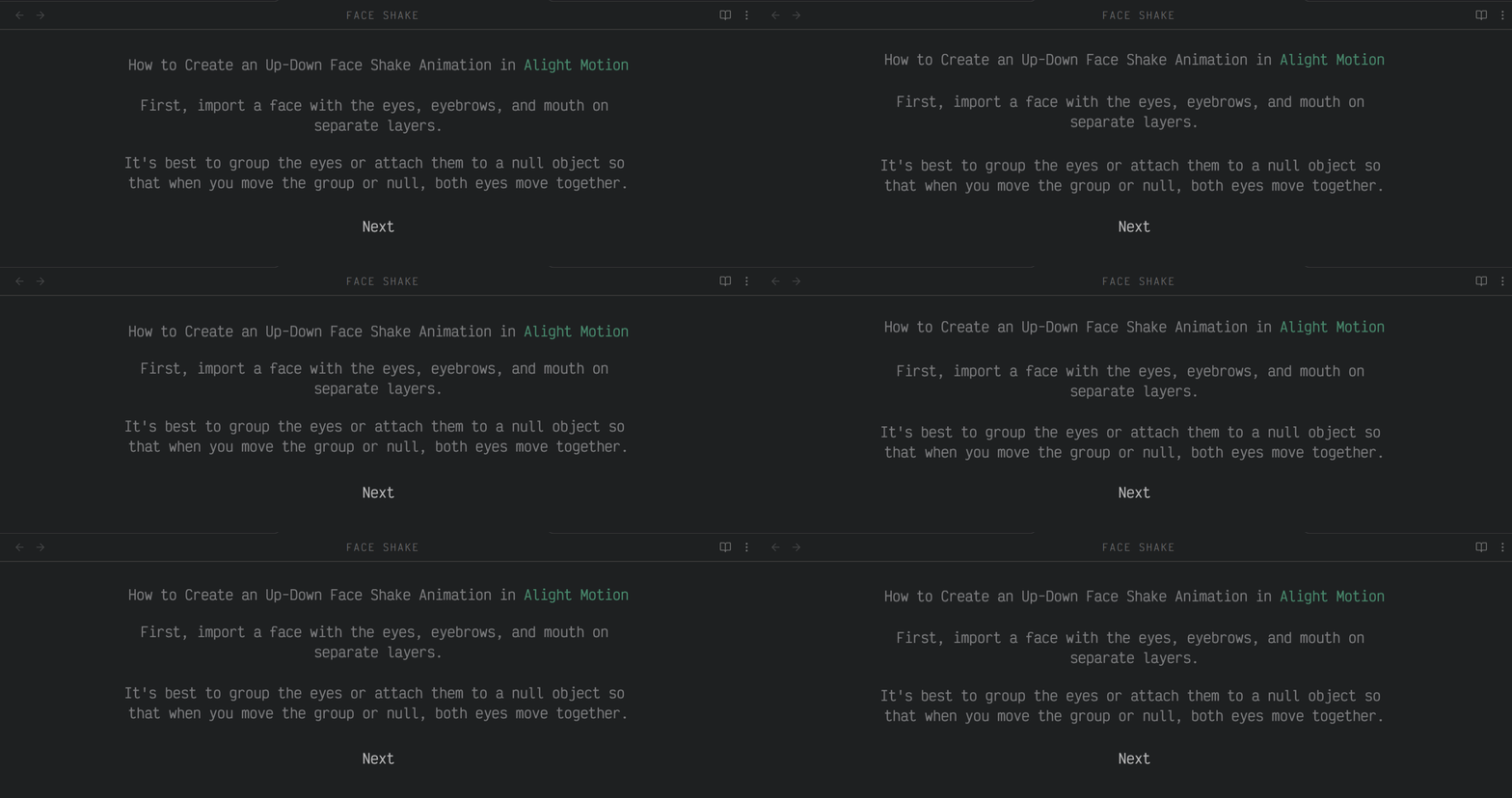
You can blur, center & make the active line bigger!

Check out several active line styles:
Dimmed & Floating Inactive Lines
File Explorer
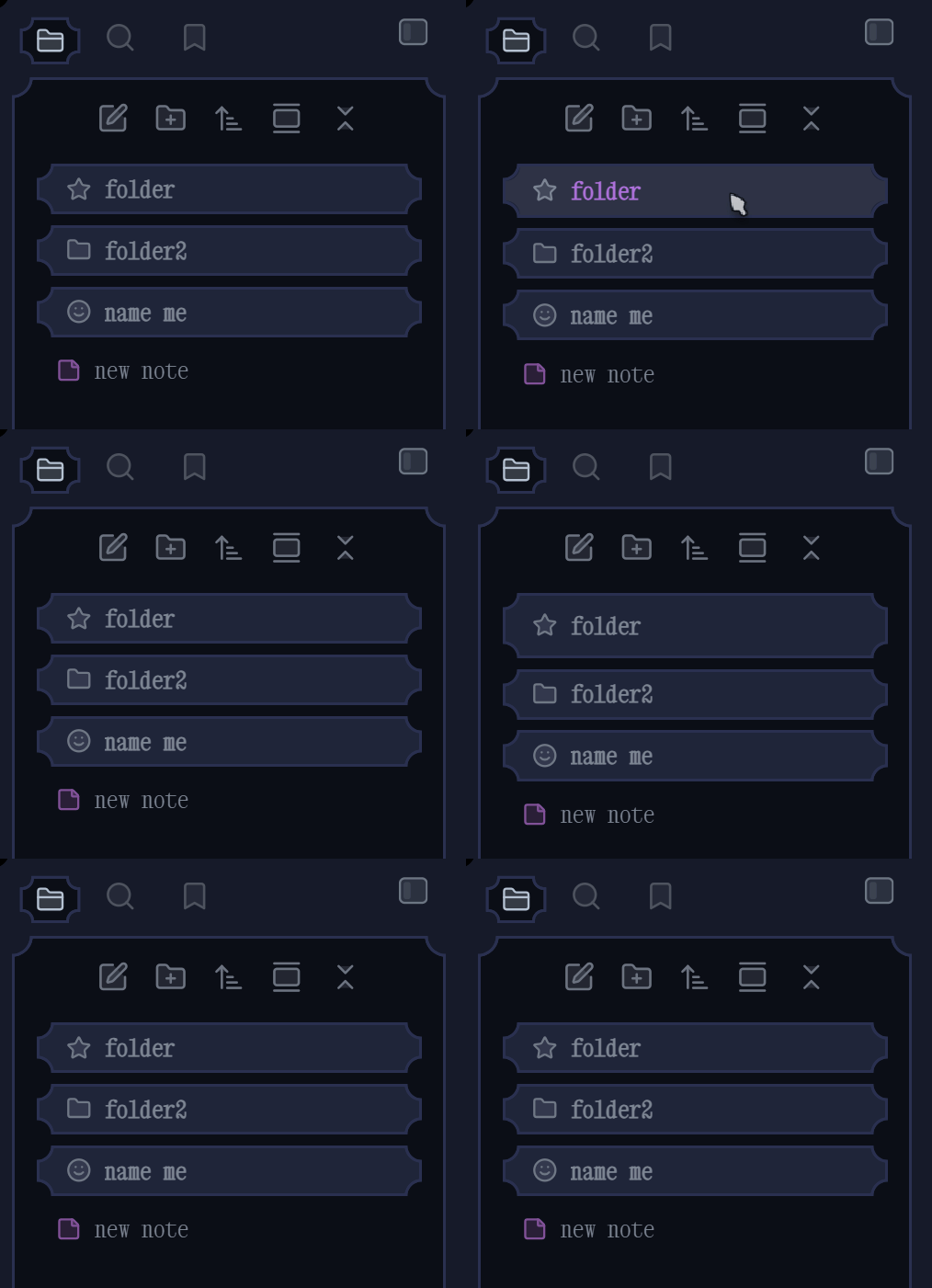
Bouncy Folders
Lots of folder styles with bouncy animations!
Vertical Folder Style
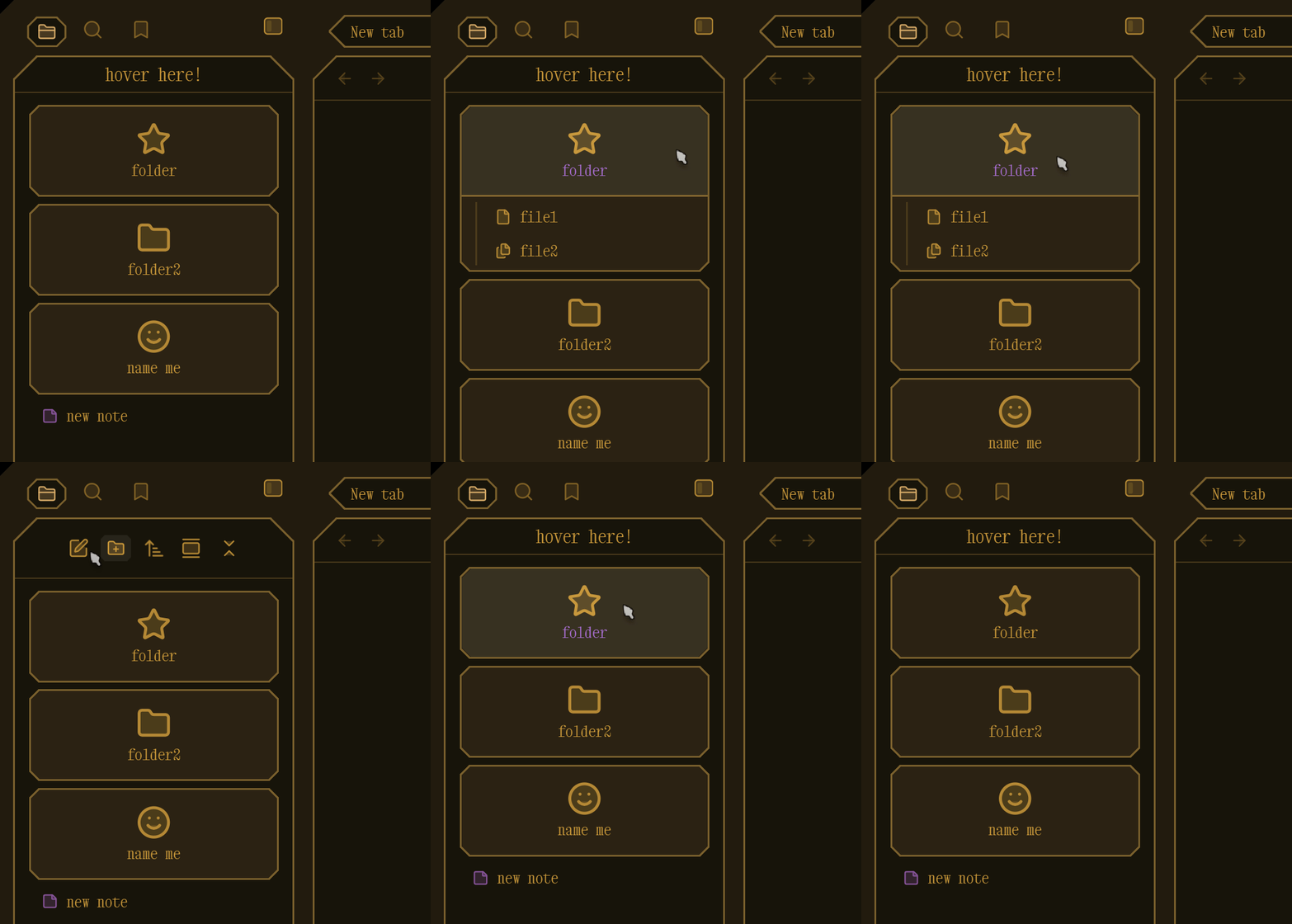
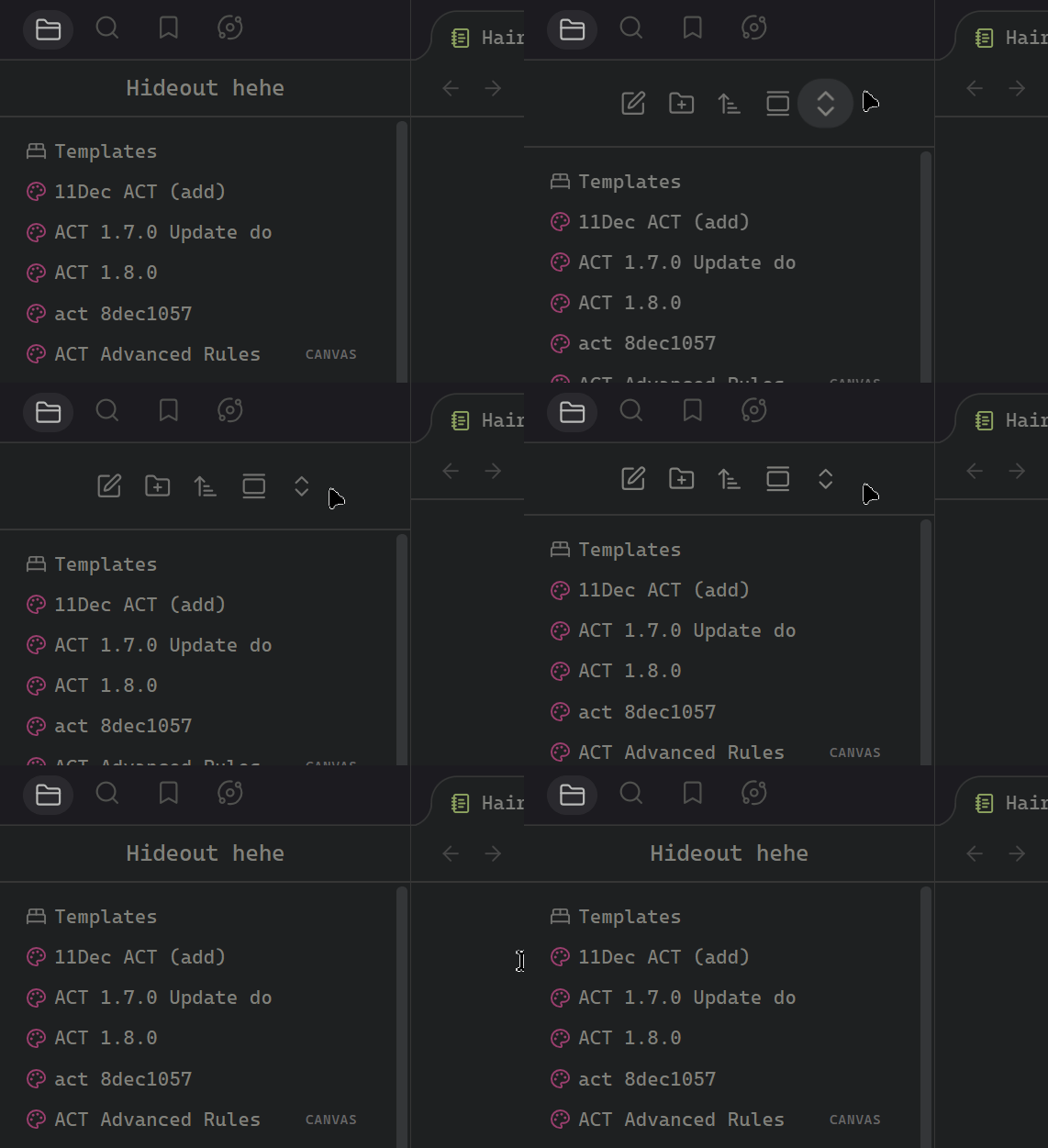
Hide Nav Buttons
Checkboxes
Properties
The Properties styling does not affect the "Show File Properties" brought via Command Palette.
UI Enhancements
Settings Tabs
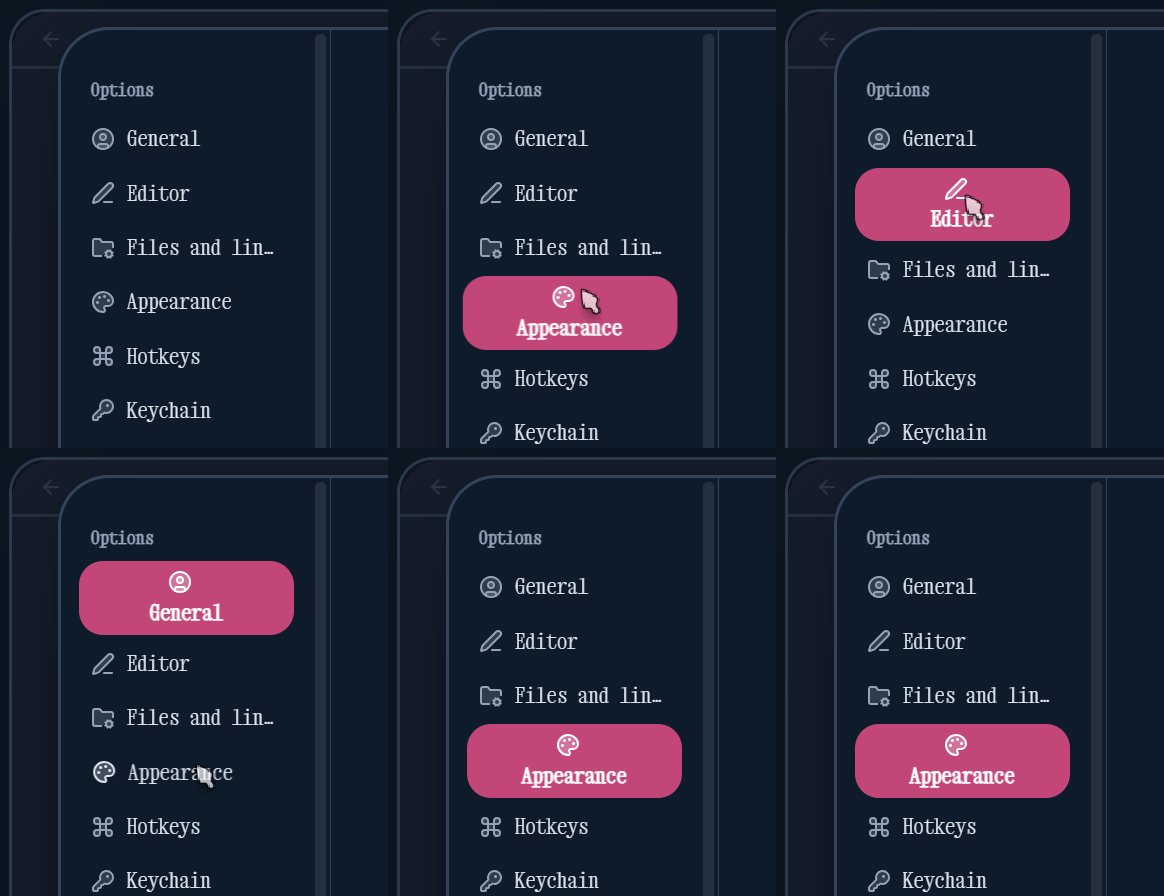
Setting Items
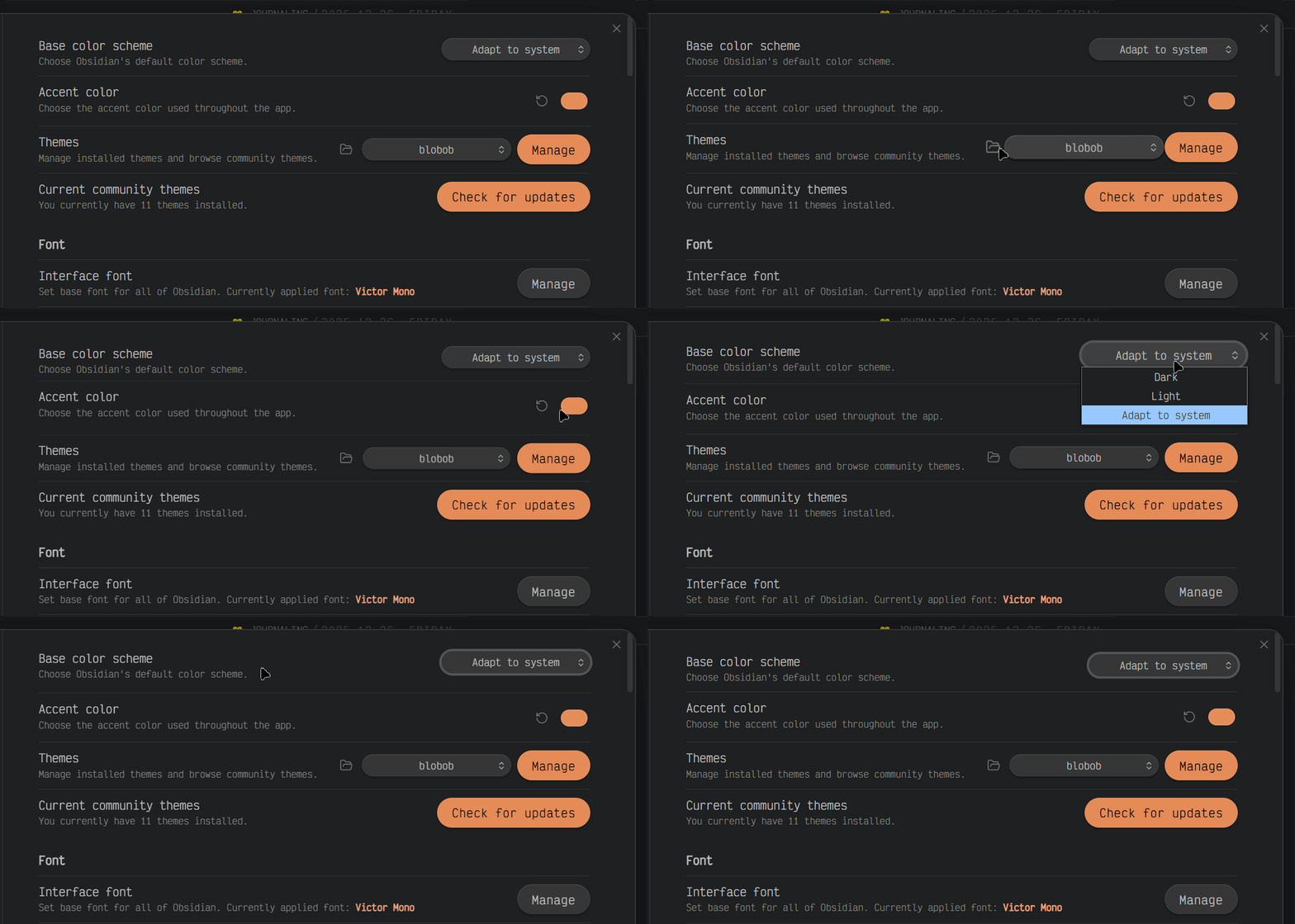
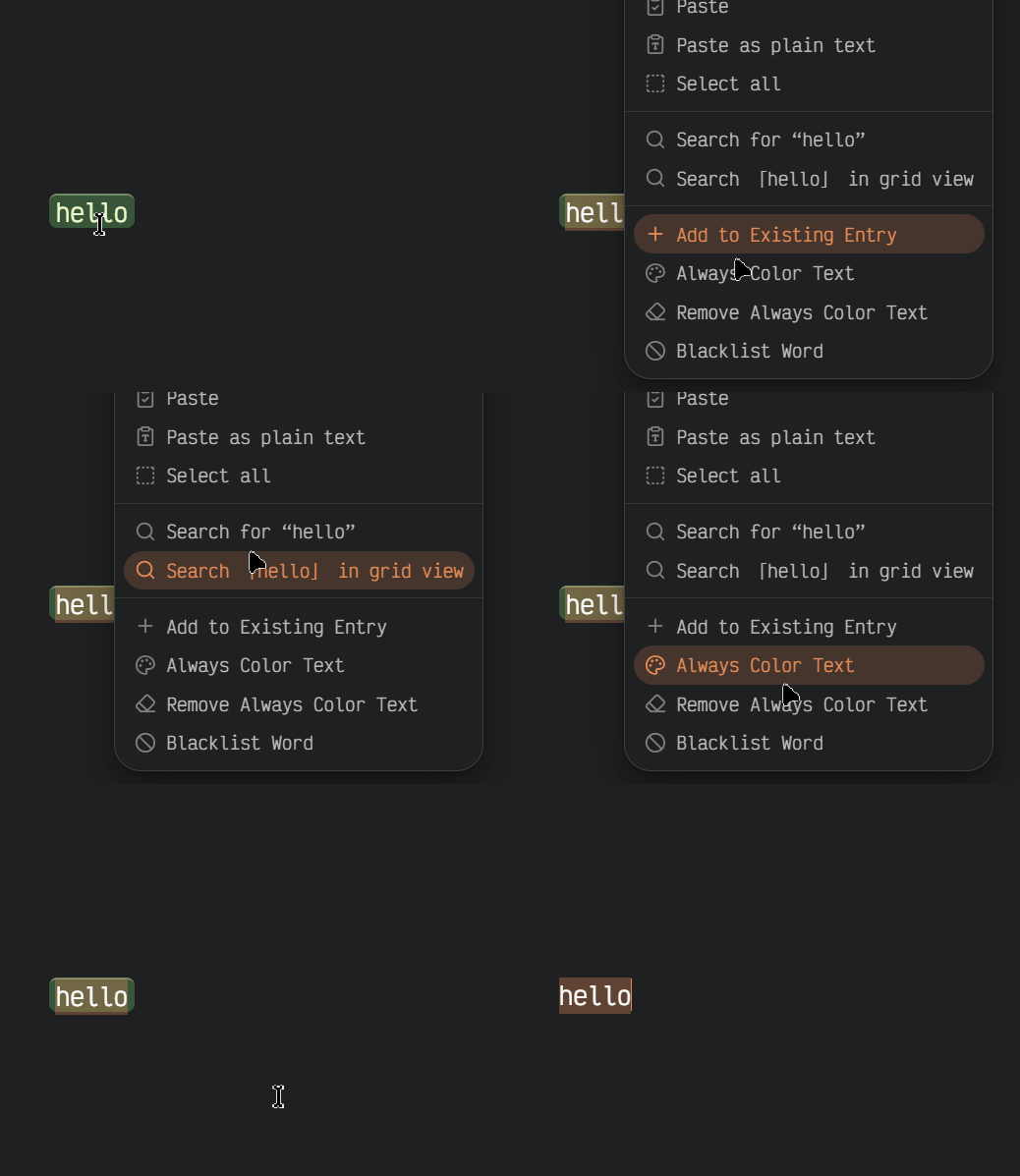
Right-click Menu
I absolutely love how this looks.
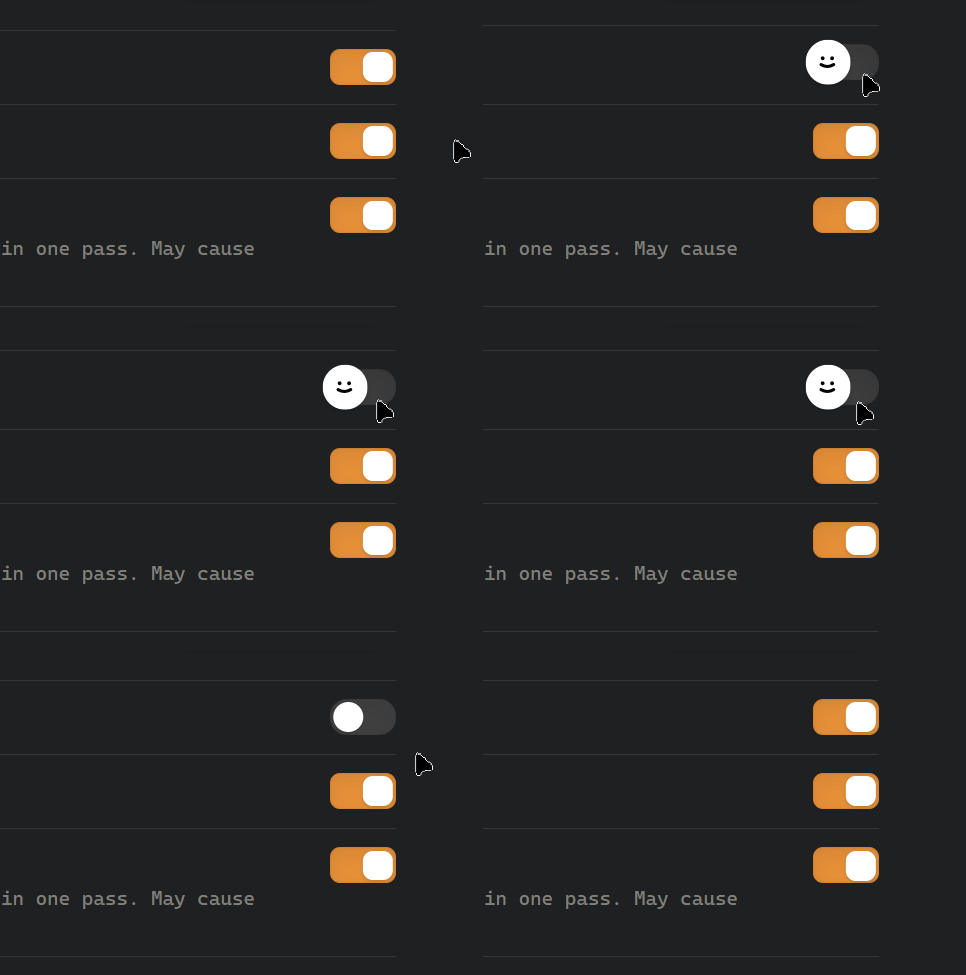
Toggle Animation
Mobile
You can hide the buttons you don't need through Style Settings.
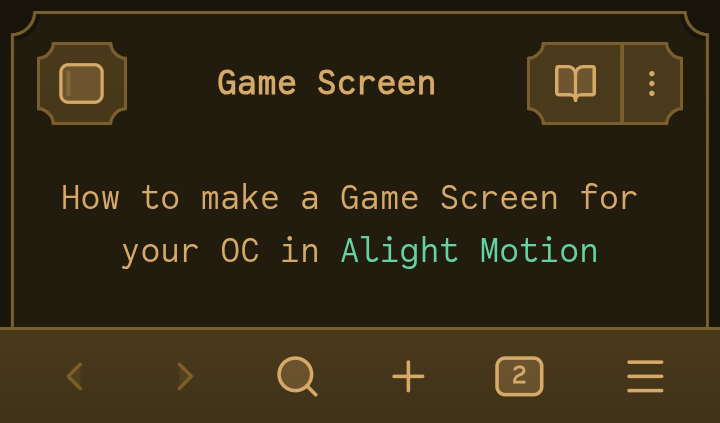
Mobile Views
| Gallery View | List View |
|---|---|
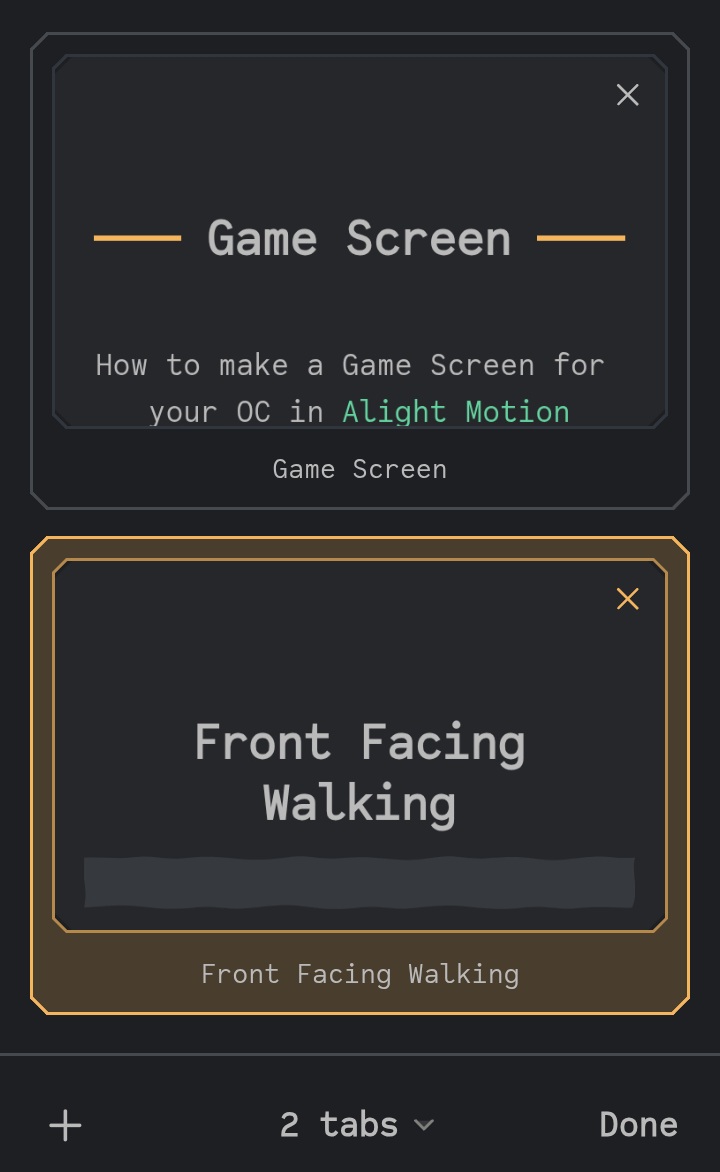 |
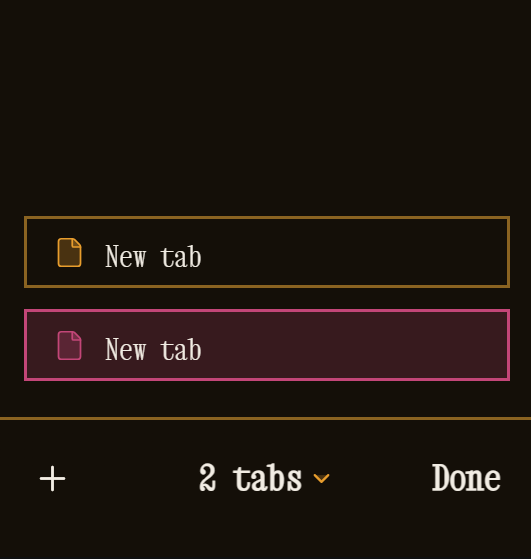 |
About the Name
I loved the blob I drew.

In the theme, the main face you see is the yellow character I named Bob:
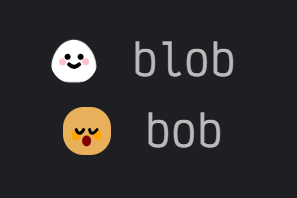
Blob is the original concept, Bob is the face used in the theme. Together, they became blobob.