
README file from
Github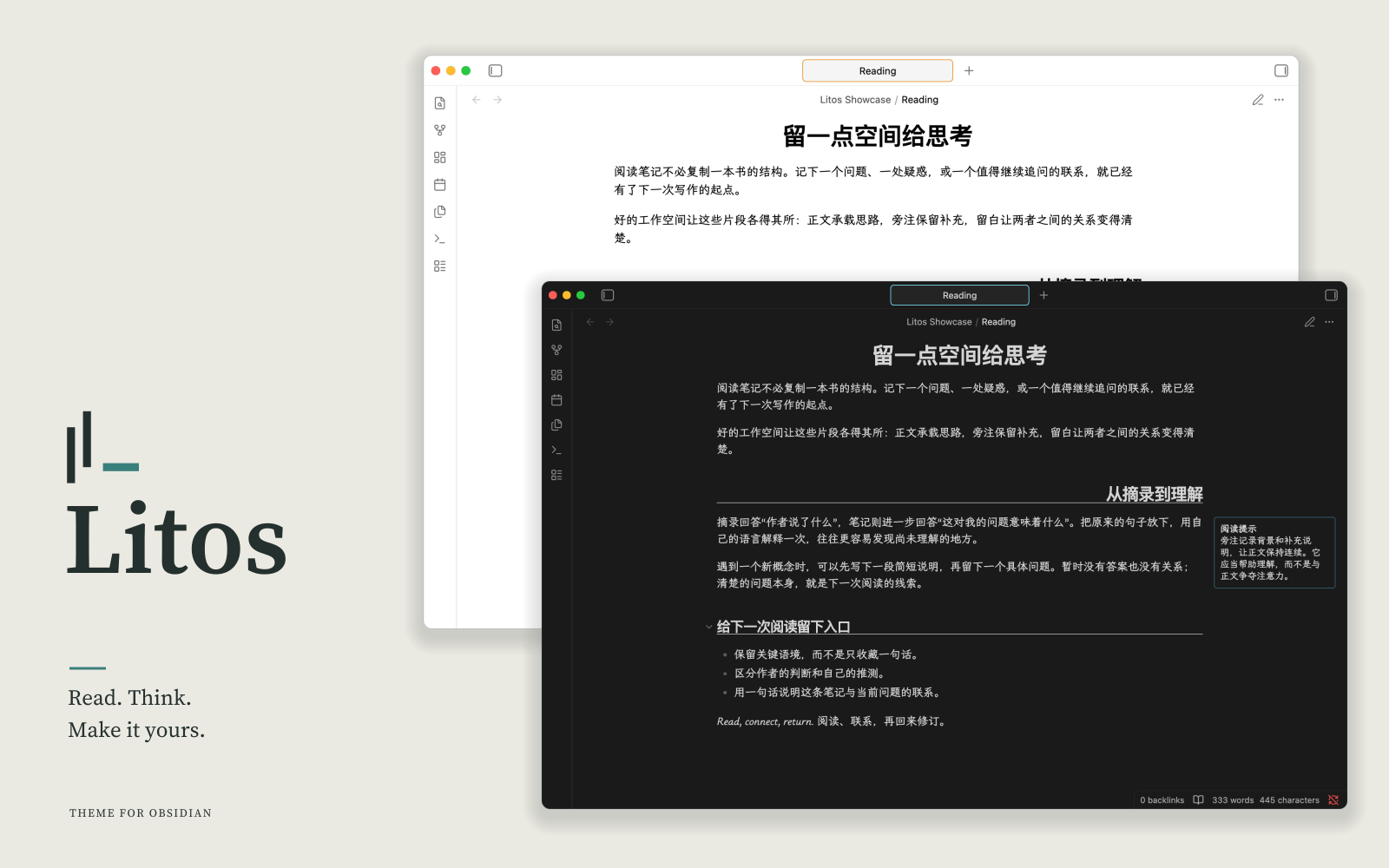
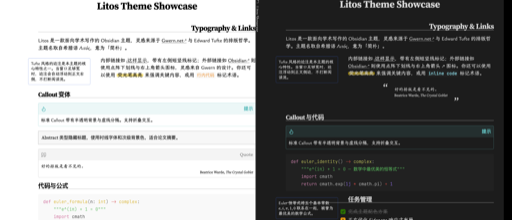
A considered workspace for Obsidian, with editorial typography, clear controls, and room to make it your own.
View the showcase · Optional companion plugin
Features
- Typography: Serif headings and CJK font support for reading and writing.
- Sidenotes: Keep supporting information beside the main text when space allows.
- Workspace: Centered document tabs and consistent controls across the interface.
- Appearance: Light and dark modes with customizable accent colors.
- Note elements: Styled callouts, checkboxes, tables, and Mermaid diagrams.
Litos works on its own. Litos Companion adds heading alignment, Zen mode, an accent color entry, and optional Mermaid ELK rendering.
Installation
Requires Obsidian 1.13.7 or later.
From Community Themes
- Open Settings → Appearance → Themes
- Click Manage and search for Litos
- Click Install and use
Manual
git clone https://github.com/zerokei/Litos \
  <vault>/.obsidian/themes/Litos
Then enable in Settings → Appearance → Themes → Litos.
Recommended Fonts
This theme is designed with the following font stack. Install them for the best experience:
| Purpose | Font |
|---|---|
| Text | LXGW Bright |
| Monospace | JetBrains Mono |
| Accent / Quotes | Source Serif 4 |
| CJK Serif | Source Han Serif SC |
| Fallback Mono | Courier Prime |
Recommended Settings
For the theme to look its best, adjust these under Settings → Appearance:
| Setting | Value | Why |
|---|---|---|
| Translucent window | Off | When on, the title bar uses a semi-transparent black that clashes with the theme background. |
| Readable line length | On | Gives Tufte-style sidenotes room to sit fully in the margin; with it off they fall back to a narrower, intrusive layout. |
Credits
Inspired by: