
README file from
Github⌖ Atelier
An excavation journal for your notes.
A documentary-editorial Obsidian theme — aged parchment & deep excavation dark, a single copper accent, and the antiquarian elegance of IM Fell English, Spectral, and Caveat marginalia.




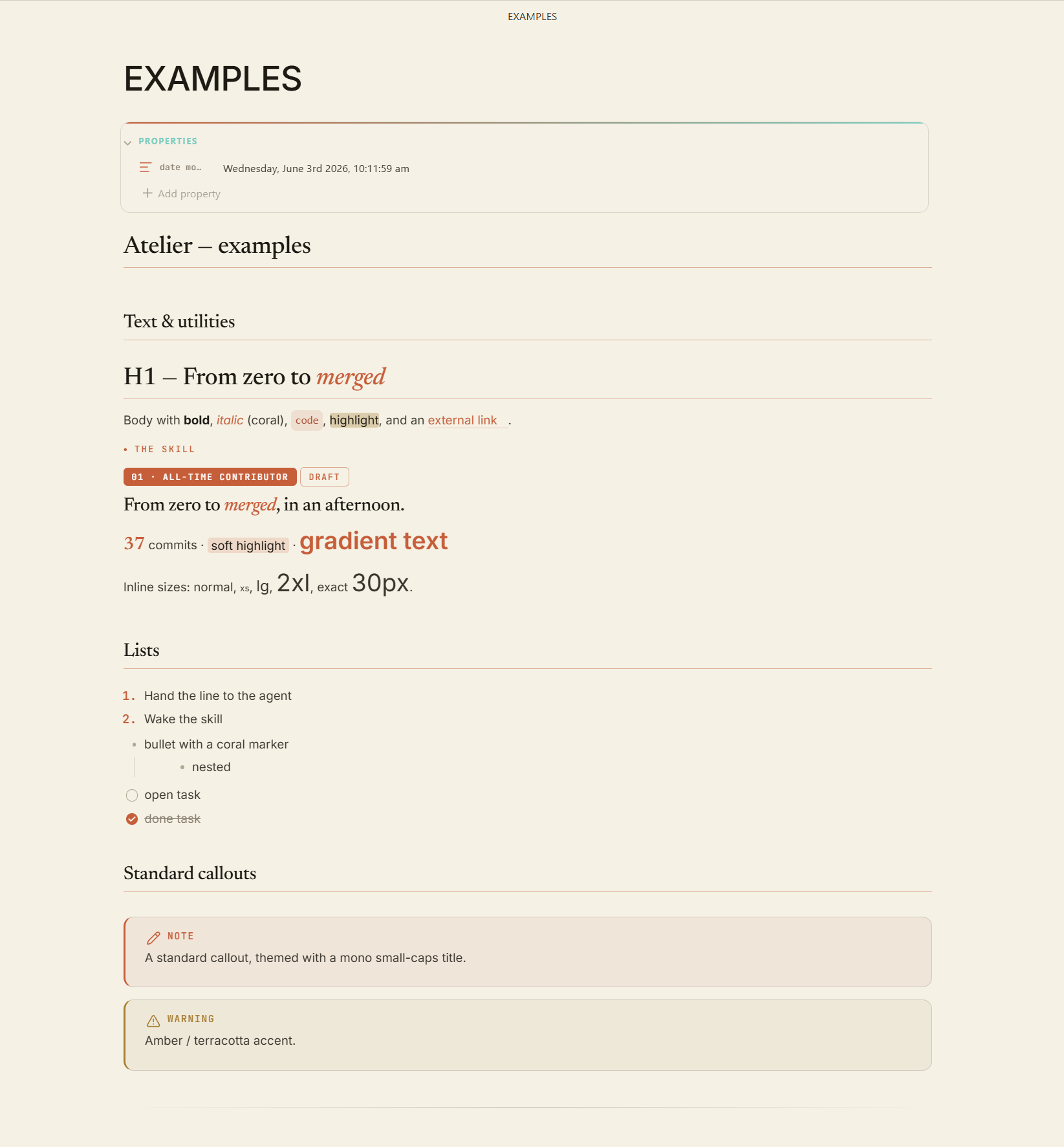
What it is. Atelier turns plain Markdown into something that reads like a printed monograph — hero banners, museum plates, ledger tables, illuminated quotes, infoboxes and handwritten margins — all from ordinary Obsidian callouts. One copper accent, two paper modes, zero plugins required for the look.
✦ Two papers
| Parchment (light) | Warm aged paper #E8DFC8, ink-brown text, copper rules. Daylight reading. |
| Excavation (dark) | Deep dig-site #14110E, bone-white text, lifted cards. The signature mode. |
Switch with Obsidian's normal light/dark toggle — the whole palette pivots on one set of --at-* tokens.
✦ What you get
- A card system —
hero · skill · section · step · profile · honor · channels, composed in> [!grid|colsN], reflowing on resize. - Editorial elements — infoboxes, ledger/boxed tables, illuminated/gloss/tablet quotes, museum figure plates, ornamented dividers.
- Margin annotations —
seal · folio · margcasts that drop the box and sit in the page, in Caveat handwriting. - 26 emotion casts — stamps, flags, tablets and tags for every semantic callout.
- Inline typography —
at-kicker · at-lead · at-display · at-stat · at-mark · at-badgefor magazine openers without a single plugin. - Style Settings — accent, fonts, width, roundness, per-element default styles, and entrance animations, all from one panel.
✦ Install
From Obsidian (once published) — Settings → Appearance → Themes → Manage → search Atelier.
Manually — copy manifest.json + theme.css into <vault>/.obsidian/themes/Atelier/, then select Atelier under Settings → Appearance.
Requires Obsidian 1.5.0+. Install the Style Settings plugin to customise everything. Bundled Google Fonts (IM Fell English · Spectral · Fira Code · Caveat) need internet on first load — flip "Use system fonts" in Style Settings for offline/mobile.
✦ Sixty-second start
> [!card|hero dark spanfull]
> ###### RENAISSANCE · FLORENCE → MILAN → AMBOISE
> # The man who would *know everything*.
> One continuous study of the whole world.

> [!grid|cols2]
>
>> [!card]
>> ###### 01 · LIFE
>> ### Life & Times
>> Vinci to Amboise — the workshops and the courts.
>
>> [!card]
>> ###### 02 · ART
>> ### The Paintings
>> The Mona Lisa, the Last Supper, and sfumato.

> [!quote|illum] Leonardo da Vinci
> Learning never exhausts the mind.
That's three of Atelier's elements. There are dozens more.
✦ The element cookbook
Every component, one file at a time, with copy-pasteable syntax — in examples/:
Callouts · Cards · Grids & Columns · Infobox · Tables · Code · Quotes · Figures · Dividers · Text utilities · Emotion casts · Structural casts
✦ Customising
Settings → Style Settings → Atelier — accent & full palette, font dropdowns, note width, roundness, default card/infobox/tag/heading styles, body size, and entrance animations.
✦ Credits
- Aesthetic: 18th-century excavation journals & antiquarian print.
- Fonts: IM Fell English, Spectral, Fira Code, Caveat (Google Fonts).
- License: MIT.