
README file from
GithubNeuBorder
A neumorphic rework of obsidian-border.


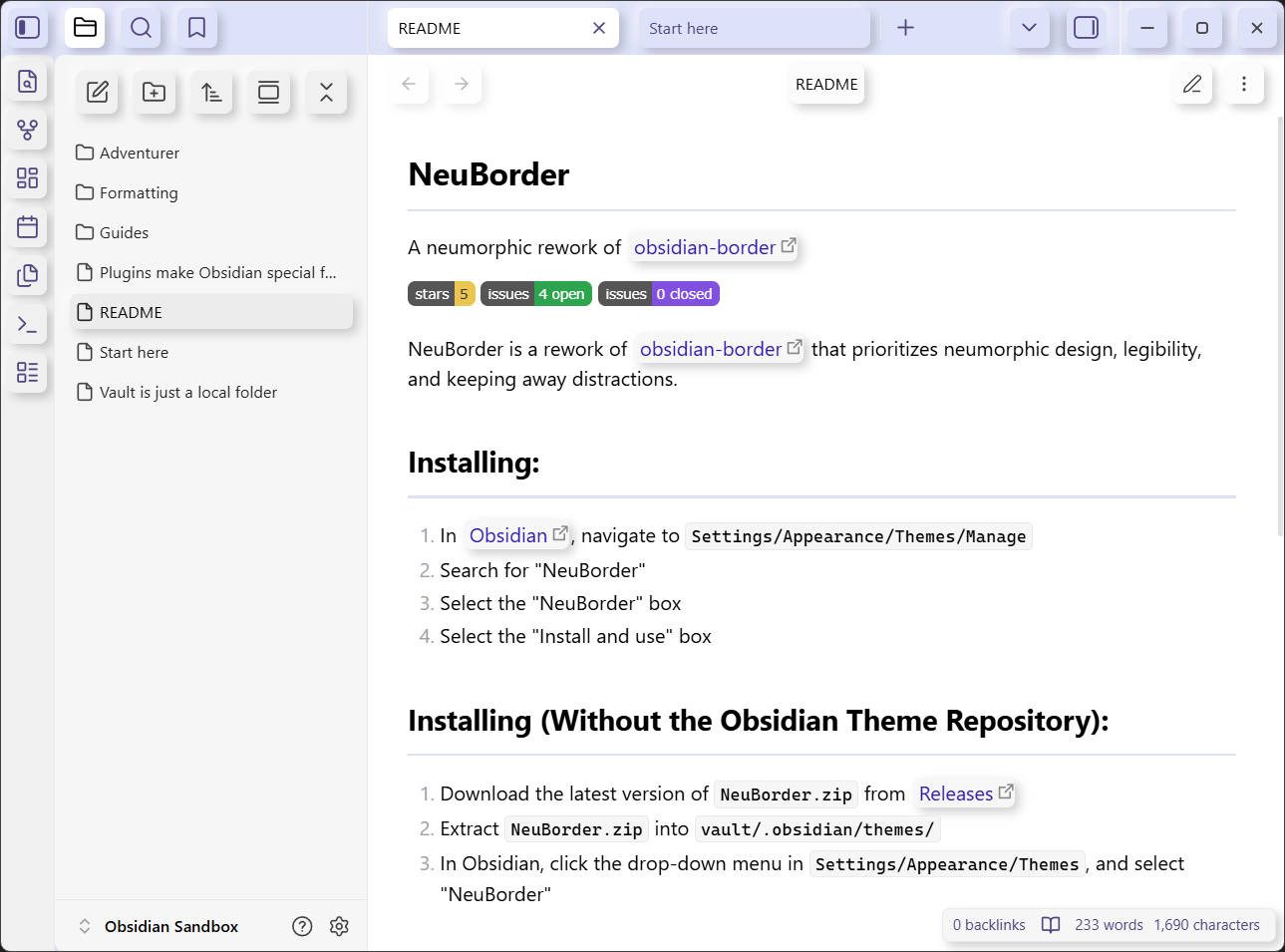
NeuBorder is a rework of obsidian-border that prioritizes neumorphic design, legibility, and keeping away distractions.
Installation
- In Obsidian, navigate to
Settings/Appearance/Themes/Manage. - Search for "NeuBorder".
- Select the "NeuBorder" box.
- Select the "Install and use" box.
Installation (Without Obsidian Theme Repository)
- Download the latest zip from Releases.
- Extract the zip into
vault/.obsidian/themes/. - In Obsidian, click the drop-down menu in
Settings/Appearance/Themes, and select "NeuBorder".
Contribute
If you want to add a feature, you can so so with a pull request, or beg sata1000000 to add the feature in issues.
Credits
- Akifyss for the theme that this is based off of.
- Nichtigott for the theme that I originally took a bunch of code from.