Script Launcher

by Alessandro Ruggiero
5
4
3
2
1
Score: 64/100

Description

Category: Productivity Tools

The Script Launcher plugin allows you to run scripts written in any language directly from Obsidian, giving you the power to automate tasks and integrate your workflow with external tools. With this plugin, you can add new scripts, customize their behavior, and display them on the bottom bar for easy access. You can also run scripts using the "Run script" command or by clicking on the corresponding icon. The output of the script will be displayed as notices in Obsidian, providing real-time feedback on the success or failure of your commands.

Reviews

  • Agata Kedziora
    Reviewed on Apr 26th, 2026
    No review text provided.

Stats

34
stars
8,965
downloads
10
forks
1,326
days
244
days
244
days
5
total PRs
0
open PRs
1
closed PRs
4
merged PRs
2
total issues
0
open issues
2
closed issues
0
commits

Latest Version

8 months ago

Changelog

Scripts now get killed when the app is closed.

README file from

Github

Script Launcher

This is an Obsidian plugin that allows you to easily run script written in any language directly from the app.

How to use it

Adding a new script

Go in the plugin settings and click the + icon You will have to fill in some information about the script you want to add:

  1. Script name → the name of the script you want to add (has no influnence on the script itself)
  2. Script path → absolute path to the script you want to launch (it can be anything: binary, executable, python script,shell script, bash script ecc...)
  3. Show on bottom bar → this is a checkbox, if selected the script will be shown on the bottom bar and clicking it will launch it
  4. Run on startup → this is a checkbox, if selected the script will run automatically once Obsidian start up
  5. Show exit code → this is a checkbox, if selected the script show the exit code when terminated
  6. Icon → is the icon displayed on the bottom bar, if left empty the name will be shown instead

Deleting a script

Click the Delete button on the script's settings you want to delete

Launching a script

Click the scipt icon on the bottom bar of the Obsidian app. If the script does not show up as an icon go in the settings and select Show on bottom bar

You can also run the script using the Run script Obsidian command, you will be prompted with a list of scripts with a searchbar, selecting a script will run it.

The output of the script will be shown as notices in the Obsidian app.

Examples

Google Drive backup

This script for example syncs on demand files from all you vaults at the click of a button

 (cd $path_to_vaults && grive -s $vaults_folder)
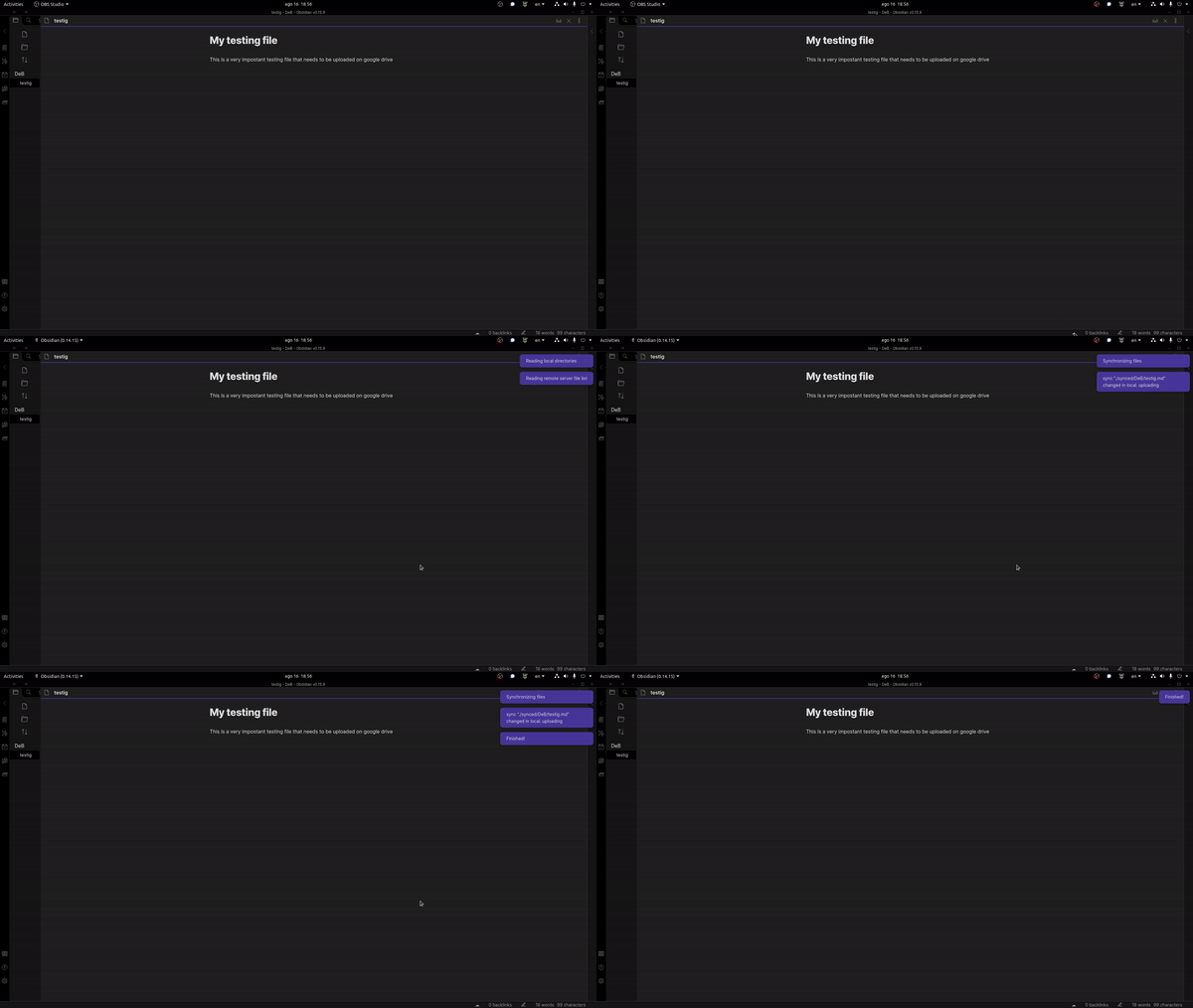
Gif showing how the example plugin works

if you want to write a script to backup only the files in your vault you can use the $1 argument: The plugin passes the path to your vault as the first parameter to the script

 (cd $path_to_script && grive -s $1)

The second parameter passed to the script ($2) is the path to the currently open file, if there is no open file an empty string will be returned ("")

How to install it

Remember to enable Commpunity Plugins in the Obsidian settings.

From the Community plugins

The best way to install the plugin is through the Obsidian community plugins, just search for script launcher and you will immediately find it.

Build from source

First clone the repo, then in the repo's folder run

    make build_and_copy vault_path=path_to_your_vault

This will build the plugin and move the files in the correct folder in your vault to allow you to test it

From a tag

Go to the most recent tag and download the script-launcher zip, unzip it and extract the script-launcher folder (it should contain 3 files: main.js manifest.json and styles.css)

Move this folder into path_to_your_vault/.obsidian/plugins/ (if the plugins folder is not already there create it)

Similar Plugins

info
• Similar plugins are suggested based on the common tags between the plugins.
Wrap with shortcuts
4 years ago by Manic Chuang
Wrap selected text in custom tags with shortcuts.
Shortcut Launcher
4 years ago by MacStories
Trigger shortcuts in Apple's Shortcuts app from Obsidian with custom commands.
Better Command Palette
4 years ago by Alex Bieg
A better command palette for obsidian
Marjdown shortcuts
4 years ago by Jules Guesnon
🪨 Obsidian plugin that allows to write markdown from commands
Sequence Hotkeys
4 years ago by Ruan Moolman
Obsidian plugin to support a sequenced of keyboard shortcuts to run commands.
Text Expander JS
4 years ago by Jonathan Heard
Obsidian plugin: Type text shortcuts that expand into javascript generated text.
Keyboard Analyzer
4 years ago by cogscides
Obsidian plugin to display command hotkeys on a visible keyboard layout
Quickly
3 years ago by Sparsh Yadav
Quick capture to obsidian note
Quick Links
3 years ago by Ian Fisher
Obsidian plugin to create quick link shortcuts
RunJS
3 years ago by eoureo
Let's run JavaScript easily and simply in Obsidian.
Harpoon
3 years ago by mask(developermask)
Next Link
3 years ago by Juan Luque
Note Toolbar
2 years ago by Chris Gurney
Flexible, context-aware toolbars for your notes in Obsidian.
Interactivity
2 years ago by ichichikin
Interactivity lets you run local shell commands and scripts directly within your Obsidian notes, providing the output alongside your written content. Use your favorite tools like Python, Node.js, Java, Perl, PHP, bash, or any other REPLs.
Vimium
2 years ago by Karsten Finderup Pedersen
Interact with elements using keyboard shortcuts in the spirit of Vim.
Rich Text Editor Shortcuts
2 years ago by Joshua Wootonn
Create and toggle checkboxes, paste links wrapping your current selection, and toggle underline without leaving the keyboard.
Backtick text selector
2 years ago by Ram Rachum
Obsidian plugin for selecting text in backticks
Leader Hotkeys
5 years ago by Tony Grosinger
Use a leader-key (tmux style) for hotkeys in Obsidian.md
Shortcuts extender
6 years ago by kitchenrunner
Plugin for Obsidian: Use shortcuts for input special symbols and changing level of headings without language switching
Hotkeys for Bookmarks
5 years ago by Vinzent
Footnote Shortcut
5 years ago by Alexis Rondeau, Micha Brugger
Makes creating footnotes in Obsidian more fun!
Format Hotkeys
5 years ago by Ansel Santosa
Google Docs style formatting hotkeys for Obsidian
Auto pair chinese symbol
5 years ago by renmu123
中文符号自动补齐
Code Editor Shortcuts
5 years ago by Tim Hor
Obsidian plugin to add keyboard shortcuts commonly found in code editors such as Visual Studio Code (vscode) or Sublime Text
Key Promoter
5 years ago by Johannes Theiner
Learn keyboard shortcuts by showing them when using the mouse
Lumberjack
5 years ago by ryanjamurphy
Log your thoughts! Lumberjack adds URL commands to help you axe inefficiency and get right to writing.
FastForwardLink
a year ago by Idan Liberman
FastForwardLink Obsidian.md Plugin
Hanko
a year ago by Telehakke
Obsidian plugin.
Hotstrings
a year ago by wakywayne
Quick Nav
a year ago by exoticknight
Enhance your editing experience by unleashing the hidden power of shortcuts.
Heading Helper
10 months ago by Siddhartha Khuntia
LLM Shortcut
9 months ago by Viktor Chernodub
A plugin for Obsidian that provides a way to create shortcuts for commands powered by LLM capabilities.
Code Blocks commands
8 months ago by dragonish
Provide commands to insert code blocks with markup, and support triggering commands with backticks.
Custom Comments
8 months ago by Jack Chronicle
Adds a method to create custom methods to enclose comments
Ghost Text
8 months ago by lawrencefeng17
Note Codes
8 months ago by Ezhik
Reference your Obsidian notes from anywhere with simple 4-character codes.
Expand Selection
a month ago by Alex Tait
Expands the editor selection to lines, sections, or the entire note for convenience on mobile.