
README file from
GithubObsidian Tagged Document Viewer Plugin
About
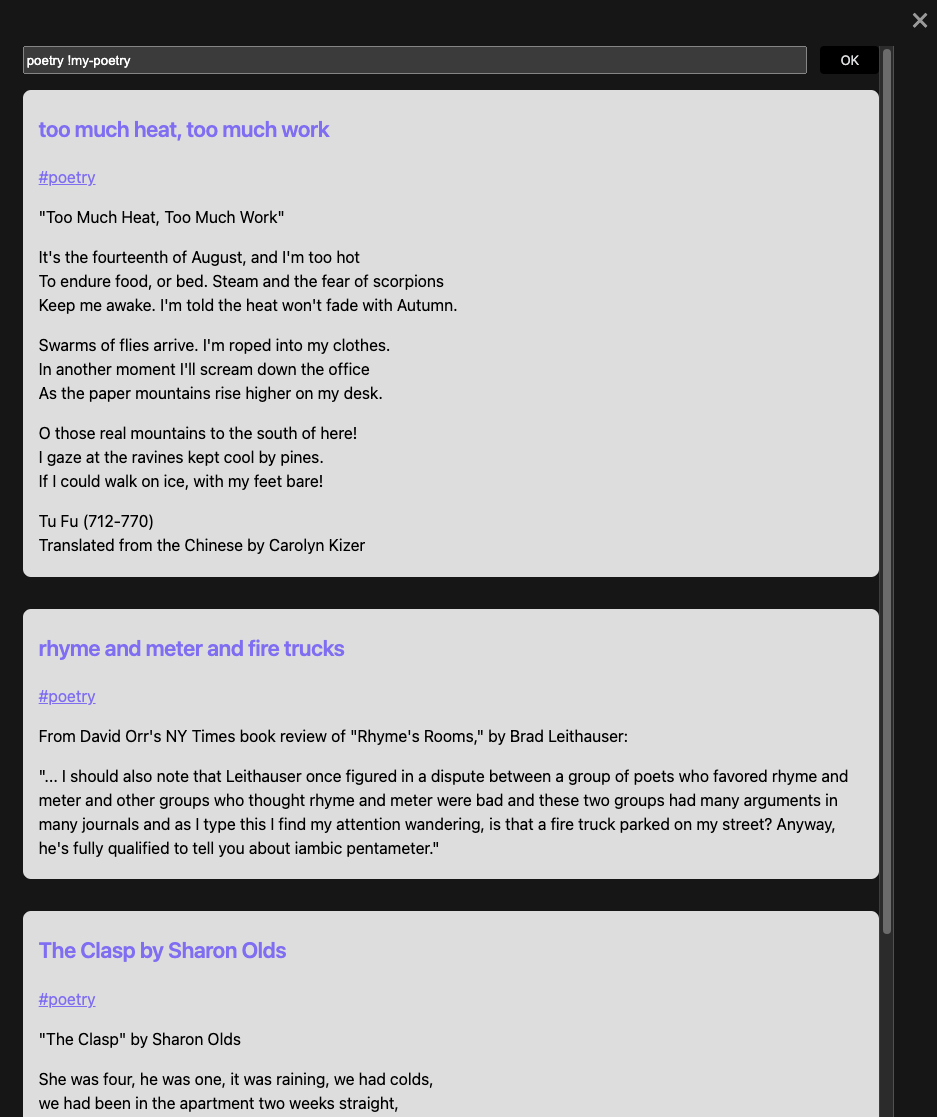
This plugin allows you to view all documents with a given tag or set of tags in a single, scrollable modal. I can imagine various uses of this plugin, but I created it for a specific workflow, in which I journal each work day, using tags to link subjects that repeat. I may then find that I want to scroll through everything I've ever written about CSS (for instance) without having to click each document individually.
Usage
There are two ways to use the plugin:
-
By clicking a tag. This will open the modal, showing the contents of all documents that contain the tag. Above the content, at the top of the modal, you'll see a text-input field where you can modify what documents show by adding more tags.
-
By clicking the hashtag icon on the ribbon, which will bring up the just the text-input. You can type any tag or tags into it and then press ENTER or click the OK button to reveal matching documents.
When entering a list of tags, use spaces to separate them, e.g. home cooking food. Don't include the hashtag symbol.
To exclude some documents from displaying, you can prepend a tag with an exclamation point. For instance, typing programming code !javascript will display all documents that contain the tags #programming or #code except for ones that also contain #javacript.
Clicking the title of any document will close the modal and take you to that document.
Settings
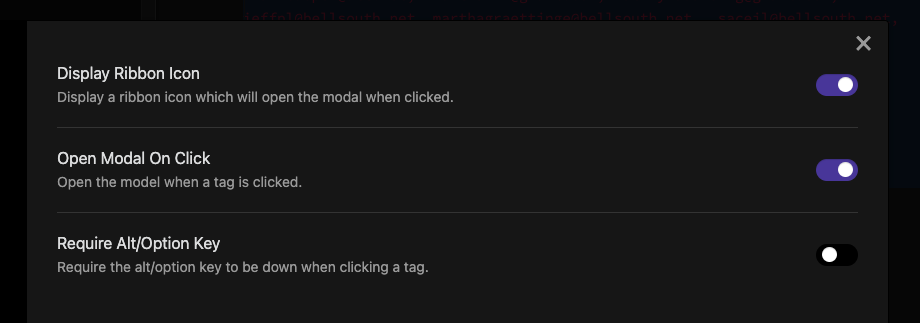
There are three togglable settings:
-
Display Ribbon Icon (on by default). Setting this to off will remove the hashtag icon from the ribbon.
-
Open Modal On Click (on by default). Setting this to off will disable the modal from opening when you click on tags.
-
Require Alt/Option Key (off by default). Setting this to on will make the modal only open when you click a tag while holding down the ALT or OPTION key.
Possible Future Development
- more complicated queries, e.g. allowing for searches like
(home AND cooking) !pastaand maybe also allowing for date ranges, so users can search for all documents written prior to 2021 with the tagtaxes. - sorting options
- saving scrollable content as a new document
- displaying document-creation dates
- ability to edit documents in the modal
- ability to save then modal state when it's closed
- ability to save queries
- allow tags to be entered in the text-input with or without hash symbols
- allow wildcards, e.g.
work-*will display documents containing#work-project-ongoingor#work-project-completed.