
README file from
GithubMedia Viewer
Introduction
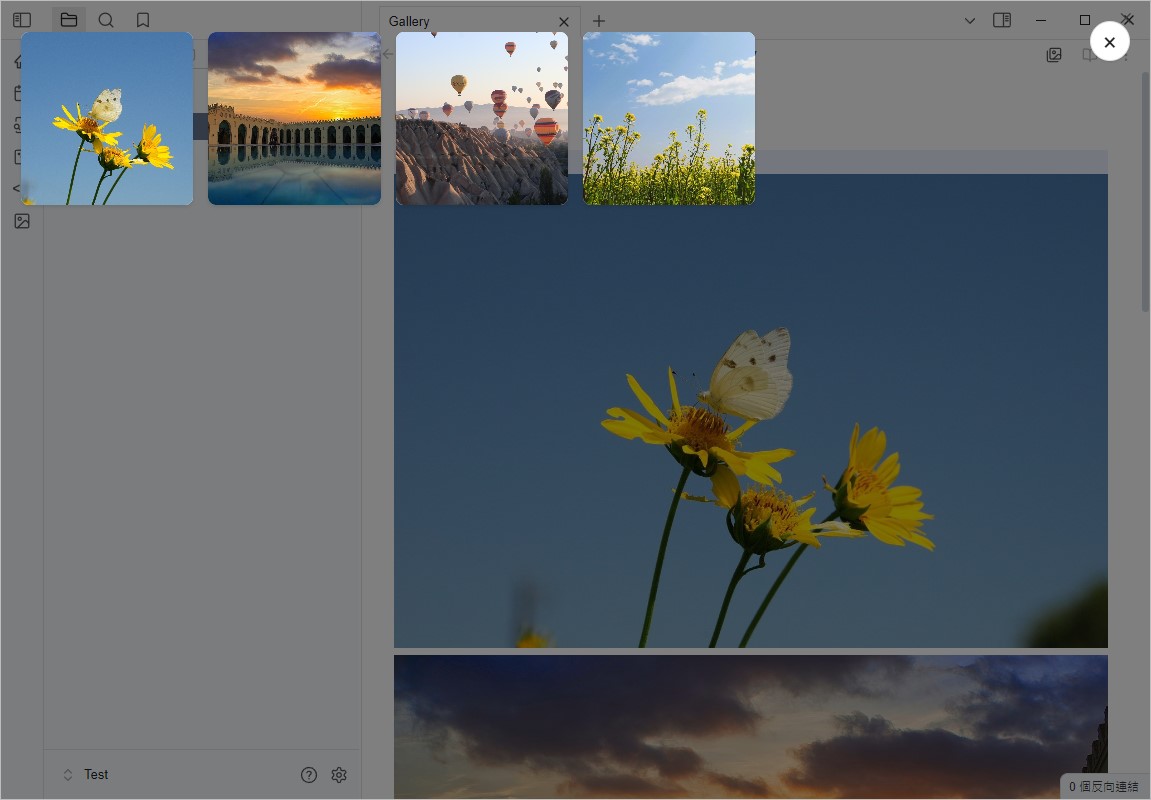
Media Viewer is a plugin designed for Obsidian, aiming to provide an intuitive media browser that allows users to easily view media files (such as images and videos) within their notes.
Features
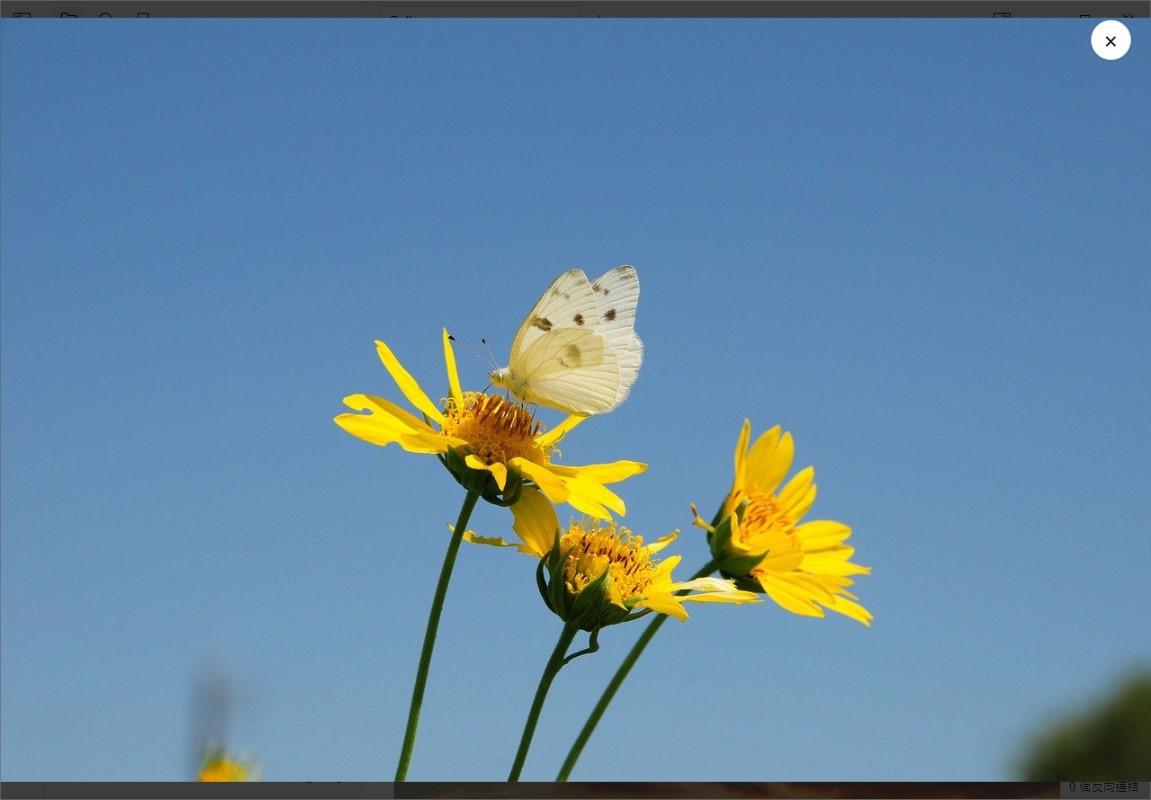
- Media Browser: View all media files in a note in full-screen mode.
- Click to Open Media: Open the media browser by clicking on an image.
- Create Gallery Block: Create a media gallery block to display multiple media files in a grid format within a note.
Installation
- Download the latest version of this plugin.
- Place the plugin folder in Obsidian's plugin directory.
- Enable this plugin in Obsidian.
Usage
- Open a note and use the command palette (
Ctrl + P) to select "Open Media Viewer" to view media files within the note. - Click on media thumbnails to view full-screen previews.
- Use keyboard arrow keys to switch between media files.
Gallery Block Usage
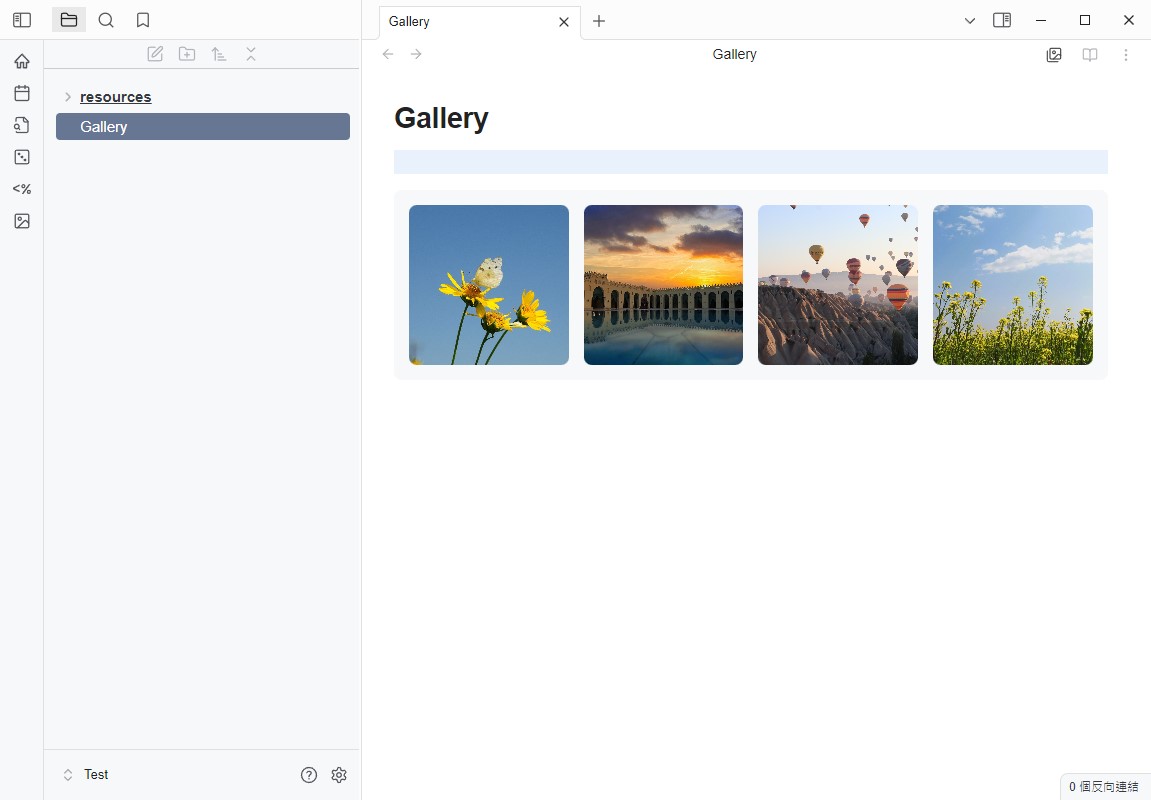
You can create a Gallery block in a note using the following format:
```gallery
![[image1.jpg]]
![[image2.jpg]]
![[image3.jpg]]
![[video.mp4]]
[[note]]
```
Create Gallery Block Using Commands
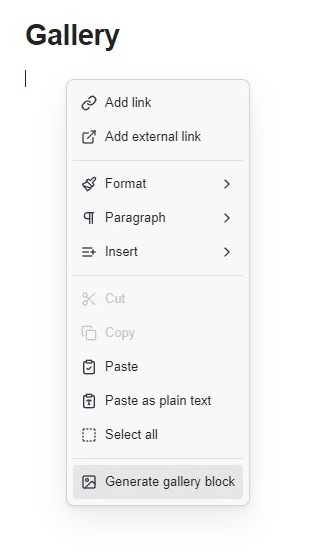
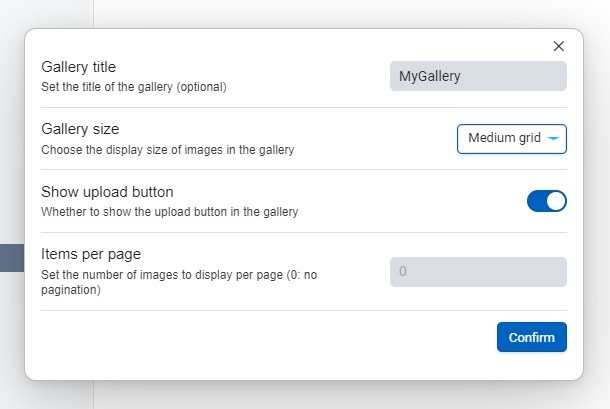
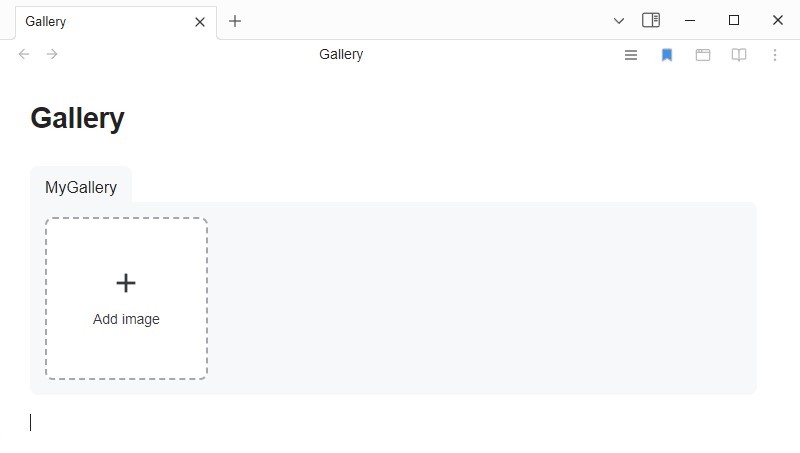
After creation, you can directly drag and drop images into the block to add them.
Gallery Additional Parameters
| Attribute | Description |
|---|---|
title: text or [[link]] |
Used to set the title of the Gallery |
size: small or medium or large |
Thumbnail size of the Gallery |
addButton: true or false |
Whether to display the add image button |
pagination: number |
Display pagination when the number of images in the Gallery exceeds this number |
alt: text or [[link]] |
Placed on the line above the image link, can serve as a description for the image |
img: image.jpg or ![[image.jpg]] |
Placed on the line above the note link, can be displayed as a thumbnail |
filter: text |
Used to filter Gallery content |
```gallery
size: small
addButton: true
title: gallery

alt: image1
![[image1.jpg]]

alt: image2
![[image2.jpg]]

alt: image3
![[image3.jpg]]

![[video.mp4]]

img: image4.jpg
[[note]]
```
Settings
In the plugin's settings page, you can customize the following options:
- Allow deletion of media files
- Auto-open the first image
- Open media browser when clicking on an image
- Adjust the Gallery Grid layout width
License
This plugin follows the MIT License.