
README file from
GithubBorozdov Sprout
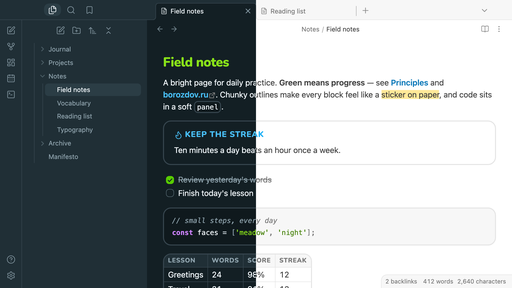
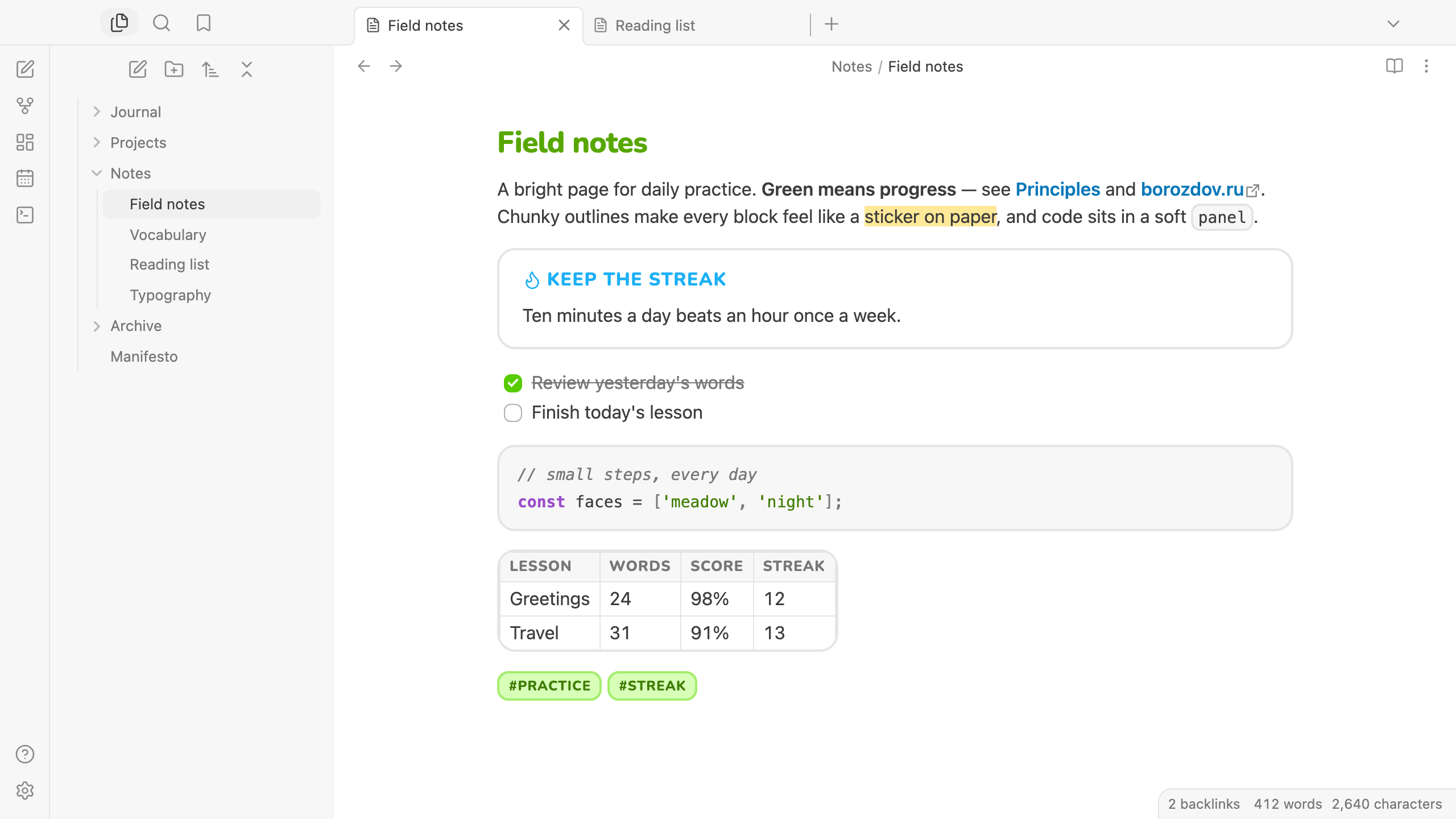
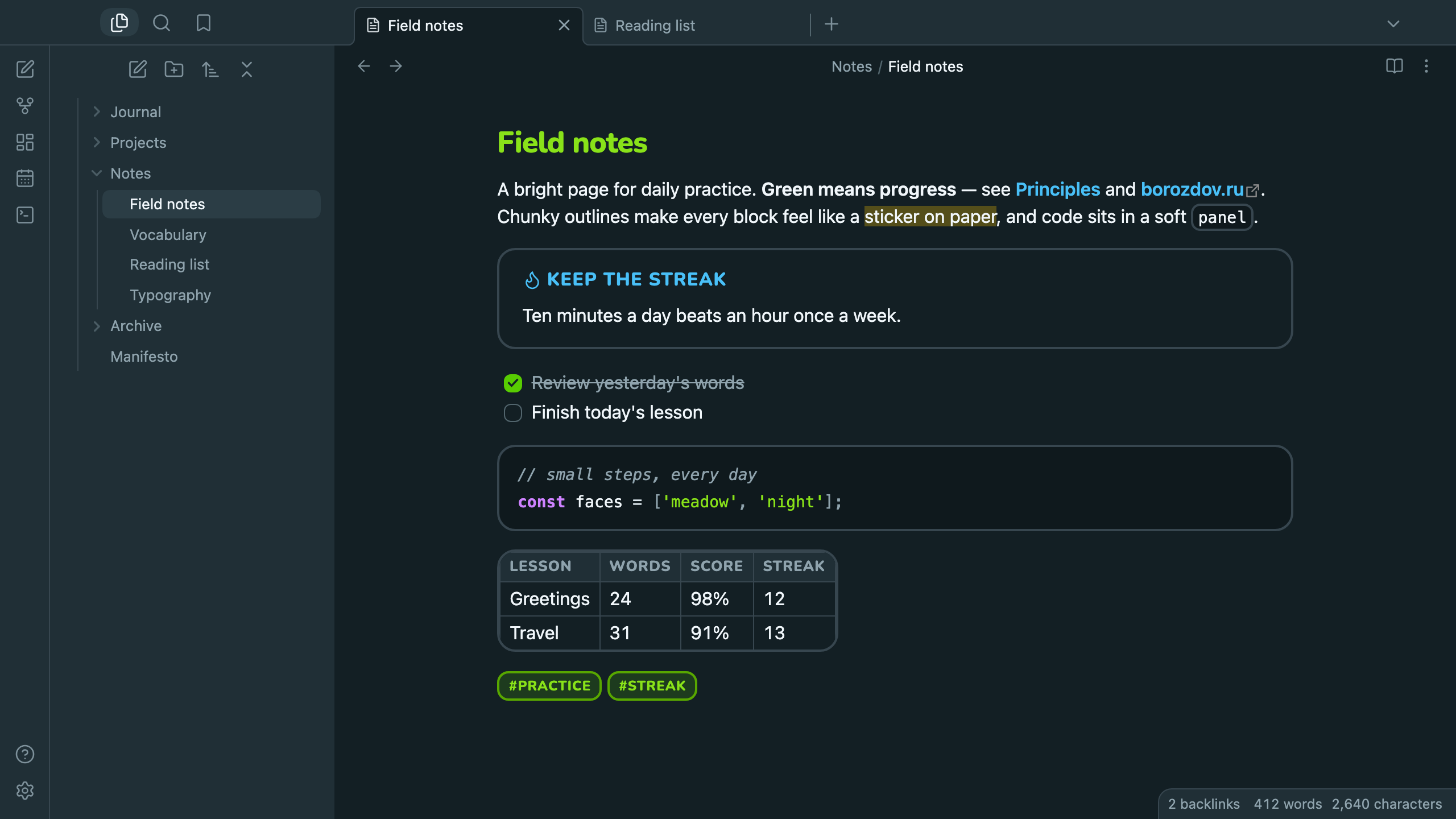
A theme from the Borozdov collection. Two faces — light Meadow, white paper, and dark Night, a deep teal slate. One bright green for progress, a sky blue for links, chunky outlines and rounded headlines.
Principles
- Green means progress. The note title, checked tasks, toggles and the main button share one bright green; links are sky blue.
- Everything is a sticker. Callouts, code, tables and fields sit in thick 2px outlines with rounded 12–16px corners; tags are pale green stickers.
- Buttons you can press. Every button has a 4px ledge below it that flattens on click.
- Rounded headlines. Headings, tags and buttons are set in Nunito ExtraBold; body text stays in the system typeface.
Features
- Light and dark modes, following Settings → Appearance → Base color scheme
- Callouts as outlined cards; the title speaks in capitals and the type's own color
- Code in an outlined panel with a distinct hue per token kind
- Tables with a rounded 2px frame, a grey header band and a single-line grid
- Rounded task checkboxes and green toggles
- Quiet editing: no focus ring around the note, its title or form fields while you type; property names read as labels, not boxed fields
- Text colors meet WCAG contrast: the brand green and blue are deepened for text and kept bright only for fills
- The phone layout keeps the same colors and shapes
- No
!important: every rule can be overridden with a CSS snippet
Installation
From the community directory: Settings → Appearance → Themes → Manage, search for Borozdov Sprout, then Install and use.
By hand: download manifest.json and theme.css from the
latest release into
<vault>/.obsidian/themes/Borozdov Sprout/, then choose Borozdov Sprout under
Settings → Appearance → Themes.
Font
Nunito ExtraBold (© The Nunito Project Authors) is embedded in theme.css as base64
WOFF2 under the SIL Open Font License 1.1 — see fonts/OFL.txt. Only
one weight, Latin and Cyrillic, to keep the theme small.
License
MIT — see LICENSE.
По-русски. Тема из коллекции Borozdov. Два лика: светлый «Луг» — белая бумага, и тёмная «Ночь» — глубокий сине-зелёный. Один яркий зелёный для прогресса, голубые ссылки, толстые контуры-наклейки, скруглённые заголовки и кнопки с уступом, которые «нажимаются». Устанавливается из каталога: Настройки → Оформление → Темы → Настроить → Borozdov Sprout → Установить и применить.