
README file from
GithubPapyrus Nox
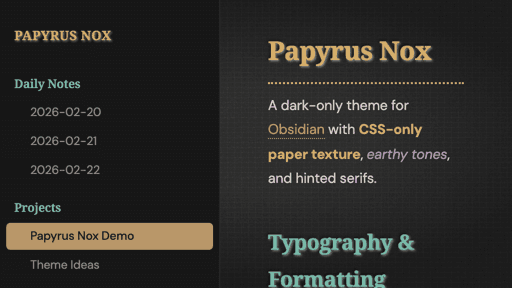
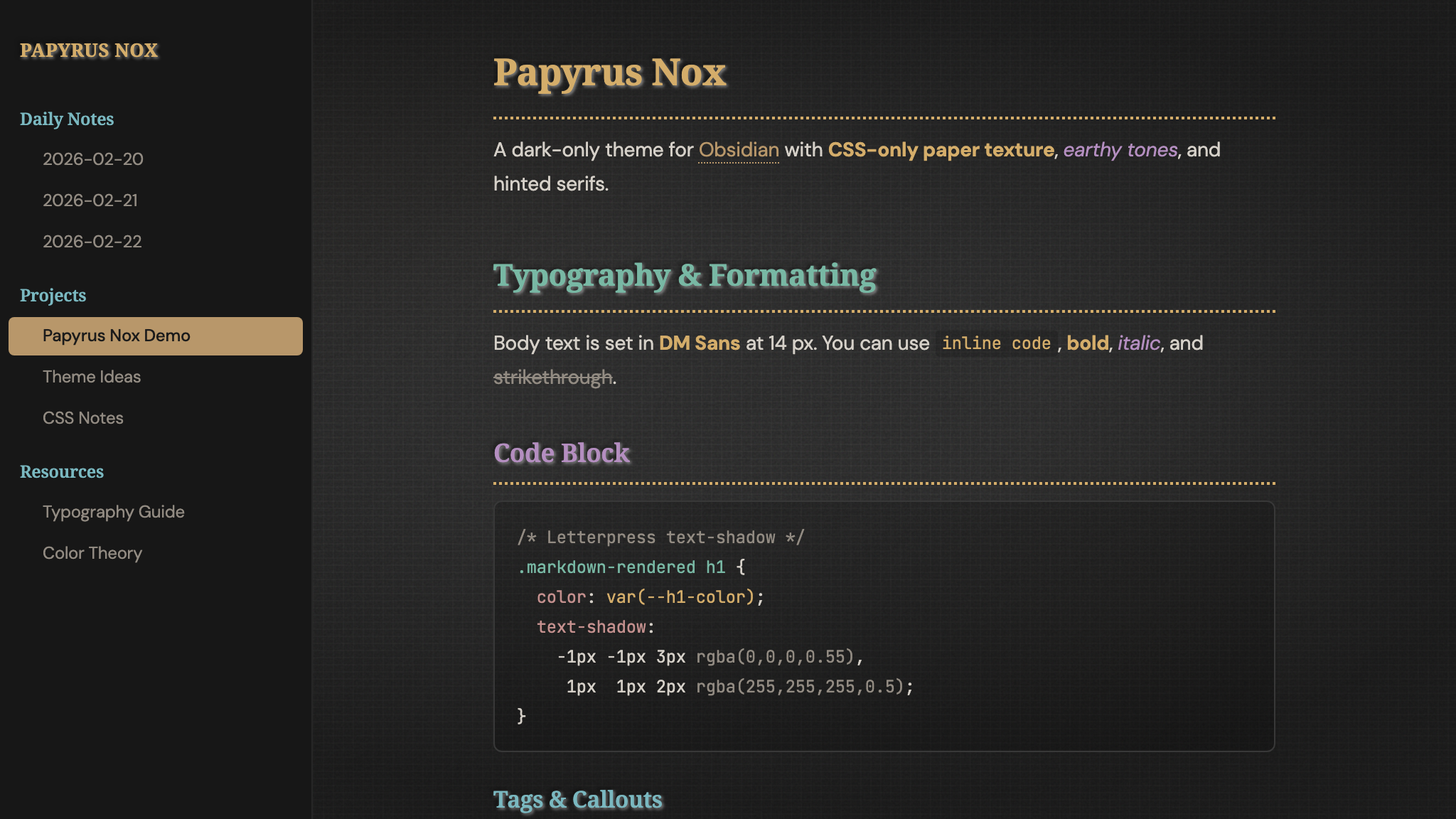
A dark-only theme for Obsidian — aged paper texture, earthy tones, hinted serifs.
Features
- CSS-only paper texture — layered SVG noise (feTurbulence + feDiffuseLighting), fiber lines, aging stains, and a deep vignette. No images required.
- Earthy heading palette — gold, teal, mauve, cyan, rosé, and taupe across H1–H6, each with a letterpress text-shadow.
- Narrow, screen-optimised body text — DM Sans at 95 % font-stretch, 14 px, 1.75 line-height, max 550 px page width.
- Dark flat sidebar — distraction-free navigation without paper texture.
- Dotted heading underlines in H1 gold.
- Accessible focus indicators and print styles.
Installation
Manual
- Download
theme.cssandmanifest.json. - In your vault, create
.obsidian/themes/Papyrus Nox/. - Place both files inside.
- In Obsidian → Settings → Appearance → Theme, select Papyrus Nox.
Community Themes (coming soon)
Once approved, search for Papyrus Nox in Settings → Appearance → Manage.
Author
Björn Kindler — kindler-webservices.de