
README file from
GithubTokyoDark
A dark Obsidian theme with deep indigo backgrounds, lavender accents, and warm syntax colors for focused writing and coding.
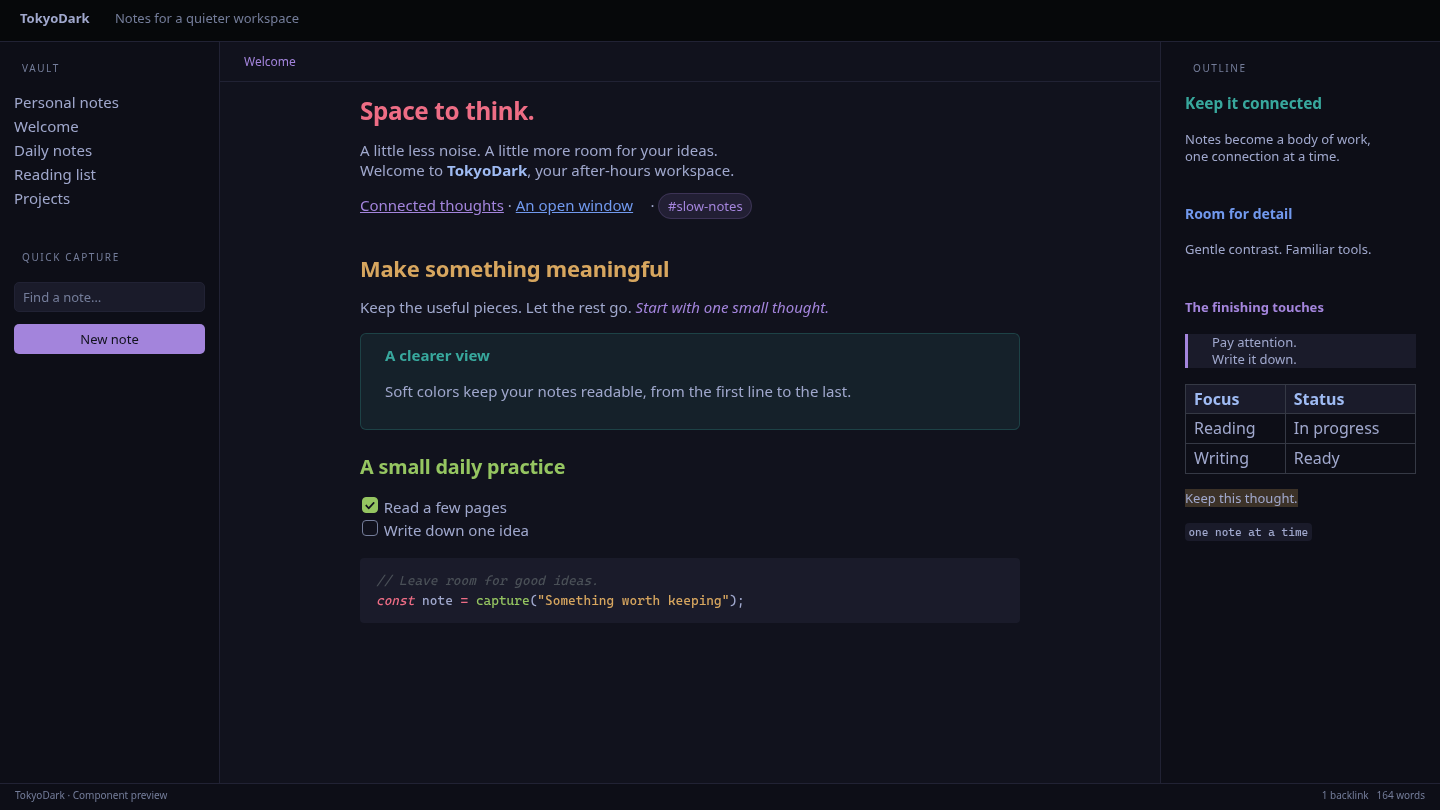
Browser-rendered component preview.
Install
- Copy
theme.cssandmanifest.jsoninto your vault's.obsidian/themes/TokyoDark/folder. - Open Settings → Appearance, choose Dark, and select TokyoDark.
Requires Obsidian 1.13.0 or newer. Light mode uses Obsidian's default appearance.
Development
Edit theme.css directly; no build step is required.
npm ci
npm run lint
Generate desktop and mobile previews in screenshots/:
npx playwright install chromium
just preview
Use just show to generate and open the desktop preview in your default image viewer.
Edit scripts/preview.html to change the sample content and layout.