
README file from
GithubOxocarbon Grey for Obsidian
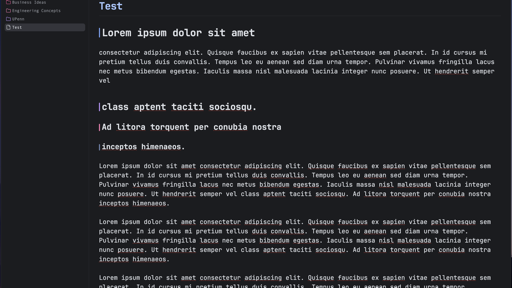
A dark Obsidian theme that uses the Oxocarbon Grey palette, the same one as the VS Code, Zed, Neovim and Ghostty ports. Its layout follows the parts of the Border theme that keep the workspace quiet, with faster motion.
What it changes
- The tab bar, the note title bar, the sidebar buttons, the status bar and the ribbon hide until the pointer reaches them. A bar appears within 100 ms and hides 200 ms after the pointer leaves, whereas Border waits 75 ms to show a bar and 600 ms to hide one.
- The animations change only height, margin and opacity, and the theme never uses
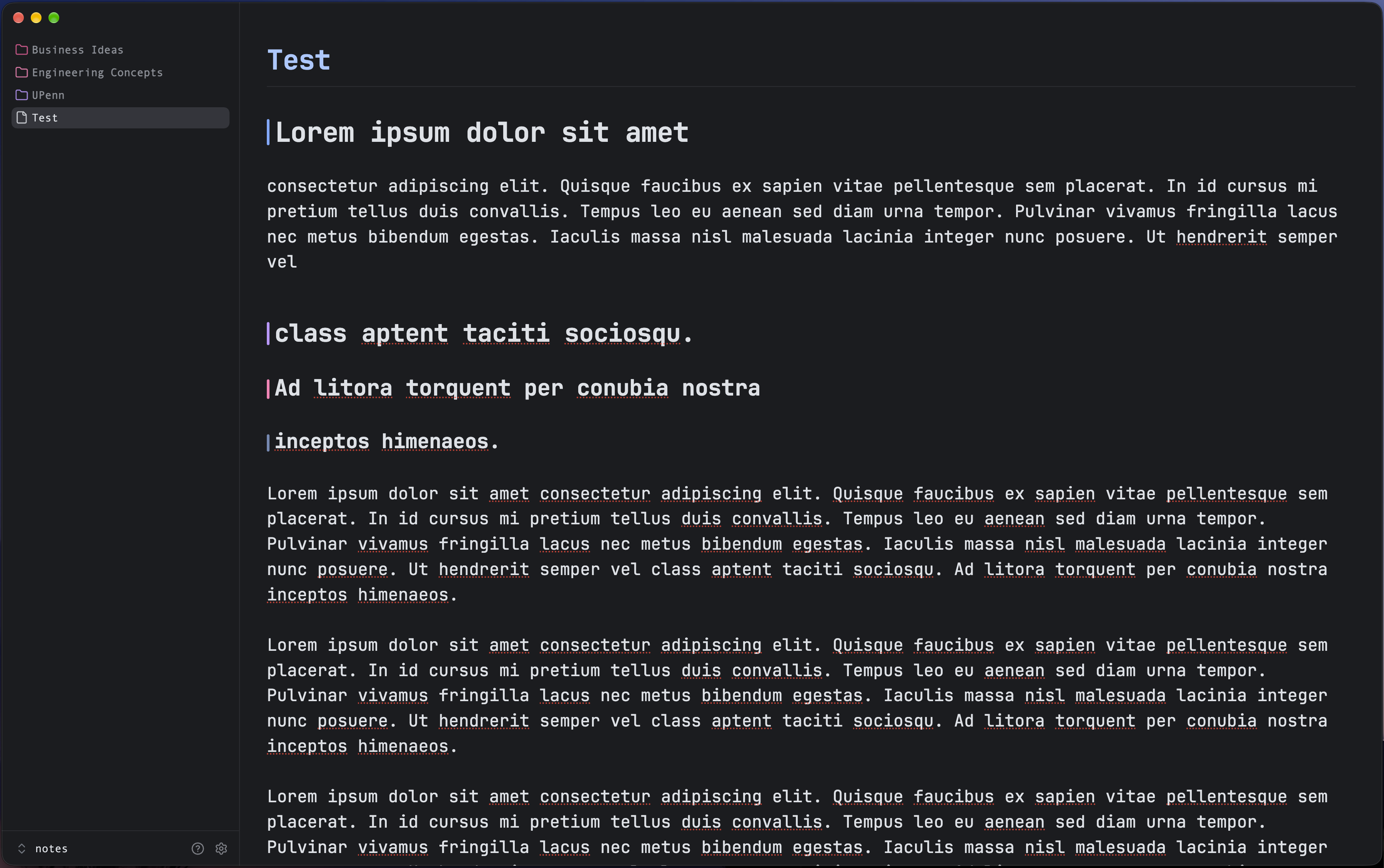
:has(), which Obsidian's own style guide warns is slow to re-evaluate. - Every background is the same flat graphene grey,
#1b1c1f. - Folder names are bold, and each folder gets a Lucide folder icon in one of eight Oxocarbon accents. Files get icons by type, with separate ones for PDFs, canvases and images.
- Headings have white text and a coloured bar before them, which moves from blue for h1 through purple for h2 to rose for h3, while h4 to h6 use a muted steel. The note title is light blue.
- Bold text is rose and italic text is purple.
- The theme turns its animations off when the system asks for reduced motion.
Install
- Open Settings, then Appearance, and click Manage next to Themes.
- Search for Oxocarbon Grey, then install and use it.
- Reset the accent colour in Appearance, because a custom accent replaces the theme's blue.
The theme is dark only. Install the Style Settings plugin to keep any bar visible or to turn off the icons, the folder colours, the bold folder names, the heading bars or the line under the note title.
Develop
The palette comes from the oxocarbon-grey repository as a dev dependency, so theme.css is generated and should not be edited by hand.
- Run
npm install. - Edit the partials in
src/css/or the colour mapping insrc/variables.mjs. Partials are joined in file-name order, so a new feature is one new numbered file. - Run
npm run buildto writetheme.css. - Run
npm run checkto confirm thattheme.cssis up to date, run the tests and lint the CSS with Obsidian's stylelint config.
To try the theme in a vault, link the two theme files into a folder in the vault's themes folder and pick Oxocarbon Grey in Appearance. Obsidian does not list a theme whose folder is itself a link, so link the files and not the folder:
mkdir "<vault>/.obsidian/themes/Oxocarbon Grey"
ln -s "$PWD/manifest.json" "$PWD/theme.css" "<vault>/.obsidian/themes/Oxocarbon Grey/"
Release
- Bump
versioninmanifest.json. - Create a GitHub release whose tag equals that version, and attach
manifest.jsonandtheme.css.
The first release also needs a submission at community.obsidian.md, and later releases reach users without one.
Licence
MIT. The notices for the oxocarbon.nvim palette (MIT), Border (MIT) and the Lucide icons (ISC) are in NOTICE.