
README file from
GithubOffice Mock
An office-inspired Obsidian theme with document, email, meeting and spreadsheet views. Notes stay ordinary Markdown; no plugin is required.
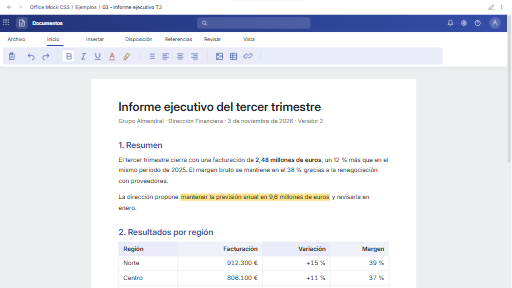
A visual theme, with native editing. The ribbons, search box and formula bar are decorative. Typing, text selection, table cells, links, undo and saving are provided by Obsidian. This theme does not calculate spreadsheet formulas, send emails or schedule meetings.
Example screenshots
The included Markdown examples, rendered in Obsidian.
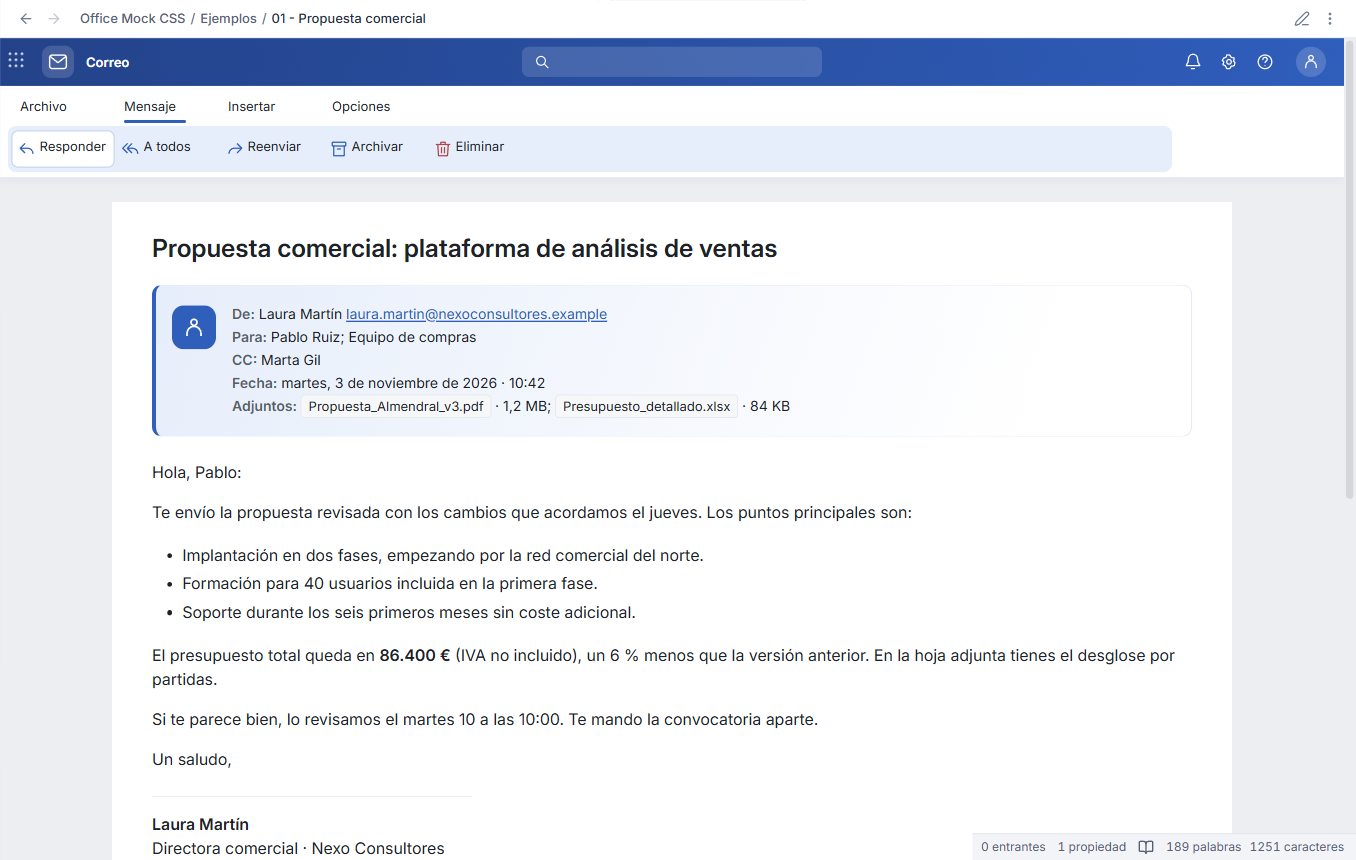

Spreadsheet
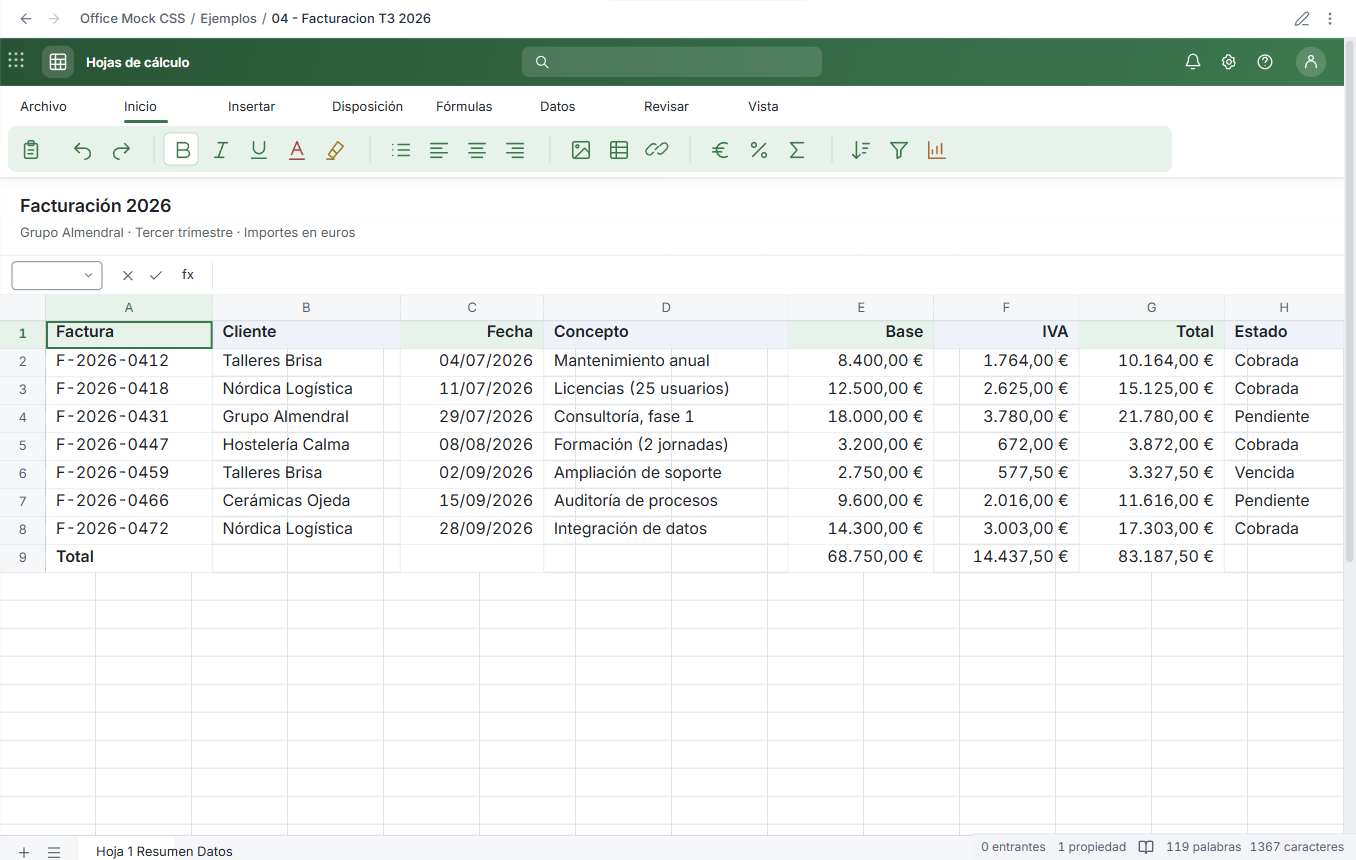
Markdown example · Live Preview editing in dark mode

Install
Until the theme is listed in Community Themes:
- Download
Office-Mock-1.0.1.zipfrom the latest release. - Copy the extracted
Office Mockfolder into your vault's.obsidian/themes/folder. It must containtheme.cssandmanifest.jsondirectly. - Open Settings → Appearance → Themes and select Office Mock. Restart Obsidian if the new local theme is not yet listed.
- Copy the optional
examplesandtemplatesfolders into your vault. - If you used the earlier snippet, disable
office-cleanbefore selecting the theme.
Requires Obsidian 1.5.0 or newer and an installer using Chromium 114 or newer. Reading view and Live Preview are supported; Source mode remains a native Markdown editor. The theme uses your configured text, interface and monospace fonts and your text size.
Choose a view
Ordinary Markdown notes use the document view. Add a class in frontmatter to choose another view:
cssclasses value |
Appearance |
|---|---|
office-document |
Blue document page, also the default |
office-email |
Blue email window and sender card |
office-meeting |
Purple meeting window and invitation card |
office-spreadsheet |
Green spreadsheet with editable native tables |
office-plain |
Native note layout with the theme's general colors |
---
cssclasses:
  - office-email
---
Other custom classes and an empty cssclasses property do not disable the document default. Use office-plain when you want a native note layout. This avoids inspecting the Properties DOM and works with properties visible, hidden or shown as YAML.
Start the body with a normal # Heading. For email and meeting notes, put the real header data in an ordinary blockquote immediately below it. The examples show sender, recipients, CC, attachments, date, organizer and location. These fields remain readable without the theme; no HTML, UI callouts or dummy rows are needed. Attachment names in the supplied examples are fictional labels, not bundled files.
Edit
Select Live Preview in Settings → Editor. Click text or a native table cell to type. In cells, Tab commits and advances; Shift+Tab goes back. Use Obsidian's native table controls or context menu to add rows and columns. Changes are saved in the same Markdown file.
Both the application interface and document surfaces support light and dark modes. Ribbons retain their application colors. On narrow panes, secondary ribbon tools are clipped while wide data tables scroll horizontally. Printing hides decorative ribbons.
| View | Light | Dark |
|---|---|---|
| Document | Preview | Preview |
| Preview | Preview | |
| Meeting | Preview | Preview |
| Spreadsheet | Preview | Editing |


The decorative ribbon labels are currently Spanish. The native interface follows Obsidian's language. The sample notes contain fictional Spanish business data.
Compatibility and scope
This is an independent theme. It does not require a parent theme, runtime JavaScript, Style Settings, an account, remote fonts or network resources. Screenshots and automated QA are captured from Obsidian on Windows; narrow viewport checks are emulation, not physical iOS/Android certification.
See validation and community submission status. A GitHub release does not mean the theme has been accepted into Community Themes.
Development
npm ci
npm run check
npm run package
src/base.css defines native interface tokens. src/office.css defines the document views and embedded icon geometry. scripts/build.mjs produces theme.css, removes obsolete snippet workarounds, creates dark assets, orders selectors by specificity and applies the official Stylelint formatting rules. Commit the generated CSS together with source changes.
The check uses the unmodified stylelint-config-obsidianmd, plus a Chromium 114 compatibility check, manifest/license/content checks and color contrast checks. No lint rules are disabled. Runtime code is never distributed with the theme.
Optional native integration QA requires an open @Nexus-dev development vault with a local debugging endpoint. See CONTRIBUTING.md. It is not run by the theme or on installation.
License and credits
Theme code: MIT, David Hurtado. Based on the Office Demo design system supplied for this project. Lucide and Feather-derived icons retain their ISC/MIT notices in THIRD_PARTY_NOTICES.md.
Office Mock is an independent project and is not affiliated with Microsoft or Obsidian.