
README file from
GithubLark
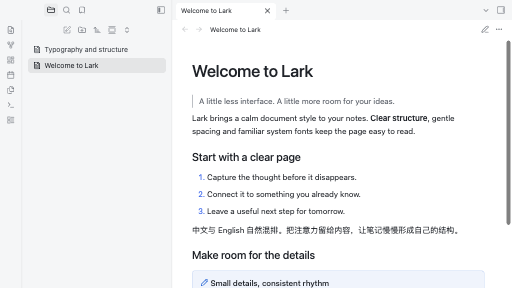
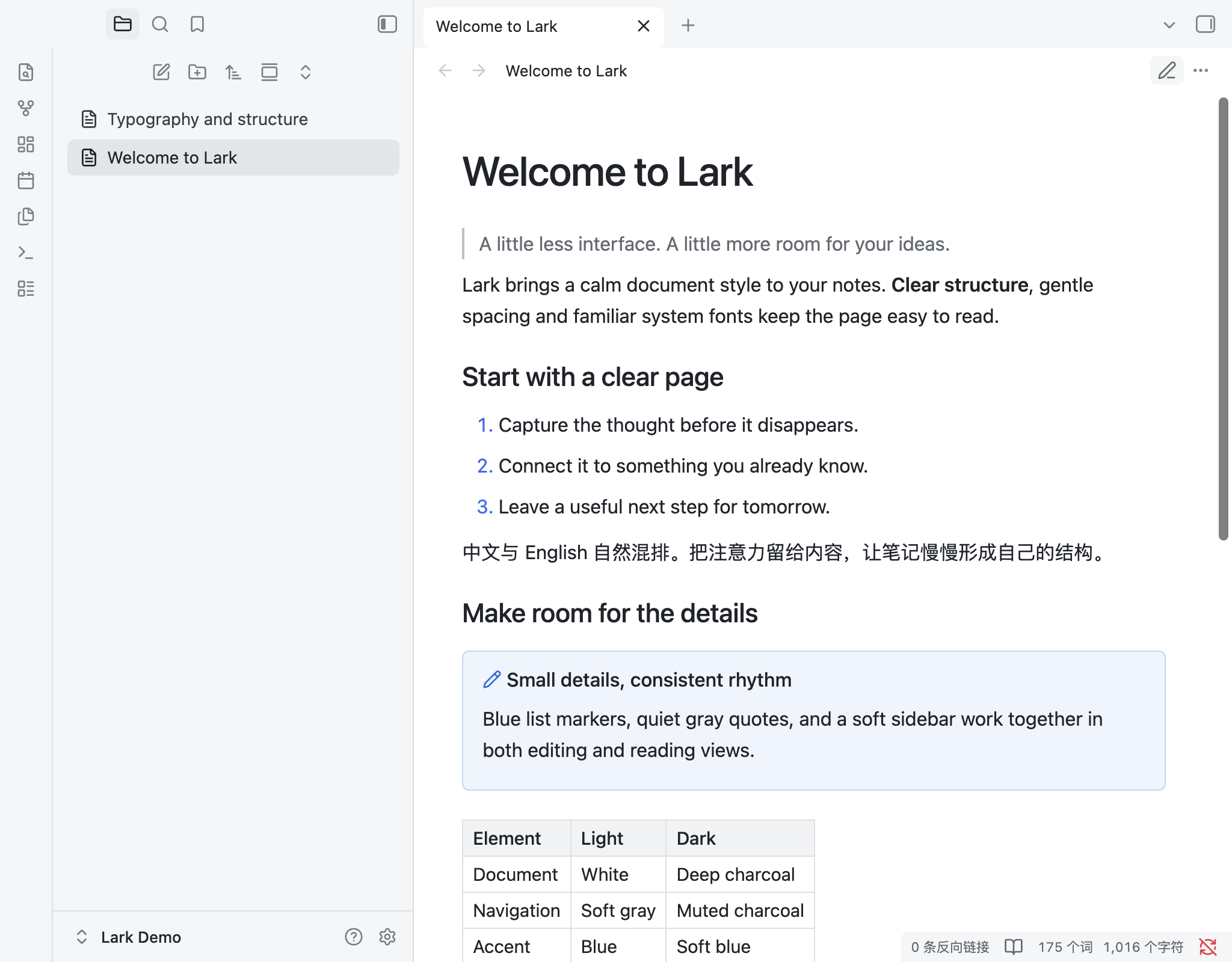
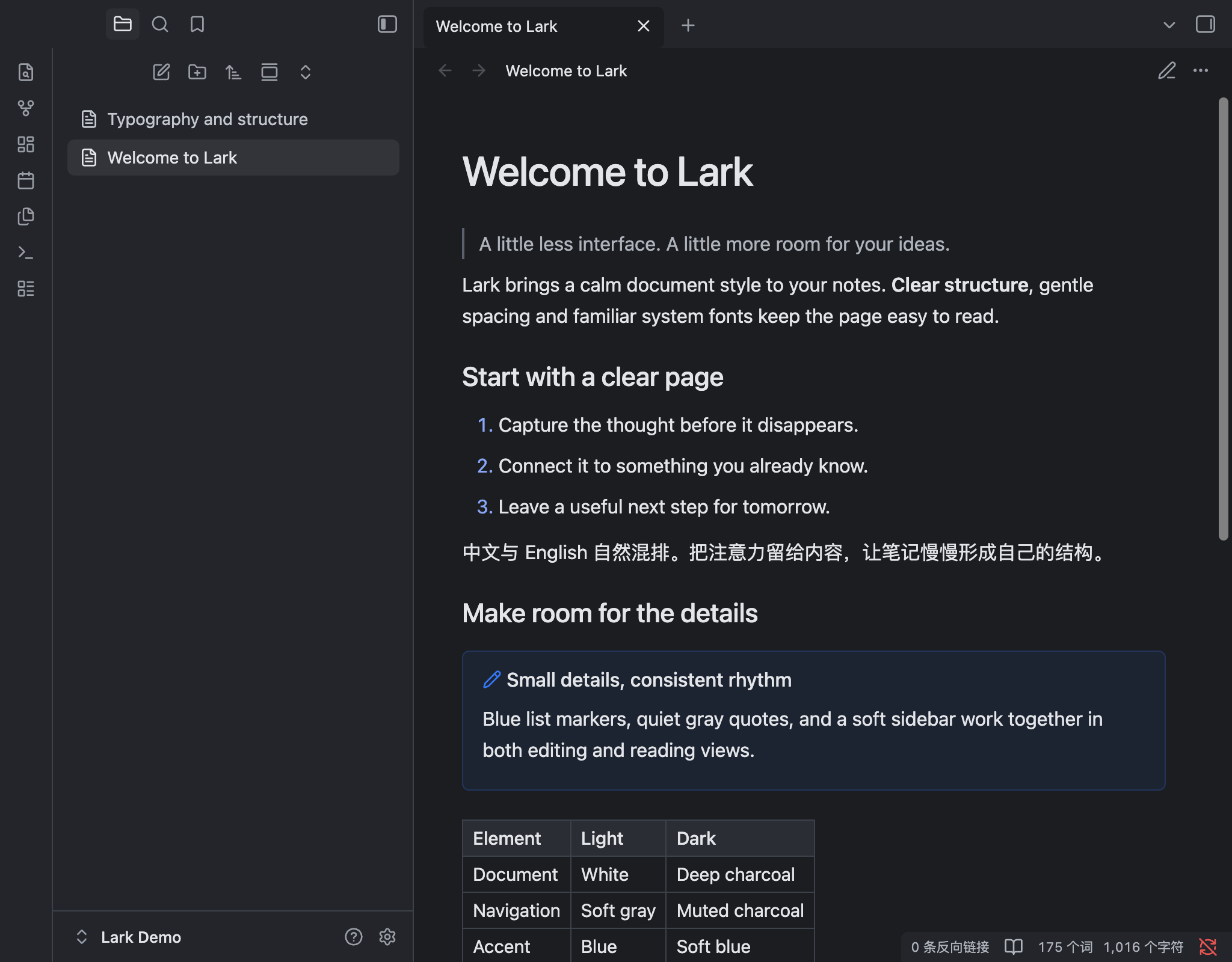
A Feishu-inspired Obsidian theme with a white document canvas, a soft gray sidebar, blue accents and balanced typography. Includes light and dark appearances.
Features
- System fonts, medium-weight headings and an 820px readable page width.
- Blue list markers, subtle quote borders, tables and code blocks.
- Compact paragraph spacing in Live Preview.
- Uses native font-size settings; no plugins or remote assets required.
Install
Requires Obsidian 1.14.4 or later.
- Download
Lark-1.0.2.zipfrom Releases. - Extract the
Larkfolder into your vault's.obsidian/themes/directory. - Select Lark in Settings → Appearance → Themes.
Enable Readable line length to use the 820px page width.
Development
python3 scripts/check.py
python3 scripts/package.py
License
MIT. Lucide icons use the ISC license; both notices are embedded in the distributed CSS.