
README file from
GithubDuotone
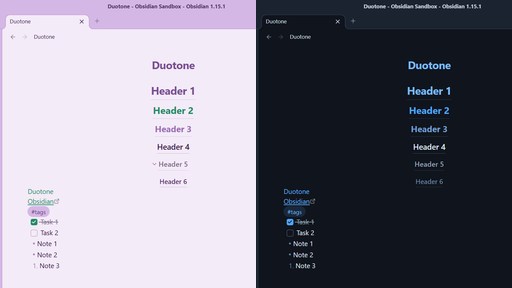
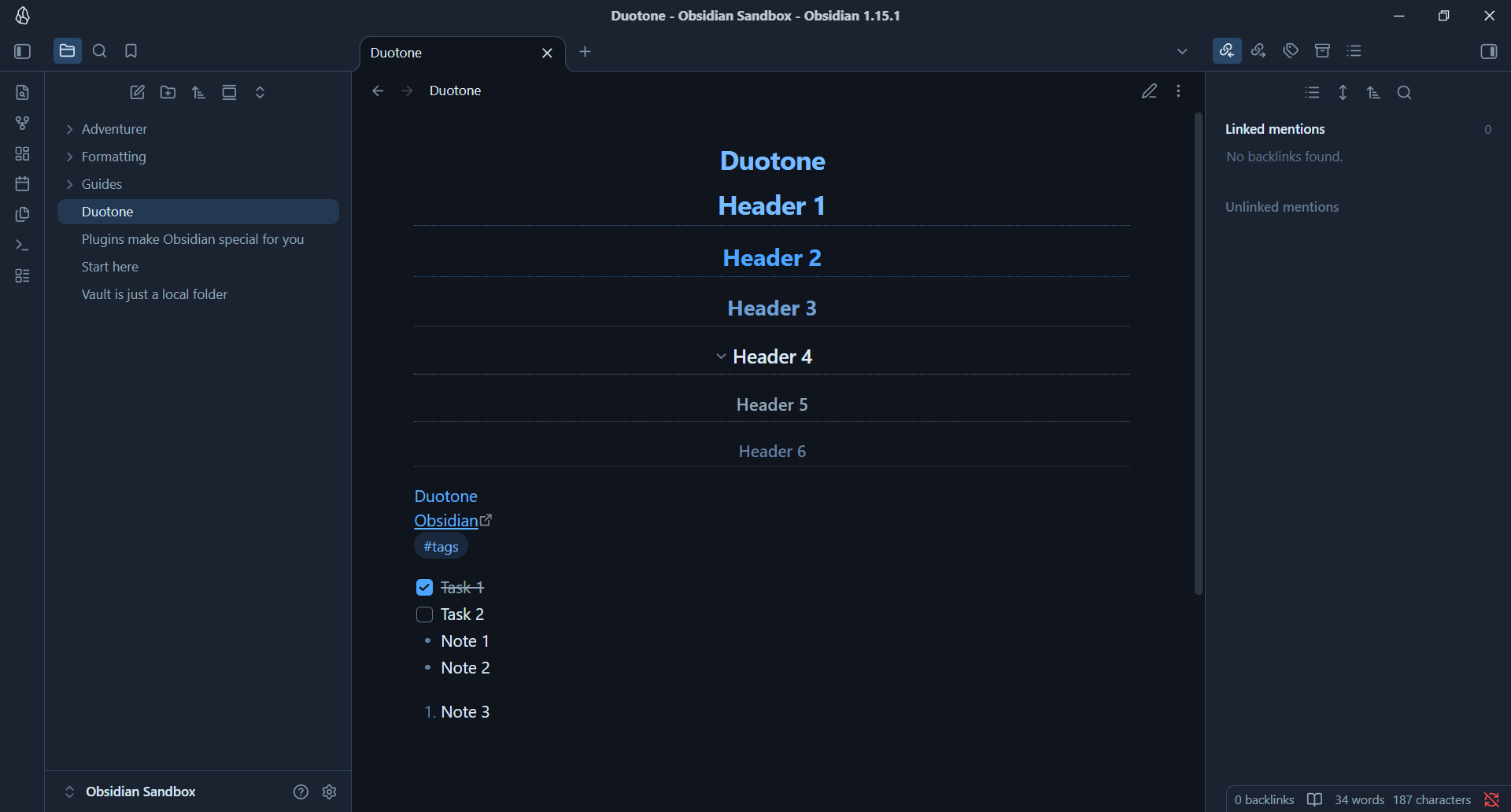
Duotone is a custom theme for Obsidian featuring two distinct color palettes, centered headings, and a consistent visual style across the workspace.
The theme combines a soft lavender light mode with green accents and a cool dark blue mode with bright blue accents.
Preview
Light mode
Live Preview
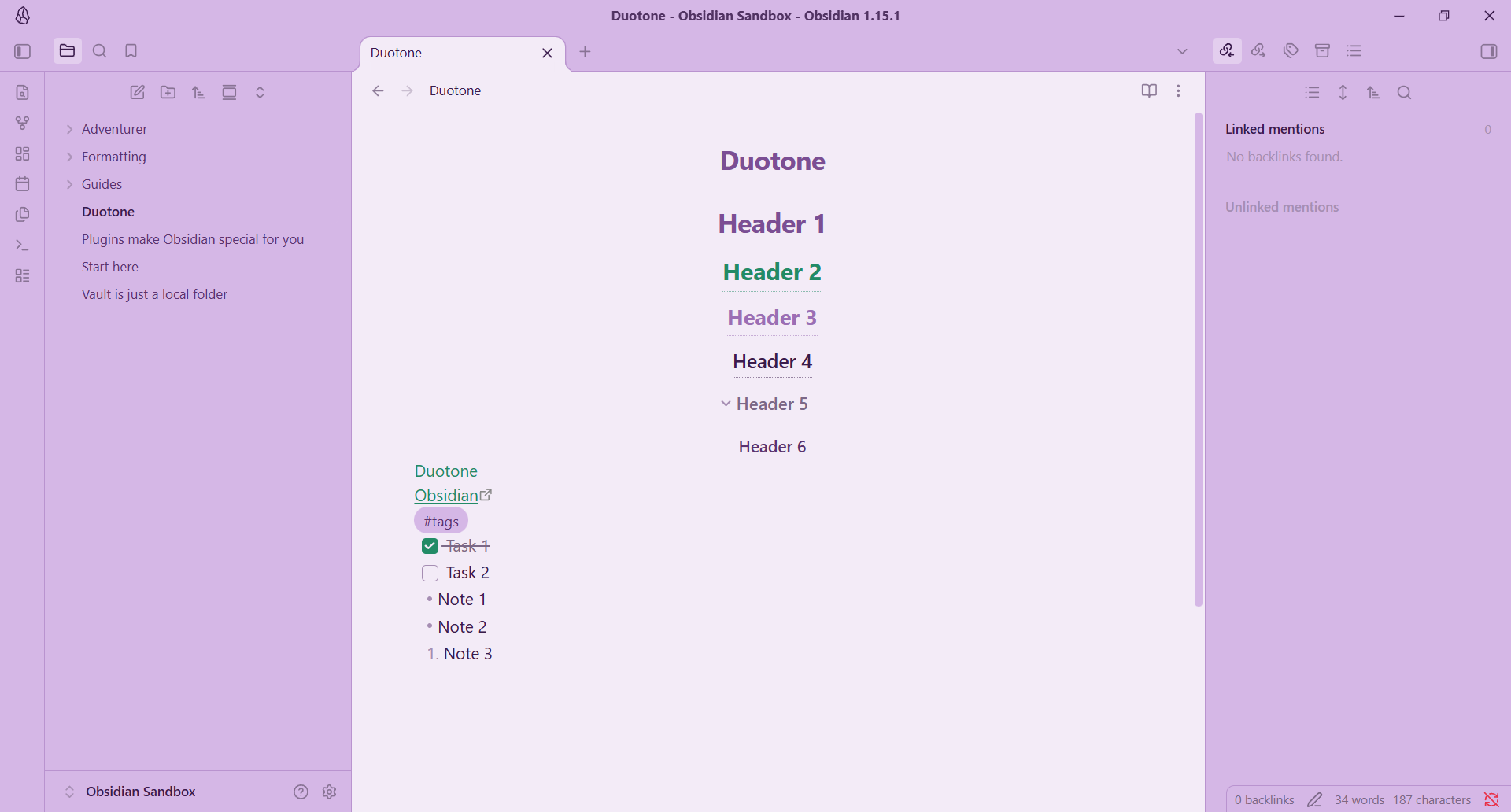
Reading view
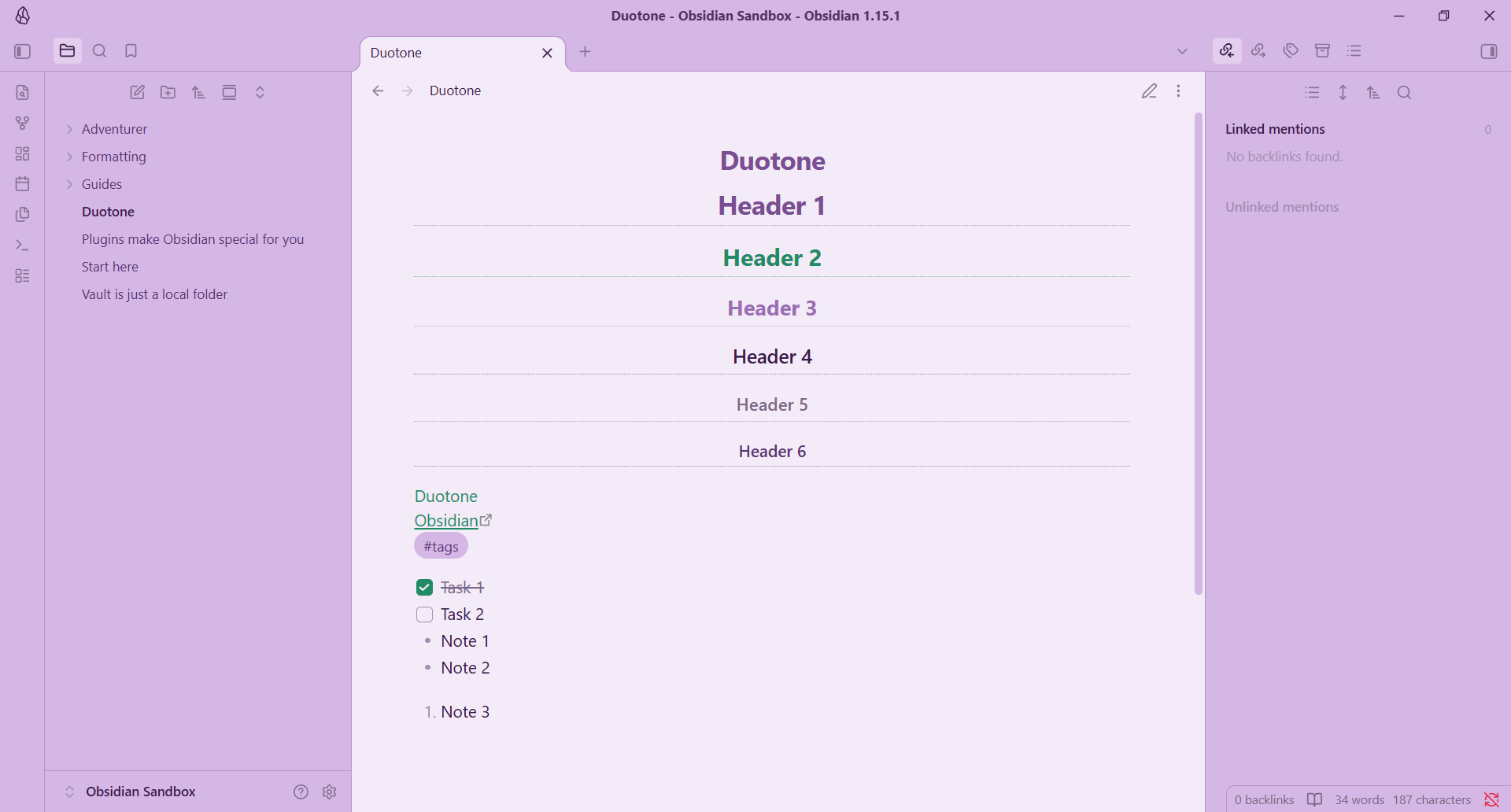
Dark mode
Live Preview
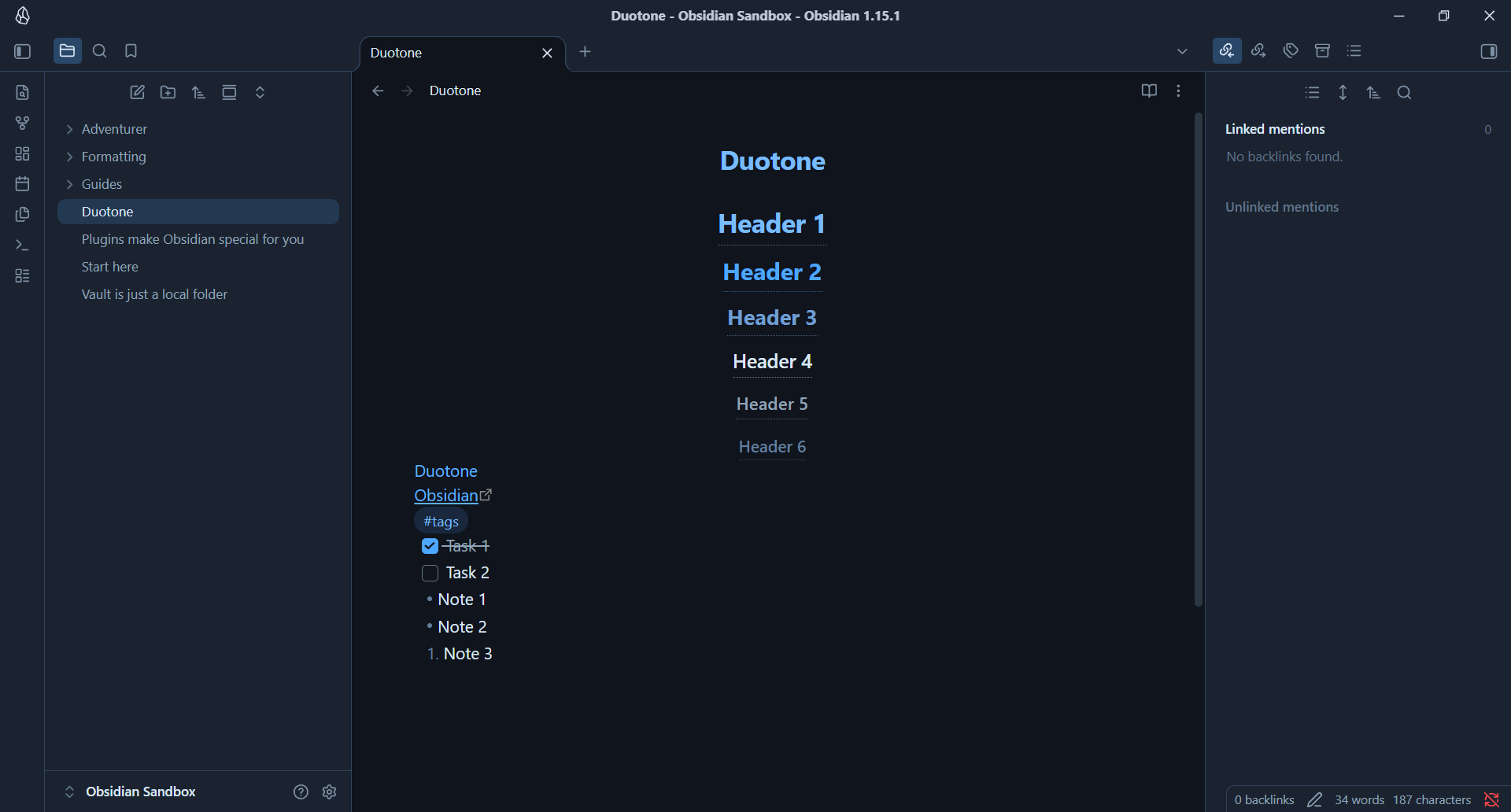
Reading view
Features
- Two distinct color palettes for light and dark modes.
- Custom colors for all six Markdown heading levels.
- Centered Markdown headings and inline note titles.
- Dotted heading underlines in Reading view and Live Preview.
- Centered embedded images in Reading view.
- Customized syntax highlighting.
- Styled internal and external links.
- Customized tags, checkboxes, and tables.
- Custom colors for the file explorer, tabs, menus, dialogs, and other interface elements.
- Customized graph view colors.
- No additional plugins required.
Color palettes
Light mode
A soft lavender palette with green accents.
| Element | Color |
|---|---|
| Primary background | #F3EBF7 |
| Secondary background | #D5B7E6 |
| Primary text | #3A1C4C |
| Accent | #228B66 |
Dark mode
A cool dark blue palette with bright blue accents.
| Element | Color |
|---|---|
| Primary background | #10141C |
| Secondary background | #1B2330 |
| Primary text | #DCE8F5 |
| Accent | #4DA6FF |
Installation
Duotone is currently distributed through GitHub and is not yet available in the official Obsidian community theme catalog.
Manual installation
- Download
theme.cssandmanifest.jsonfrom this repository. - Open your Obsidian vault folder.
- Navigate to
.obsidian/themes/. - Create a folder named
Duotone. - Copy both downloaded files into the newly created folder.
- Open Obsidian.
- Navigate to Settings → Appearance → Themes.
- Select Duotone.
Compatibility
- Declared minimum Obsidian version:
1.2.0. - Light and dark modes.
- Reading view and Live Preview.
Compatibility with older Obsidian versions has not yet been fully verified.
Project status
Duotone is under active development.
Future plans include submitting the theme to the official Obsidian community theme catalog.
Feedback
Bug reports and suggestions are welcome through GitHub Issues.
Author
Developed by NekoShift777i.
License
Duotone is licensed under the MIT License.