
README file from
GithubDevHelper
English
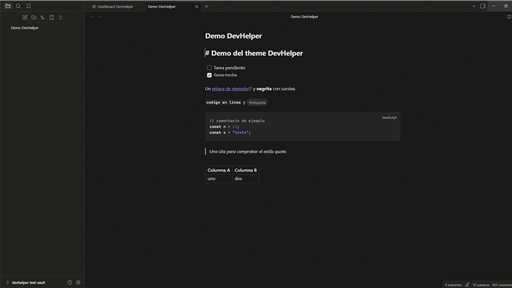
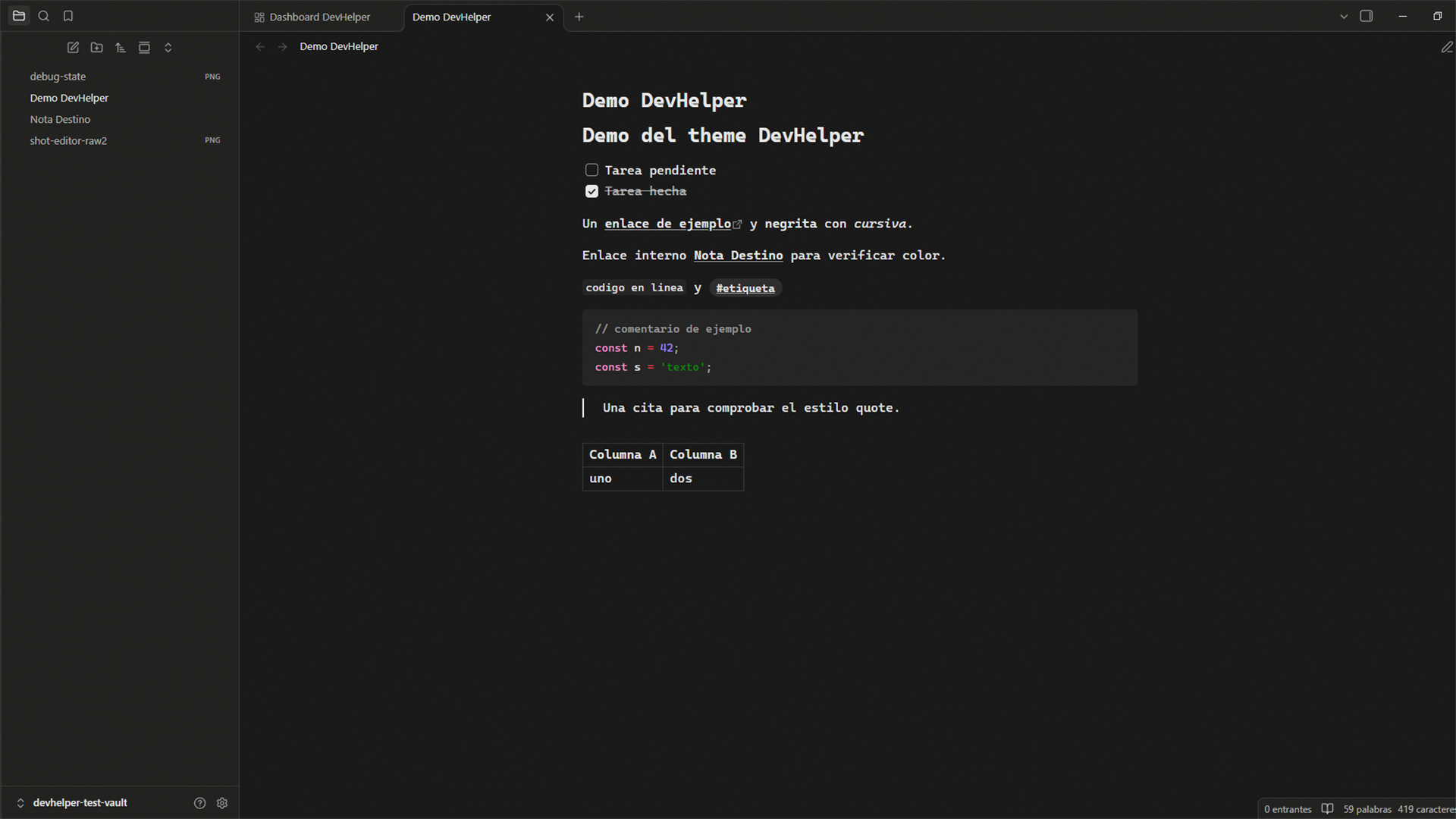
A dark, monochrome theme for Obsidian, designed together
with the DevHelper Dashboard
plugin. Near-black background (#171717), high-contrast text (#e8e8e8,
14.6:1) and a few semantic accents: strings in blue, numbers in green,
everything else in greys. Rounded corners, soft shadows, a subtle noise texture
and mobile support with safe areas and 44 px touch targets.
Dark only. In light mode Obsidian falls back to its base theme.
Website (Spanish): devhelper.didierpiracoca.com/obsidian
Installation
- Community themes: Settings → Appearance → Themes → Manage, search for DevHelper, or open its store page.
- Manual: create
<vault>/.obsidian/themes/DevHelper/, copytheme.cssandmanifest.jsoninto it, then pick DevHelper in Settings → Appearance with the base color scheme set to Dark.
Compatibility
minAppVersion 1.0.0 · no dependencies · no !important · no remote resources.
Español
Theme oscuro y monocromo para Obsidian, diseñado junto
al plugin DevHelper Dashboard.
Fondo casi negro (#171717), texto de alto contraste (#e8e8e8, ratio
14.6:1) y acentos semánticos puntuales: strings en azul, números en verde y
todo lo demás en grises. Esquinas redondeadas, sombras suaves, textura de ruido
sutil y adaptación a móvil con safe areas y objetivos táctiles de 44 px.
Solo modo oscuro. En modo claro Obsidian usa su theme base.
Web: devhelper.didierpiracoca.com/obsidian
Instalación
- Themes de la comunidad: Ajustes → Apariencia → Themes → Gestionar, busca DevHelper, o abre su página en la tienda.
- Manual: crea
<vault>/.obsidian/themes/DevHelper/, copiatheme.cssymanifest.jsondentro y elige DevHelper en Ajustes → Apariencia con el modo base en Oscuro.
Capturas
screenshot.png: miniatura 16:9 (512×288) que usa la tienda.screenshots/screenshot-editor.png: editor con sidebar en escritorio.screenshots/screenshot-mobile.png: vista móvil.
Desarrollo
node scripts/check-theme.mjs # valida manifest, variables, URLs y capturas
Publicar: sube version en manifest.json, haz commit y crea el tag con la
misma versión (git tag 1.0.1 && git push origin main --tags); GitHub Actions
crea la release.
License / Licencia
MIT © Didier Piracoca