
README file from
GithubDark Glass
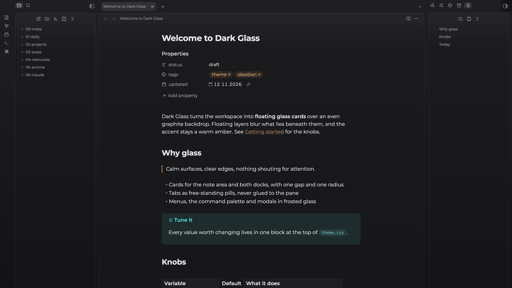
A calm glass theme for Obsidian, dark and light: the workspace becomes floating glass cards over an even, colourless backdrop, with one warm amber accent.
What it does
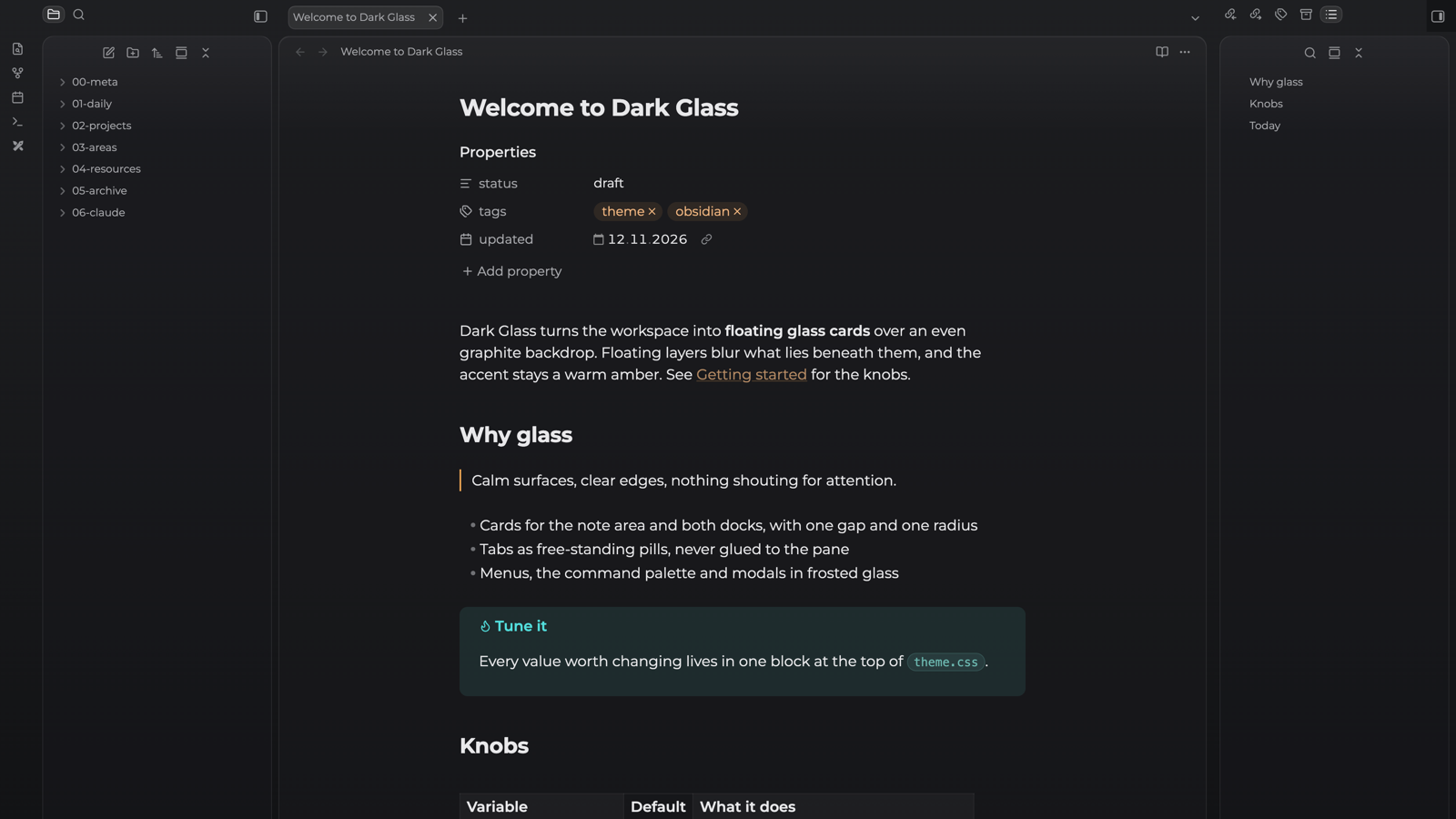
- Glass cards. The note area and both side docks are rounded, translucent cards with a thin light edge, one gap and one radius everywhere.
- Even backdrop. Graphite in dark mode, pale paper grey in light mode: one colourless gradient behind everything, no coloured glows.
- Pill tabs. Tabs are free-standing pills with a gap above the note, never glued to the pane. Stacked tabs stay readable.
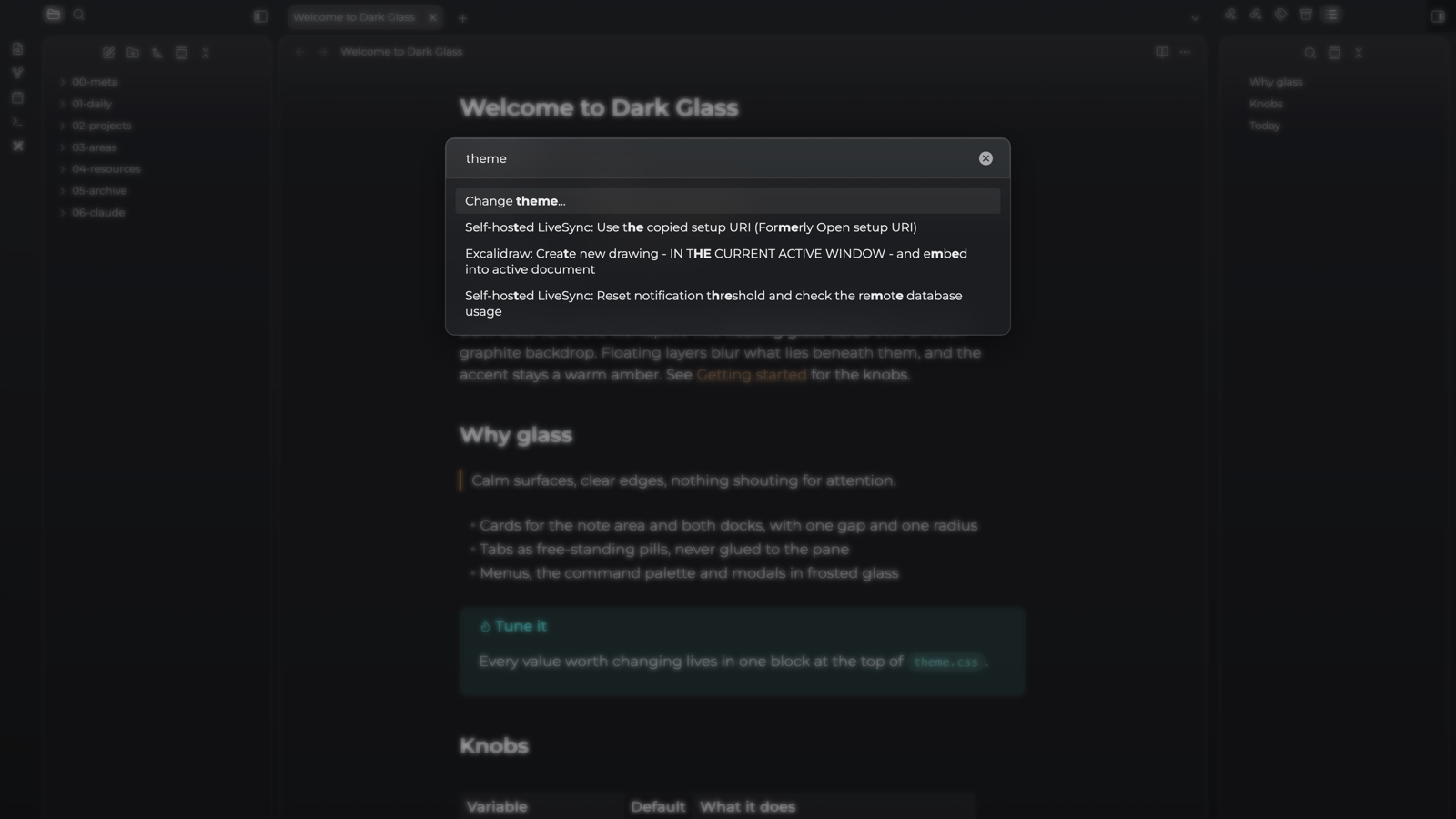
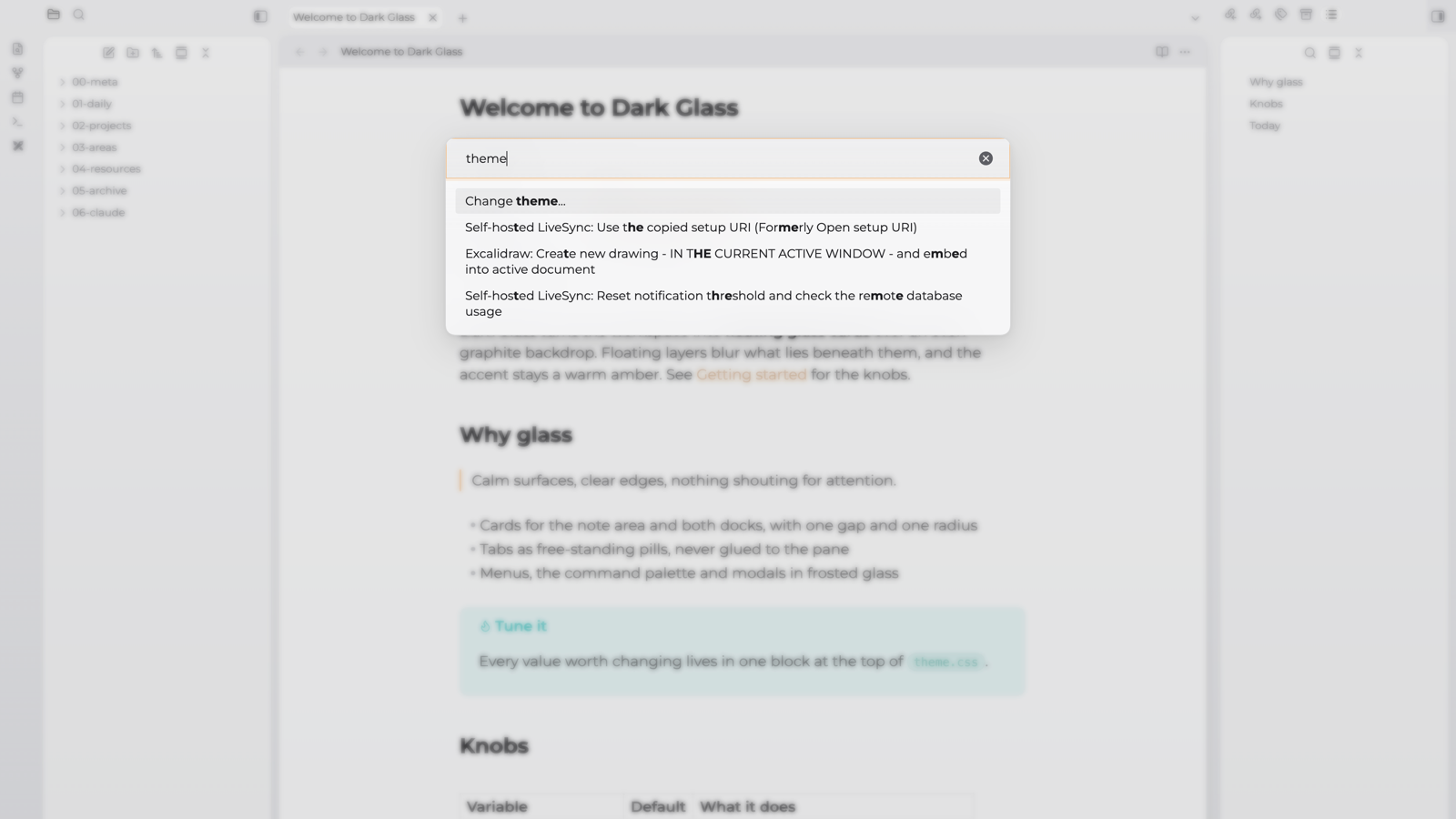
- Frosted layers. Menus, the command palette, modals, suggestions, hover previews and notices blur what lies beneath them (desktop only).
- Settings window. Obsidian 1.15 opens Settings in its own window; it gets the same backdrop, glass navigation and setting cards.
- Quiet inline fields. Properties, rename fields and the inline title have no boxes until you hover or focus them.
- Montserrat for text and interface, embedded in the theme, and the system monospace font for code.
- Plugin touches. The Strange New Worlds reference count becomes a small glass pill. Self-hosted LiveSync's status-bar item sits in the status-bar pill; its optional in-editor status is left as the plugin draws it.
Modes
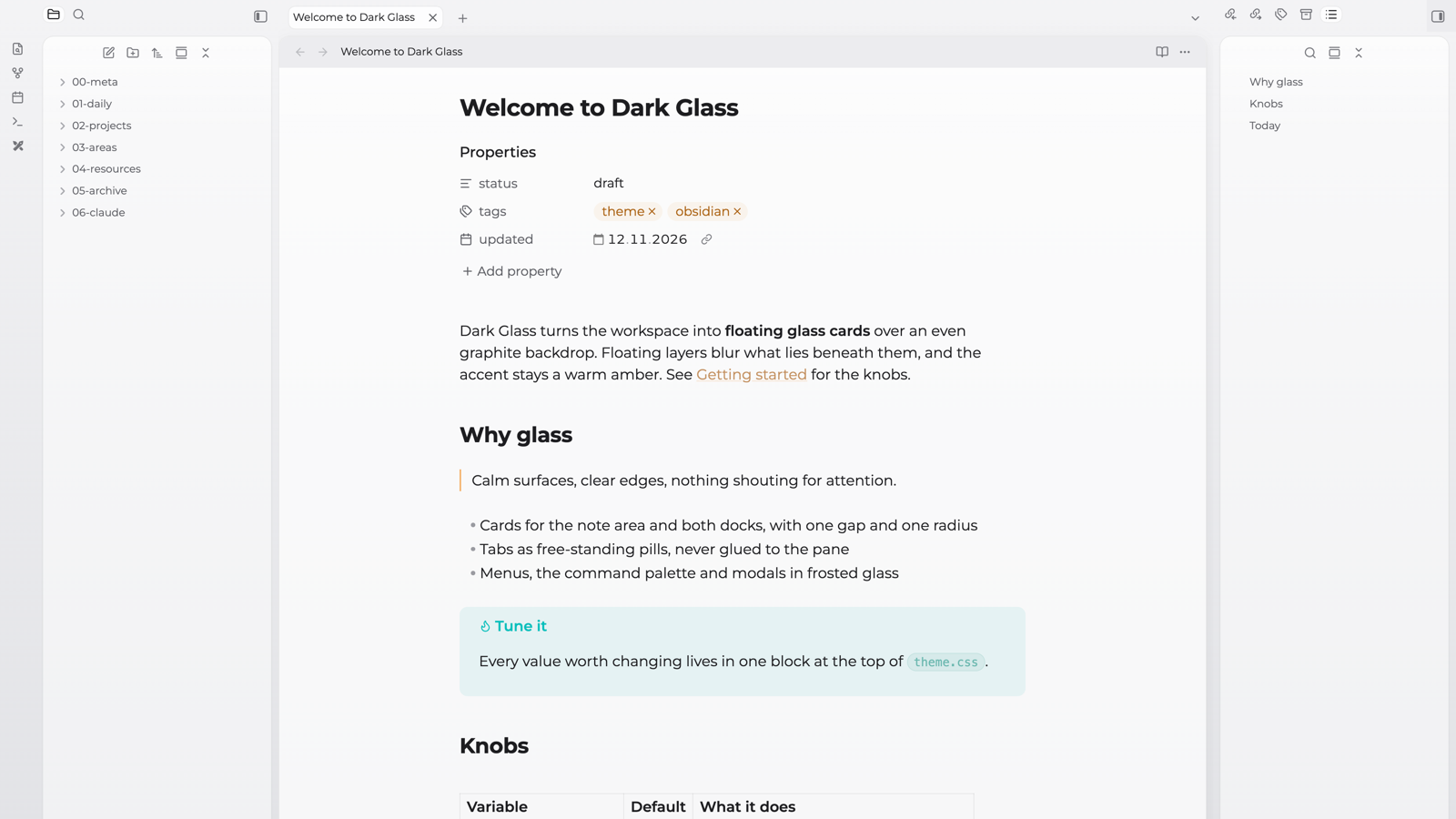
Both. Dark mode is smoked glass over graphite; light mode is white glass over pale grey, with softer shadows and a darker amber for links so they read on white. Obsidian switches between them with Settings → Appearance → Base color scheme.
On mobile the same palette is drawn with flat fills and no cards or blur, so a phone does not pay for backdrop filters.
Install
From Obsidian: Settings → Appearance → Themes → Manage, search for Dark Glass, then Install and use.
By hand: download manifest.json and theme.css from the latest release into <your vault>/.obsidian/themes/Dark Glass/, then pick Dark Glass in Settings → Appearance → Themes.
Tune it
Every value worth changing is in the first block of theme.css. To override one without editing the theme, put it in a CSS snippet:
body {
  --accent-h: 32;            /* accent hue (HSL); 210 for blue, 270 for violet */
  --accent-s: 85%;
  --accent-l: 64%;
  --glass-see-through: 0.62; /* 0 = solid cards, 1 = clear */
  --glass-graphite-top: 30 31 34;    /* dark backdrop gradient, rgb */
  --glass-graphite-bottom: 17 18 20;
  --glass-paper-top: 243 243 245;    /* light backdrop gradient, rgb */
  --glass-paper-bottom: 224 225 229;
  --glass-blur: 24px;        /* blur under floating layers */
  --glass-gap: 8px;          /* gap between cards */
  --glass-radius: 14px;      /* card corners */
}
Licence
The theme is released under the MIT License.
It embeds the Montserrat typeface (Regular, Medium, SemiBold, Bold), © The Montserrat Project Authors, licensed under the SIL Open Font License 1.1.