
README file from
GithubCitrus Neo Theme
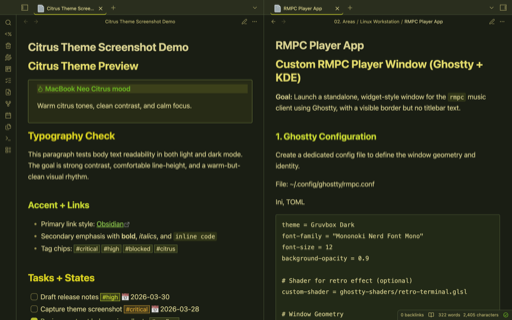
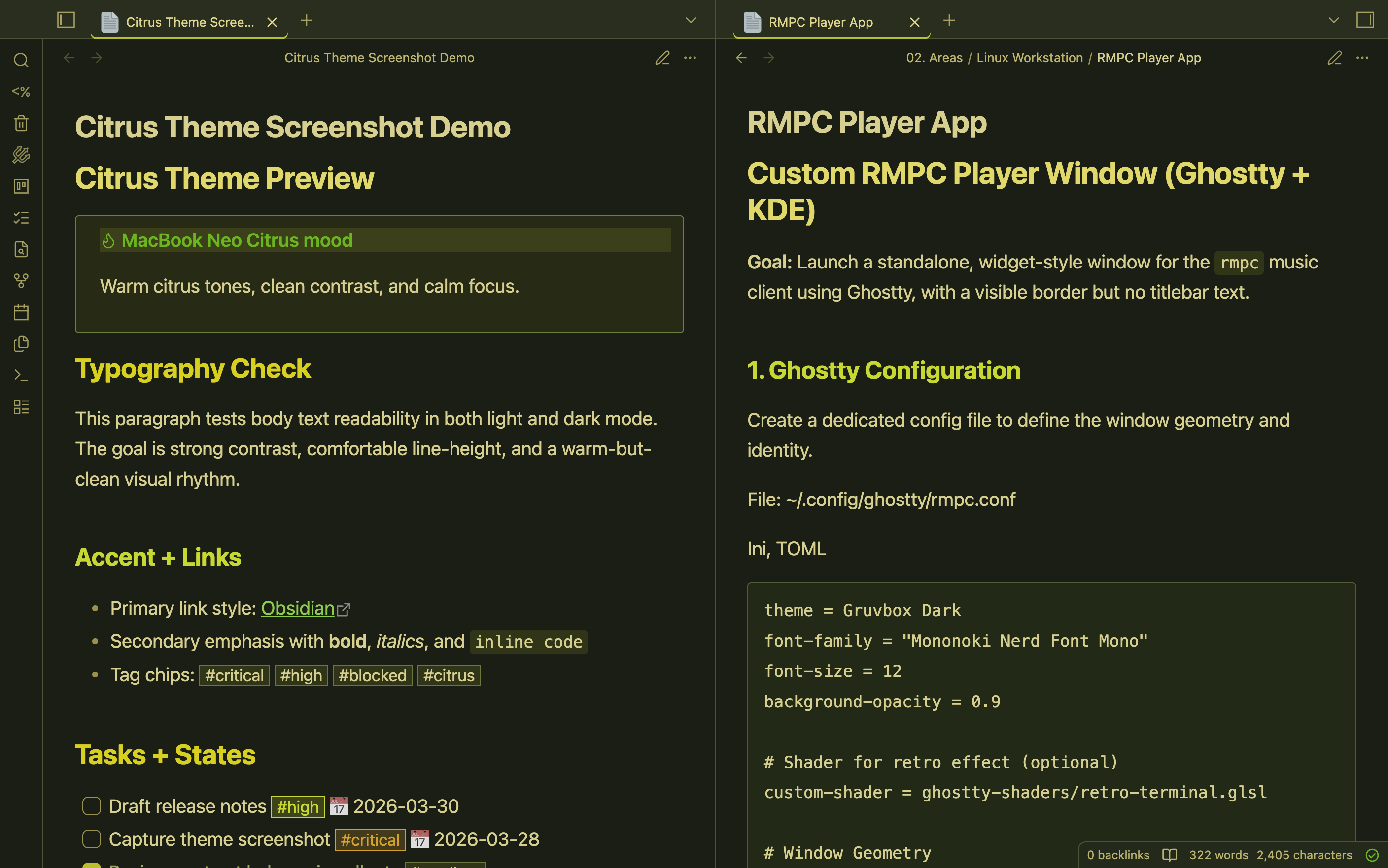
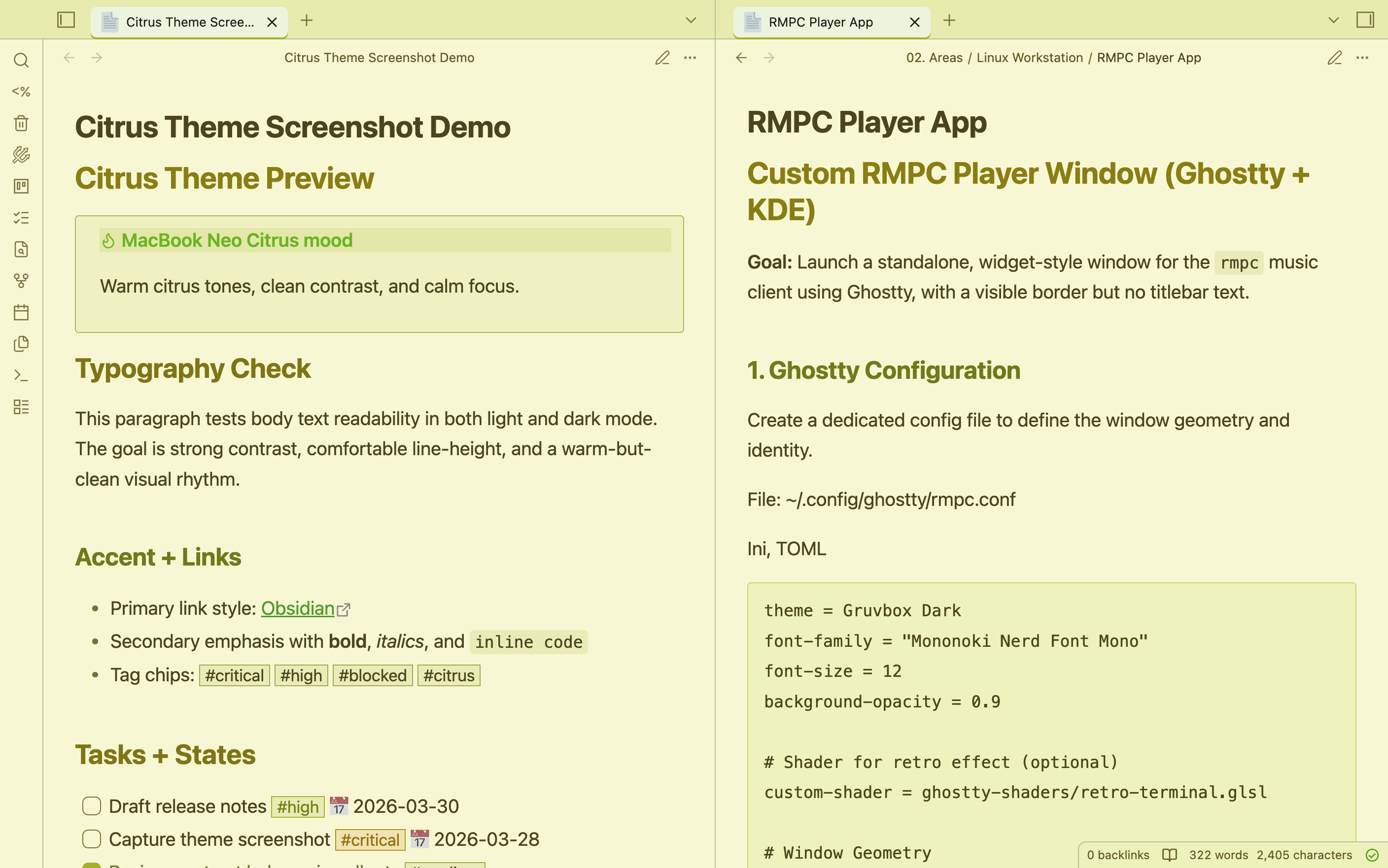
The Citrus Neo Theme is an Obsidian theme inspired by the MacBook Neo Citrus color scheme.
It blends warm citrus yellows and greens with high-contrast typography to create a focused workspace that still feels vibrant.
Highlights
- Balanced light and dark palettes with consistent contrast
- Readable headings with citrus-accented hierarchy
- Styled callouts, tags, tasks, tables, and code blocks
- OS-adaptive interface/text fonts inspired by Cupertino theme conventions
- Monospace-friendly code rendering for notes and snippets
Inspiration
This theme draws from the MacBook Neo Citrus visual style: lively citrus tones, earthy depth, and clean readability for long writing sessions.
Installation
From Obsidian (after publication)
- Open Settings -> Appearance -> Themes
- Click Manage
- Search for Citrus Neo
- Install and enable it
Manual install
- Open your vault folder
- Go to
.obsidian/themes/ - Create a folder named
Citrus Neo - Place
manifest.jsonandtheme.cssinside it - Reload Obsidian and select Citrus Neo
Credits
- Inspired by the MacBook Neo Citrus color scheme
- Built for the Obsidian community