
README file from
GithubManuscript
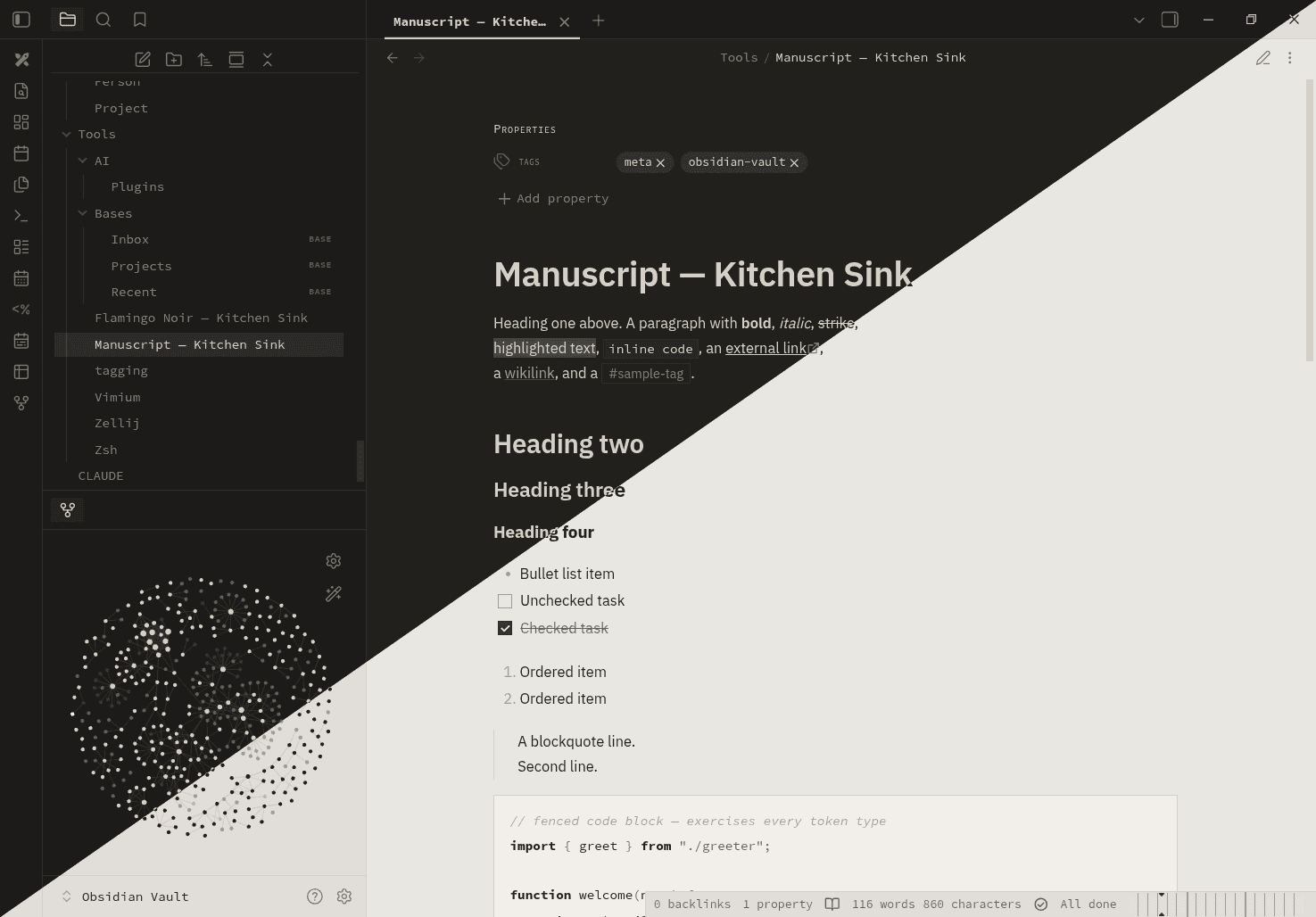
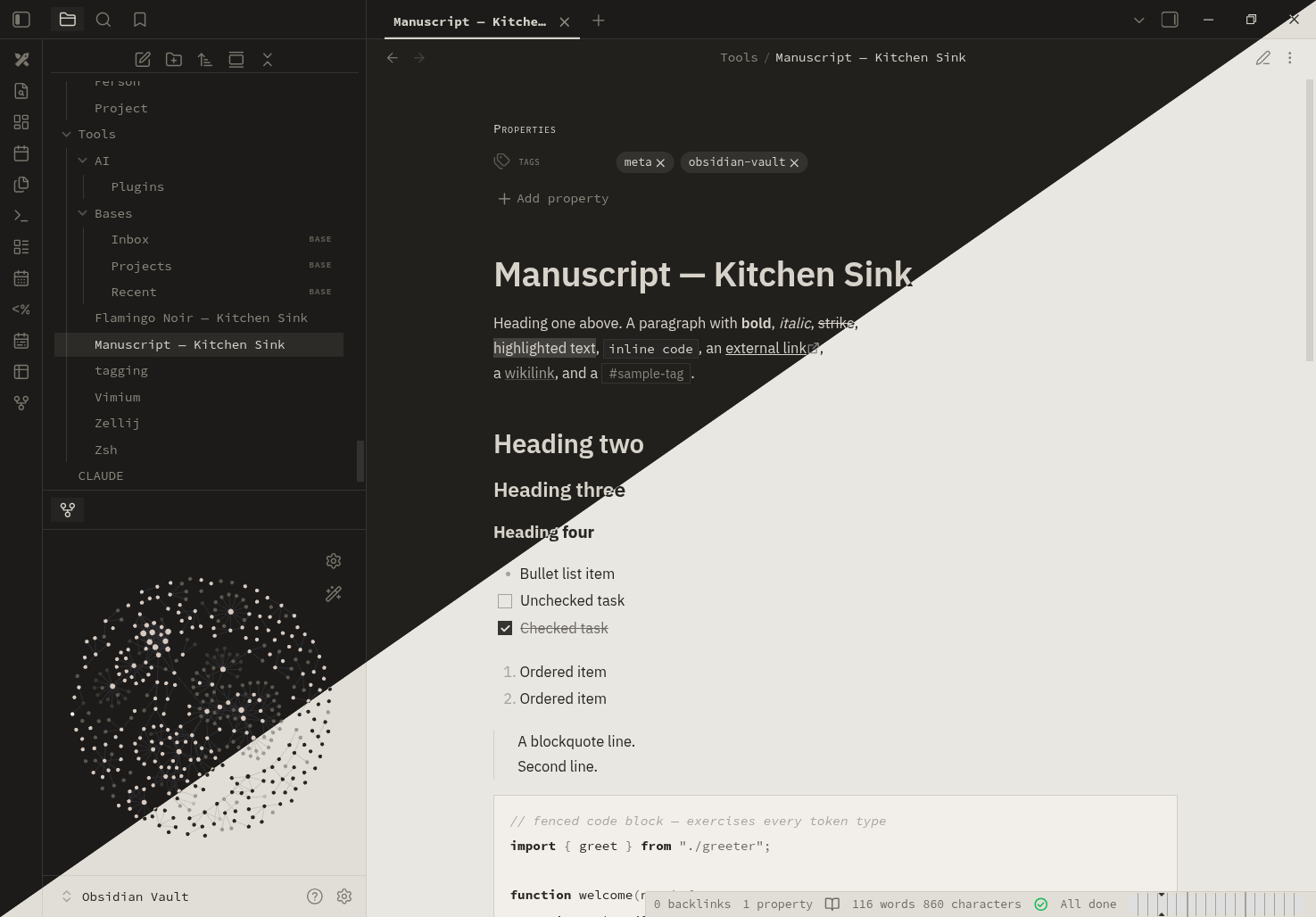
A quiet, monochrome editorial theme for Obsidian: a warm paper background, near-black ink, IBM Plex Sans throughout, hairline rules and generous whitespace. No colour — hierarchy comes from weight, ink tone, hairline rules, and small-caps. Light and dark "paper" modes, both art-directed.
Install
- Community directory (once accepted): Settings → Appearance → Manage, then search for Manuscript.
- Manual: create a folder named
Manuscriptin<your vault>/.obsidian/themes/, copymanifest.jsonandtheme.cssfrom this repository into it, then select it under Settings → Appearance → Themes. - BRAT: add
jackMort/manuscriptin the BRAT community plugin.
Design
- Monochrome. No chromatic colour anywhere — a warm greyscale palette in both modes. Links, headings and active states are set apart by weight, underline, ink tone and a faint ink wash, never by hue.
- Editorial sans. IBM Plex Sans for text and headings, on a clear size scale; IBM Plex Mono for code.
- Hairline rules are the main structural device — table cells, callouts, code blocks, dividers.
- Small-caps labels for callout titles, table headers and the Properties panel, echoing a print type specimen.
- Square and flat. Hard corners, no glow, no drop shadows.
- A fully art-directed light "paper" and dark "paper" mode.
Fonts
The theme sets an IBM Plex Sans stack for text (and IBM Plex Mono for
code), imported from Google Fonts with ui-sans-serif / ui-monospace
fallbacks. Installing IBM Plex
gives the intended look but is optional. Fonts can be overridden in
Settings → Appearance.
License
MIT © Lech Twaróg