
README file from
GithubBorozdov Doodle
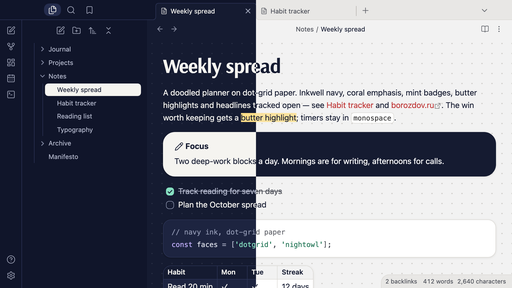
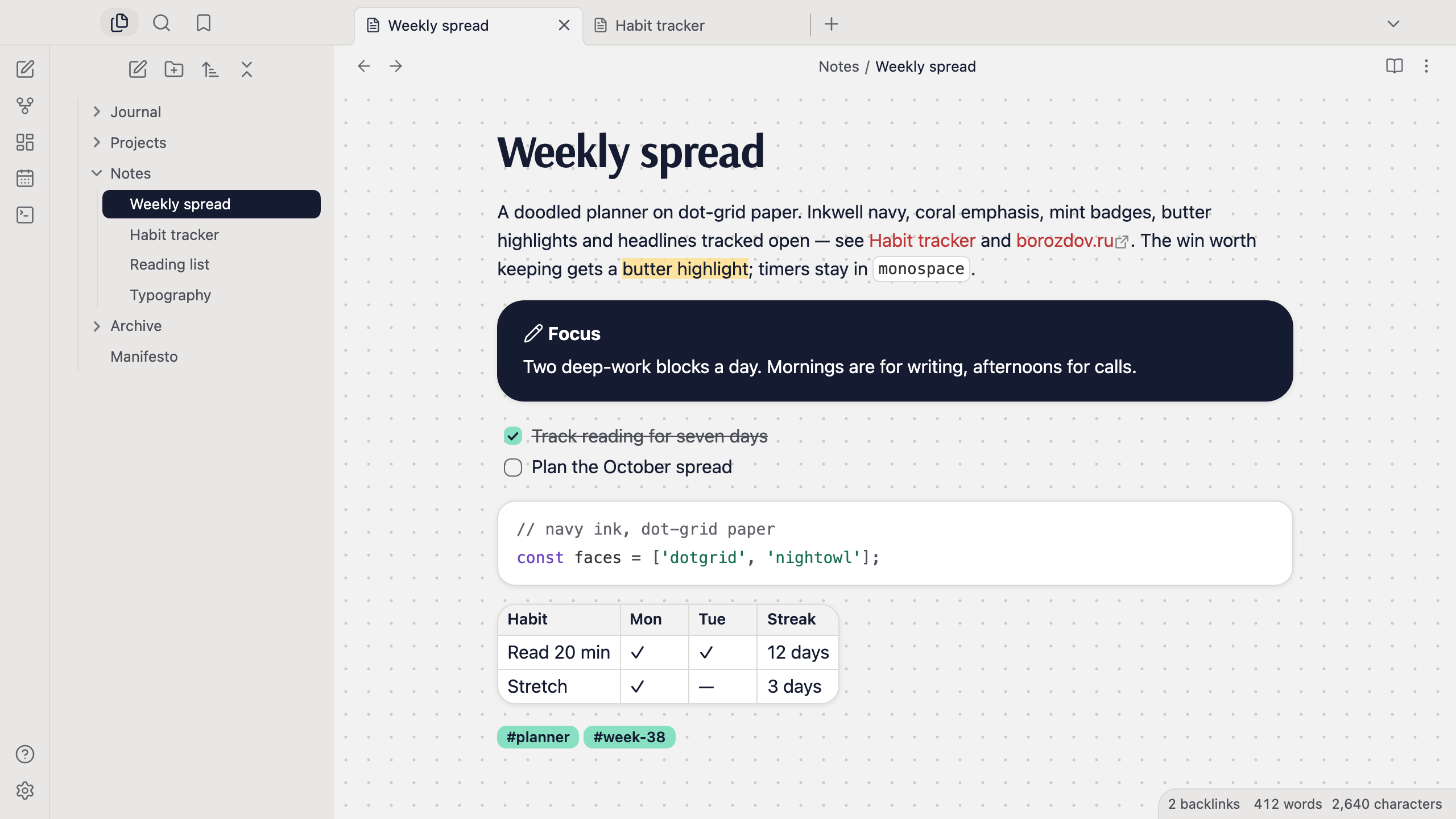
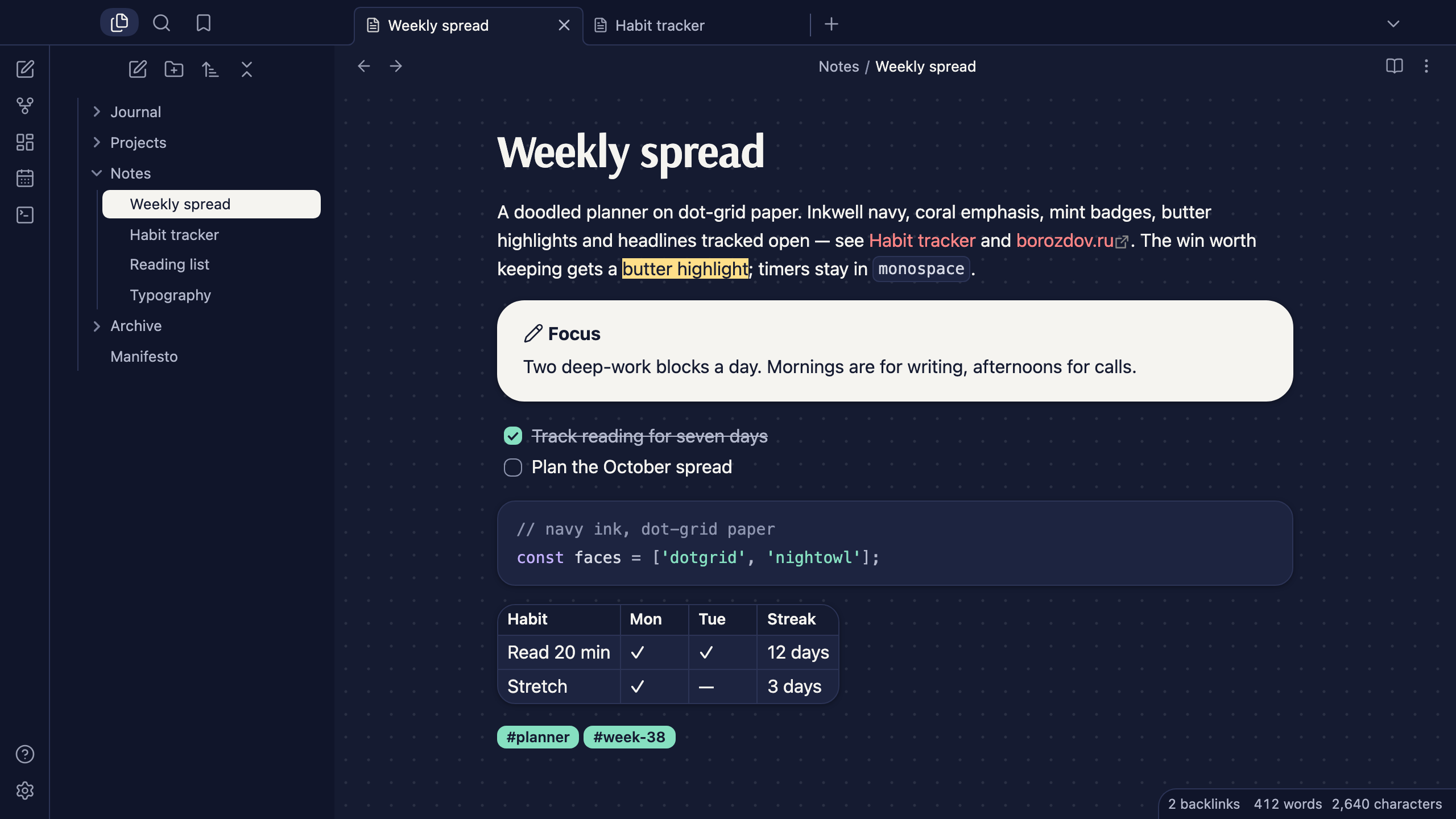
A theme from the Borozdov collection. Two faces — light Dotgrid, a doodled planner on dot-grid paper, and dark Nightowl, the same planner on inkwell navy after hours. Inkwell navy does the work, coral marks links and the caret, mint badges carry ticks and tags, a butter wash is the highlighter, and headlines are tracked open like hand lettering.
Principles
- A planner, not a spreadsheet. The note sits on dot-grid paper whose dots travel with the page; the sidebar is warm stone and cards are white.
- Inkwell navy is the workhorse. Text, rules, the open file and the main button are navy, never pure black. Colour is punctuation: coral for links and the caret, mint for ticks and tags, butter for the highlighter.
- Headlines in a hand-printed voice. Arsenal Bold for the title and the two largest headings, tracked open the way lettering is; everything else in the platform's sans, compact and tight.
- Soft, friendly shapes. 8px corners on everything you press, 16px on cards with a warm stone shadow instead of a cold grey one, 24px on the feature card.
- A feature card for the plain note. Navy on paper by day, paper on navy by night.
Features
- Light and dark modes, following Settings → Appearance → Base color scheme
- A dot-grid page in reading and editing views; embeds and hover previews stay plain cards
- Callouts as white cards with the title in the type's colour; the plain note is the feature card
- Mint checkboxes with a navy tick, and tags as mint badges
- Quiet editing: no focus ring around the note, its title or form fields while you type; property names read as labels, not boxed fields
- Text colours meet WCAG contrast on both faces
- The phone layout keeps the same colours and shapes
- No
!important: every rule can be overridden with a CSS snippet
Installation
From the community directory: Settings → Appearance → Themes → Manage, search for Borozdov Doodle, then Install and use.
By hand: download manifest.json and theme.css from the
latest release into
<vault>/.obsidian/themes/Borozdov Doodle/, then choose Borozdov Doodle under
Settings → Appearance → Themes.
Font
Arsenal Bold (© 2012 The Arsenal Project Authors) is embedded in theme.css as base64
WOFF2 under the SIL Open Font License 1.1 — see fonts/OFL.txt. One
weight, Latin and Cyrillic, for the title and the two largest headings only.
License
MIT — see LICENSE.
По-русски. Тема из коллекции Borozdov. Два лика: светлый «Точки» — разрисованный планер на бумаге в точку, и тёмный «Сова» — тот же планер на чернильно-синем после работы. Чернильный тёмно-синий для текста и главной кнопки, коралловые ссылки и каретка, мятные значки для отметок и тегов, масляное выделение и заголовки вразрядку (Arsenal). Устанавливается из каталога: Настройки → Оформление → Темы → Настроить → Borozdov Doodle → Установить и применить.