
README file from
GithubDefault+
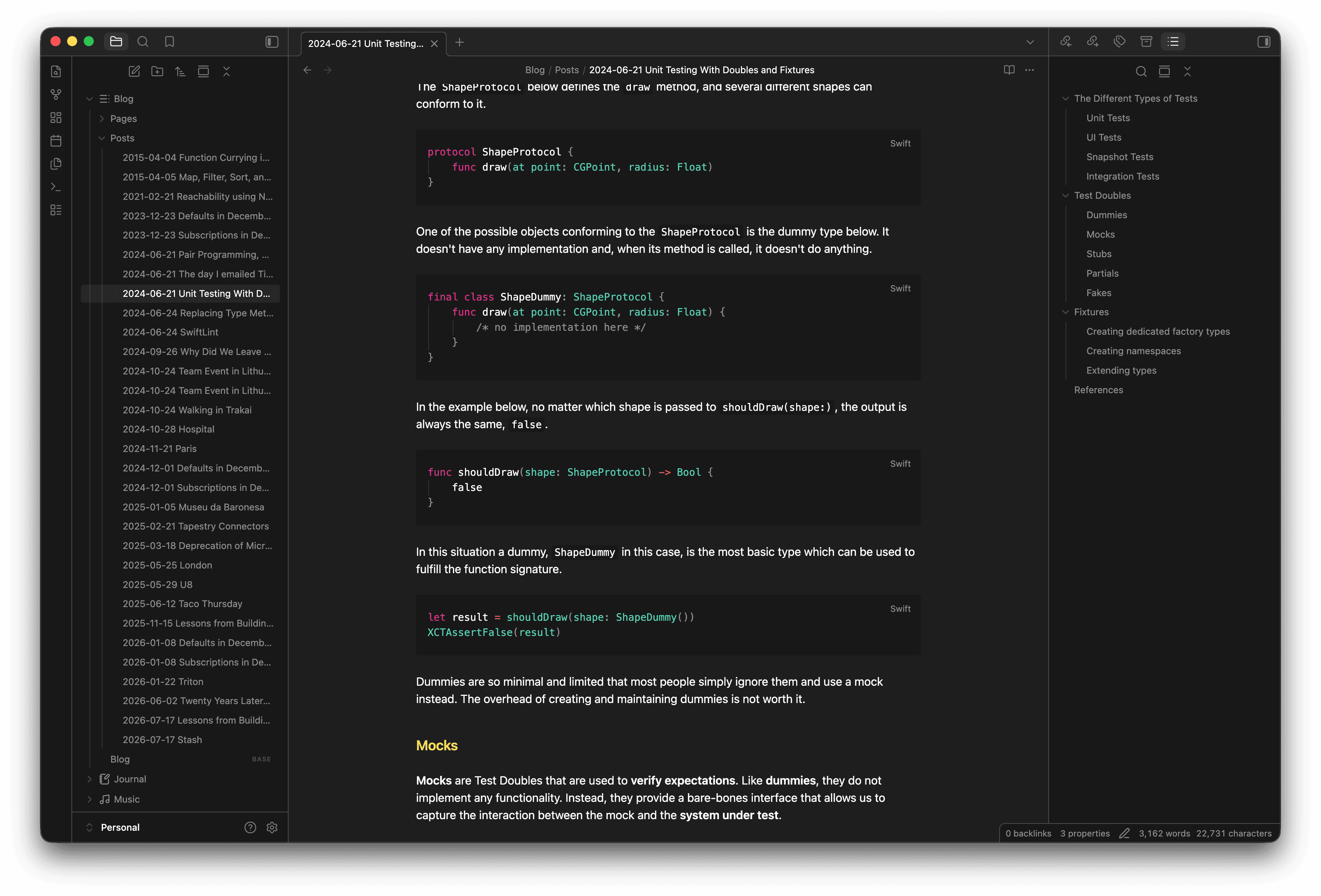
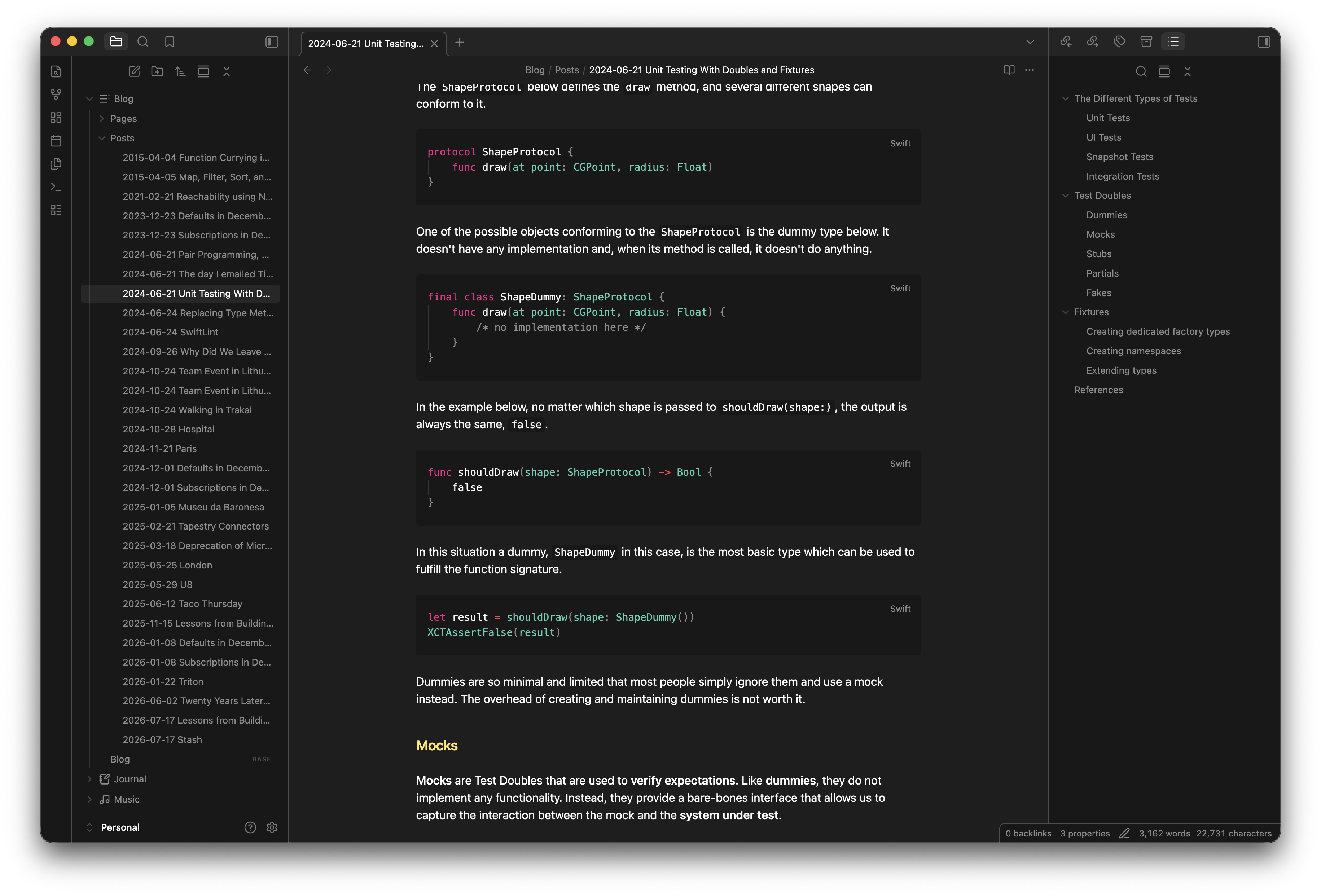
A dark color theme for Obsidian, originally created as an Xcode Font & Color Theme.
Part of the Default+ theme family.
Installation
Community Themes (recommended)
- Open Obsidian Settings
- Go to Appearance
- Click Manage next to Themes
- Search for Default+ and click Install and use
Manual installation
- Download
theme.cssandmanifest.jsonfrom this repository - Copy both files to
<vault>/.obsidian/themes/Default+/ - Open Obsidian Settings → Appearance → select Default+ under Themes