
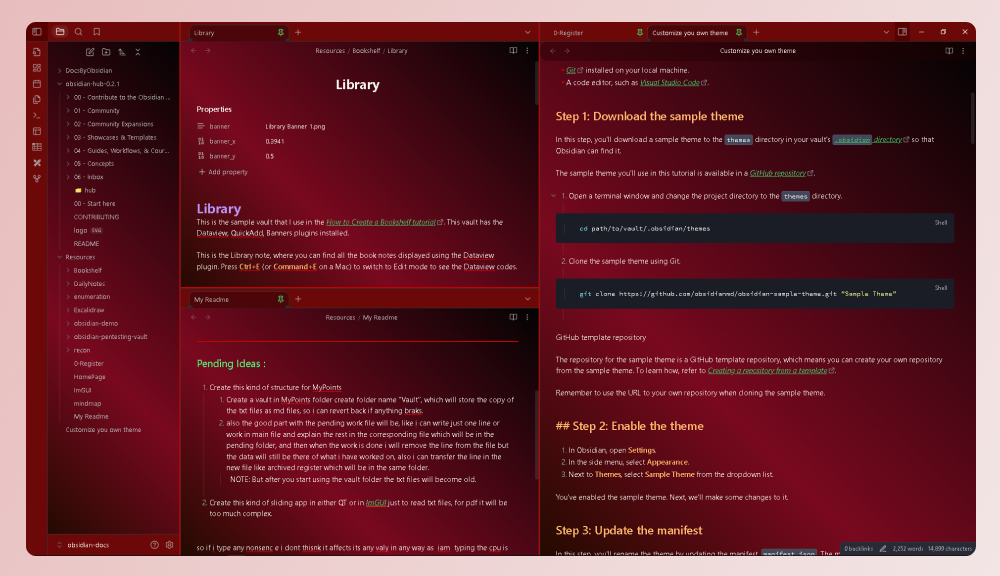
README file from
GithubRose Red Theme for Obsidian
A Red Gradient Dark theme for Obsidian, compatible with Obsidian V1.4.13 and above.
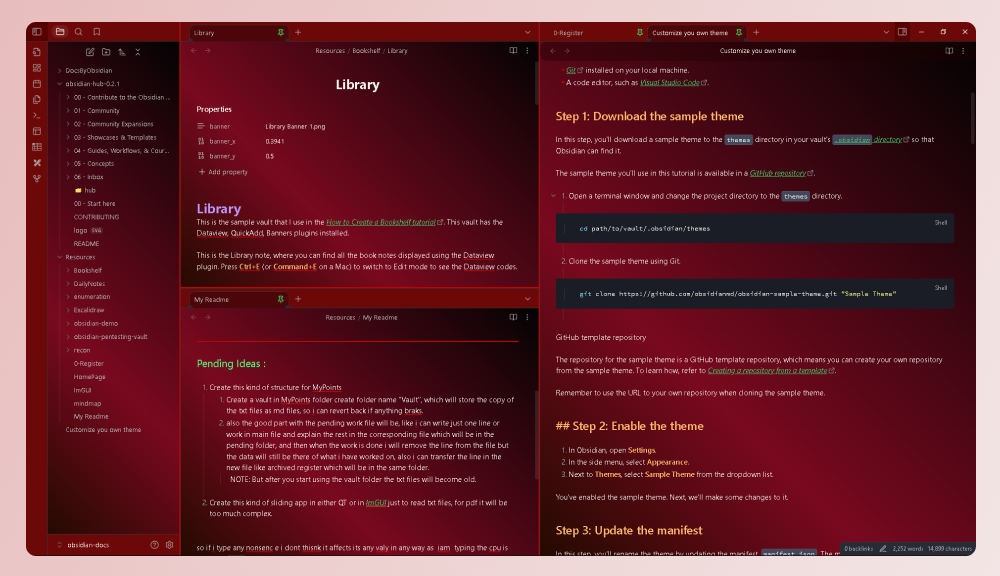
Install
The Theme is available on the Obsdian Theme Marketplace. Install and Enjoy !
Install Manually
To manually install the theme from my release on github, follow below steps :
-
Download the two files
theme.cssandmanifest.jsonfrom the release. -
Go to the location
.obsidian/themesin the root folder of your vault. -
Create a new folder named
Rose Red. -
Copy the two files you downloaded from the release in this
Rose Redfolder you have just created. -
Go in the Setting>Appearance in your vault and select the Rose Red from the drop-down for Themes.
-
Enjoy!
If required you will need to restart your obsidian.
Creator
This theme is created and maintained by Atmanand Gauns.