
README file from
GithubCatppuccin Native
Original Obsidian. Catppuccin Colors.
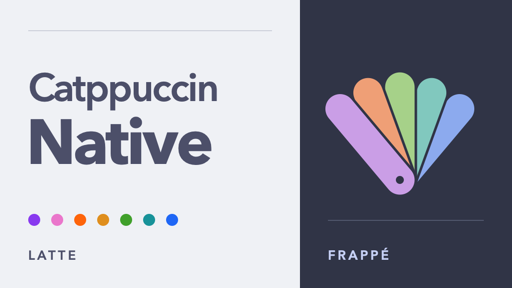
Catppuccin Native is a color-focused theme for Obsidian, bringing the beautiful Catppuccin color palette to the original Obsidian experience.
Designed with simplicity and consistency in mind, it preserves the look and feel of Obsidian's default theme while introducing the soft, harmonious colors of Catppuccin.
Features
- Two Color Flavors — Catppuccin Latte for light mode and Frappé for dark mode.
- Native Experience — Preserves Obsidian's original typography, layout, spacing, and interface design.
- Consistent Styling — Unified colors across Live Preview, Source Mode, and Reading View.
- Workspace Colors — Applies Catppuccin colors to notes, sidebars, settings, and the community theme browser.
- Lightweight — CSS-only implementation, with no additional plugins or JavaScript dependencies.
Design Philosophy
No unnecessary redesigns. No visual distractions.
Just the Obsidian experience you already know, in the colors you love.
Keep it native. Keep it Catppuccin.
Installation
In Obsidian, find Catppuccin Native under Settings → Appearance → Themes once the community listing is available. For manual installation, save manifest.json and theme.css in .obsidian/themes/Catppuccin Native/ inside your vault. Then select the theme in Settings → Appearance → Themes.
Set the base color scheme to Light for Latte, Dark for Frappé, or Adapt to system to follow your device.
Credits
Catppuccin Native is an independent community theme based on the Catppuccin palette. The theme is available under the MIT License.