
README file from
Github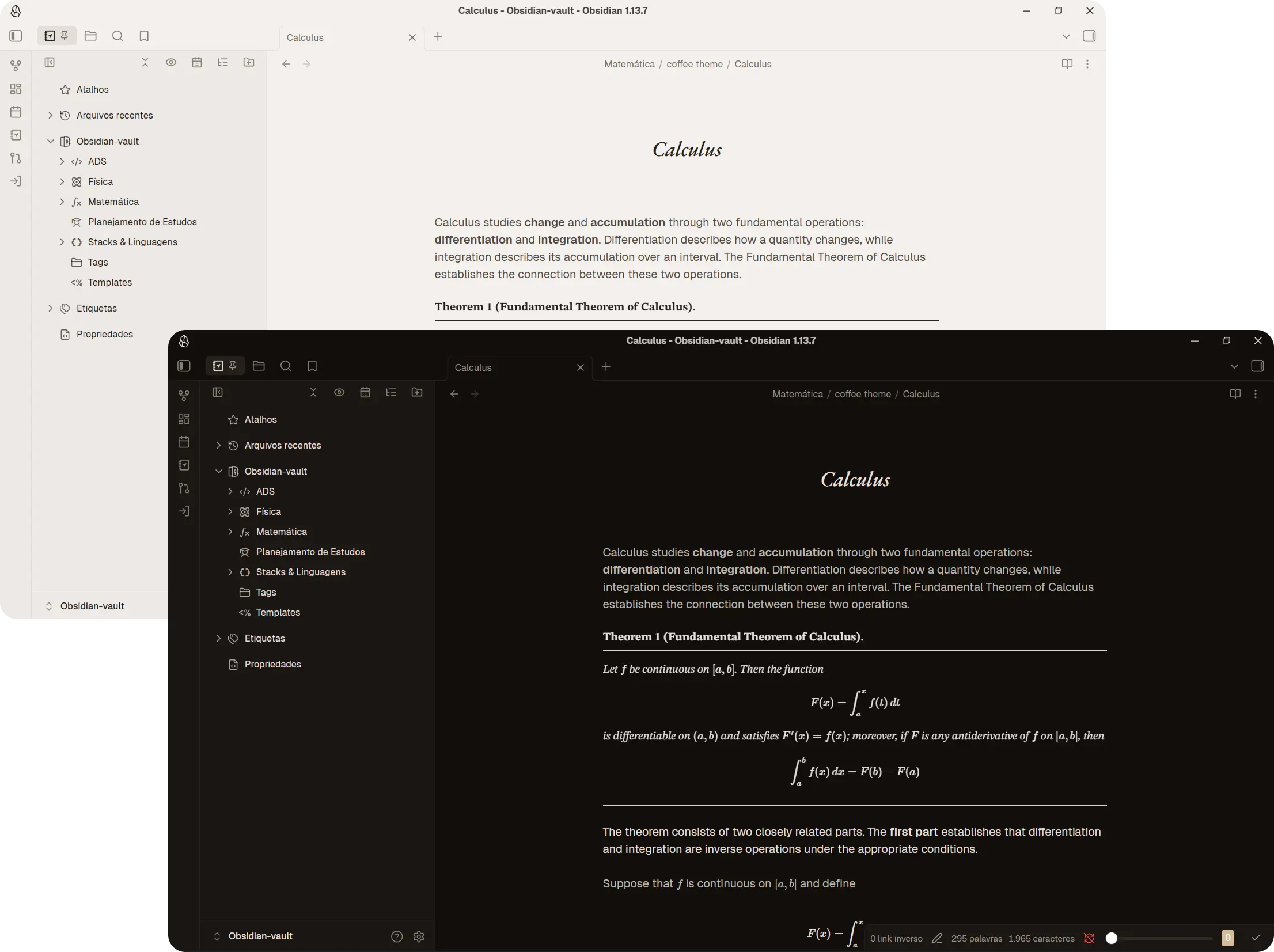
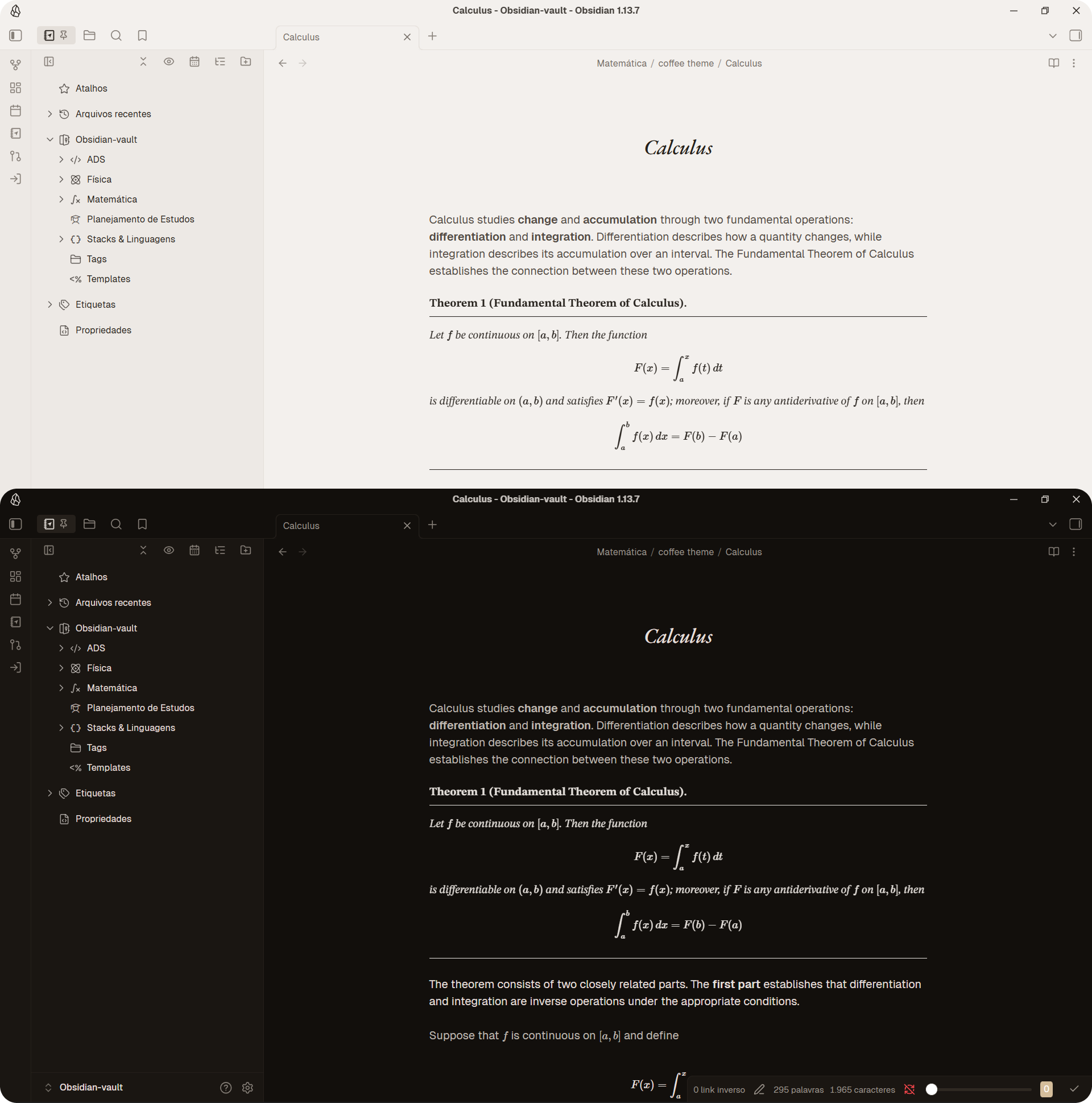
A warm and comfortable theme for Obsidian, designed to make your notes easier on the eyes without sacrificing flexibility. Built around a carefully crafted brown palette, caffeine also offers a neutral gray palette and a fully customizable option. With the latter, you choose a single color, and the theme automatically generates a cohesive palette based on its hue and saturation, adapting it to both light and dark modes.
Through the Style Settings plugin, you can customize the color palette, typography, table styles, and more. caffeine is also compatible with the LaTeX-like Theorem & Equation Referencer plugin, offering six theorem layouts and additional options for customizing theorem text and titles.
Palettes
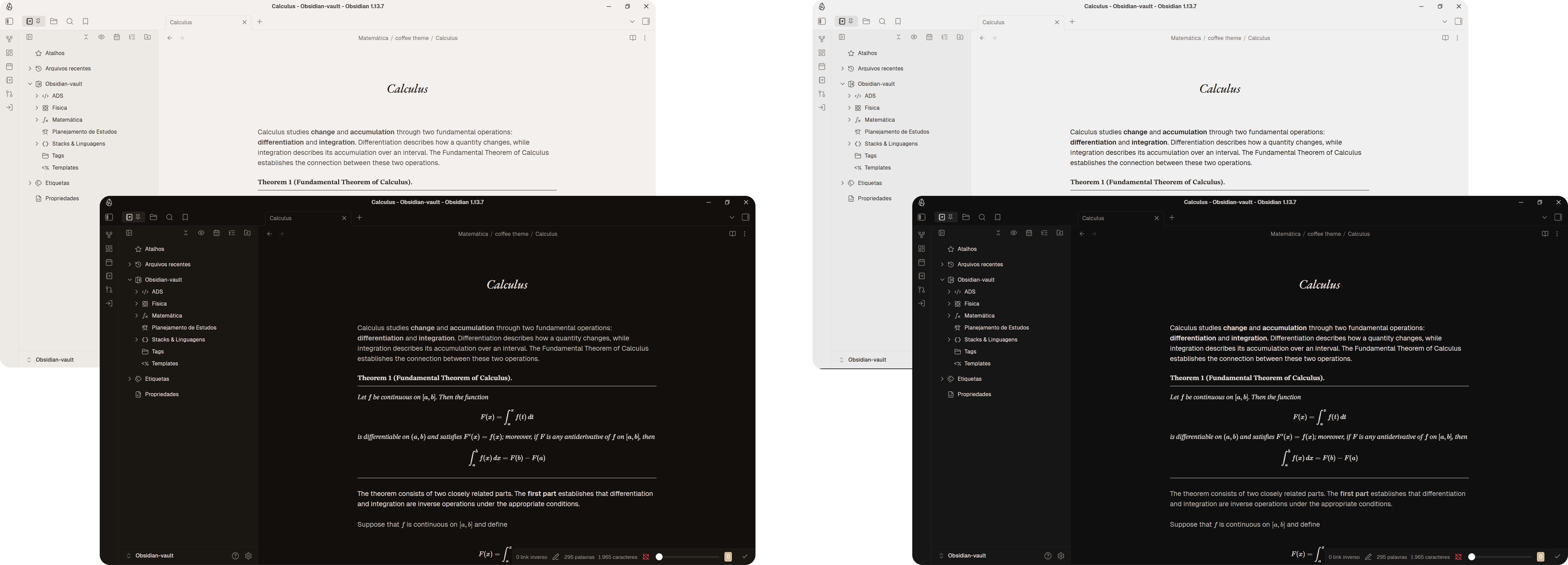
The Brown Palette is the default, built around warm, earthy tones for a calm reading experience. Gray provides a more neutral alternative, preserving the same visual language with a balanced grayscale.
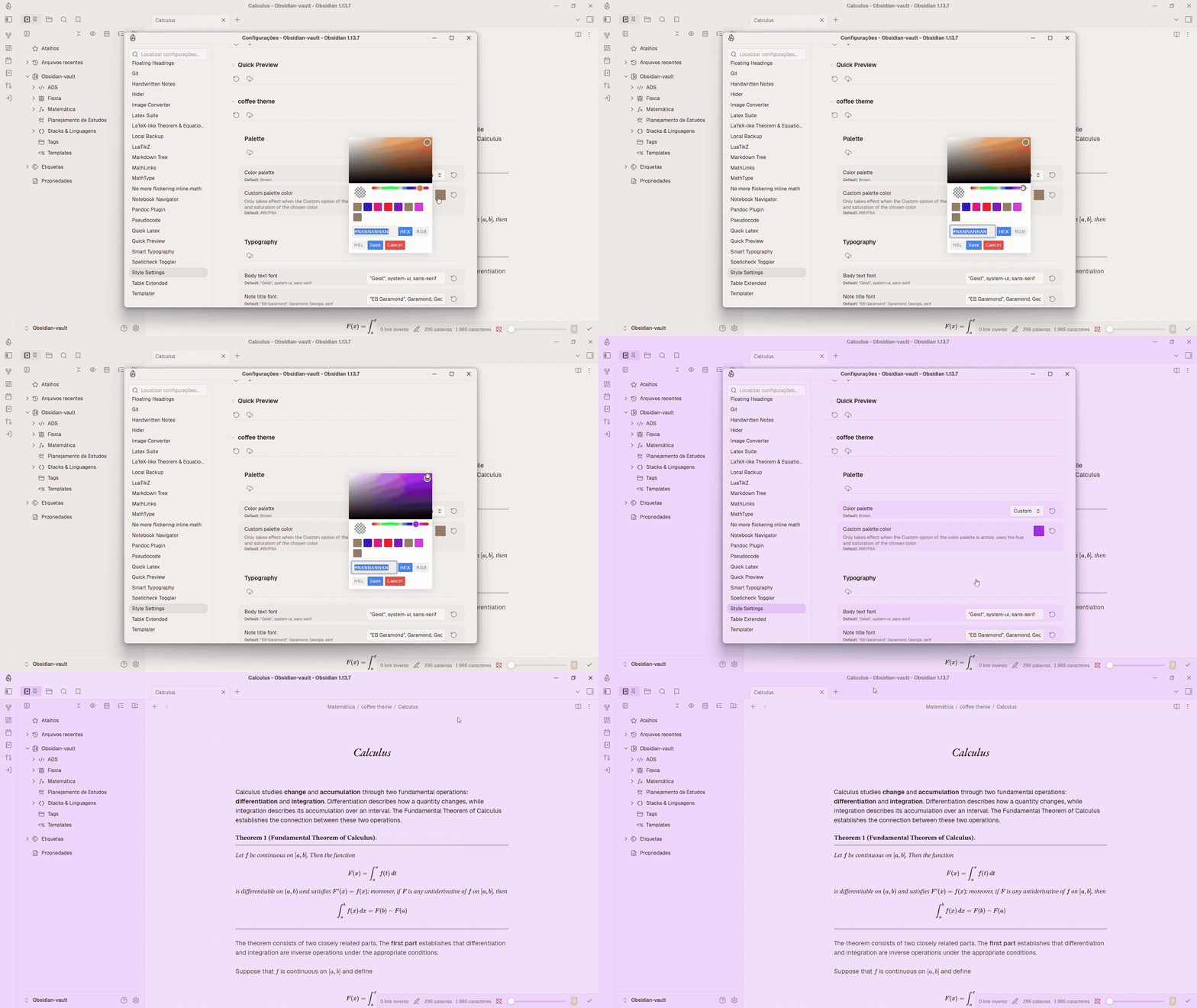
The Custom Palette lets you create a color scheme based on any color of your choice. Simply select a color through Style Settings, and the theme generates the rest of the palette from its hue and saturation. The resulting colors are adjusted for the selected mode, creating a cohesive appearance in both light and dark modes while maintaining the theme's visual balance.
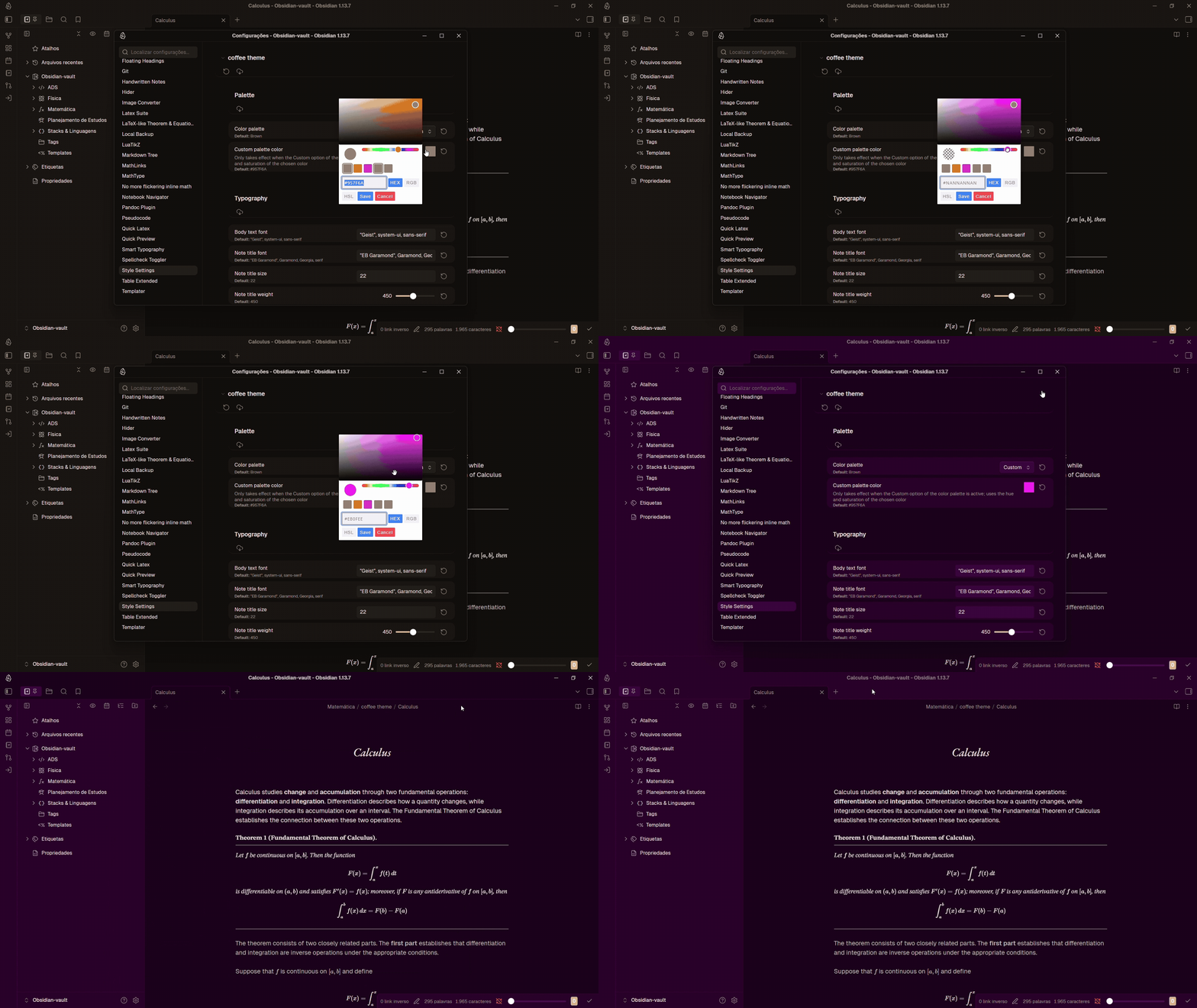
Theorem Styles
The theme is compatible with the LaTeX-like Theorem & Equation Referencer plugin and offers six distinct theorem styles: Ruled Header, Rules, Side bar, Classic, Tabbed Frame, and Header band. Through Style Settings, you can also customize theorem text, choosing between italic and upright styles, as well as the weight of theorem types and titles, with bold and normal options.
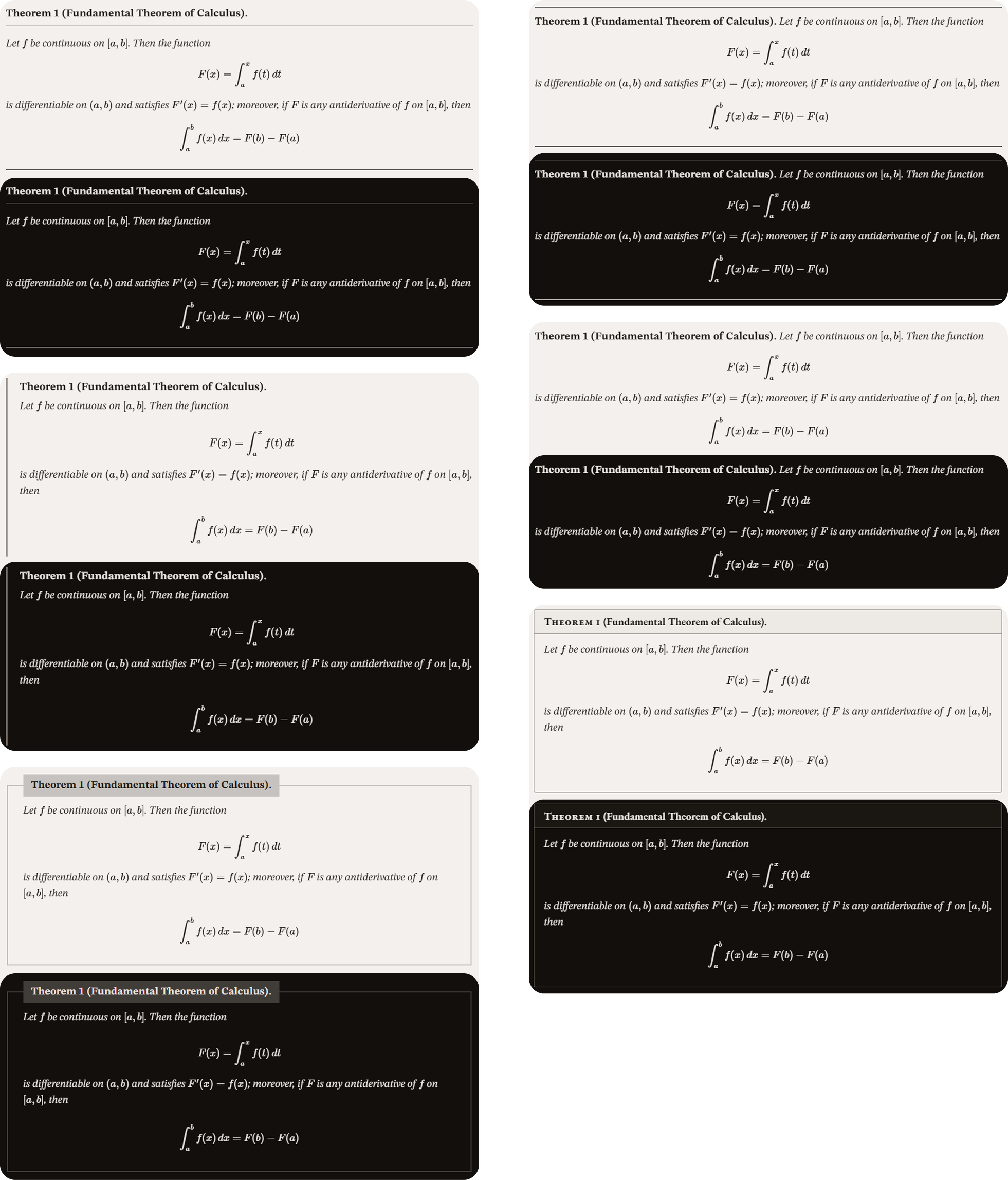
To enable these custom styles, open the plugin settings and go to Global → Theorem callouts - general. Change the Style option to Custom. Then, simply choose your preferred theorem style from the caffeine theme options in Style Settings.
Tables
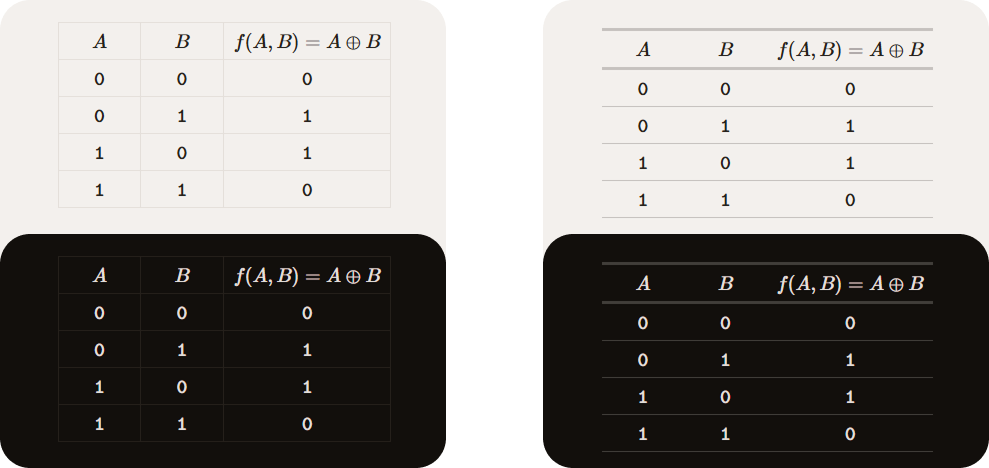
Two table styles are available through Style Settings: Horizontal lines and Obsidian default. The Horizontal lines style removes vertical column borders and emphasizes the table header with stronger horizontal rules for a cleaner, more structured appearance, while Obsidian default preserves the standard Obsidian table style.
Fonts
For the theme to work as intended, it is recommended to install the following fonts:
- EB Garamond — Used for note titles and H1 headings.
- Geist — Used as the main font for note text and the general interface.
- JetBrains Mono — Used for code blocks and inline code.
- STIX Two Math — Used for mathematical notation and equations.