
README file from
GithubAnother Nord Theme for Obsidian
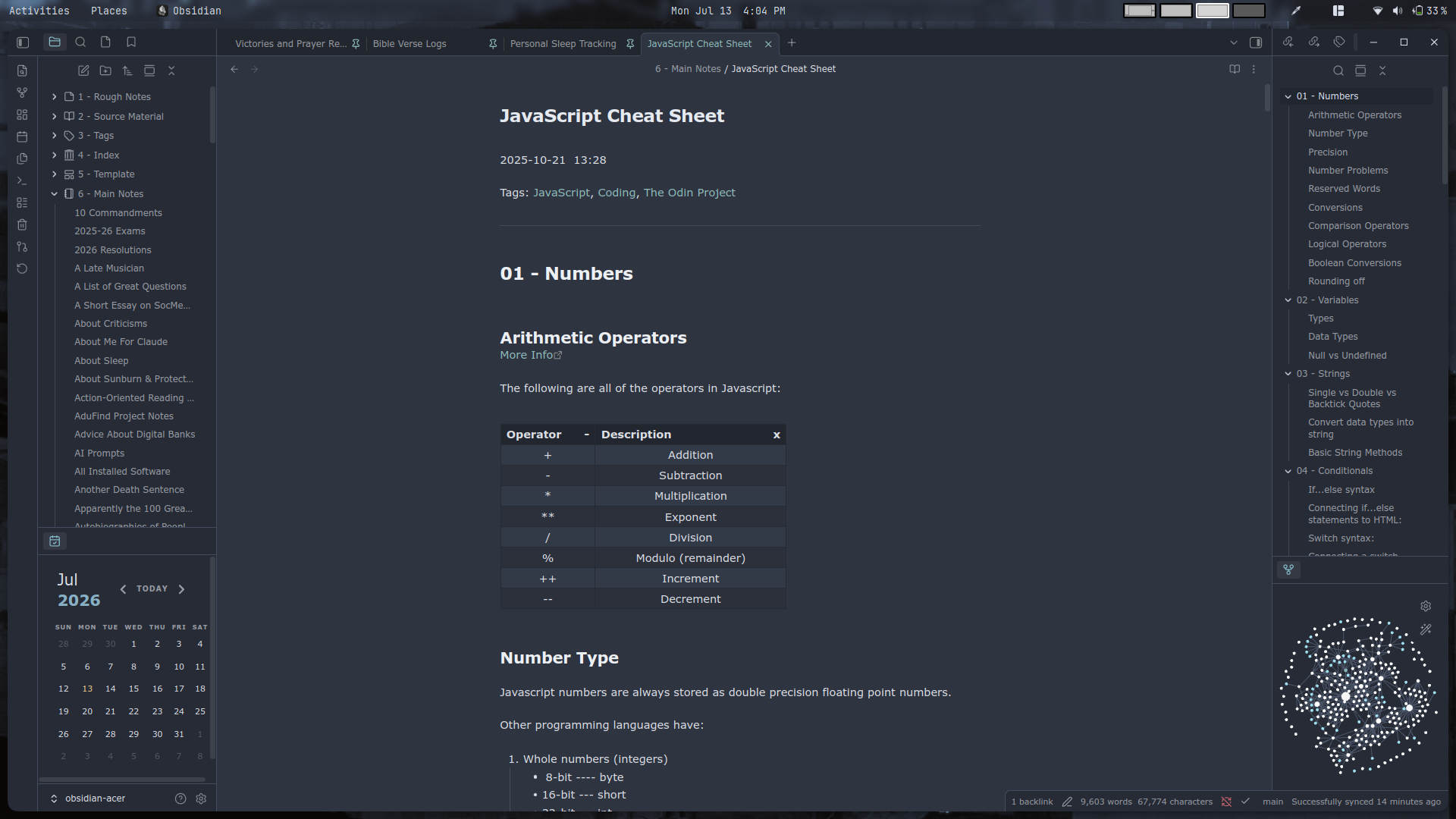
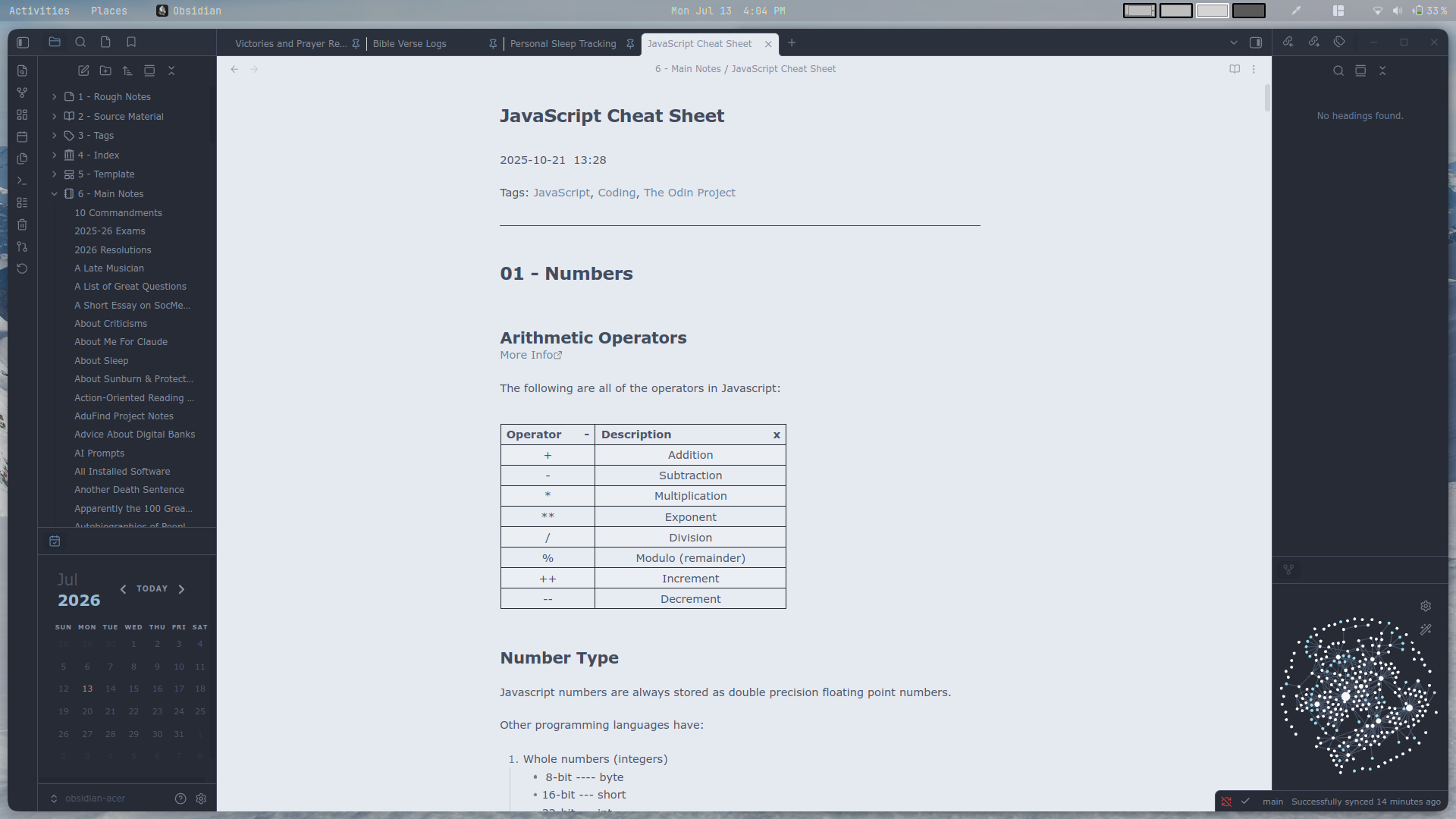
This is another Nord theme for Obsidian, based on Insanum's original work.
Apply a Nord-inspired color scheme with cool blue-gray tones and gentle contrast. Maintain readable syntax highlighting and subtle UI accents across panes for a calm, focused writing environment.
Preview
Installation
- Open Settings in Obsidian.
- Go to Appearance > Themes and click Manage.
- Search for
Another Nord. - Click Install and use.
Usage & Customization
This theme natively supports both Light and Dark modes. You can toggle between them in Obsidian's Appearance settings.
Customization via Style Settings
To unlock deep customization options (such as changing specific colors, fonts, and layouts), it is highly recommended to use the Style Settings plugin:
- Install and enable the Style Settings community plugin.
- Go to Settings > Style Settings.
- Expand the section for
Another Nordto tweak individual color palettes, typography, and accent choices to your liking.