
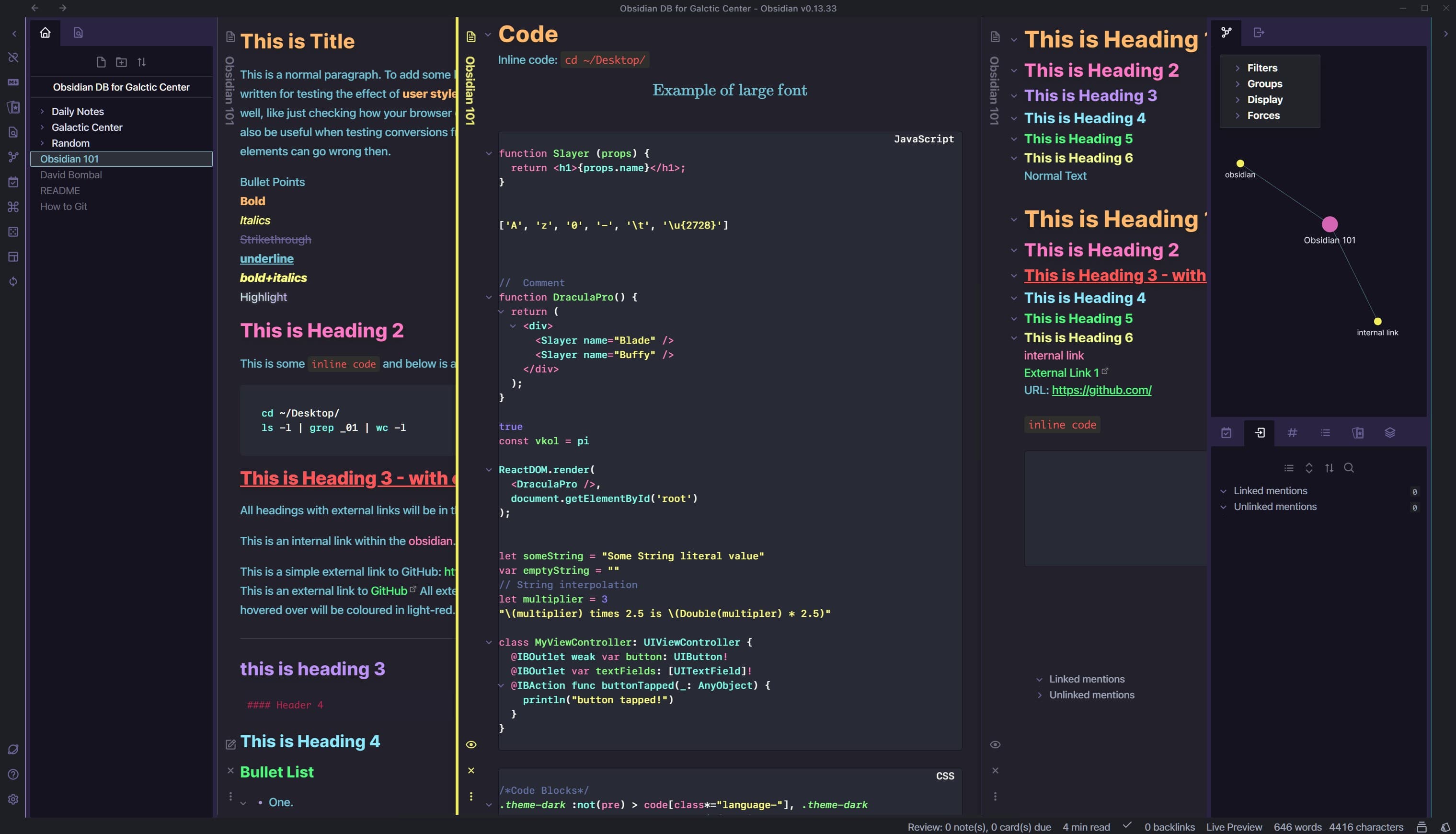
README file from
GithubDracula + LYT
Theme for Obsidian MD.
A mix of LYT Mode (https://github.com/nickmilo/LYT-Mode) and Dracula (https://github.com/dracula/obsidian).
- LYT Mode originally comissioned by nickmilo (https://github.com/nickmilo/) & designed by ceciliamay (https://github.com/ceciliamay)
- Dracula Theme project created by Zeno Rocha (https://github.com/zenorocha/)
Key features:
- Dracula inspired Syntax Highlighting
- Dracula inspired Blog Style Headings
How to install
- Download obsidian.css file from Github repo. Feel free to rename it to somethig what you can recognise later e.g. LYTDracula.css
- Drop LYTDracula.css into
~/vault/.obsidian/snippets/ - Open Obsidian
- Switch to Default Obsidian Theme. Settings > Appearance > Themes > Manage > activate the Default theme.
- Select Dark Mode. Settings > Appearance > Base theme: Dark. Or CMD+P , type "dark" then ENTER.
- Activate the snippet. Settings > Appearance > enable the toggle "LYTDracula"